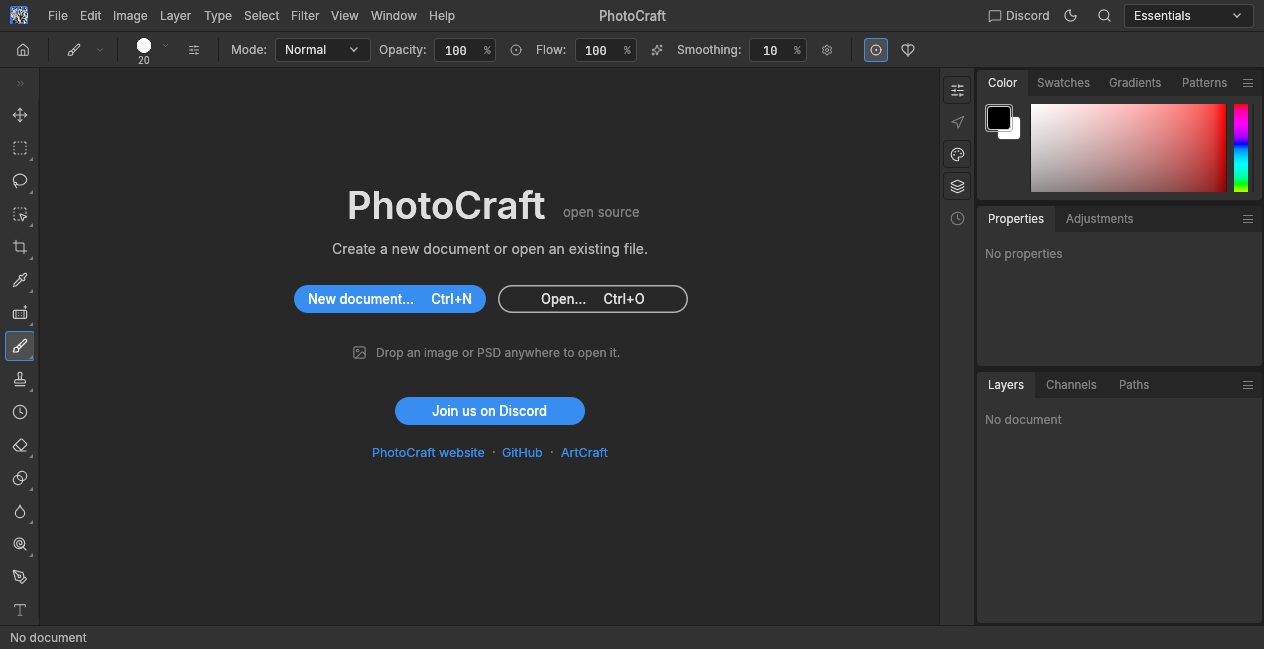
Photo
Photo Editor
Edit photos in your browser with a real layer stack: adjustment layers, masks, layer styles, selections, type and vector shapes. Open PSD, PSB and common image formats, and save or export the result as a download.
Seven editors that run in your browser. Nothing to install, no account required, and nothing heavy is downloaded until you launch an editor.
Runs in your browser. No FreeAIGeneration account required.
Photo
Edit photos in your browser with a real layer stack: adjustment layers, masks, layer styles, selections, type and vector shapes. Open PSD, PSB and common image formats, and save or export the result as a download.
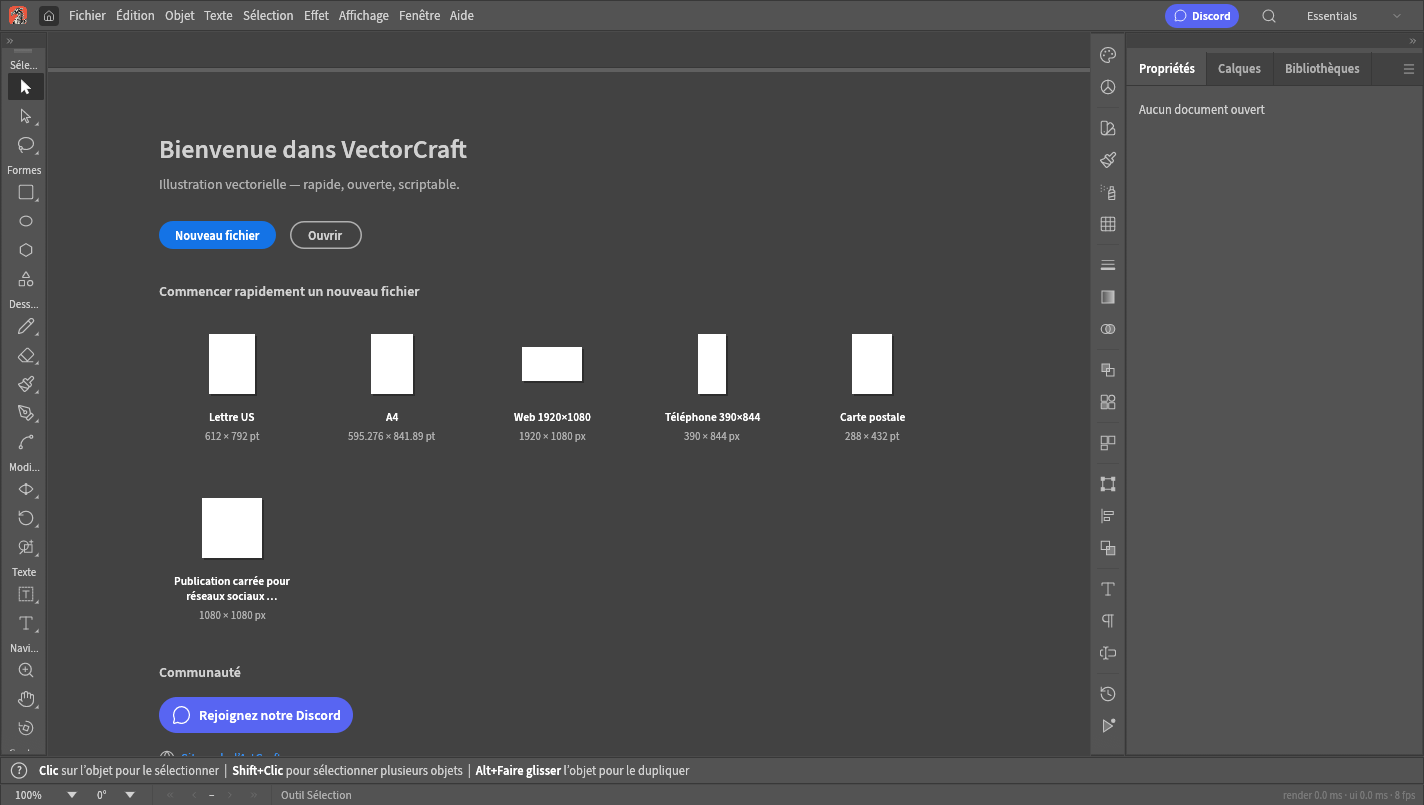
Design
Create a new document or open an SVG, PDF or .ai file, then edit real vector geometry: Bézier paths, shapes, type, gradients, clipping masks, layers, and boolean or Pathfinder operations. Saving and exporting use your browser’s normal download, as SVG, PDF, PNG, JPEG or WebP. The engine is compiled to WebAssembly and runs in your browser.
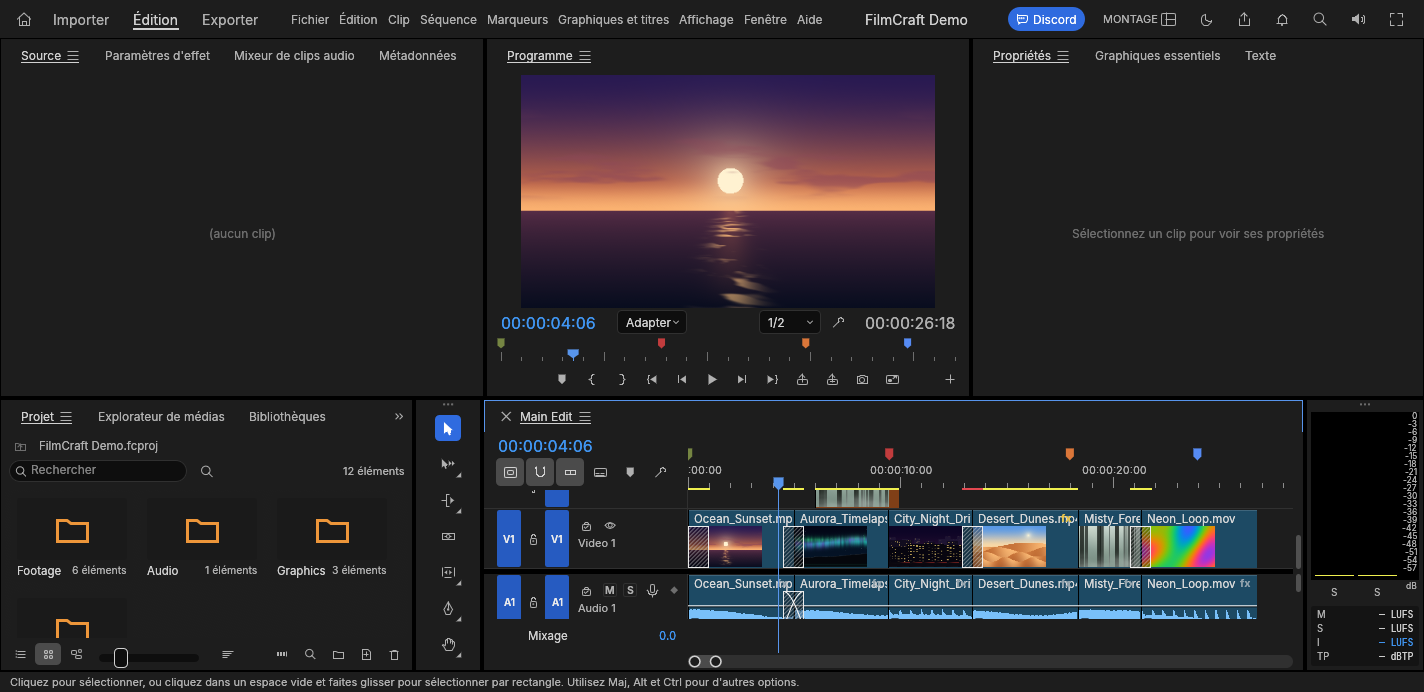
Video & Motion
Cut, trim, grade and mix on a real timeline. FilmCraft is a full desktop-class non-linear editor that runs inside your browser: nothing to install, no account to create.
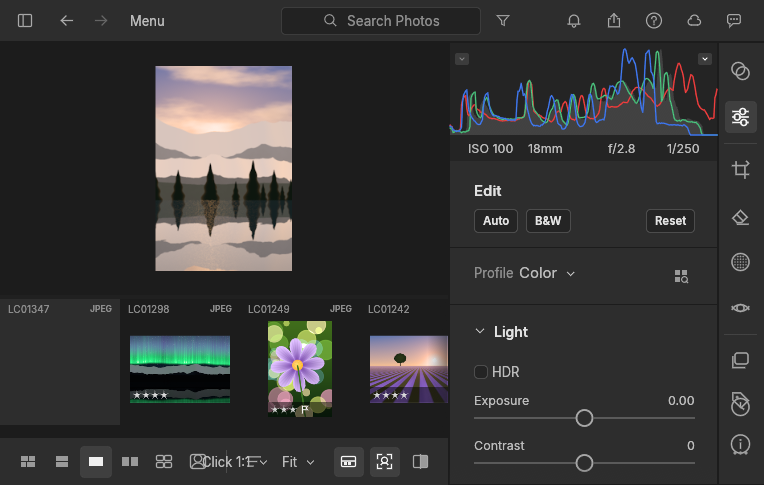
Photo
LightCraft is a complete RAW library and developer that runs in your browser. Import raw or JPEG files, adjust exposure, tone curves, the colour mixer, masks and crop, then export an image when you are done. Nothing to install and no FreeAIGeneration account required. It is an editor, not an AI generator: your editing decisions are yours, and the photos stay exactly as you see them.
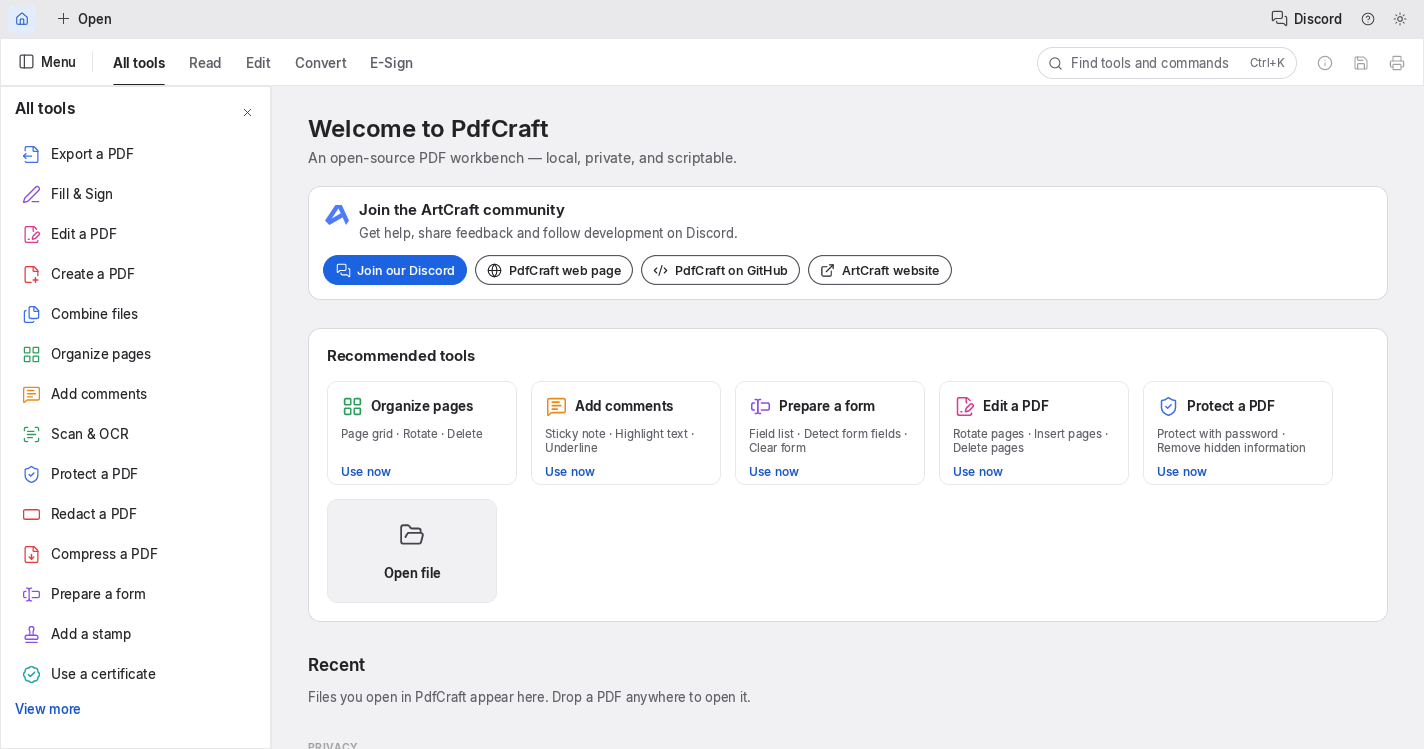
Documents
Open a PDF, move through its pages and save the file again, all inside this page. The editor is PdfCraft, an open-source PDF workbench that runs in your browser.
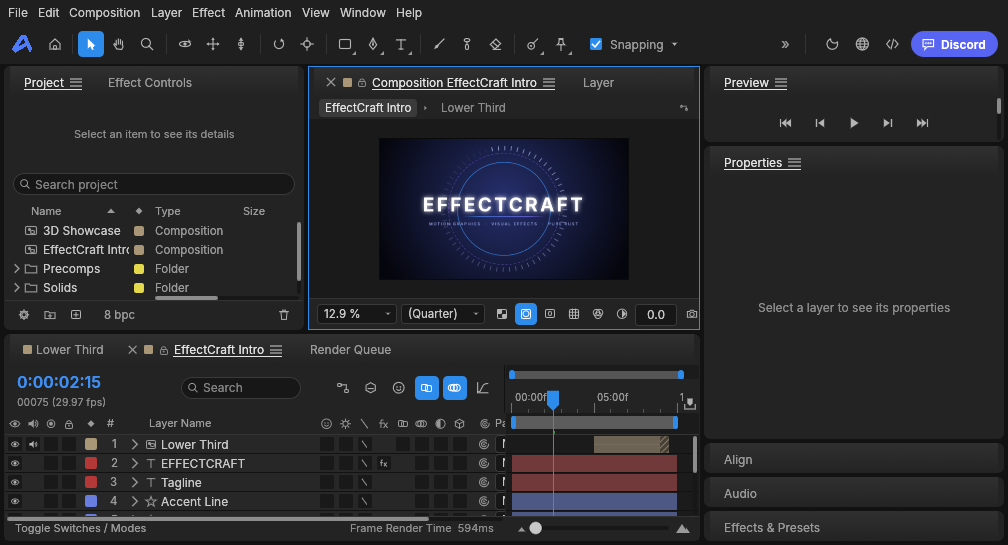
Video & Motion
Build animated titles, motion graphics and visual effects in your browser: keyframes, masks, 3D layers, expressions and a render queue. Open source.
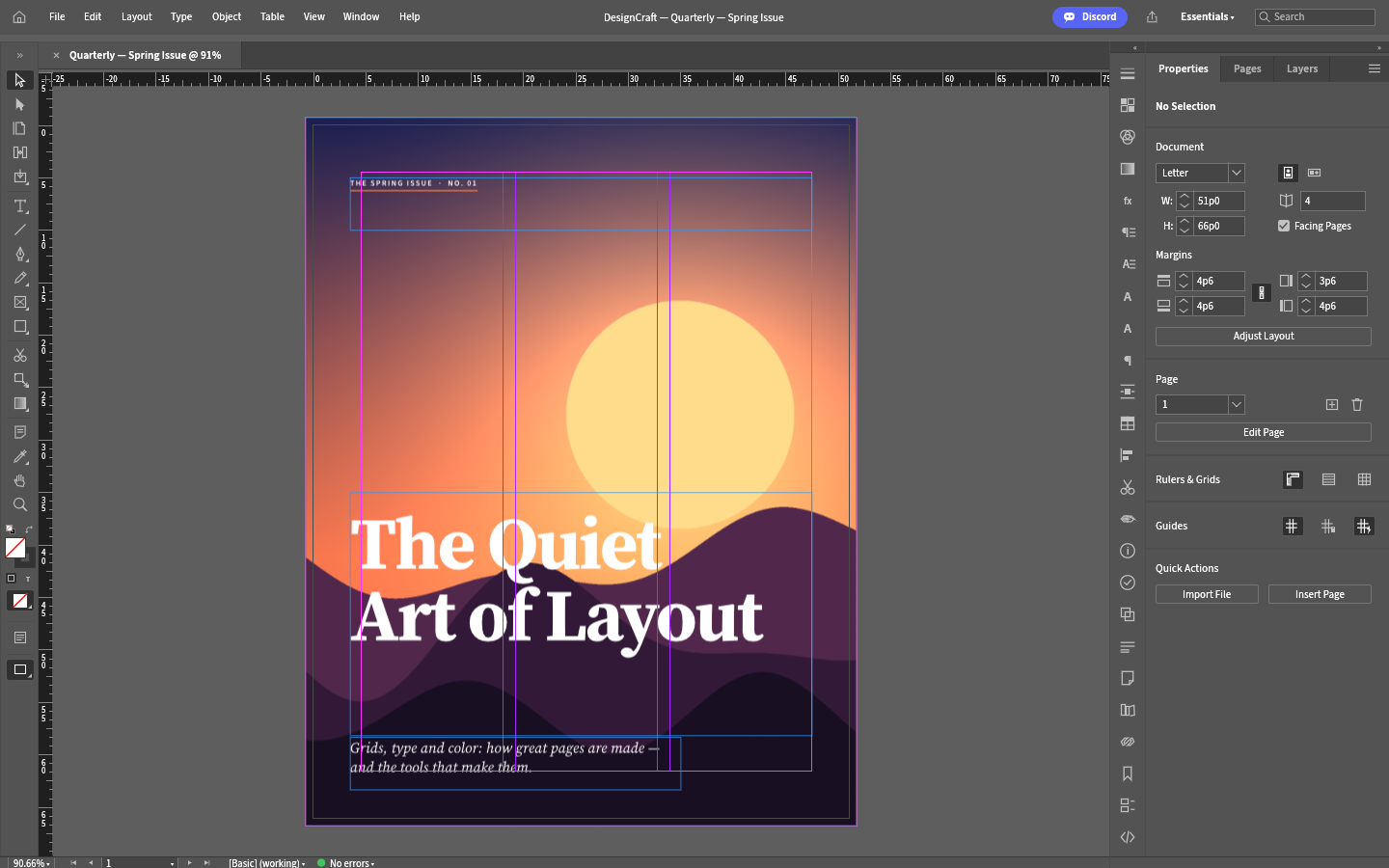
Design
A page layout editor for print-style and on-screen documents: multi-page spreads, parent pages, frames with threaded stories, paragraph and character styles, colour swatches and text wrap. The layout runs inside a browser tab, and Save and Export hand the file to your browser’s download manager, so it is stored wherever you keep your downloads.