7h30 vs 7.5 Hours: How Decimal Time Really Works
Understand why 7 hours 30 minutes equals 7.5 decimal hours, not 7.30, and learn the simple formula for converting minutes.
Put 7.30 into a decimal-hours column and you have not entered seven and a half hours. You have entered seven hours and eighteen minutes, because the 30 after the point counts hundredths of an hour, not minutes. In decimal form, 7 hours 30 minutes is 7.5, and the twelve-minute gap between those readings is what this page is about.
A colon counts sixtieths, a point counts tenths
Writing 7:30 uses hours and minutes: sixty minutes to the hour, so whatever follows the colon counts sixtieths. Writing 7.5 uses hours only, and the part after the point counts tenths and hundredths of an hour. Both can describe the same 450 minutes, but the notation changes what the digits mean.
That is why 7 hours 30 minutes is 7.5 in decimal: thirty minutes is half of sixty, so the fraction is 0.5. No reading of 7:30 turns the digits after the separator into hundredths, and no reading of 7.5 turns the 5 into fifty minutes.
What 7.30 actually records
Take the 0.30 and multiply by 60: you get 18 minutes. Seven hours and 18 minutes is 438 minutes, which is 12 minutes short of 450. A single day recorded that way loses twelve minutes; five days of them lose an hour.
The correction generalises to five reference values that cover most decimal columns:
- 0.10 h = 6 minutes
- 0.25 h = 15 minutes
- 0.50 h = 30 minutes
- 0.75 h = 45 minutes
- 0.33 h = about 20 minutes, with a rounding remainder left over
Where both columns come from
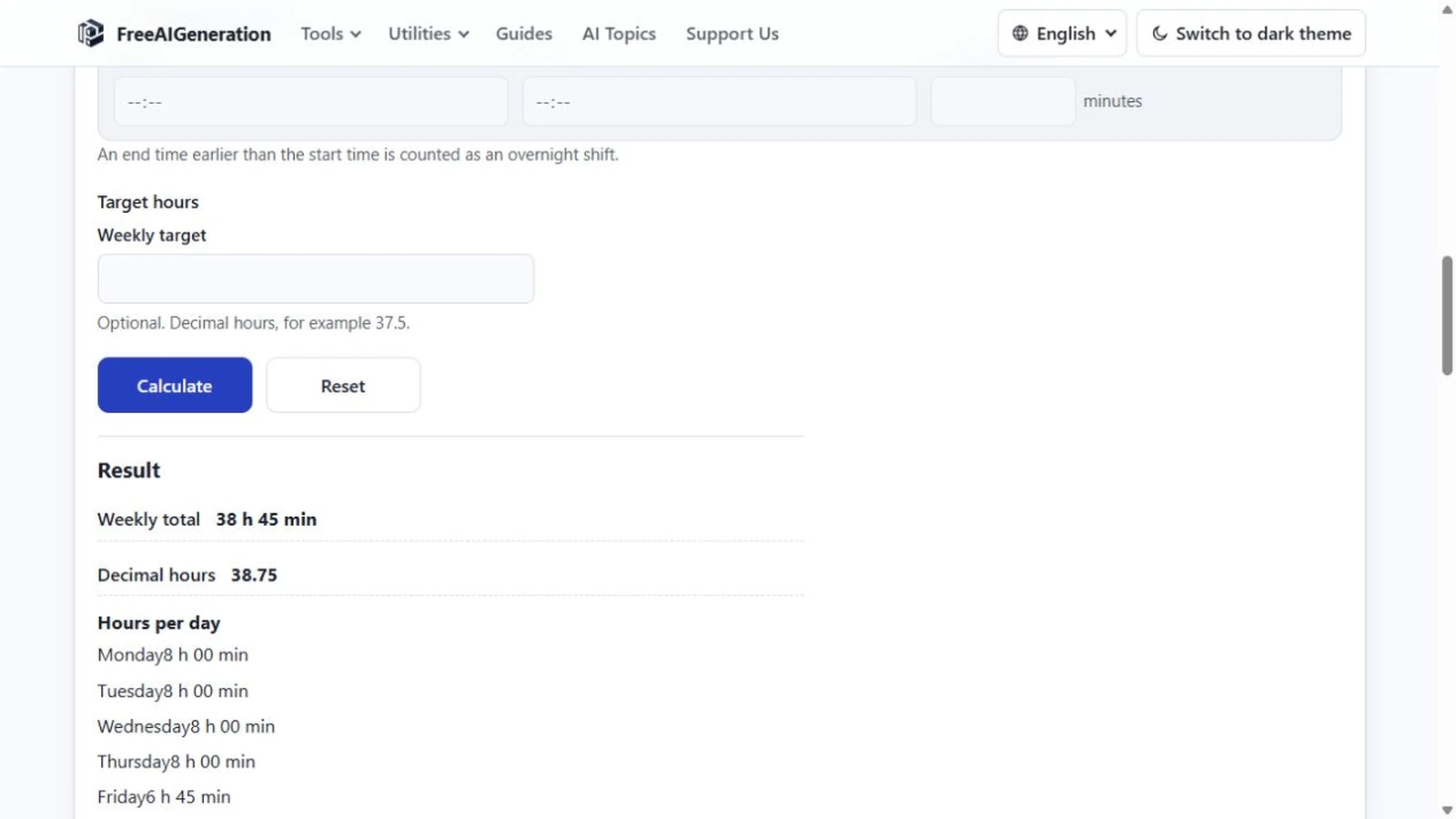
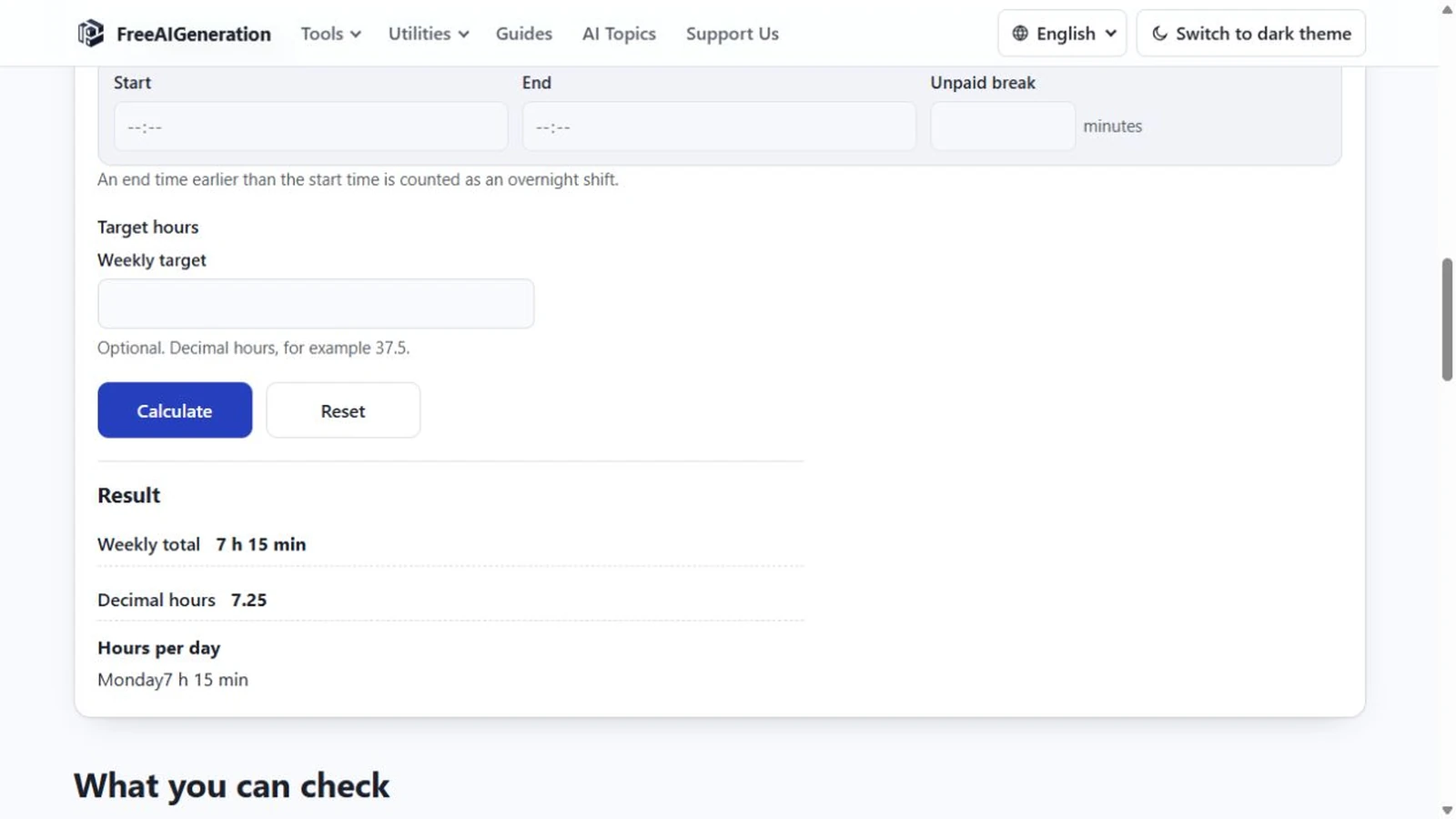
In the work hours calculator, both displays are generated from one integer minute total. Enter 09:00 and 17:00 with a 30-minute break and the total is 450 minutes, rendered as 7:30 and as 7.5. You do not convert by hand and you do not choose a notation — the page shows both, and they cannot disagree except by the two-decimal rounding.
That is the practical answer to the confusion: type clock times, read whichever notation you need. The general procedure, including the rounding step, is on how to convert hours and minutes to decimal hours.
The one place a decimal is the input
A single field on the page runs the other way. The optional weekly target is typed in decimal hours, so 37.5 means 37 hours 30 minutes and 40 means 40 hours. Type 37.30 there and you have asked to compare against 37 hours 18 minutes, a target twelve minutes lower than you probably intended.
Time fields take HH:MM, and the target field takes decimal hours; keeping each notation in its own field is the rule worth remembering. Mixing the two notations in a single figure is the mistake that survives review, because 37.5 and 37:30 look like the same kind of number until one of them measures the wrong thing.
Adding and reading the results
Decimal hours add like any decimal: 7.5 + 7.75 = 15.25, which is 15 hours 15 minutes. The arithmetic is safe as long as each value came from an exact minute total and nothing was rounded along the way. Two rounded values can add up to something no clock reading matches — the same drift that makes a weekly total disagree with its own h:mm column.
What the page will not do is accept 7.30 as a time. Time fields take HH:MM, the decimal figure is output, and the one decimal input is the target. Sub-minute precision does not exist either, so a value such as 7.508 has nothing to attach to, and no notation on the page records seconds.
A single day in both notations, start to finish, is worked through in how to calculate work hours in a day. To see the numbers side by side for your own schedule, the Work Hours Calculator prints h:mm and decimal hours together. It runs in your browser, no FreeAIGeneration account required.
Frequently asked questions
Why is 7 hours 30 minutes written as 7.5 rather than 7.30?
Because 30 minutes is half of an hour, so the decimal fraction is 0.5. The 30 in 7.30 would mean thirty hundredths of an hour, which is 18 minutes.
How many minutes short is 7.30 compared with 7 hours 30 minutes?
Twelve minutes. 0.30 × 60 = 18 minutes, and 7 hours 18 minutes is 438 minutes against 450.
Can I type 7.30 into a time field?
No. Time fields take HH:MM, and the only field that accepts decimal hours is the optional weekly target.
Related articles
-
How to Calculate Work Hours in a Day
Calculate total worked time from a start time and end time, then subtract breaks accurately with simple examples and a free calculator.
Utilities & productivity Date & time Calculators Converters 3 min read
Published By Julia M. Gil
-
How to Calculate Work Hours with a Lunch Break
Take the shift span, then subtract the minutes you were not working; the traps are units and the size of the break. Overnight shifts work the same way.
Utilities & productivity Date & time Calculators Converters 3 min read
Published By Julia M. Gil
-
How to Calculate Your Total Work Hours for a Week
Add daily work periods accurately to calculate a weekly total, including breaks and partial hours, with an easy step-by-step method.
Utilities & productivity Date & time Calculators Converters 3 min read
Published By Julia M. Gil
Keep exploring
FreeAIGeneration is more than this article. The editors and calculators below are real, free and run in your browser.