How to Calculate Work Hours in a Day
Calculate total worked time from a start time and end time, then subtract breaks accurately with simple examples and a free calculator.
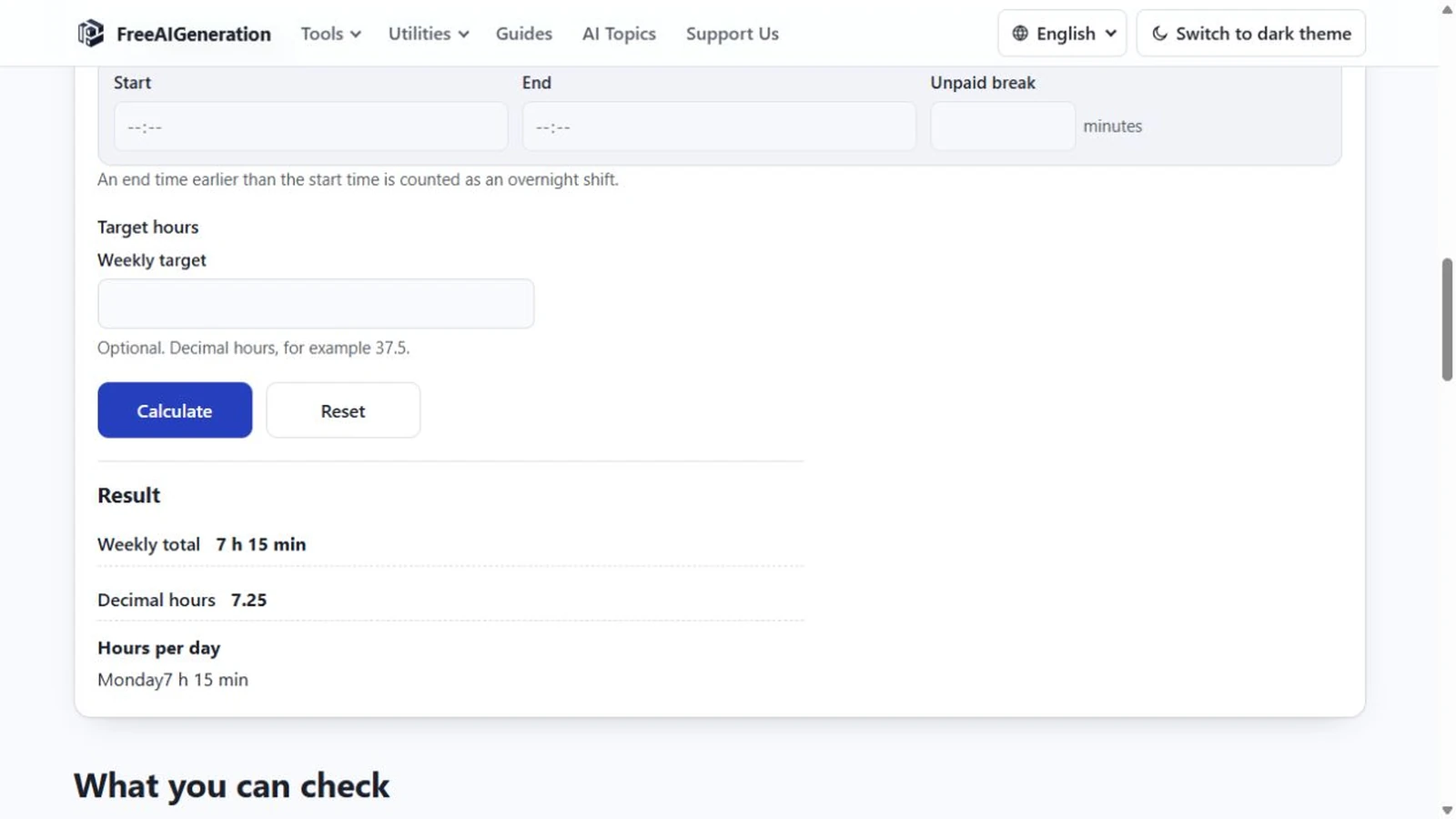
To calculate work hours for a single day you need three numbers: the time you started, the time you stopped, and any unpaid break in between. Worked time is the first two subtracted and the third taken off again, in whole minutes. Everything else on the page is presentation.
One subtraction, then one deduction
End minus start gives the gross span. A 09:00 start and a 17:00 end is 8 hours, which is 480 minutes. Subtract a 60-minute unpaid break and the day is 420 minutes — seven hours exactly. Both times must be real clock times, because the calculator subtracts what you give it; it does not infer a shift.
The work hours calculator lays out seven rows, Monday first, each with an include switch, a start field, an end field and an “Unpaid break” field in minutes. For a single day, switch on one row and fill three fields. The “Hours per day” line reports that row’s total, and the “Weekly total” repeats the same figure, because one enabled row is the whole week.
Two readings of one number
Every total appears twice: as h:mm and as “Decimal hours”. Both come from the same integer minute total, so they cannot disagree except by rounding. Seven hours is 7:00 and 7.00; eight and a half hours is 8:30 and 8.5. The decimal figure is derived once at the end rather than row by row, which is why a week of awkward shifts still reconciles against its own total.
Three worked days
09:00 to 17:00 with a 60-minute break: 480 − 60 = 420 minutes = 7:00, or 7 decimal hours.
08:15 to 16:45 with no break: 510 minutes = 8:30, or 8.5 decimal hours. Quarter-hour starts are ordinary input, since the minutes part of HH:MM can be anything from 00 to 59.
09:00 to 09:00: zero minutes, shown as 0:00. That is arithmetic on clock times, not a shift of 24 hours, and it is the surprise this page produces most often.
Where the input rules bite
Times go in as strict 24-hour HH:MM. A single-digit hour such as 9:30 is rejected; 09:30 works. 09:30:00 is rejected because seconds are not modelled. 24:00 is rejected because the valid range stops at 23:59. AM and PM do not exist here, so five in the afternoon is 17:00.
An end time earlier than the start is read as an overnight shift and wraps once. That single wrap is the only way the page represents a shift crossing midnight, which also means a shift of 24 hours or more cannot be entered at all.
If you leave every switch off, the page stops with a message rather than showing 0:00, so an empty grid is distinguishable from a day that genuinely totalled zero.
What the day total leaves out
The break is always unpaid and always subtracted; there is no paid-break switch. Public holidays, weekend rules, overtime multipliers, night-shift premiums and rest-period requirements are not part of the calculation — you decide which days count, and the arithmetic stops at an hour total. Pay, tax and timesheet approval do not appear anywhere.
The break field in detail is the subject of how to calculate work hours with a lunch break. If you only want the span between two clock times and have no break to deduct, the duration guide is the shorter route.
The Work Hours Calculator needs a start and an end, takes a break if there is one, and returns both formats at once. It runs in your browser, no FreeAIGeneration account required, and nothing you type is stored or written into the address. Related walkthroughs live in the guides hub.
Frequently asked questions
Why does an 09:00 to 09:00 row show zero instead of 24 hours?
Because the calculation subtracts clock times rather than assuming a full day. An equal pair is zero minutes, and a shift of 24 hours or more cannot be entered at all.
Is a 60-minute break deducted automatically?
No. The break is a field you fill in, always treated as unpaid, and only the minutes you enter are subtracted from the time between start and end.
Can I enter 9:30 instead of 09:30?
No. Times must be HH:MM with a two-digit hour, from 00:00 to 23:59, so a single-digit hour is rejected.
Related articles
-
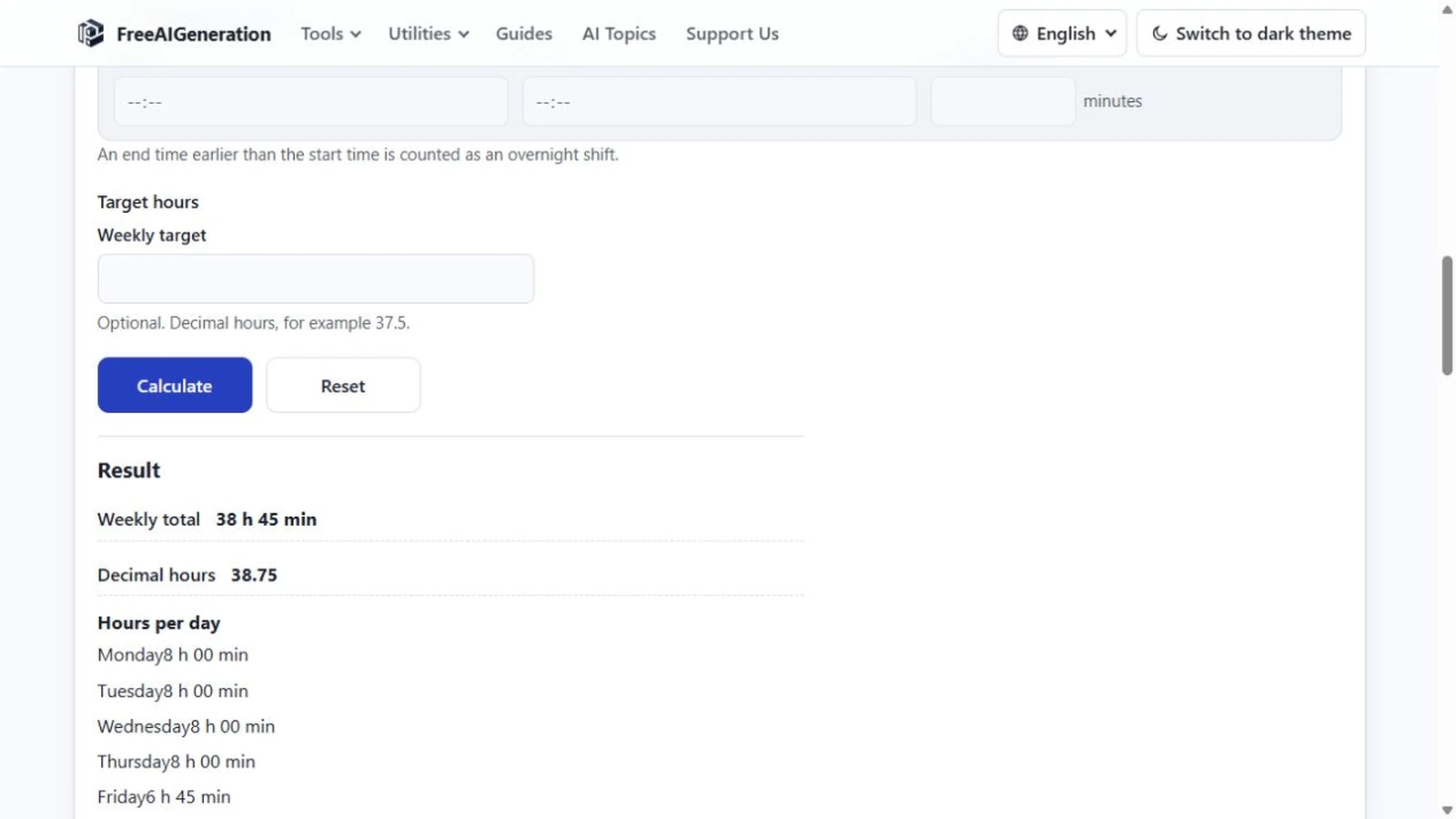
7h30 vs 7.5 Hours: How Decimal Time Really Works
Understand why 7 hours 30 minutes equals 7.5 decimal hours, not 7.30, and learn the simple formula for converting minutes.
Utilities & productivity Date & time Calculators Converters 3 min read
Published By Julia M. Gil
-
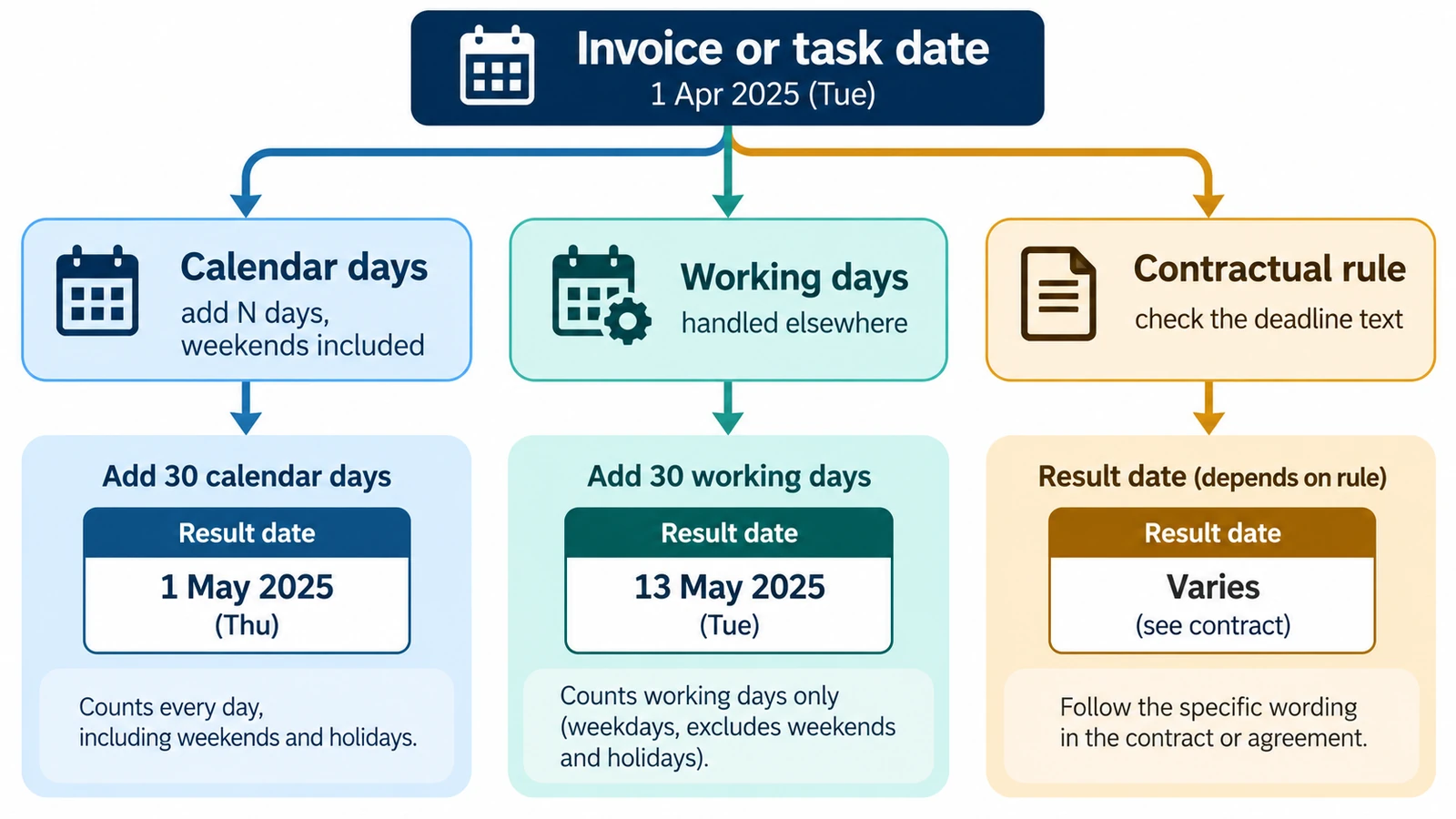
How to Calculate a Due Date from a Start Date
Calculate a future due date by adding a defined number of calendar days to a start date, with examples and common counting pitfalls.
Utilities & productivity Date & time Calculators Converters 3 min read
Published By Julia M. Gil
-
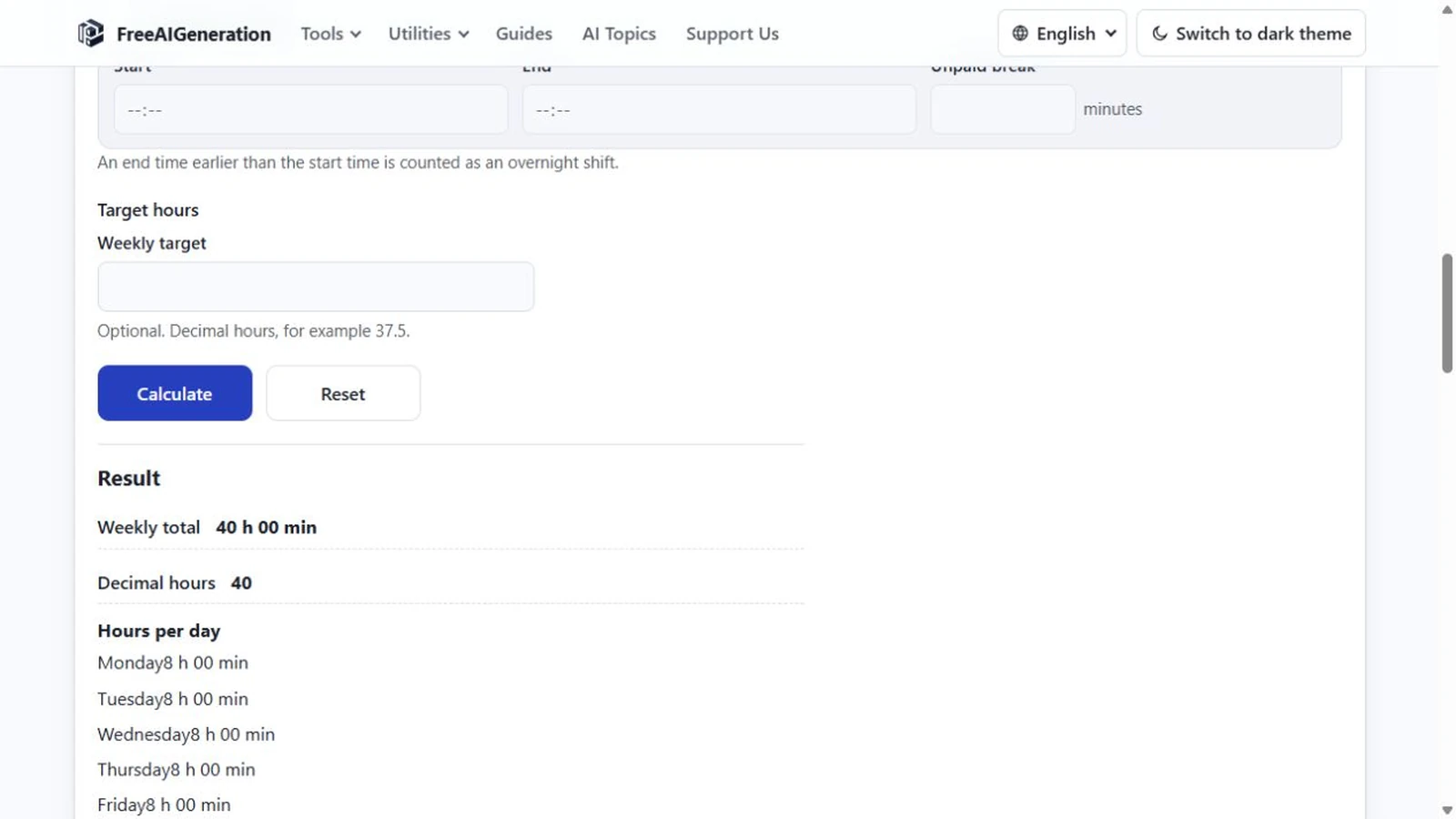
How to Calculate Work Hours with a Lunch Break
Take the shift span, then subtract the minutes you were not working; the traps are units and the size of the break. Overnight shifts work the same way.
Utilities & productivity Date & time Calculators Converters 3 min read
Published By Julia M. Gil
Keep exploring
FreeAIGeneration is more than this article. The editors and calculators below are real, free and run in your browser.