Are Online Photo, Video and PDF Editors Private?
"Online editor" describes a delivery method, not a data policy. Five questions about local processing, uploads and stored files, and where that promise stops.
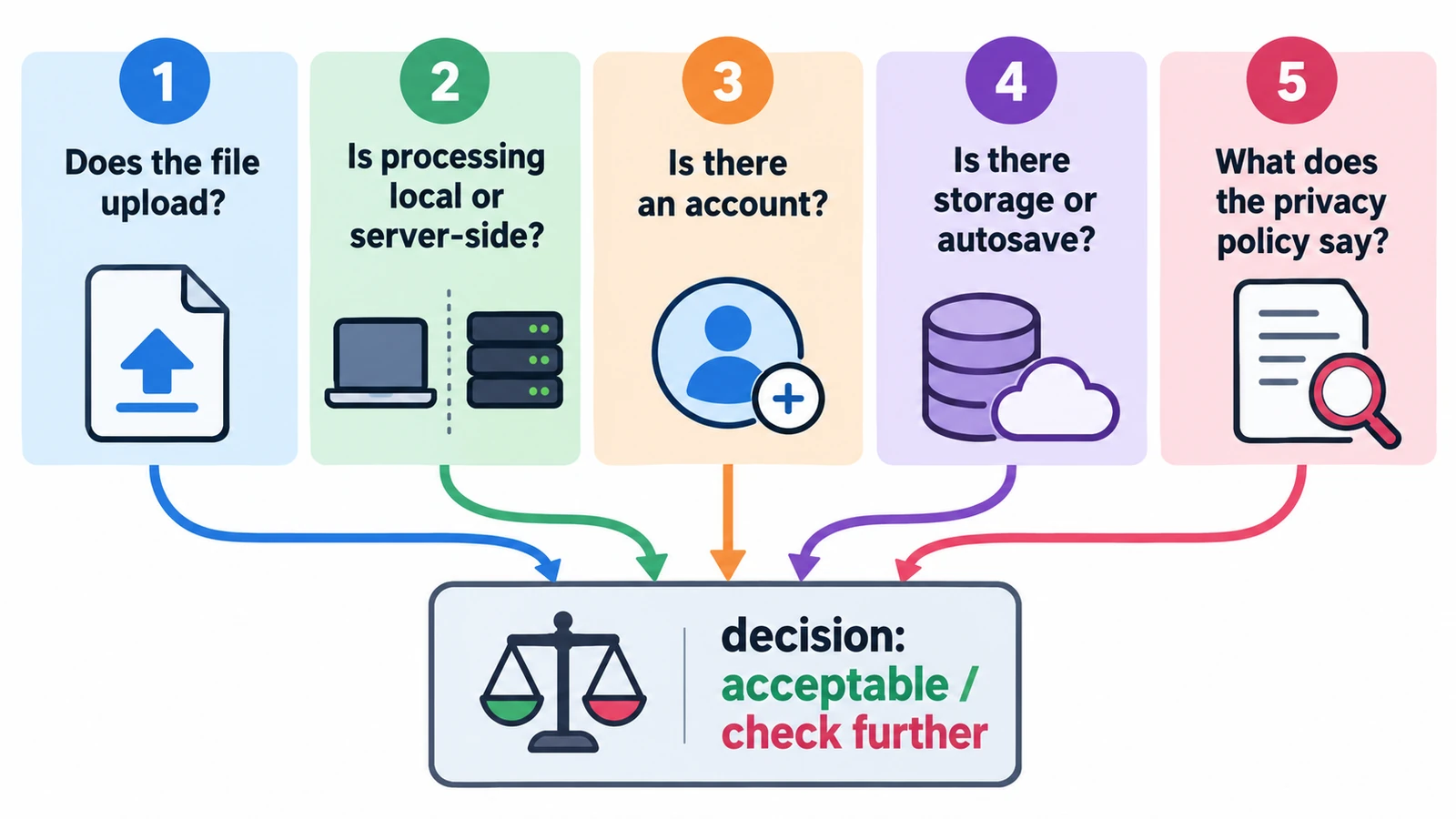
Are online photo, video and PDF editors private? The question sounds like it wants a verdict, and a verdict is exactly what a careful answer cannot give. “Online editor” describes a delivery method, not a data policy, and two pages that both load in a tab can treat your document in completely different ways.
What can be answered is narrower and more useful. For a given editor, you can establish where the processing happens, what the page requests while it runs, what it stores afterwards, and what happens to a file you never save. Those four answers decide most of the practical risk.
Why the answer is not a yes or no
There are three routes a document can take. It can stay on your machine while a page does the work. It can be sent to a server, processed there and returned. Or it can take a mixed route, where the interface is local but a conversion, a model or a preview is fetched from elsewhere.
Most editors are the third kind in some respect, which is why “no upload” and “cloud editor” are not the only two categories. A page can process your file in the tab and still load a font, a model or a version check. None of those actions necessarily involves your document, and none of them is nothing.
Five questions worth asking first
Who receives the file. If the answer is a server, the follow-up questions are about retention and access rather than about the transfer itself.
Where the output goes. A download to your own machine is a different arrangement from a copy saved into an account library.
What the page requests on load. A page fetching assets from other domains has told you something about its architecture, not about your file.
What is stored between sessions. Browser storage is real, per-origin and evictable, so it can vanish without warning.
What happens to unsaved work. An editor with no autosave and no cloud library loses everything when a tab closes, whether or not anyone else could have seen it.
What this set of tools can answer
The engines here run same-origin, in an iframe created only after you press launch, with no FreeAIGeneration account system and no document storage behind them. Save and export end in the browser’s download manager, so the copy on your disk is the copy that exists.
Boot behaviour is documented instead of assumed, which matters because startup is where a page is least under your control. On the PDF editor, nothing third-party is requested until you run a manual update check, which can reach GitHub. The motion tool made no such call during the audited boot, and the video editor’s optional model downloads sit behind a confirmation dialog. Each exception is an action you take rather than a background habit.
That is a specific claim, and specificity is the point. “Runs in your browser, no FreeAIGeneration account required” describes an arrangement you can inspect. It is a narrower statement than the absolute reassurance some pages print, which would have to cover every request a browser might make.
Where local stops
Local processing means the work happens in the tab. It does not prove the absence of telemetry, font requests, model downloads or update checks, and it says nothing about what your browser, extensions or operating system are doing at the same time.
No signup is not no account either. A site can set a cookie or keep a server log without ever showing a registration form, and no login screen is not no record.
An open-source licence belongs here too. It tells you the code can be read and reused; it does not audit the build you are running and it guarantees neither security nor quality. That is a fact about licensing, not a certificate.
The storage you can lose
The raw developer is the clearest case, because its library lives in this browser profile for this exact address. Clear site data and the library is gone. Open a private window and it is gone with the window. Open a second tab and the editor refuses it. A zip backup is offered, capped at 4 GB.
The cap matters. Five hundred raw files at 42 MB each is 21 GB, or about 19.6 GiB, which is roughly five times the backup ceiling. The library is a working set, not an archive, and anything you cannot afford to lose belongs on a disk you control.
Three traps, and a two-minute check
Private browsing hides the file from the disk, not from the page while it runs. The editor can read a document you opened in a private window exactly as it can in a normal one.
Clearing site data is presented as a privacy action, and it is, but it also deletes the library. Back up first if the work matters.
Assuming open source means safe is the third. Readable code is a good sign; it is not the same as a review of the running build.
The two-minute check is straightforward. Before opening something sensitive, note whether the tool asks you to upload, what the page requests while idle, and where the saved file lands. If all three answers are local, you are working in the arrangement these tools describe. If any answer is a server, you are in a different arrangement, and the questions to ask are the ones in where your file goes. The trade-offs against installed software are set out in browser-based creative editors versus desktop software, and the creative tools page lists each editor. More context sits in the guides hub.
Frequently asked questions
Do these editors guarantee that no copy of my file is kept anywhere?
No, and no absolute promise of that kind is made. What is documented is that the work happens in the tab, that no FreeAIGeneration account or document storage is involved, and that save and export go to your browser's downloads.
Is a private window enough to keep a document off my disk?
It keeps the download out of the normal profile, but it does not change what the page can read while it runs. The editor sees the file you open in a private window exactly as it does in a normal one.
What happens to the raw library if I clear site data?
It is deleted. The library lives in this browser profile for this address, a second tab is refused, and the zip backup offered for it is capped at 4 GB.
Try these FreeAIGeneration tools
Related articles
-
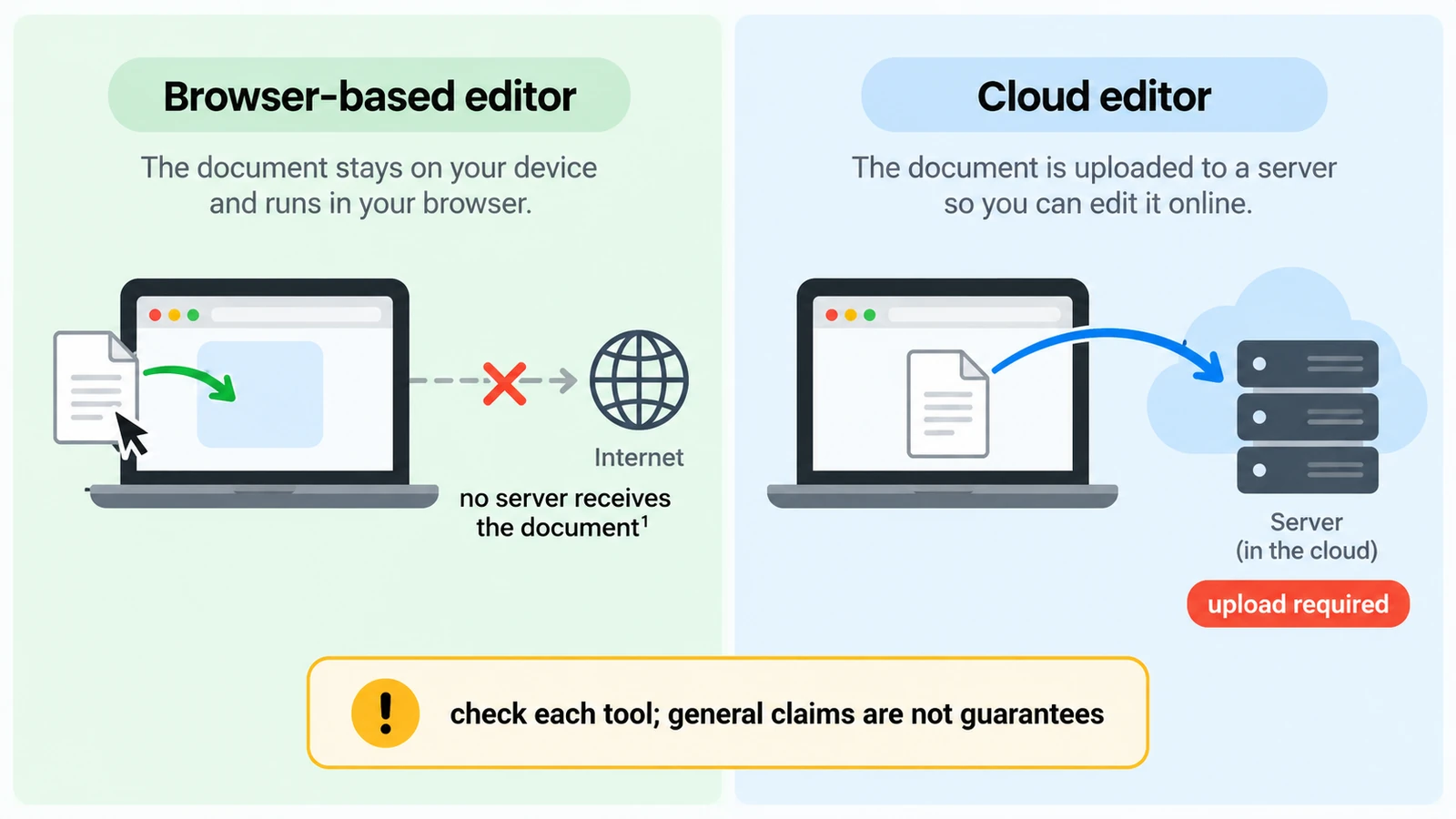
Browser-Based vs Cloud Editors: Where Does Your File Go?
Two editors that look identical can put your file in opposite places. How to tell local from cloud, what "no upload" does not cover, and what a round trip costs.
Creative workflows Browser tools Local processing No upload Privacy 5 min read
Published By Julia M. Gil
-
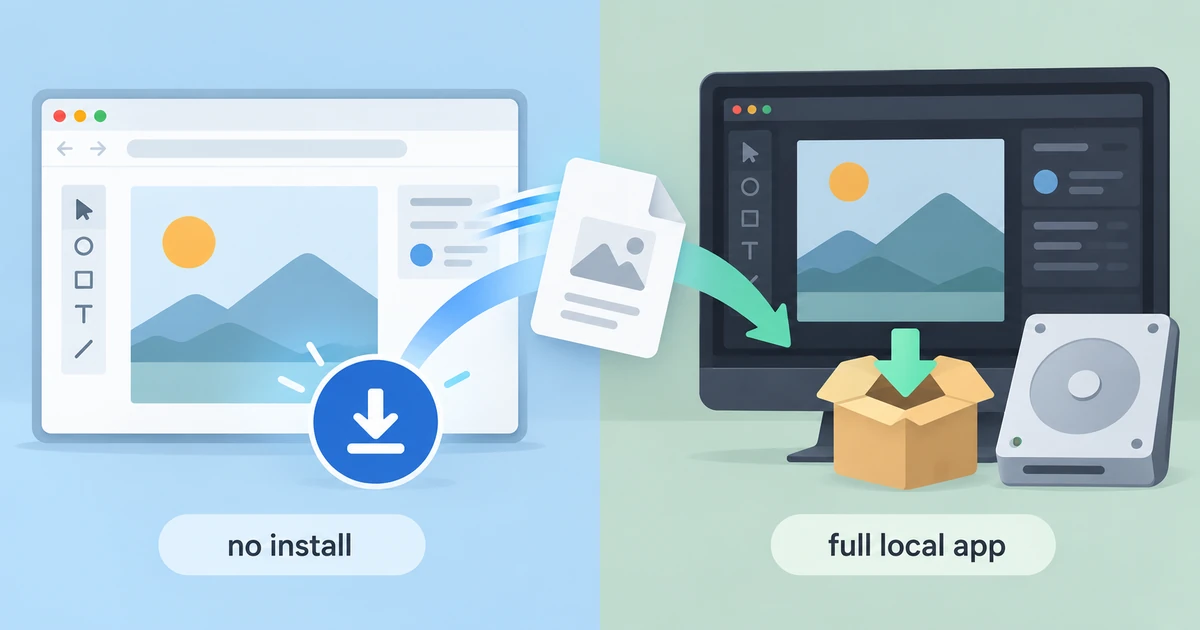
Browser-Based Creative Editors vs Desktop Software
Installing nothing is not the same as downloading nothing. What a browser editor gains, where it gives ground to desktop software, and a decision rule beyond loyalty.
Creative workflows Browser tools Workflow comparison Local processing No signup 5 min read
Published By Julia M. Gil
-
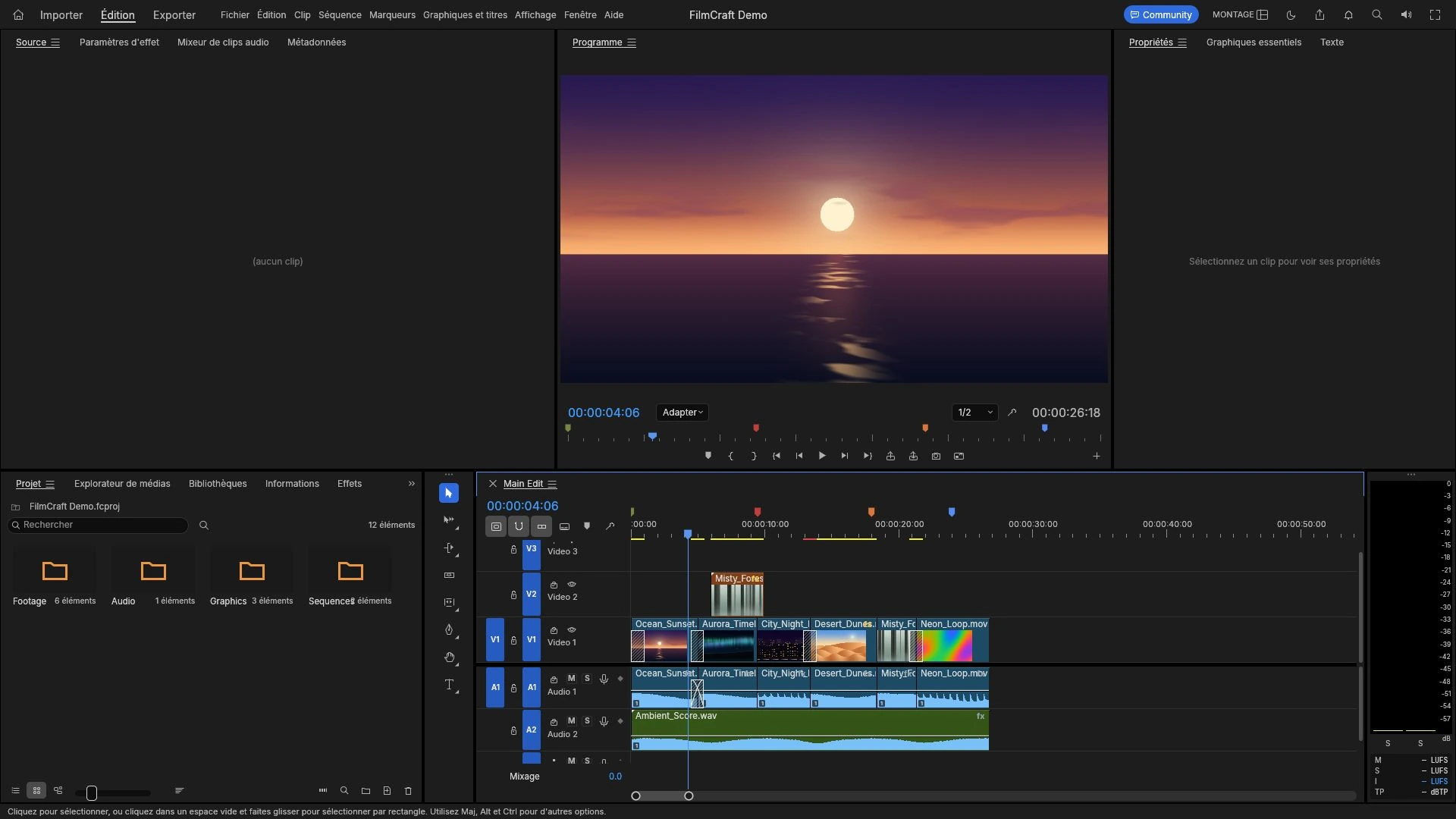
How to Add Audio or a Voice-Over to a Video Online
Import a recorded voice-over, place it against the picture on the timeline, set a level that survives a laptop speaker, and listen to the exported MP4.
Creative workflows Video editing Browser tools No signup 4 min read
Published By Julia M. Gil
Keep exploring
FreeAIGeneration is more than this article. The editors and calculators below are real, free and run in your browser.