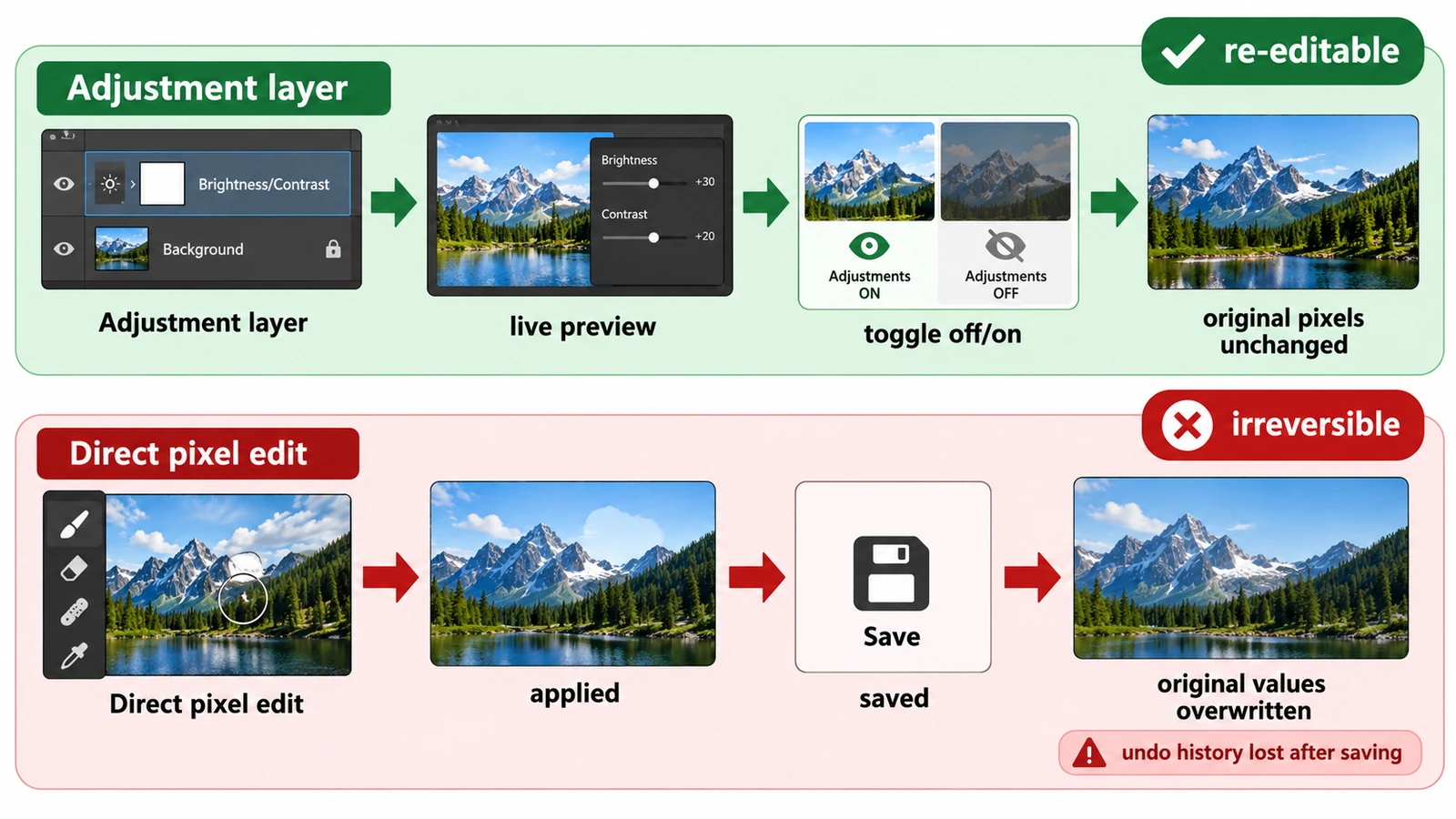
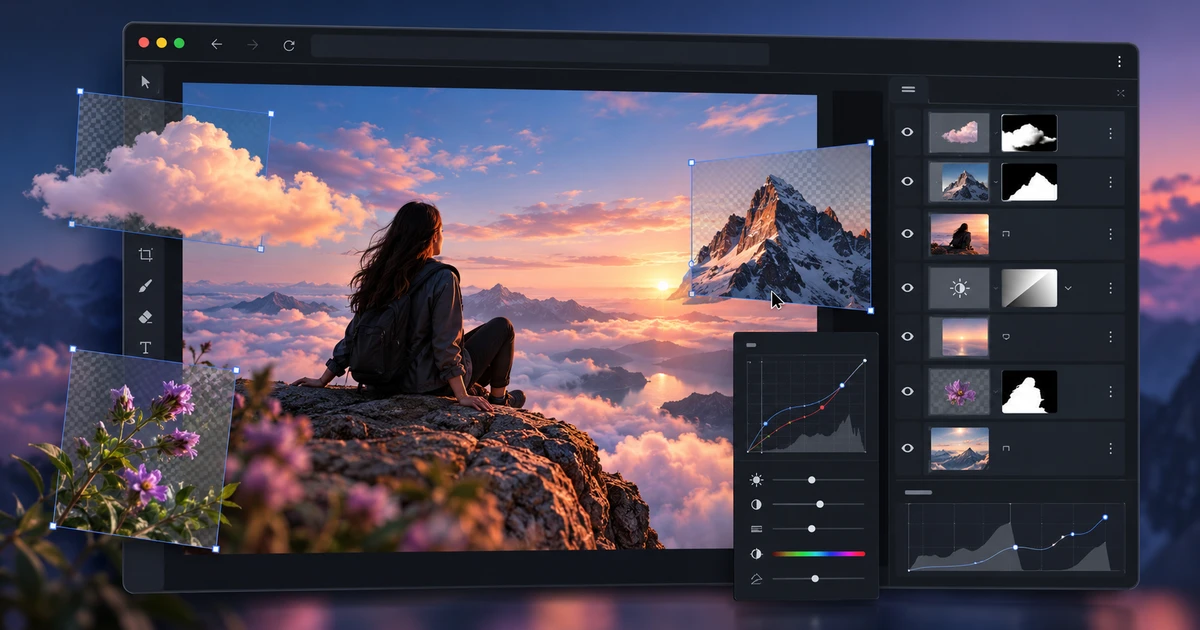
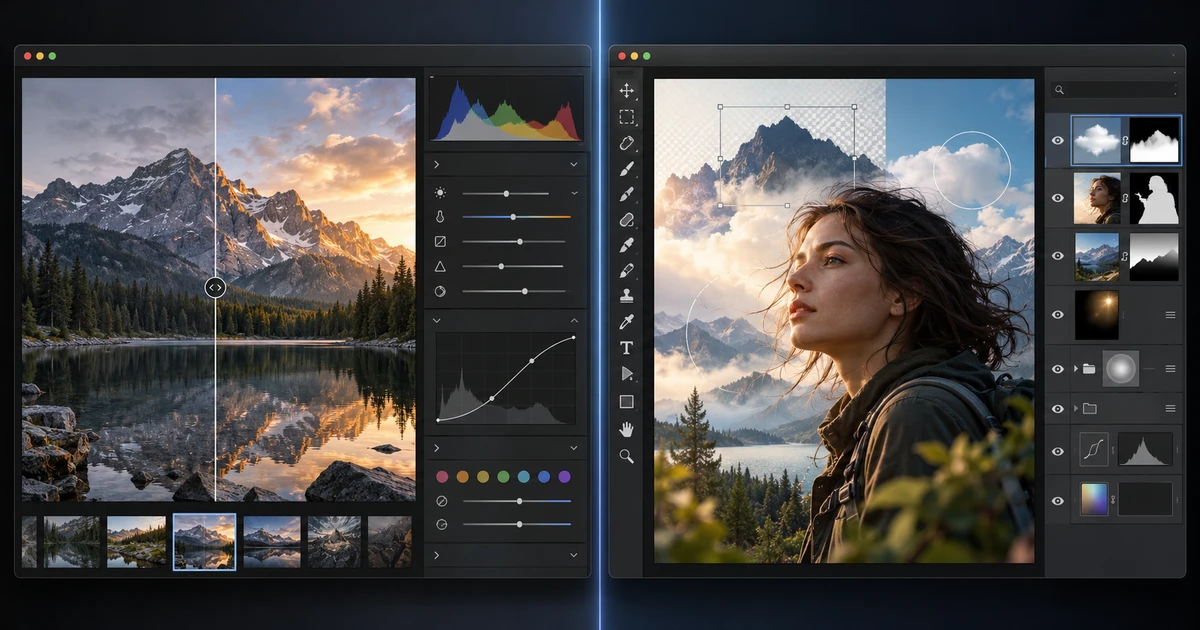
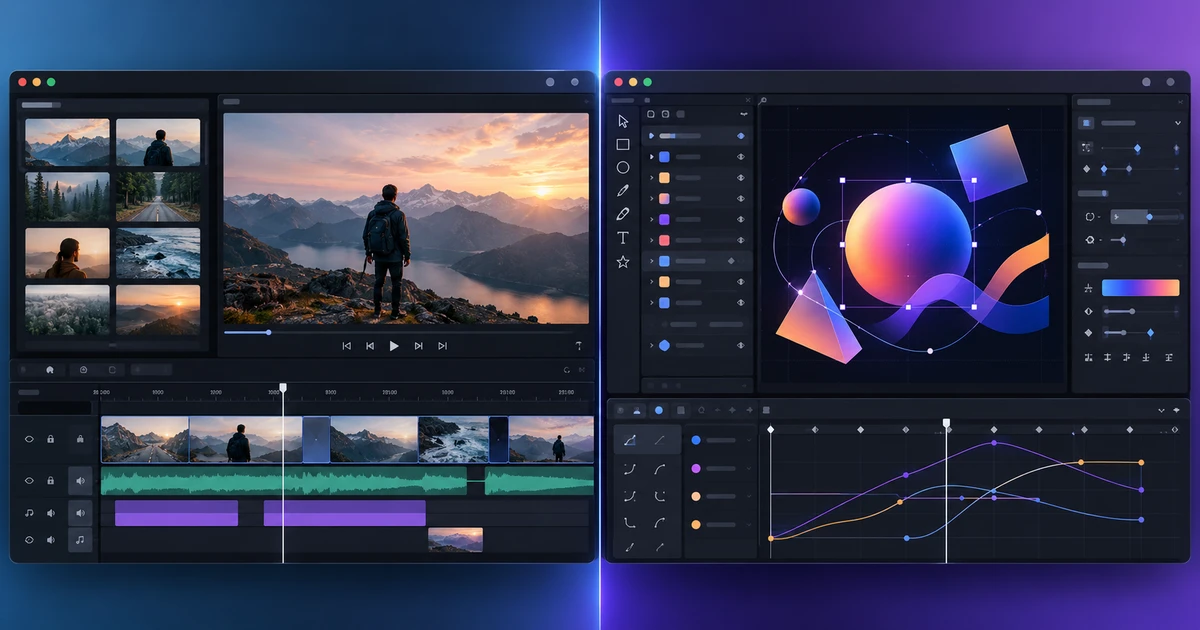
Both methods can produce identical pixels; the difference is what the file can still change later. What each costs, and how to choose when the brief is hazy.
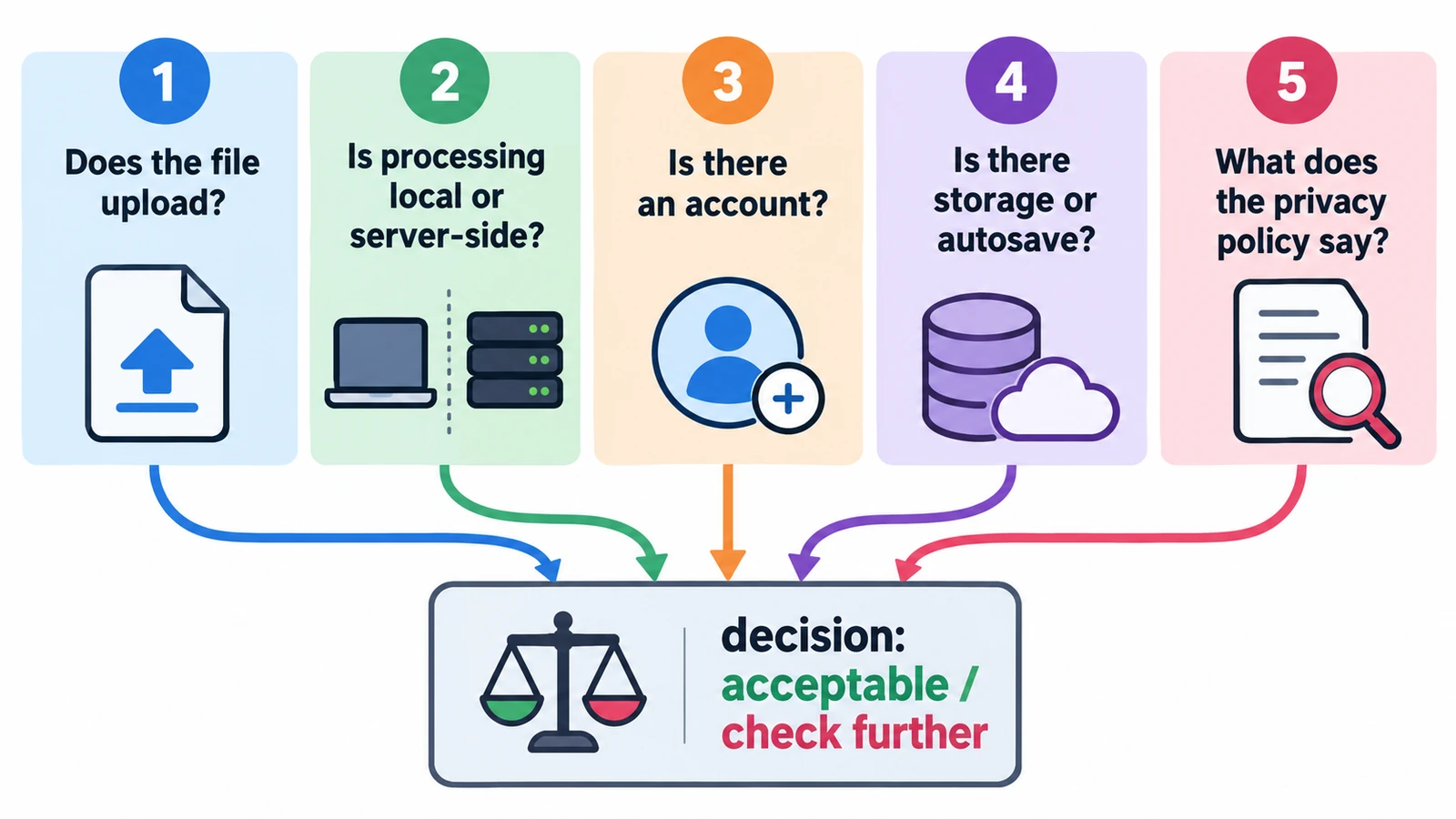
"Online editor" describes a delivery method, not a data policy. Five questions about local processing, uploads and stored files, and where that promise stops.
Creative workflows Browser tools Local processing No upload Privacy 5 min read
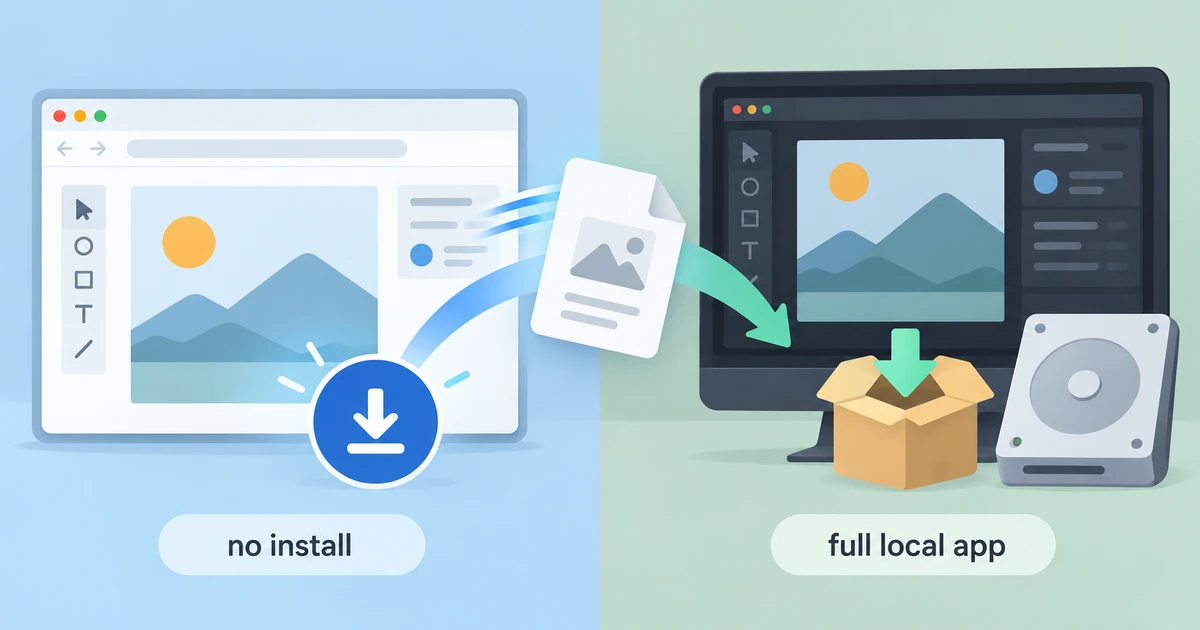
Installing nothing is not the same as downloading nothing. What a browser editor gains, where it gives ground to desktop software, and a decision rule beyond loyalty.
Creative workflows Browser tools Workflow comparison Local processing No signup 5 min read
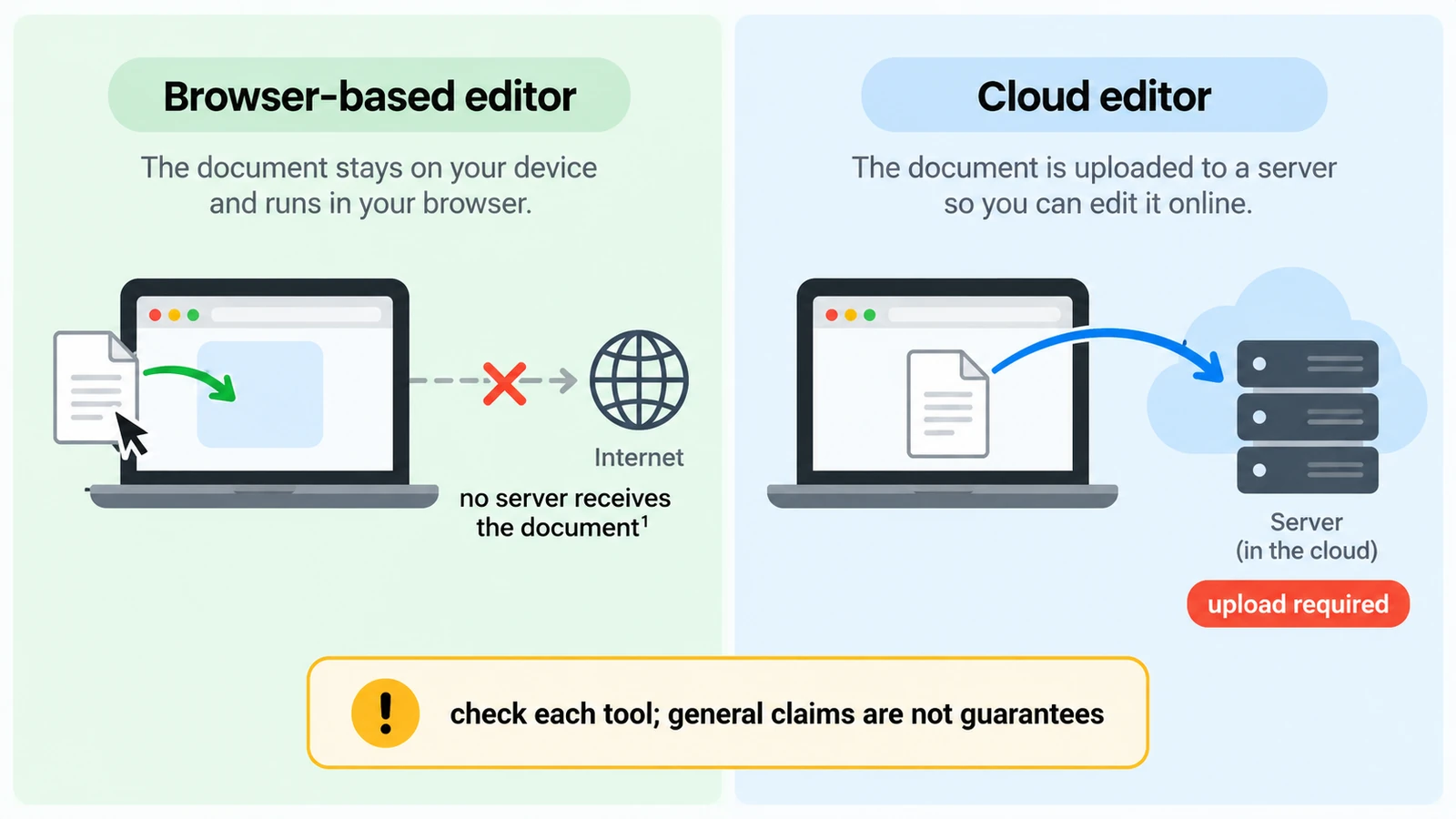
Two editors that look identical can put your file in opposite places. How to tell local from cloud, what "no upload" does not cover, and what a round trip costs.
Creative workflows Browser tools Local processing No upload Privacy 5 min read
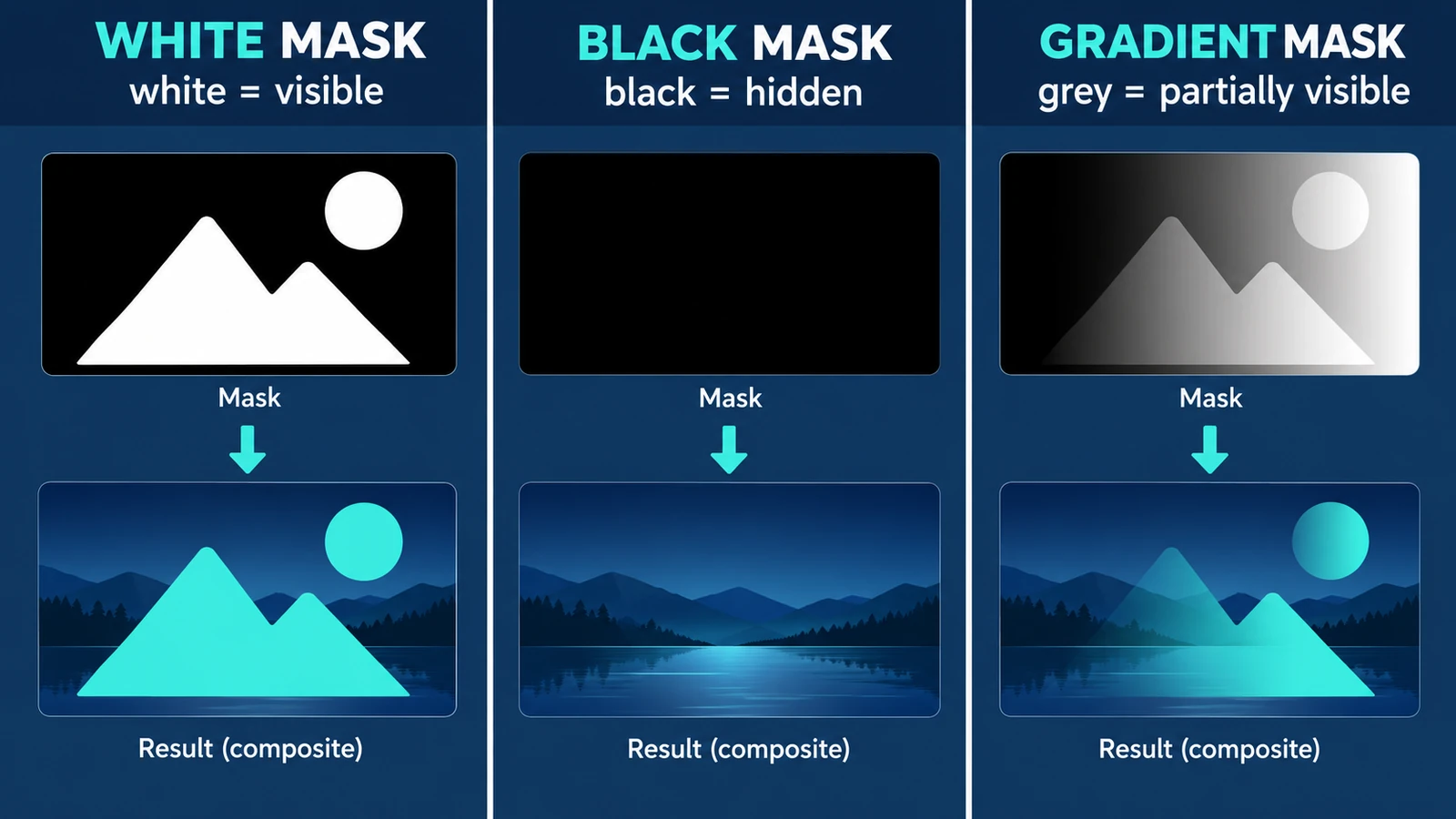
A mask is a coverage map beside the pixels: white reveals, black hides, grey blends. What the values mean, why the direction feels backwards, and what a mask cannot do.
Creative workflows Photo editing Browser tools No signup Layers 4 min read
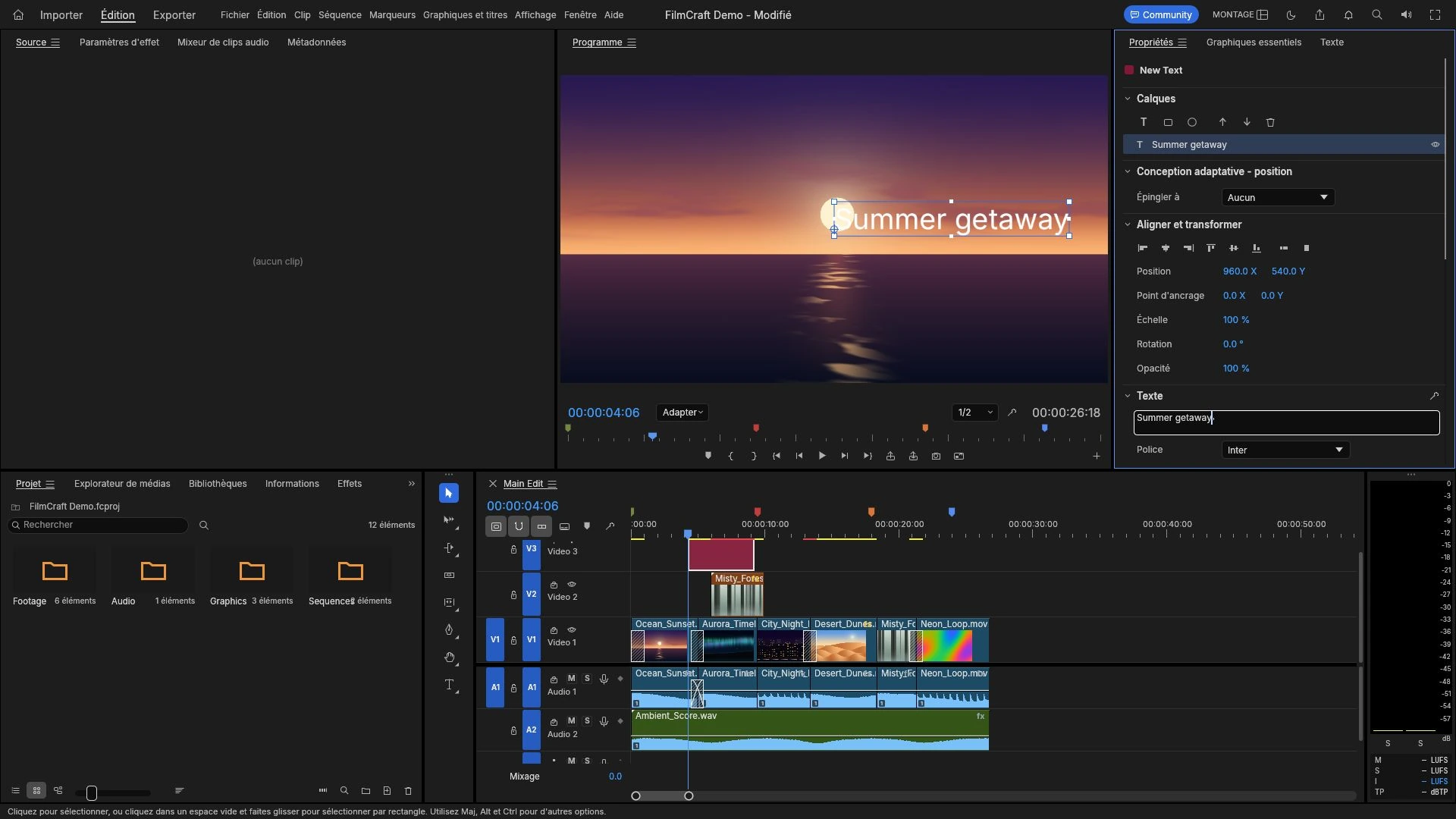
Import a recorded voice-over, place it against the picture on the timeline, set a level that survives a laptop speaker, and listen to the exported MP4.
Creative workflows Video editing Browser tools No signup 4 min read
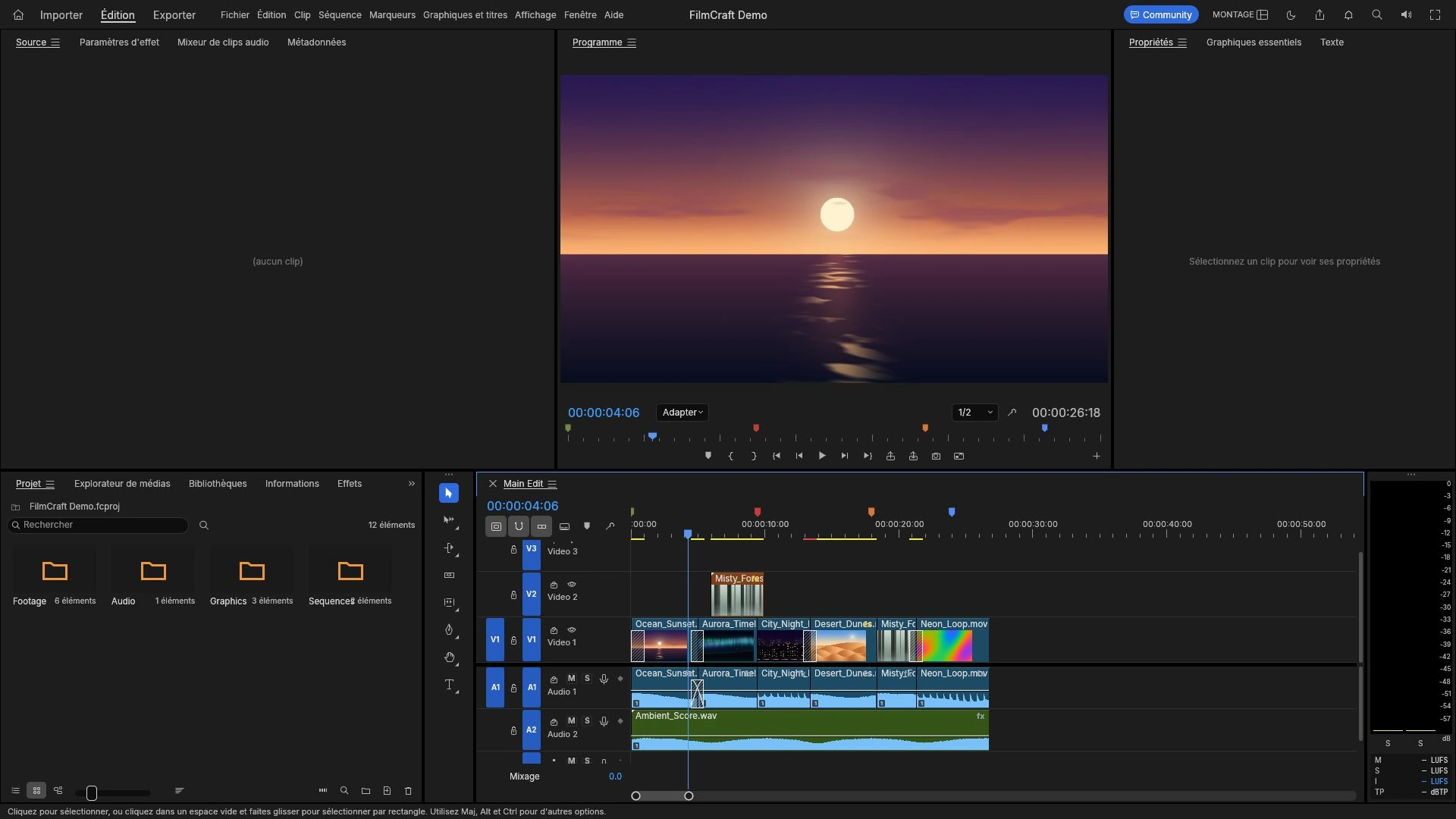
A title layer sits where every viewer looks and cannot be fixed after export. Where to place it, how to time it in frames, sizing, and mistakes worth catching early.
Creative workflows Video editing Browser tools No signup 4 min read
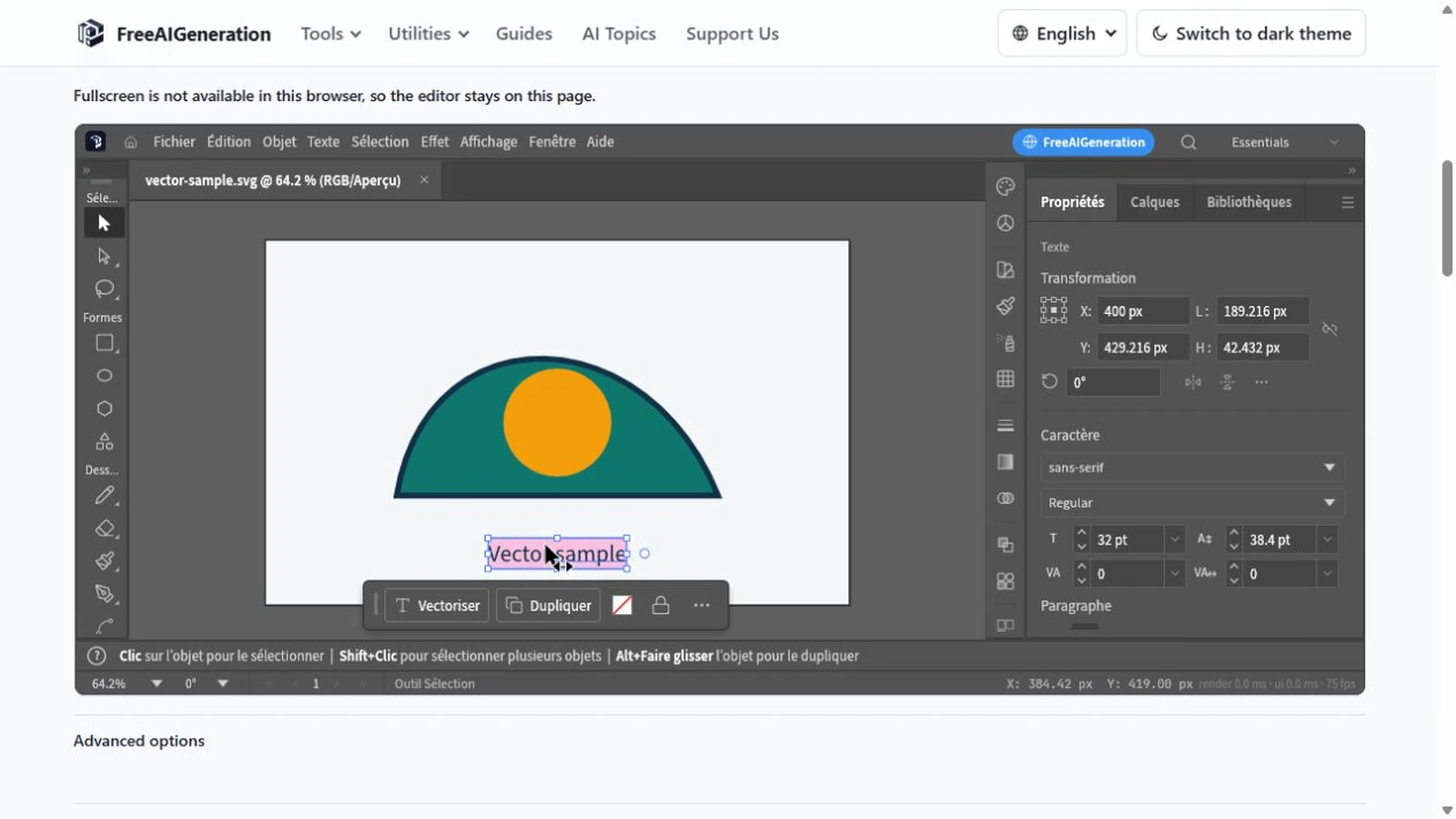
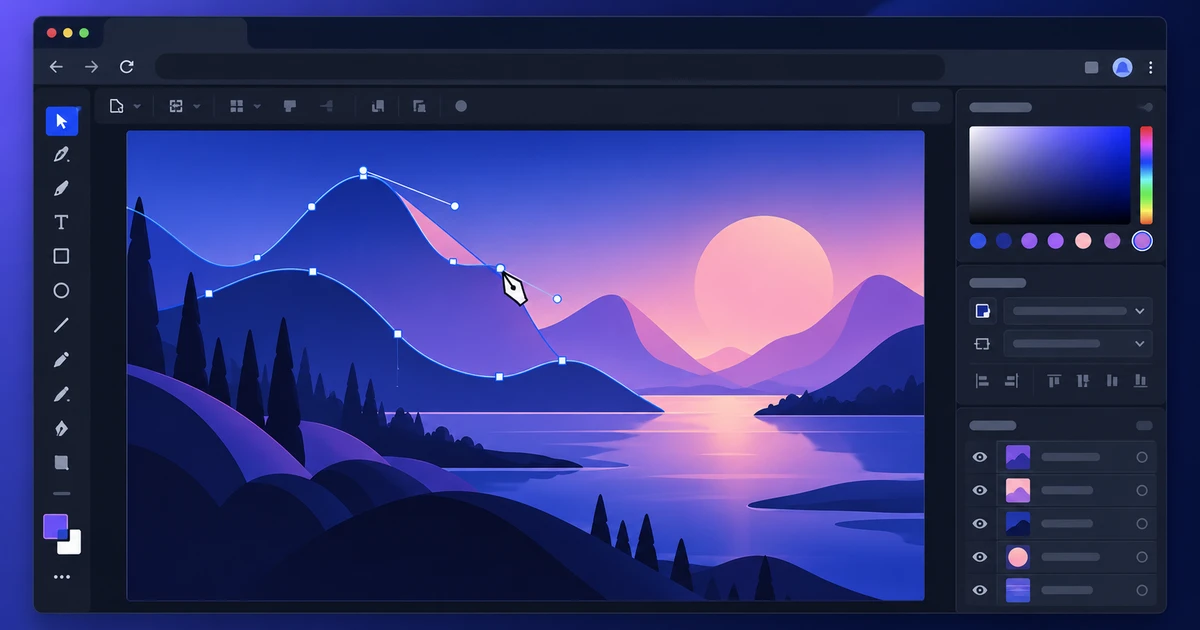
Recolouring an SVG can leave a ring of the old colour behind: fill and stroke are different properties. Covers paint values, type, path geometry and export checks.
Creative workflows Vector editing Browser tools No signup SVG editing 4 min read
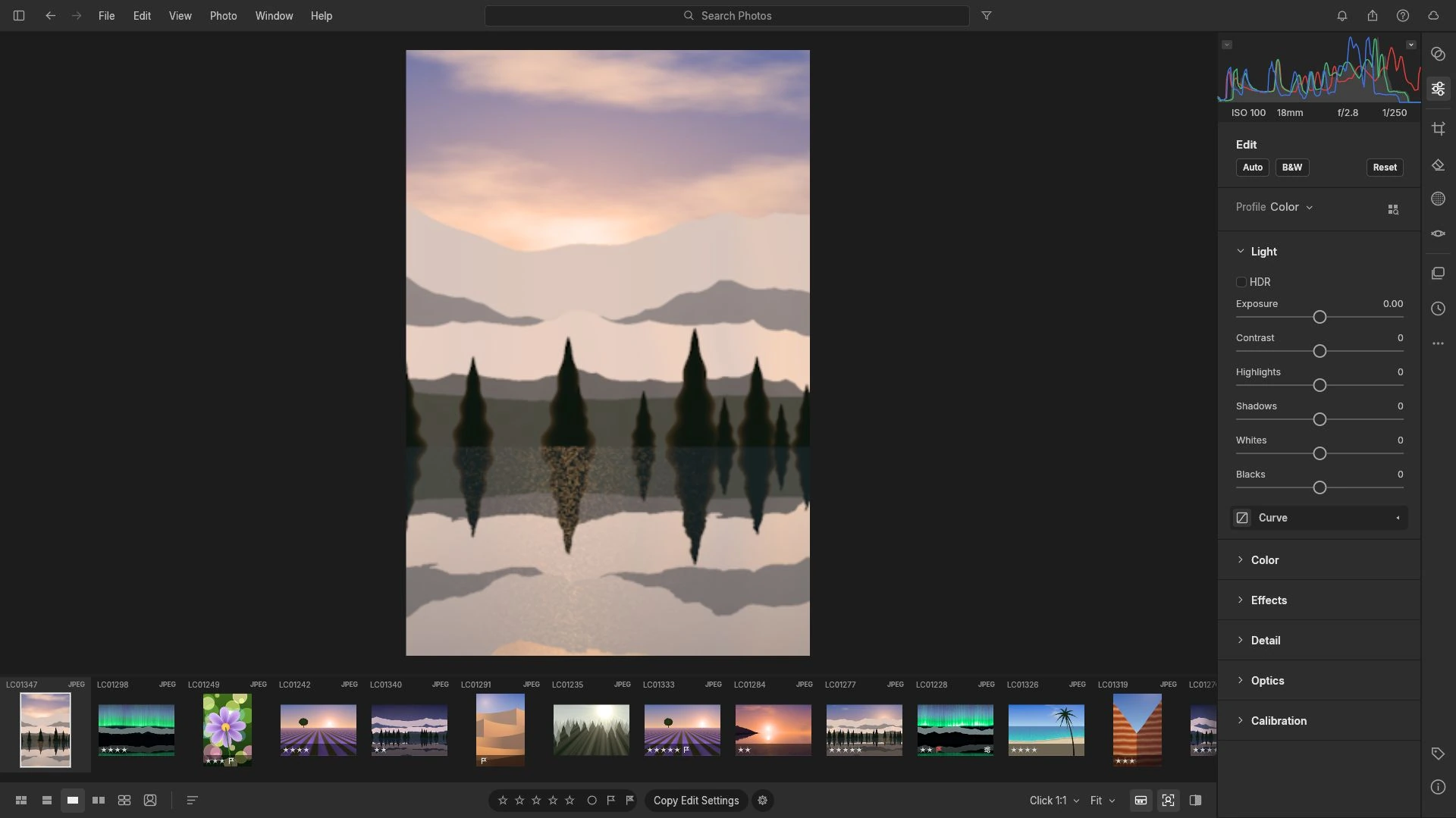
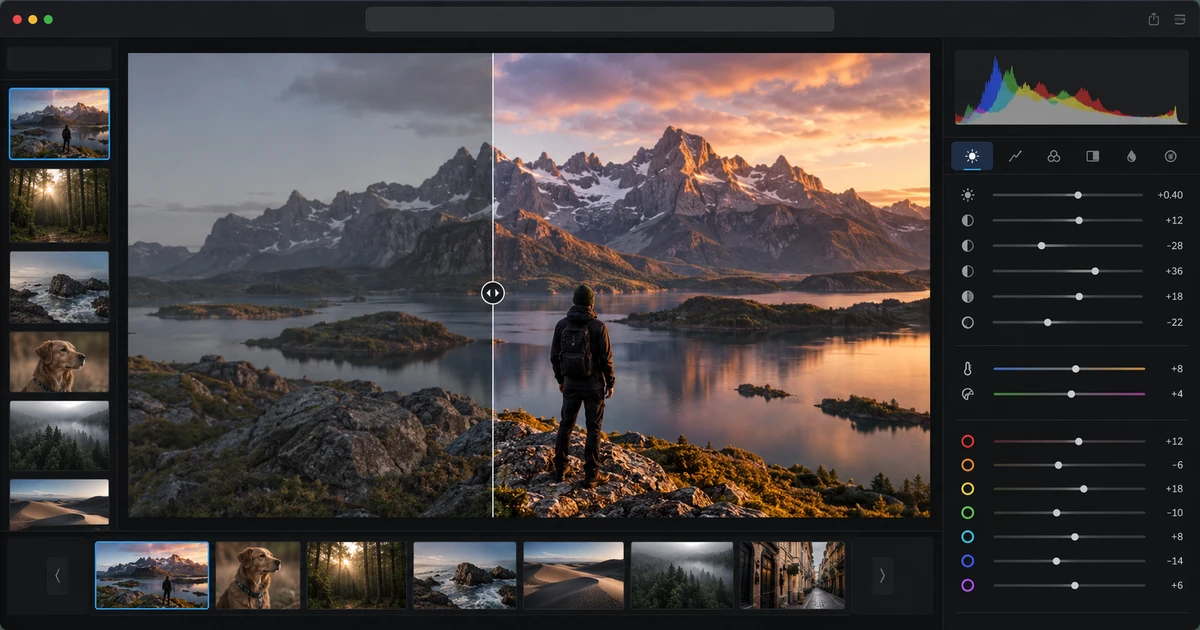
Exposure is multiplicative in a raw file: one stop doubles the signal. Read the histogram first, work in an order that protects highlights, and avoid a dark export.
Creative workflows RAW editing Browser tools No signup Non-destructive editing 4 min read
Set a property at two moments, then decide how the software travels between them. Timing before values, the graph editor, holds, and two exits: render or Lottie.
Creative workflows Motion graphics Browser tools No signup 4 min read
The layered master you can still revise and the flat copy you send are two different files. Build the stack in a durable order, and know the browser's honest limits.
An SVG is geometry written as text. What opening one in the browser exposes, the order to work in, where the browser boundary sits, and the mistakes that cost time.
Creative workflows Vector editing Browser tools No signup SVG editing 4 min read
Every platform decodes and re-encodes what you send, so the file is a master, not a final artefact. Aspect ratio, duration, audio, and sizing a file that survives.
Creative workflows Video editing Browser tools No signup Import & export 4 min read
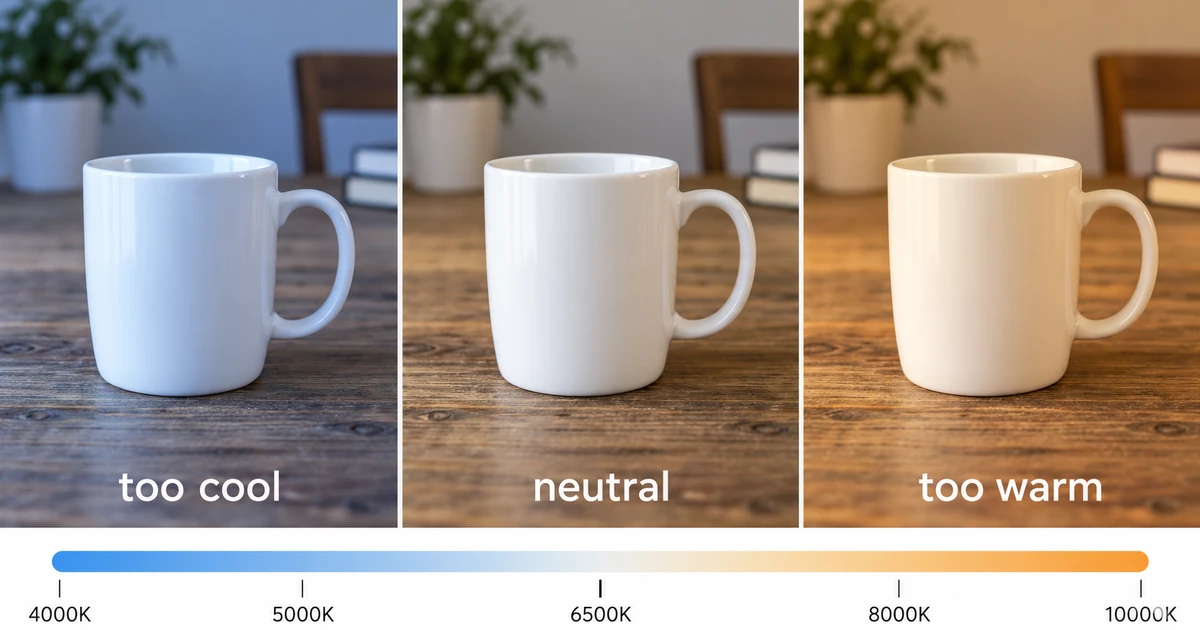
Find the neutral a frame should have had, follow the channel ratios behind the cast, and use curves or the colour mixer where this browser build stops short.
Creative workflows RAW editing Browser tools No signup Non-destructive editing 4 min read
CR2, CR3, NEF and ARW are four vendor containers, and having the file is only half the question. Test one frame for a real decode before importing a whole shoot.
Creative workflows RAW editing Browser tools No signup File formats 4 min read
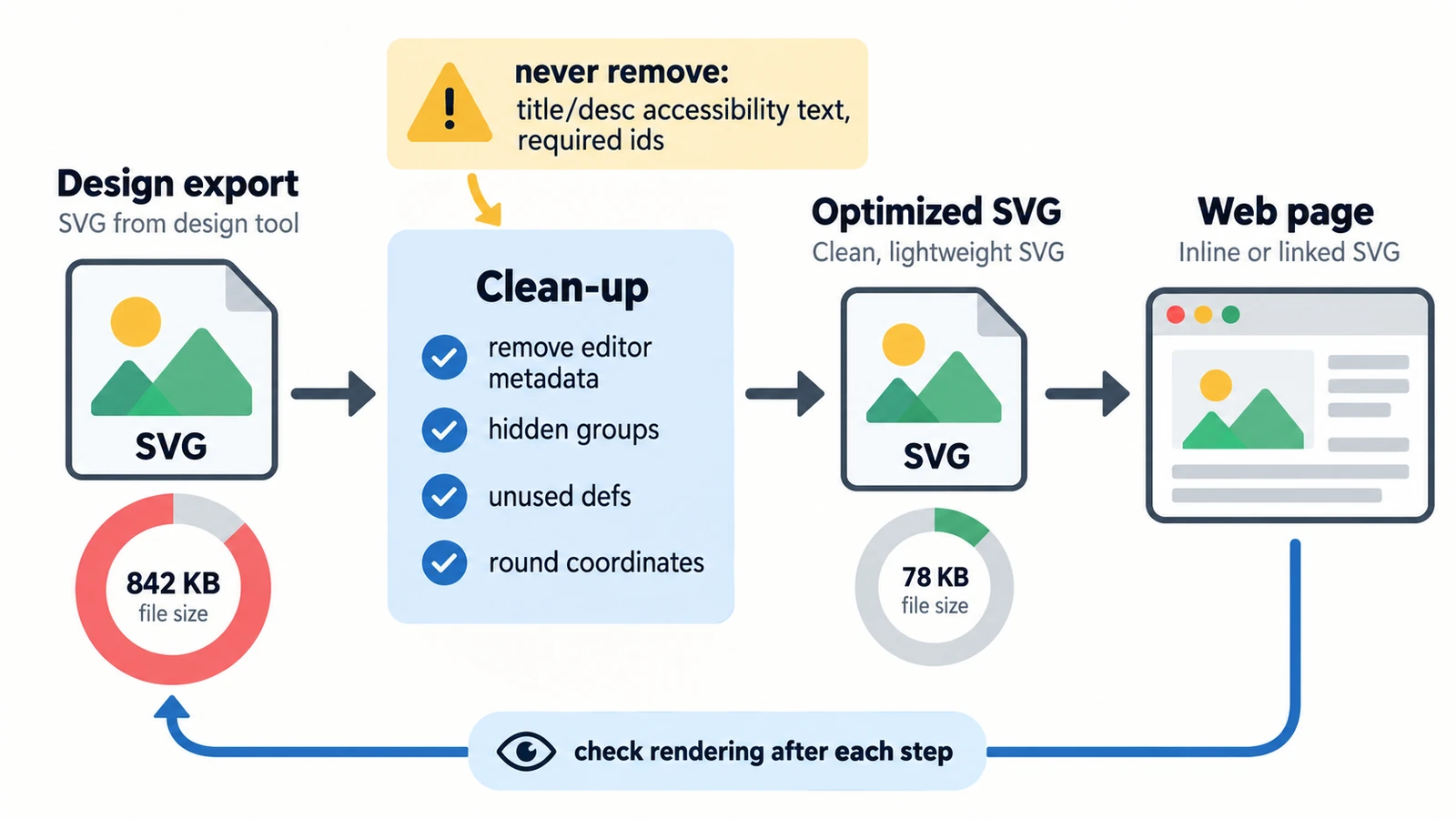
Six kilobytes of nothing is usually excess precision. Separating what the file says from what the network carries, plus embedded rasters, serving and a visual check.
Resizing a vector usually changes nothing in the drawing, because display size is set outside it. Where quality can still disappear, and a short check before you ship.
Creative workflows Vector editing Browser tools No signup SVG editing 3 min read
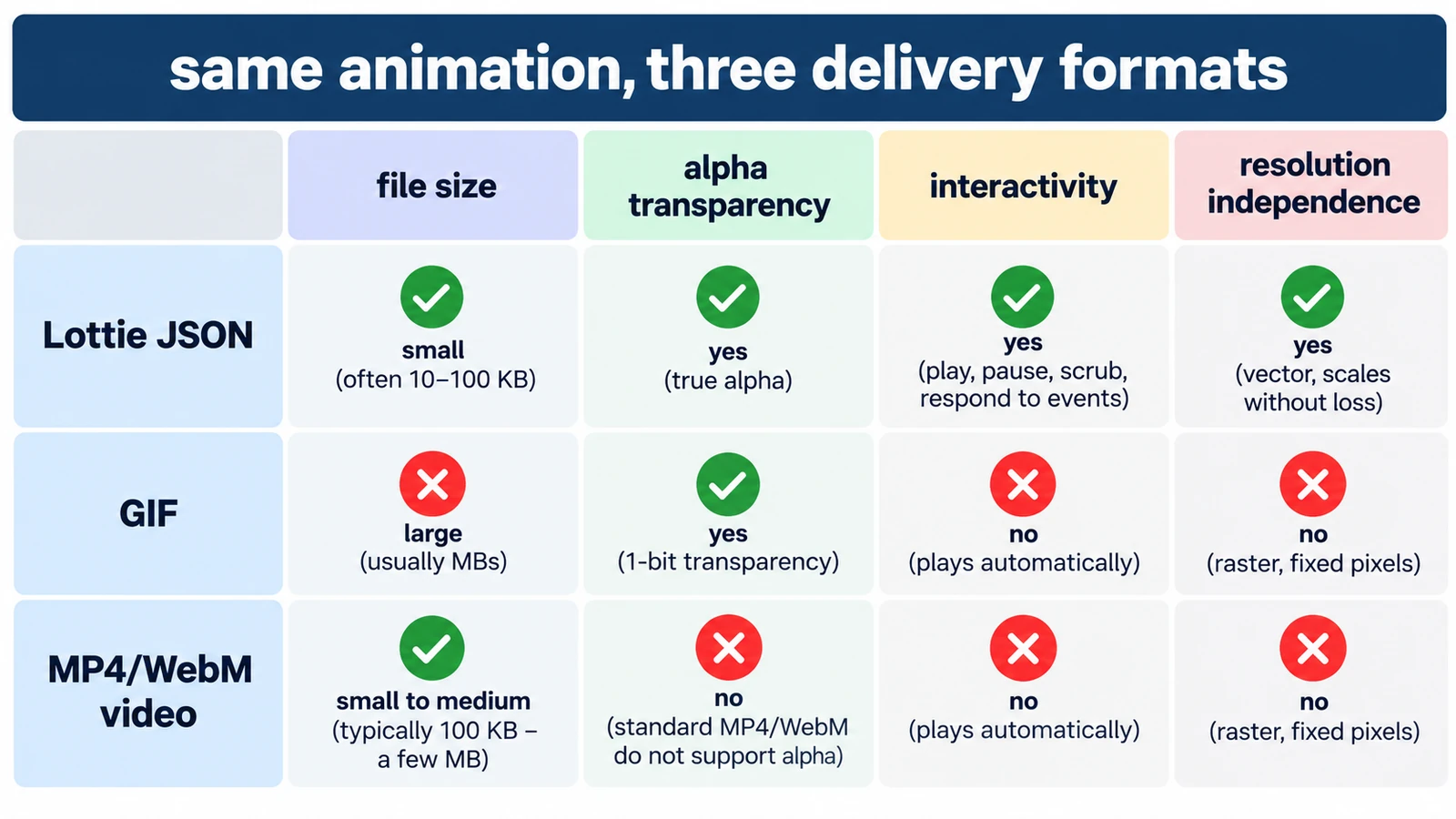
GIF spends colour, Lottie spends structure, MP4 spends computing power. What each costs in transparency, size and editability, and which format earns its place where.
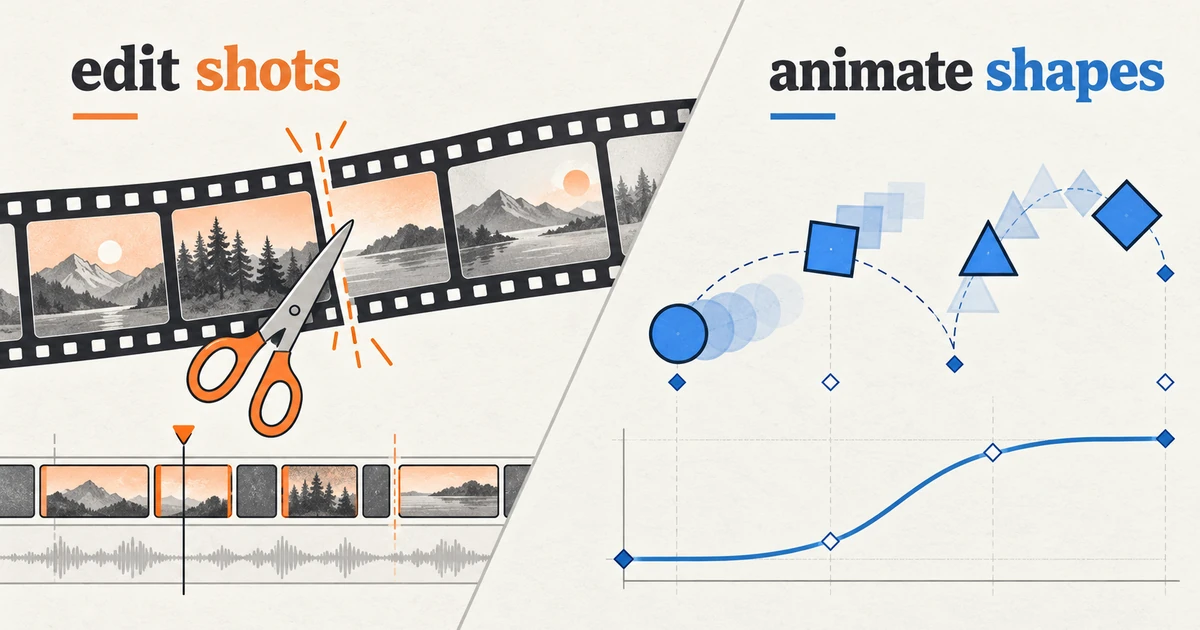
The line is intent, not software: motion graphics explains, labels or brands, while animation performs. Where the boundary blurs and what each asks of a tool.
Creative workflows Motion graphics Browser tools No signup 5 min read
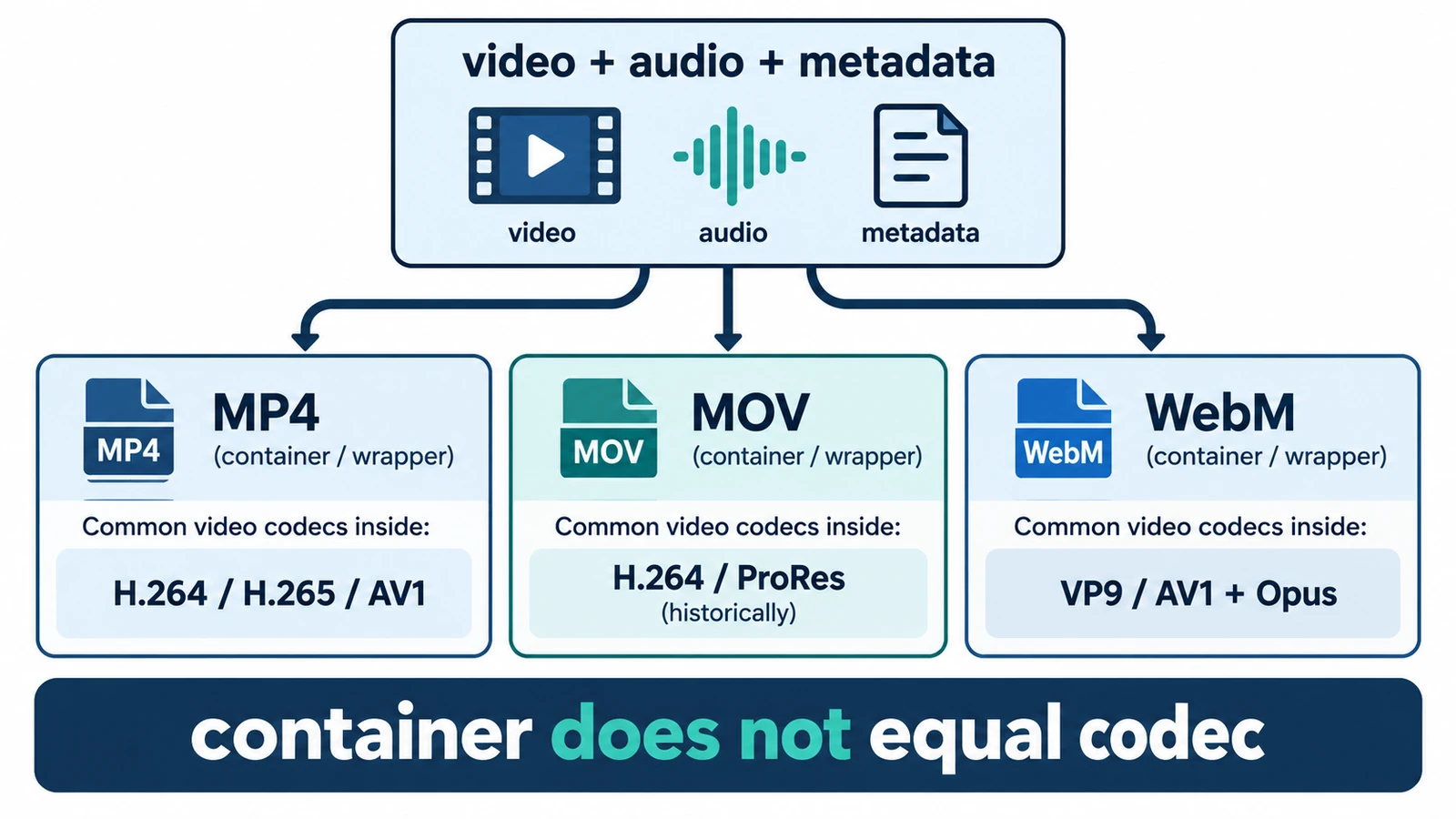
MP4, MOV and WebM are containers, not codecs, so the wrapper does not decide quality. What each is for, where quality is actually decided, and how an editor handles them.
Creative workflows Video editing File formats Workflow comparison Import & export 4 min read
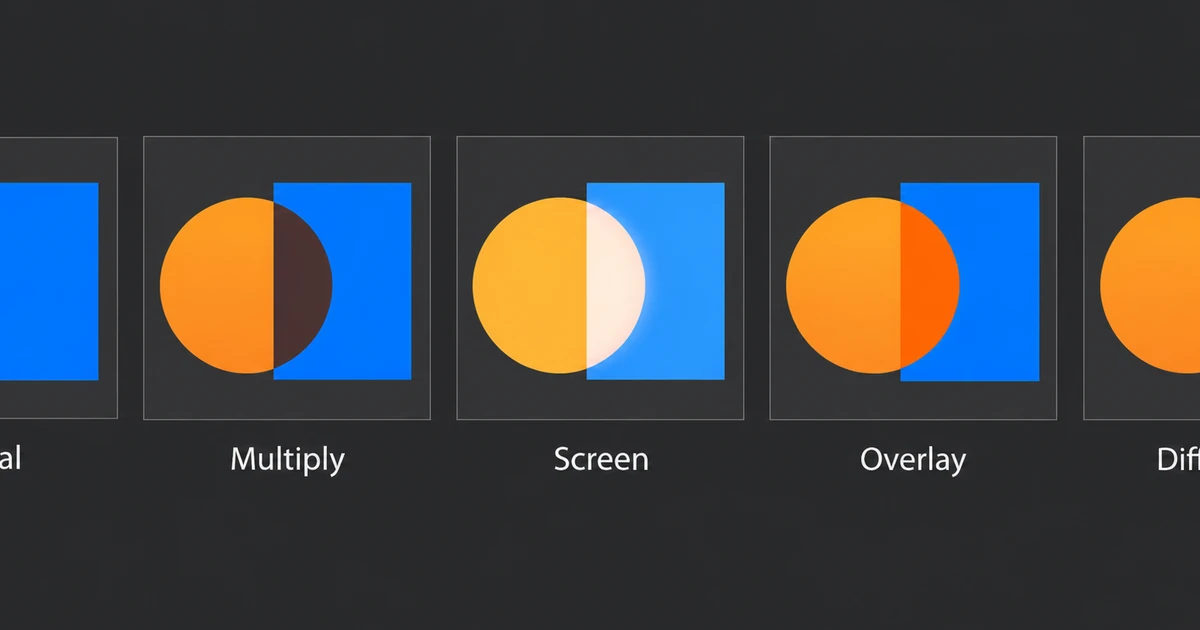
Multiply is arithmetic, not a mood. How base and blend values combine, the four modes worth knowing, why layer order changes the result, and why opacity is separate.
Creative workflows Photo editing Browser tools No signup Layers 4 min read
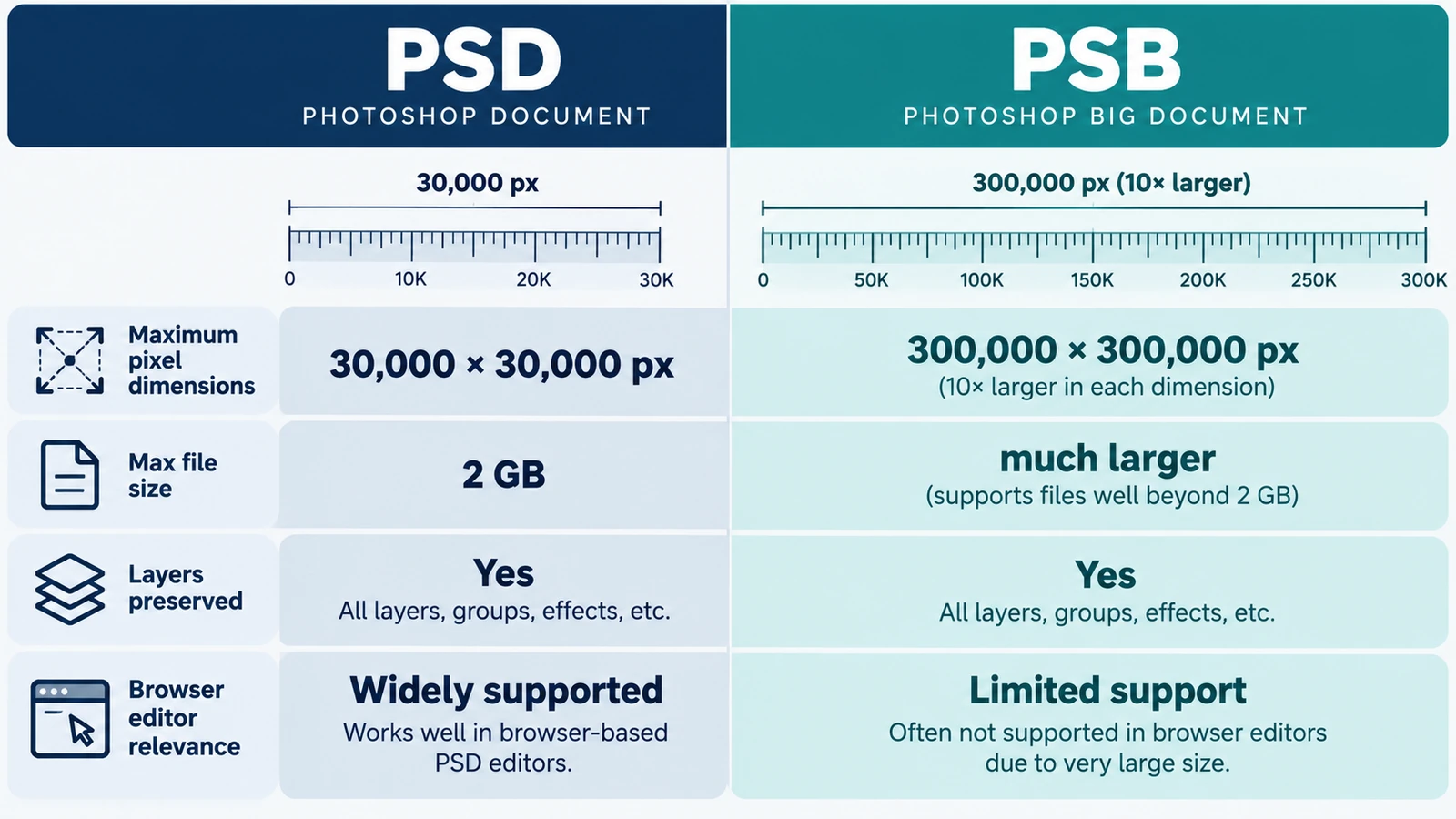
The choice comes down to a ceiling: 30,000 pixels per side against 300,000. When one dimension forces PSB, memory is the tighter limit, and a file picker proves nothing.
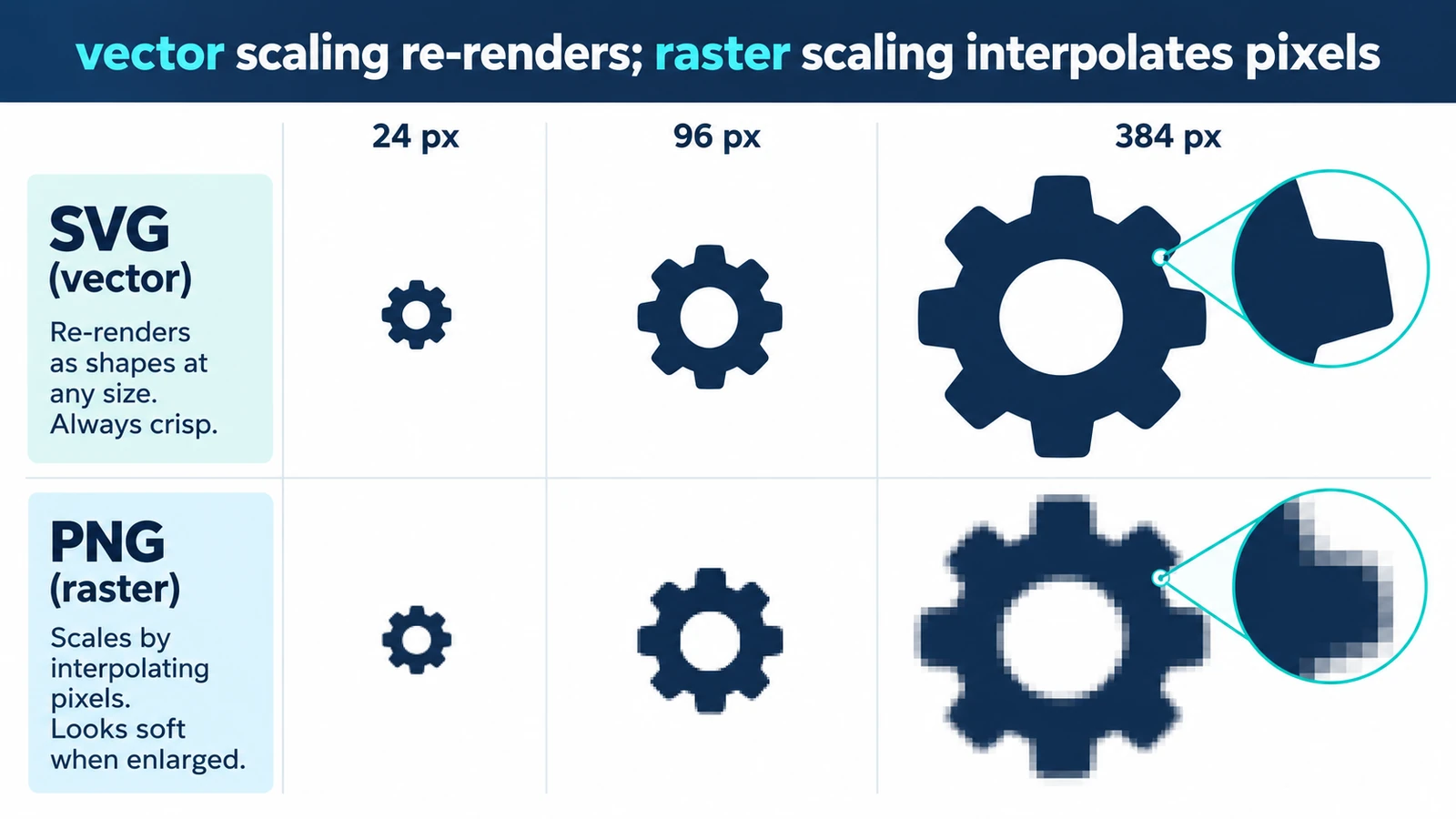
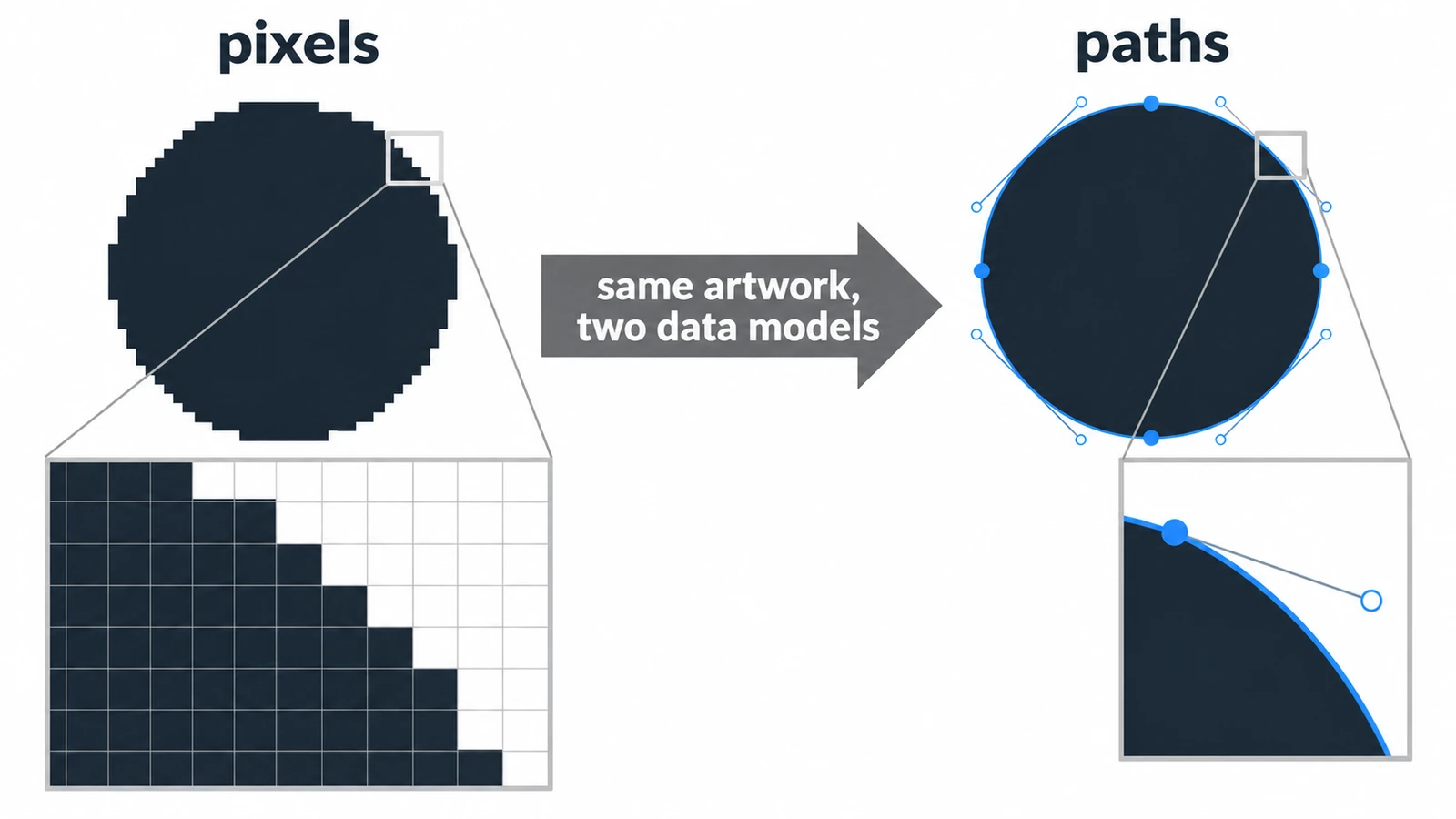
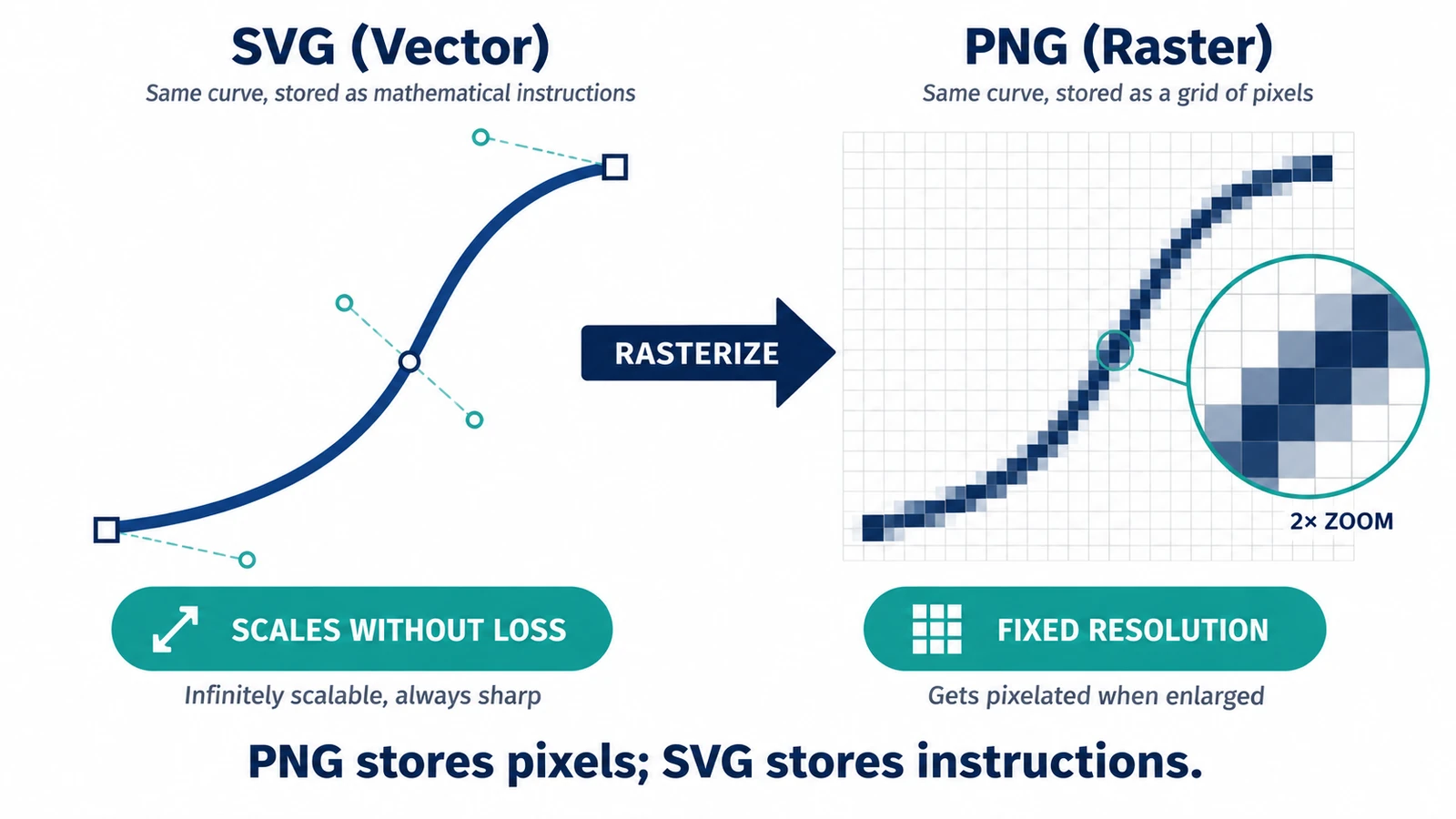
A raster circle is a mosaic of squares; a vector circle is a centre point and a radius. What that choice changes for scaling, file size, editing and mixed documents.
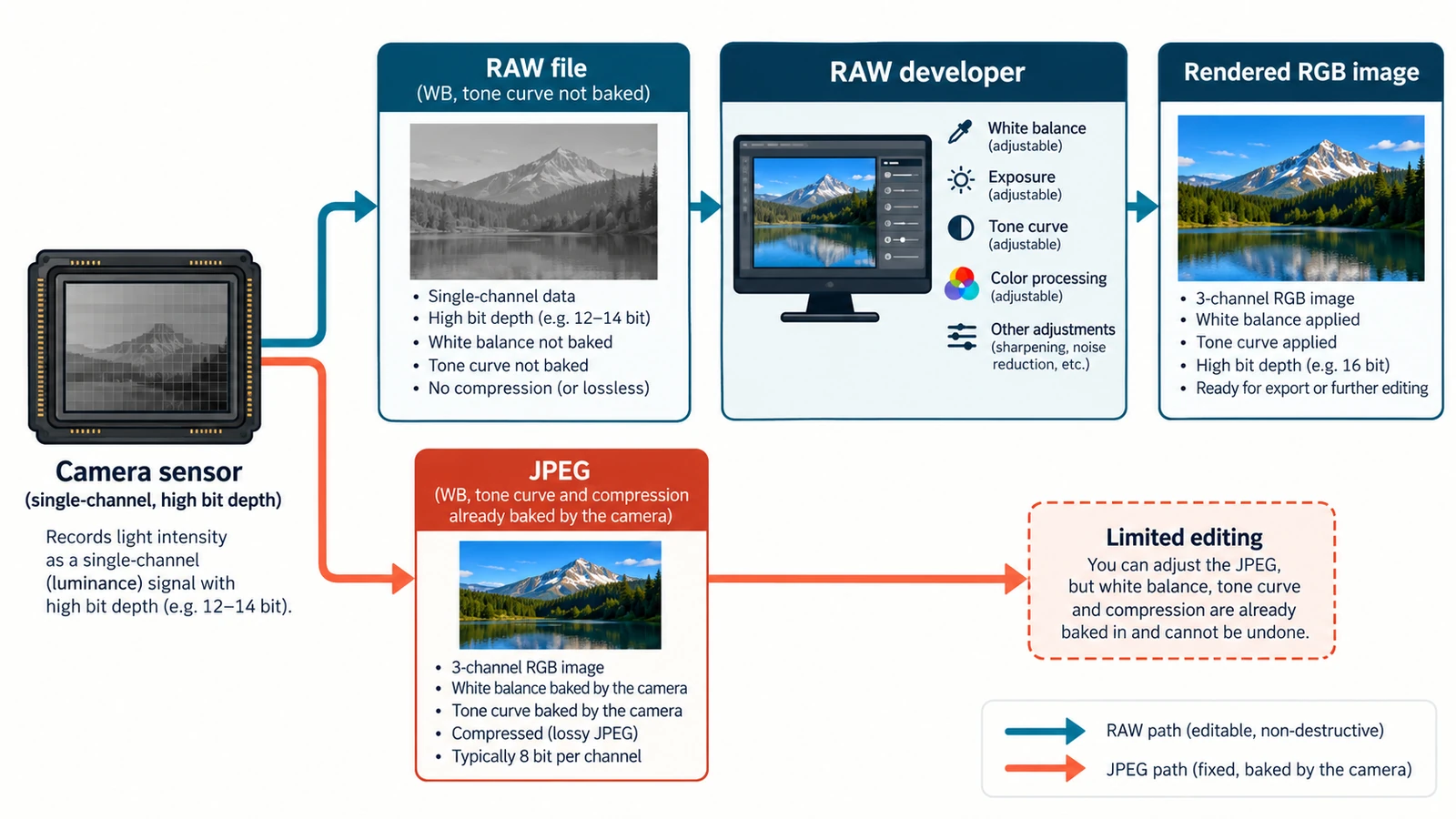
One exposure, two records: sensor readings and a finished rendering. The gain is bit depth rather than resolution, and the trade-offs decide what stays fixable later.
Creative workflows RAW editing File formats Non-destructive editing Workflow comparison 4 min read
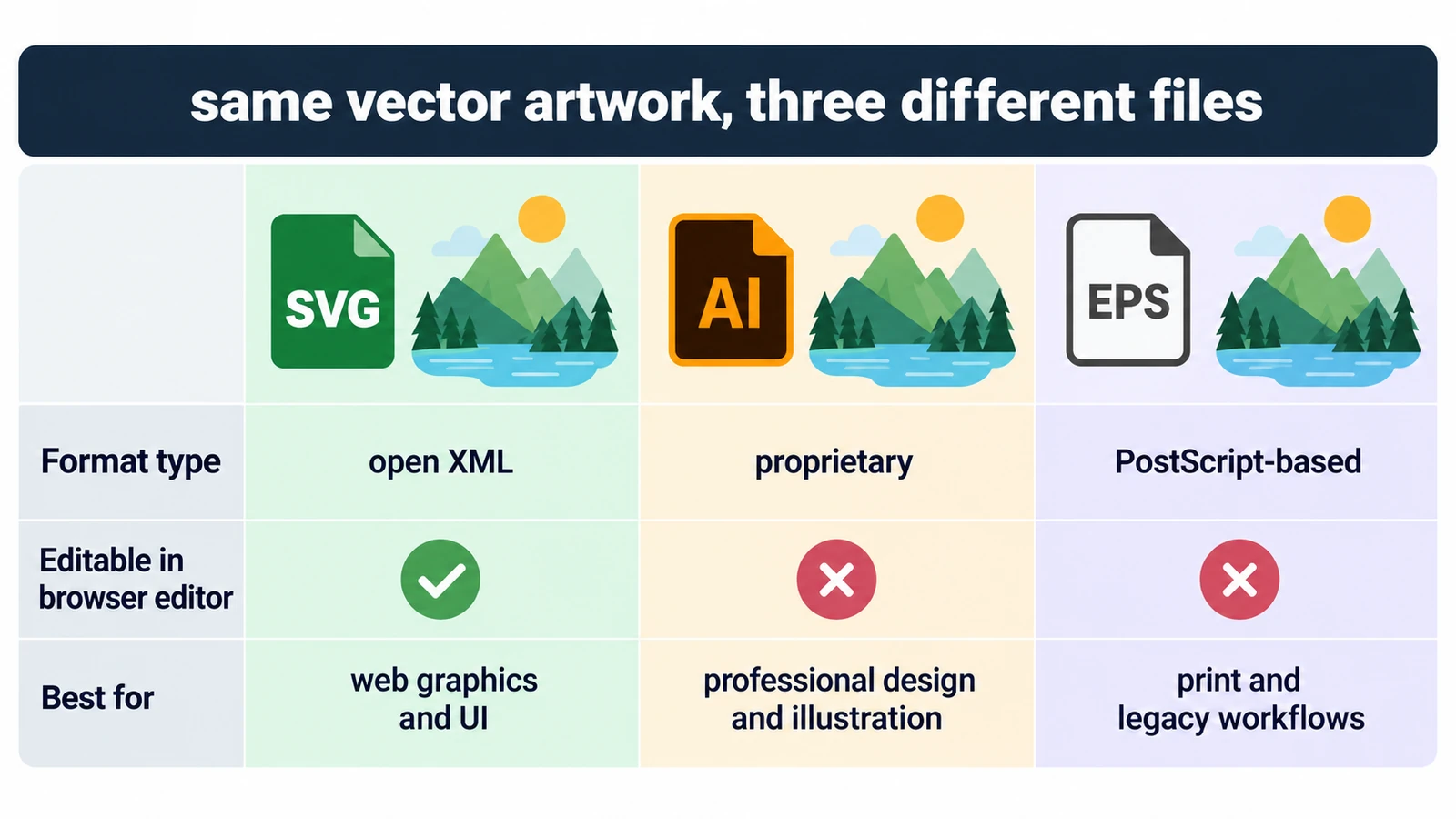
All three can describe the same curves, so the question is who can open the file and what they can change inside it. Units, fonts, and a rule for each destination.
A PNG covers exactly one size; an SVG is drawn again at each one. What that means for transparency, edges and editability after handoff, and when the PNG wins.
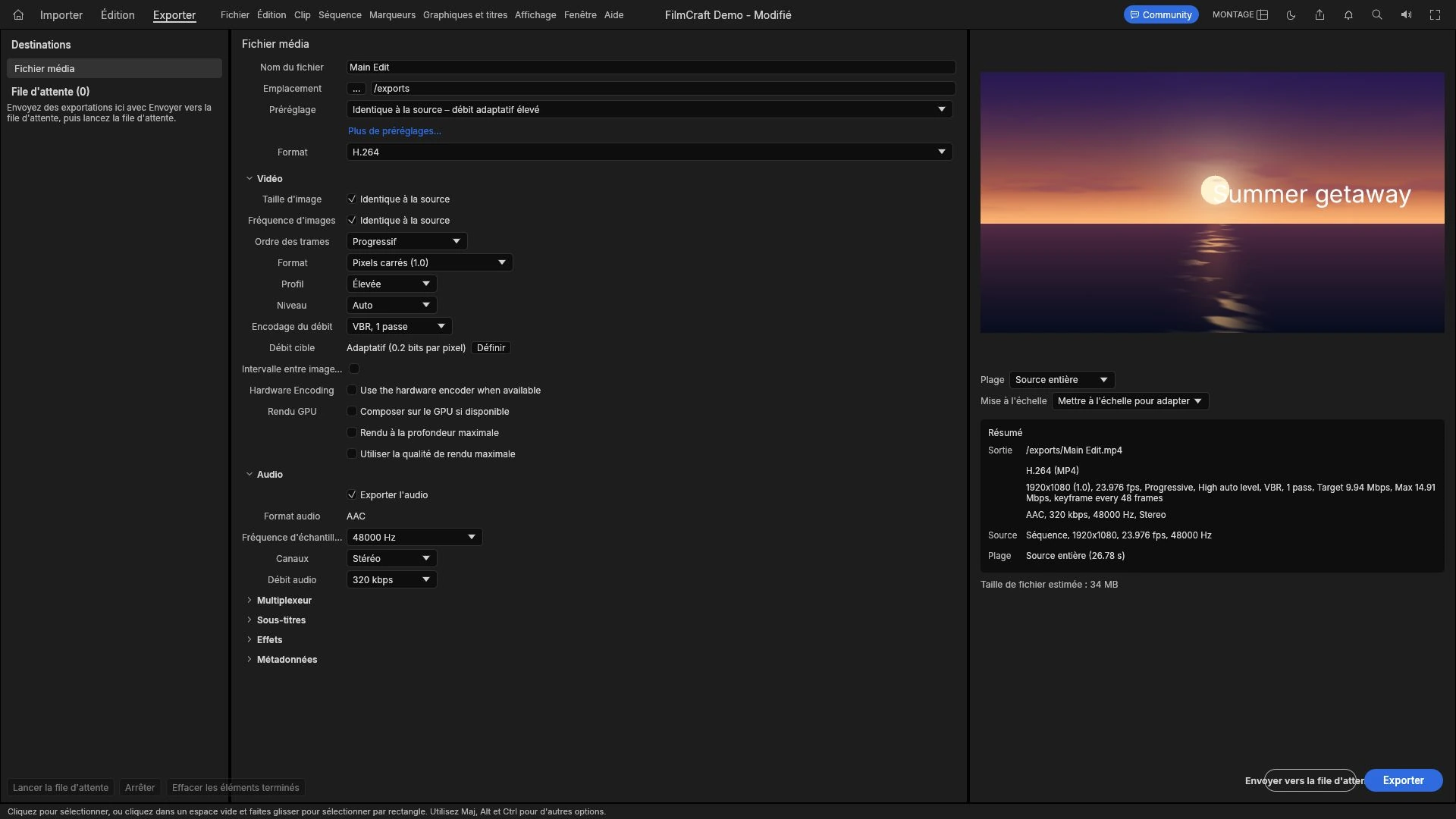
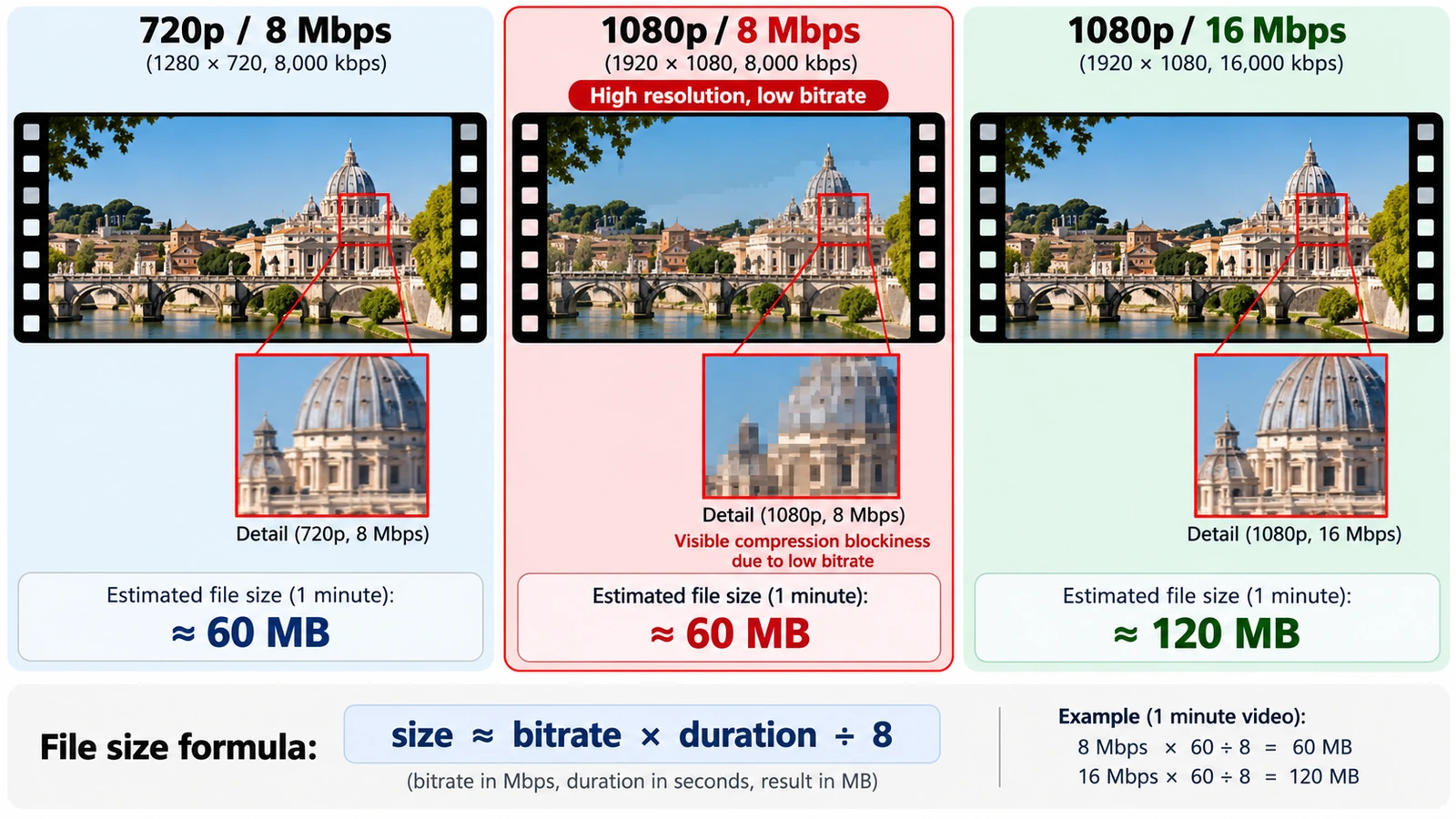
Bits per pixel per frame settles most arguments: divide bitrate by pixel count and frame rate. What each setting controls, and how to size a file before export.
Creative workflows Video editing Browser tools No signup Workflow comparison 4 min read
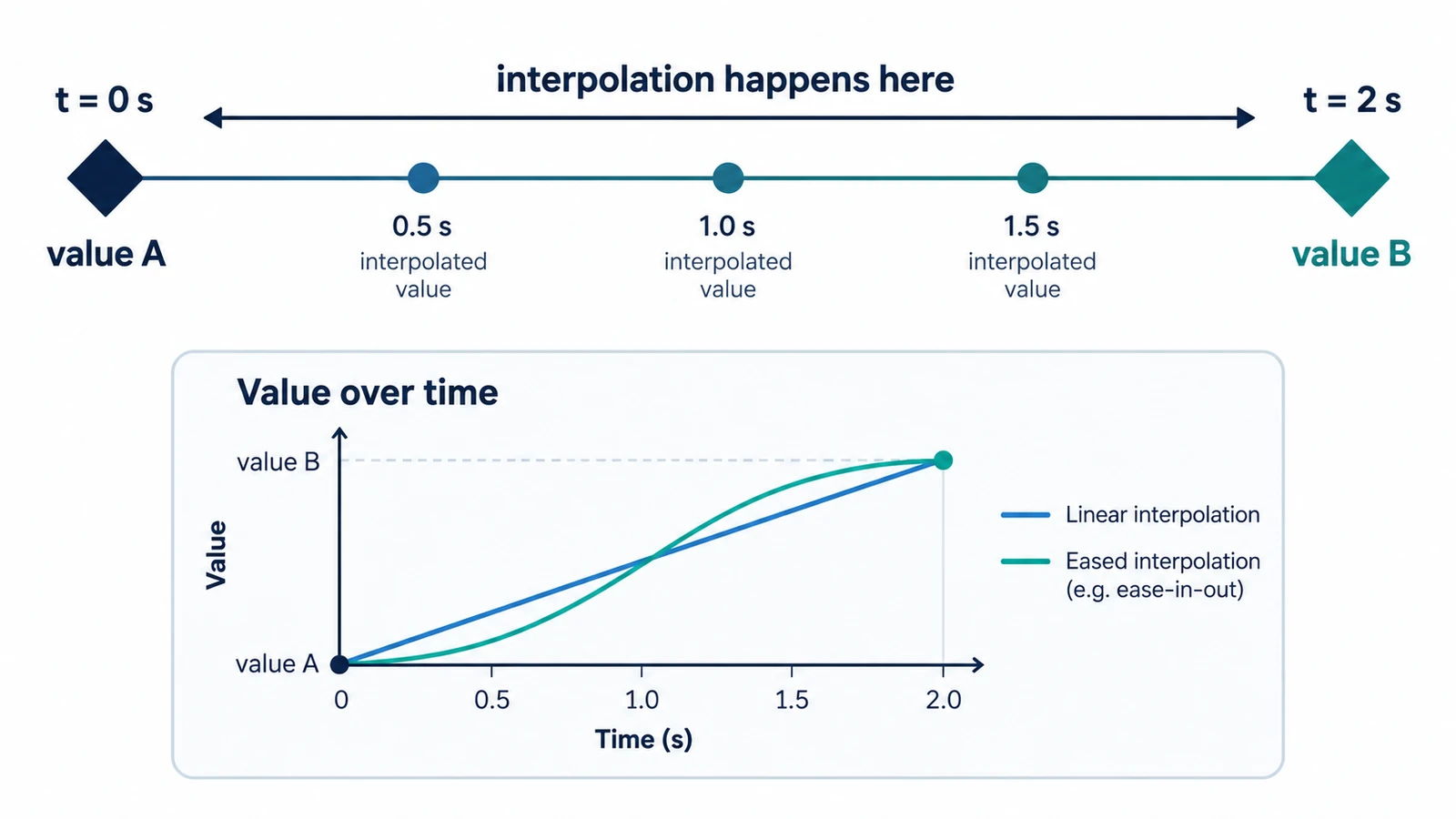
A keyframe holds a value at a moment; interpolation draws the path between two. How the arithmetic works, why easing is a curve, and four beliefs worth correcting.
Creative workflows Motion graphics Browser tools No signup 5 min read
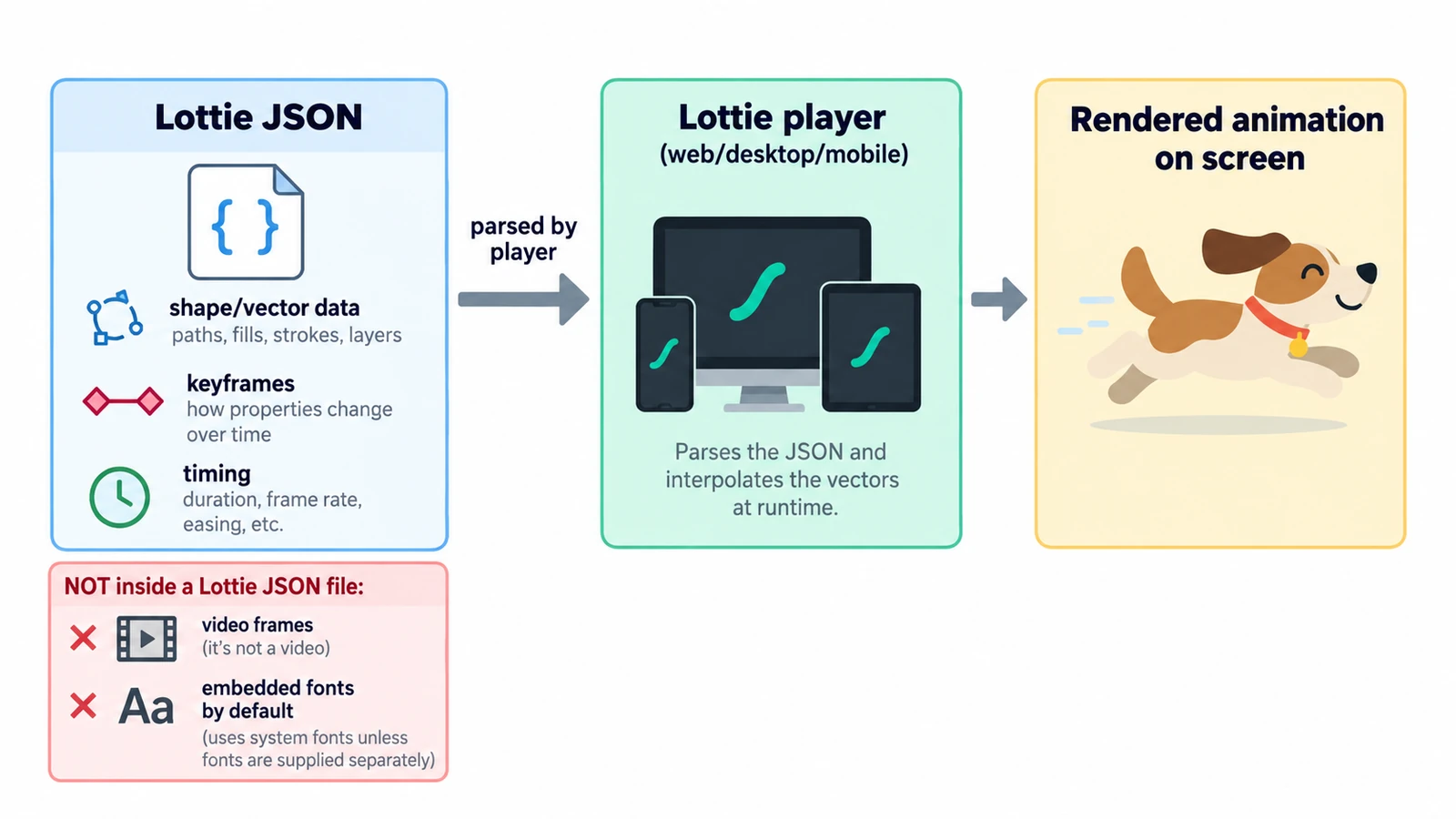
A Lottie file is readable JSON: a canvas, a frame rate and an array of layers. What the fields define, why text changes delivery, and what the format cannot carry.
Creative workflows Motion graphics Browser tools No signup Lottie 4 min read
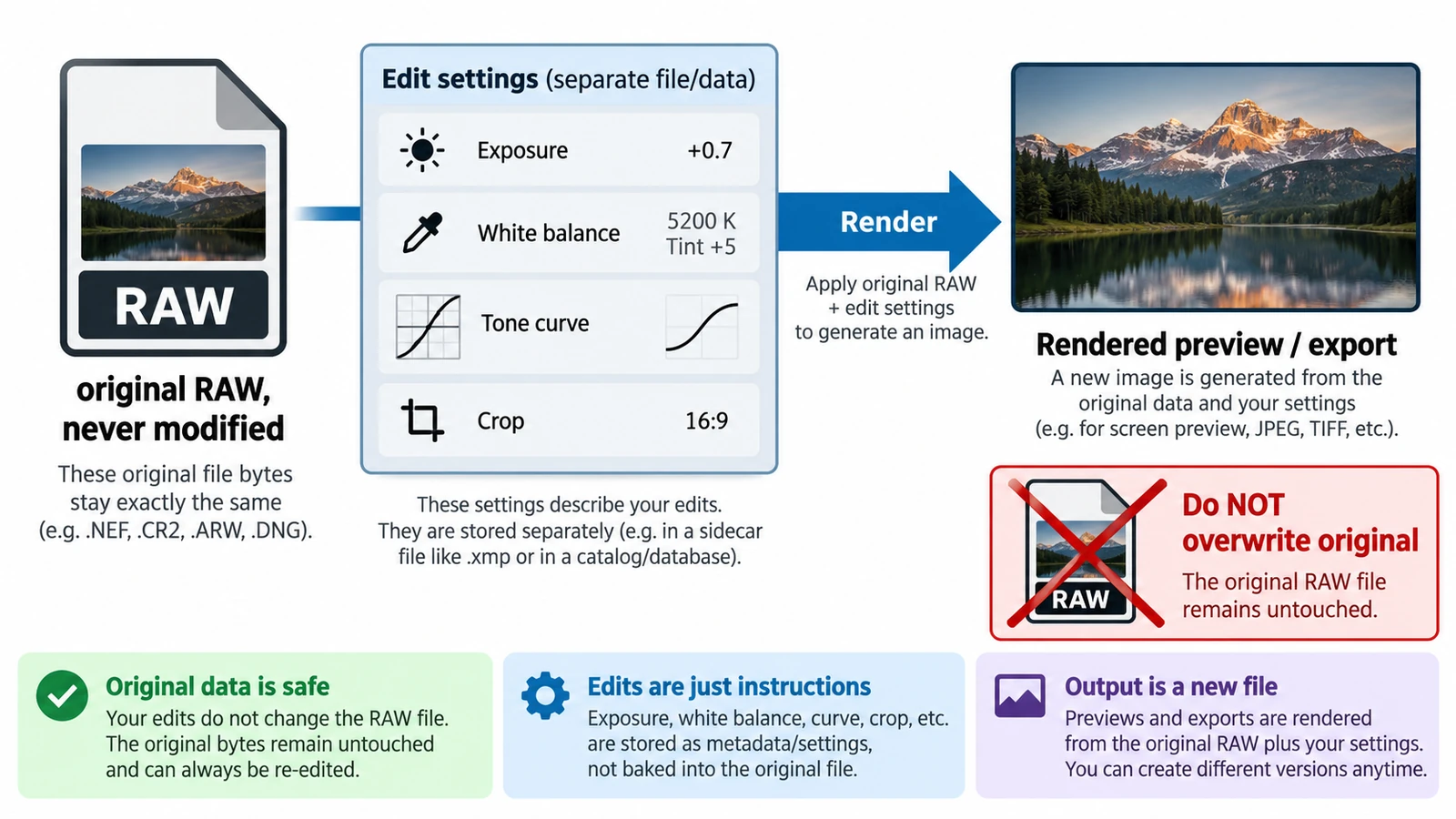
Non-destructive is an editing model, not a promise: the original stays and adjustments are stored as values. What survives a closed tab, and why a crop is not a deletion.
Creative workflows RAW editing Browser tools No signup File formats 4 min read
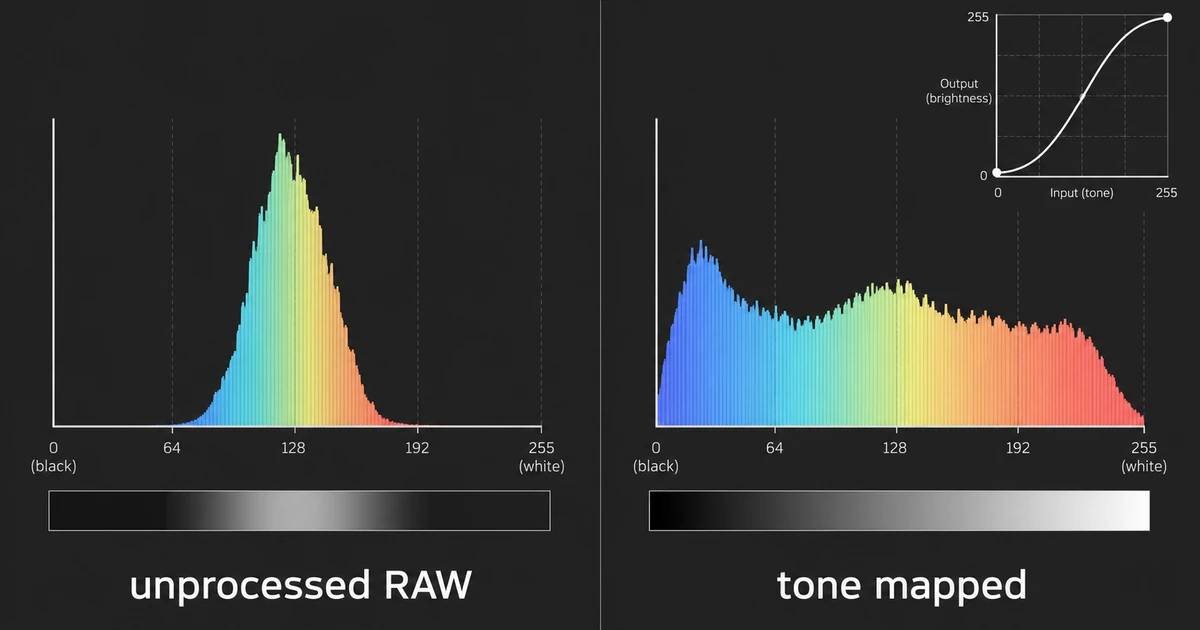
Nothing is wrong with the file: no tone curve has been applied yet. Why linear light looks pale, what the camera screen shows, and how flat differs from underexposed.
Creative workflows RAW editing Browser tools No signup 4 min read
Compose a Lottie animation the format can carry, export the JSON from a browser editor, and validate one short test file before committing the long one.
Creative workflows Lottie Motion graphics Web animation 4 min read
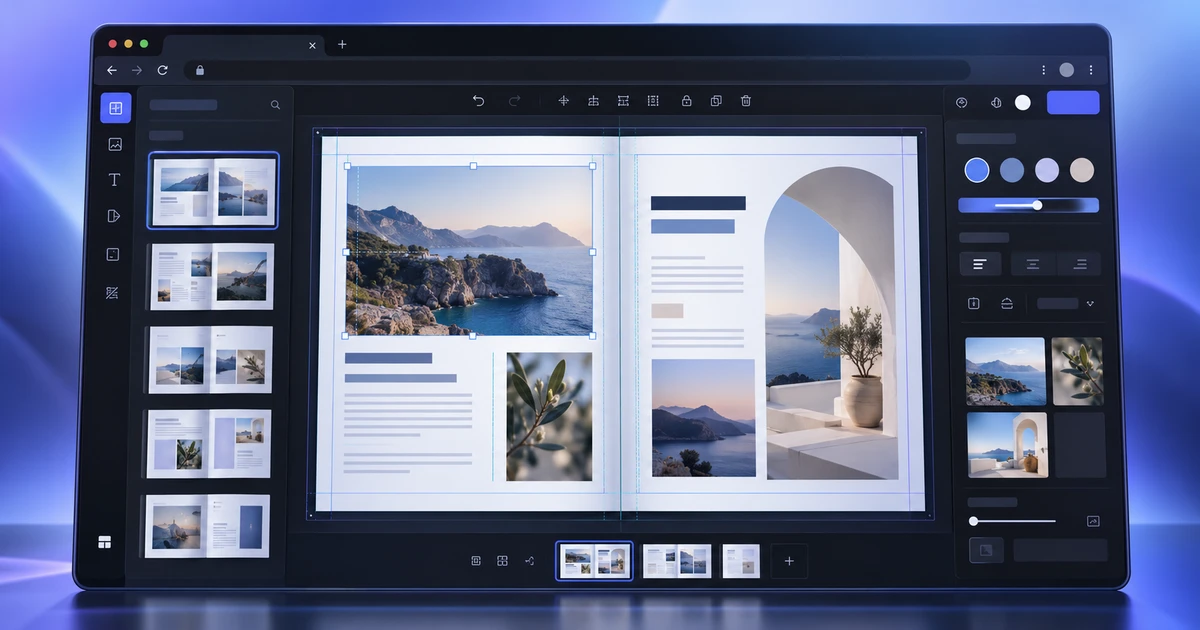
Create a brochure online with a real page-layout workflow: document setup, master pages, threaded text, styles, placed images and print-ready PDF export.
Creative workflows Page layout Brochure design Publishing 5 min read
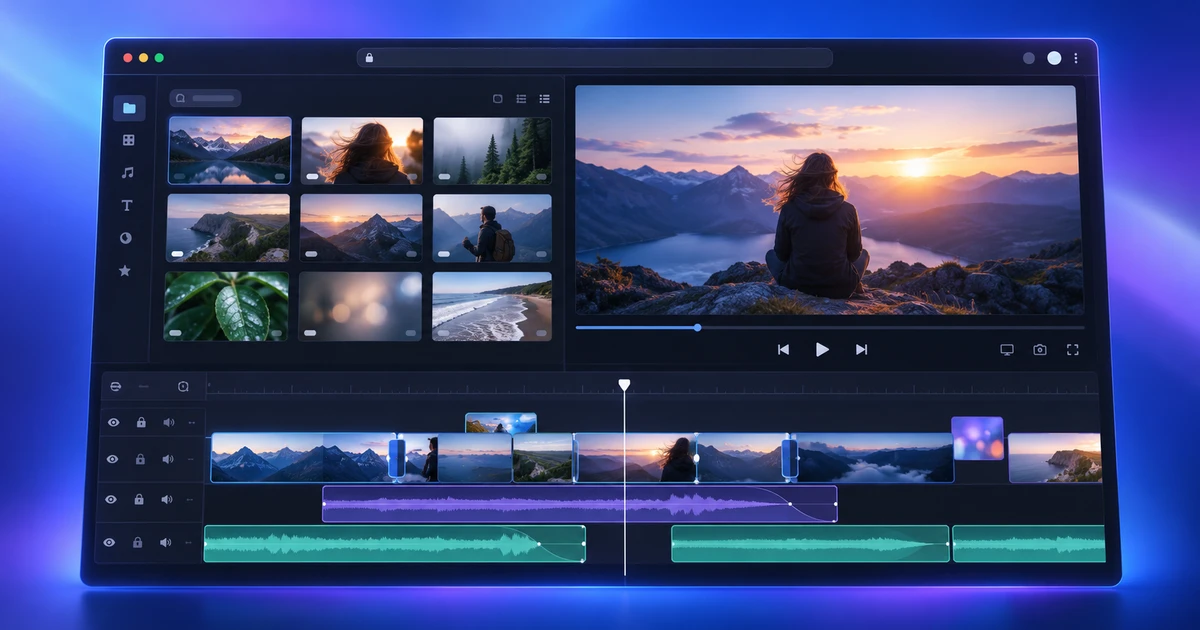
Lanes are read in parallel against one playhead, not clips parked end to end. Insert versus overwrite, the four trims, grading after the cut, and export last.
Creative workflows Video editing Browser tools No signup 4 min read
Open AI files online, inspect what remains editable, change vector paths and text, and export safely while understanding vector-file compatibility limits.
Creative workflows Vector editing AI files Browser tools 5 min read
Open and edit PSD files online while preserving layers where supported. Learn what to check for masks, adjustments, smart objects and filters before export.
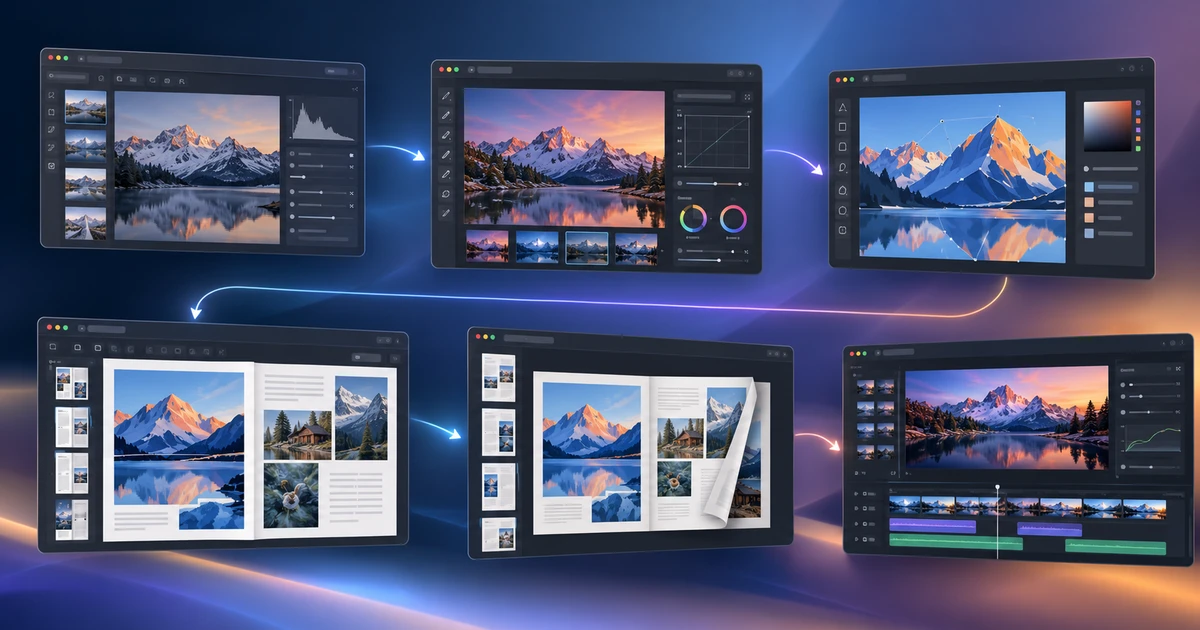
Understand RAW editor vs photo editor workflows, where development ends, where layer-based retouching begins and how to hand an image from one stage to the next.
Creative workflows RAW editing Photo editing Tool selection 4 min read