Browser-Based Creative Editors vs Desktop Software
Installing nothing is not the same as downloading nothing. What a browser editor gains, where it gives ground to desktop software, and a decision rule beyond loyalty.
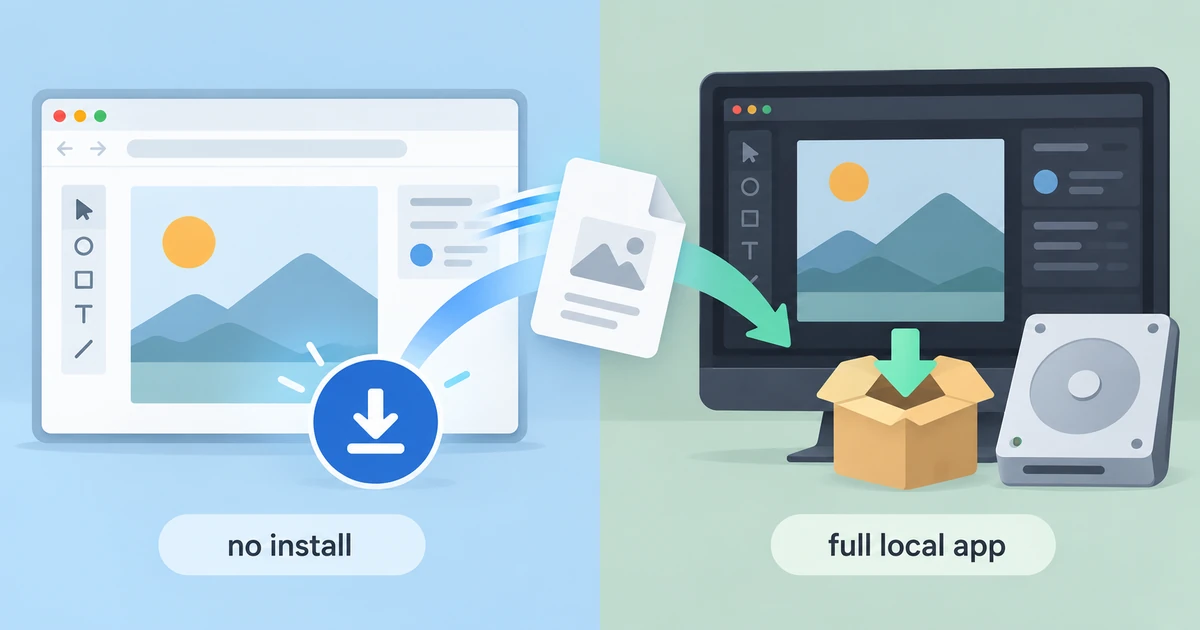
Installing nothing is not the same as downloading nothing. Each engine here is fetched the first time you press launch — tens of megabytes — and cached afterwards, so the real trade is no installer, no plugin and no copy in an applications folder, rather than no data crossing the network.
The browser-based creative editors vs desktop software argument gets muddled when it turns into loyalty. The concrete version is more useful: where these builds are capable, where they give ground, and what installed software still does.
What “no install” changes
Nothing downloads before you press launch, and the first launch of a large engine costs tens of megabytes. After that it is cached, and the motion editor goes further with a service worker that lets it open offline. The practical effect is that you can try a tool on a machine you do not administer, and that an update reaches you when the site deploys one rather than when you accept a prompt.
It does not change the shape of the work. A tab is still an application with a window, a project and a save path, and it still needs memory for the project you open.
Where the browser build gives ground
The video editor is the clearest case, because it is single-threaded in this build. Render previews, proxies, the Project Manager and mask tracking all report an error, since they are the features that assume spare cores. Export is stepped at roughly 30 ms per interface frame, so a 900-frame timeline costs at least 900 × 0.03 = 27 s of stepping before encoding even begins. On a short clip that is tolerable. On a long one it is a plan.
The raw developer requires WebGL2 and has no 2D fallback, so an older graphics stack is a hard stop rather than a slow path. The vector editor ships no Arabic-capable font, so Arabic text draws as boxes in that build. The page layout editor is built for desktop browsers, which is worth saying plainly because “runs in a browser” is not “runs on a phone”. And browser storage is evictable, so a tab behaves like a session rather than a library.
What desktop software still buys
The first thing is format coverage. Installed applications ship with decoders, codecs and importers for formats a browser build may not open at all; this video editor cannot read .prproj and accepts FCP7 XML, AAF or OTIO instead, and the motion editor cannot open .aep files and does not run AE plug-ins. Those gaps are not opinions, they are documented limits.
The second is the local machine. Scratch disks, memory and a GPU used to their limit are still the reason long projects live on a workstation.
The third is print production. Colour-managed CMYK output, spot colours, bleed, crop marks and preflight belong to prepress, and no page here claims them. If the deliverable is press-ready, that part happens elsewhere.
The fourth is interoperability with a team. Formats that colleagues already use, batch automation and plugin ecosystems are reasons a studio does not switch wholesale.
The arithmetic of moving a project
File size decides how much of this matters. A 60-second 1080p clip at 8 Mbit/s is 8,000,000 × 60 ÷ 8 = 60 MB. Moving that between two tools costs time on any connection and much more on a slow one, and a project of forty such clips is 2.4 GB of shuttling before anyone edits anything.
That is the honest case for doing the whole job in one place. The browser advantage is not speed; it is that the tool is one click away when the job is small. The desktop advantage is not quality; it is that it holds large projects without asking you to manage storage.
A decision rule that is not about loyalty
If the job is a single image, a short clip or one PDF, and you need it now on a machine that is not yours, the browser tool is the sensible default. The engine is fetched, the work happens in the tab, and the result lands in your downloads.
If the deliverable depends on colour-managed print output, large project files, long timelines or formats only an installed application reads, the desktop tool is doing work the tab cannot.
If you are comparing tools before committing, browser editors are the cheaper way to form an opinion, because nothing is installed and nothing has to be uninstalled.
None of that makes either option the winner. It makes the choice depend on the deliverable, which is the only criterion that survives contact with a deadline.
Keeping the output
Whichever route you choose, the file is the thing that persists. Save and export in these editors hand the result to the browser’s download manager, and there is no account library behind them, so the copy on your disk is the only copy. An open tab has no autosave, and browser storage can be cleared by you, by a private window or by the browser itself when space is tight.
The engines are open source, each under MIT OR Apache-2.0, which tells you the code can be read and reused; it is a licensing fact rather than a guarantee of quality or security. “Runs in your browser. No FreeAIGeneration account required” is the accurate summary of the arrangement, and the creative tools page lists what each engine does. The storage and request questions are set out in where your file goes, the checklist version in whether online editors are private, and the rest sits in the guides hub.
Frequently asked questions
Does a browser editor install anything on my computer?
No. Nothing is downloaded before you press launch, the first launch fetches tens of megabytes, and the engine is cached afterwards. That is different from installing an application you later have to update or remove.
Why does the video editor take so long to export?
It is single-threaded in this build, and export steps at roughly 30 ms per interface frame, so a 900-frame timeline costs at least 27 seconds before encoding starts.
Do these editors work on phones and tablets?
They are built for desktop browsers. The page layout editor in particular is a desktop tool, and running in a browser should not be read as running on a phone.
Related articles
-
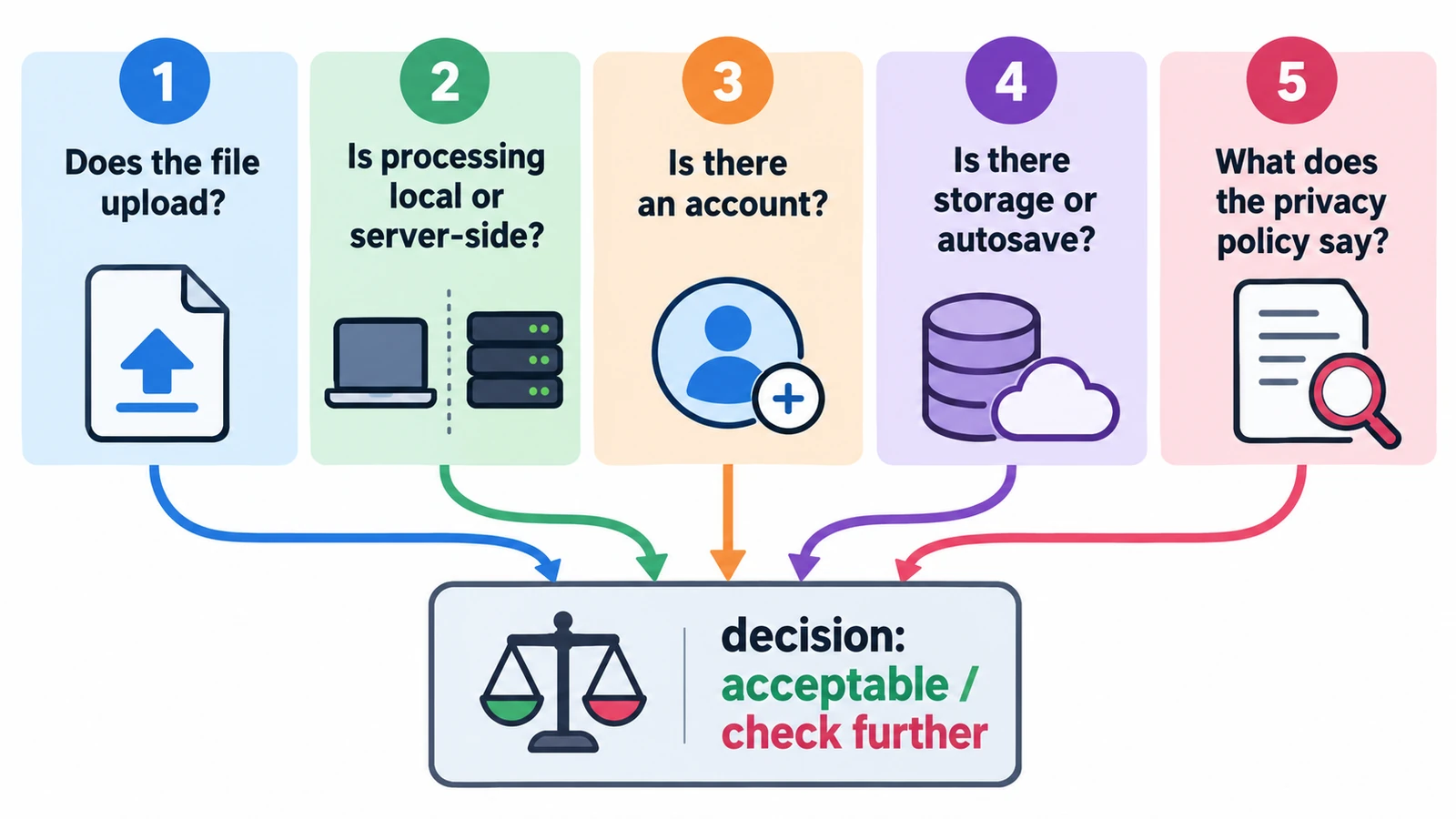
Are Online Photo, Video and PDF Editors Private?
"Online editor" describes a delivery method, not a data policy. Five questions about local processing, uploads and stored files, and where that promise stops.
Creative workflows Browser tools Local processing No upload Privacy 5 min read
Published By Julia M. Gil
-
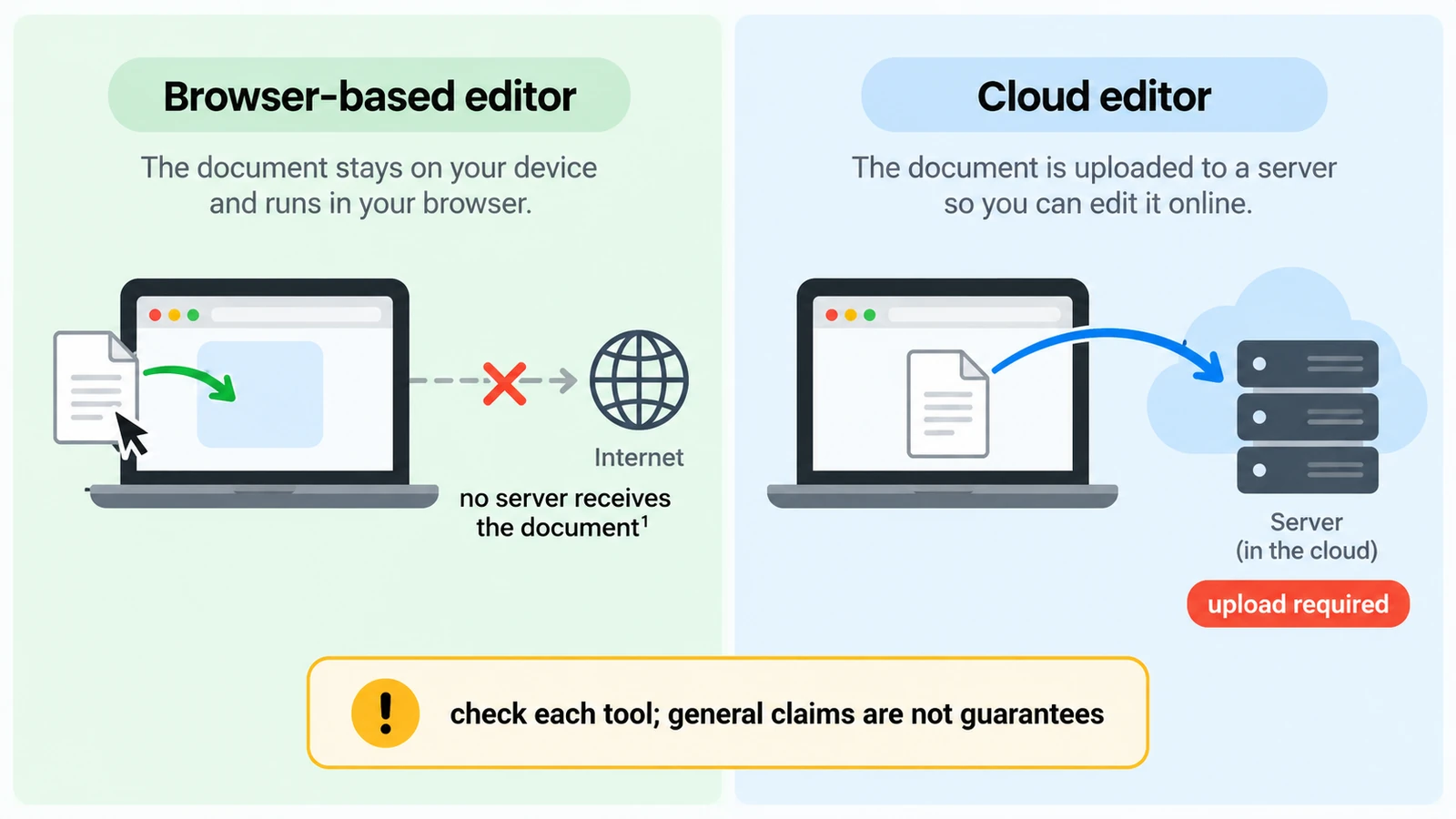
Browser-Based vs Cloud Editors: Where Does Your File Go?
Two editors that look identical can put your file in opposite places. How to tell local from cloud, what "no upload" does not cover, and what a round trip costs.
Creative workflows Browser tools Local processing No upload Privacy 5 min read
Published By Julia M. Gil
-
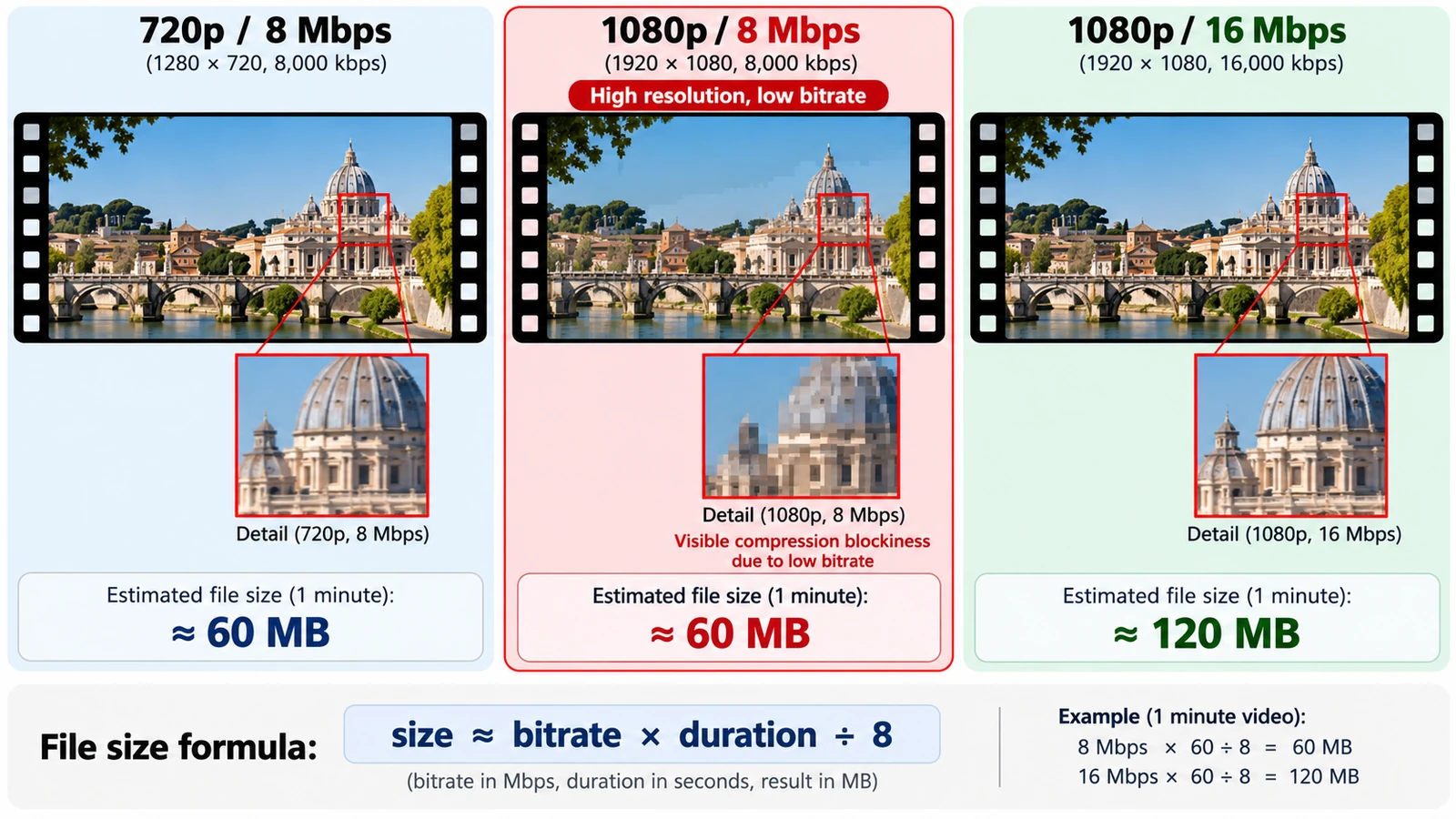
Video Resolution vs Bitrate: What Actually Affects Quality?
Bits per pixel per frame settles most arguments: divide bitrate by pixel count and frame rate. What each setting controls, and how to size a file before export.
Creative workflows Video editing Browser tools No signup Workflow comparison 4 min read
Published By Julia M. Gil
Keep exploring
FreeAIGeneration is more than this article. The editors and calculators below are real, free and run in your browser.