How to Calculate a Due Date from a Start Date
Calculate a future due date by adding a defined number of calendar days to a start date, with examples and common counting pitfalls.
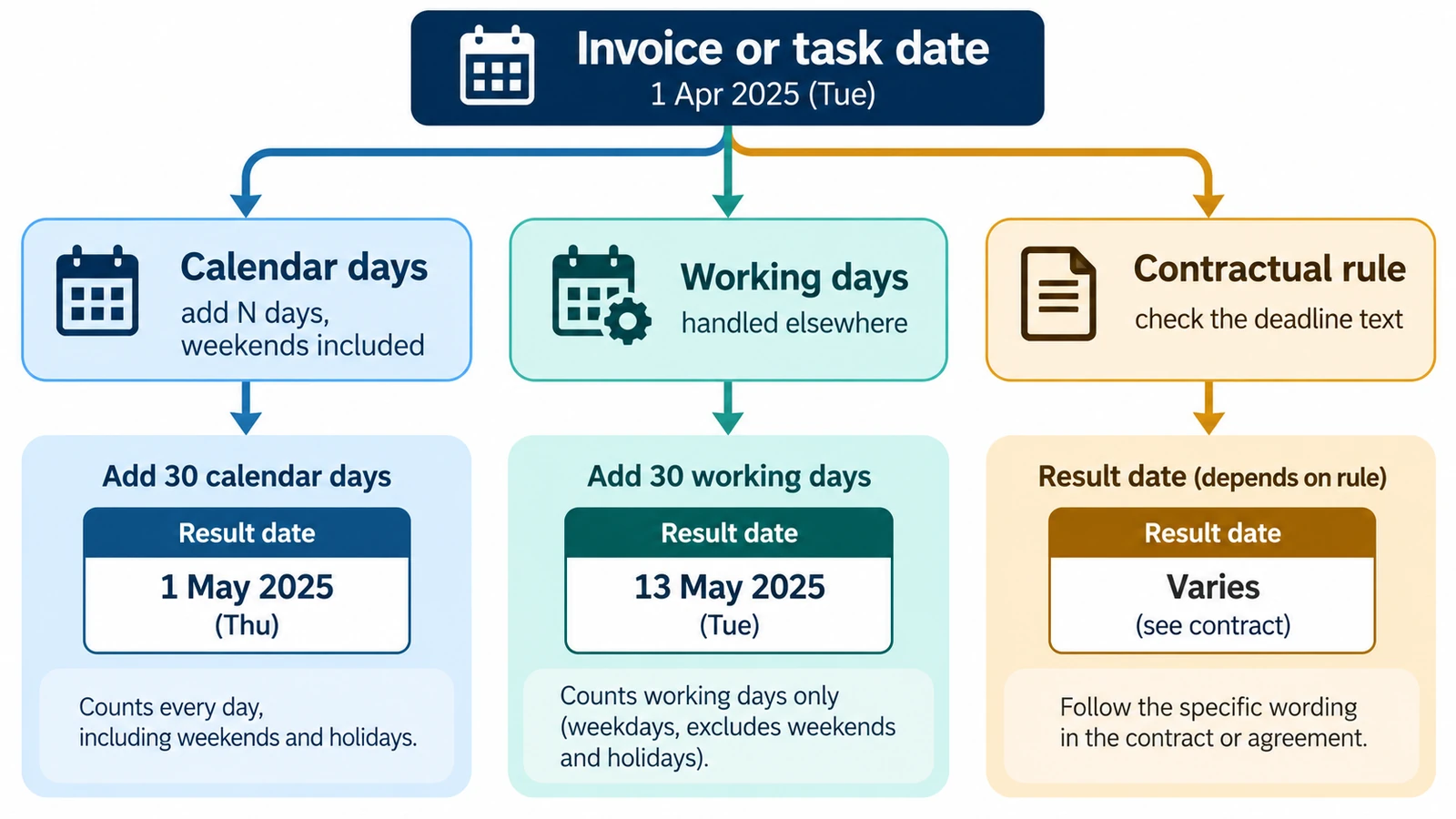
When you calculate a due date from a start date, you are doing exactly one thing: adding a whole number of calendar days and reading off the weekday. Everything that goes wrong happens either before that step (the term was wrong) or after it (the result was treated as something it is not).
The term is a plain day count
The days field takes digits only, up to nine of them, with no sign, no decimal point and no unit suffix. A term of 30 is 30 calendar days. Zero is accepted, which is occasionally useful: it returns the start date unchanged, weekday included.
Nothing about weekends, public holidays or working days is built in. If a contract says “net 30” and means business days, the calculator cannot express that directly, because turning business days into calendar days needs the holiday calendar for the jurisdiction in question. The same goes for a term quoted in weeks or months by whoever wrote it: the number of days has to come out of that text, not out of the page.
Three additions, worked out
22 October 2026 plus 45 days is 6 December 2026, a Sunday. The weekend is not corrected. A due date that falls on a Sunday stays on the Sunday, because the calculator has no working-day rule to move it.
15 December 2026 plus 30 days is 14 January 2027, a Thursday. The year boundary is crossed in the middle of the count and changes nothing about the arithmetic.
22 October 2026 plus 14 days is 5 November 2026, a Thursday. Fortnightly terms keep the weekday, since 14 is a multiple of seven — a quick way to judge whether an answer is at least plausible.
Adding to any date is set out on its own in how to add days to a date; this page is about the framing that turns the addition into a due date.
Two things a date cannot tell you
A due date is a date, not a deadline moment. The calculation has no time of day, so it cannot say whether something is due at the start or the end of 14 January 2027, and it will not tell you whether the evening of that day still counts.
It also cannot adjust for non-working days. If your process requires the due date to land on a business day, you move it yourself — and moving it forward by a day or two may cross a public holiday nobody checked.
Thirty days and one month are different terms
If a term is written in months, the day number is usually what carries across: one month after 15 December 2026 is 15 January 2027. Thirty days after the same start date is 14 January 2027. The one-day gap comes from December having 31 days, and it moves with the calendar, because months run from 28 to 31 days. A month-based term and a 30-day term are therefore different rules, and only the text that set the term can settle which one applies.
Nothing on the page knows about statute, contract wording, tax filing or medical timelines, and it should not be used to substitute for the authoritative source behind any of them.
Running the calculation
Enter the start date, type the day count, choose Add days, and the page returns the end date with its weekday, alongside a summary line giving the count and the resulting date.
The Add or Subtract Days Calculator runs in your browser with no FreeAIGeneration account required, and it saves nothing when you close the tab. To run the same arithmetic backwards, from a known date to an earlier one, see how to find a past date from a number of days.
Frequently asked questions
Does the calculator skip weekends when it adds days?
No. The count is calendar days, so a term that lands on a Saturday or Sunday stays there; there is no working-day or holiday rule.
Can I enter a term of one month instead of 30 days?
No. The field takes whole days only, and because months run from 28 to 31 days a month-based term has to be converted before it goes in.
Can the result show a time of day?
No. The calculation stays on the date scale, so it cannot say whether something is due at the start or the end of the resulting day.
Related articles
-
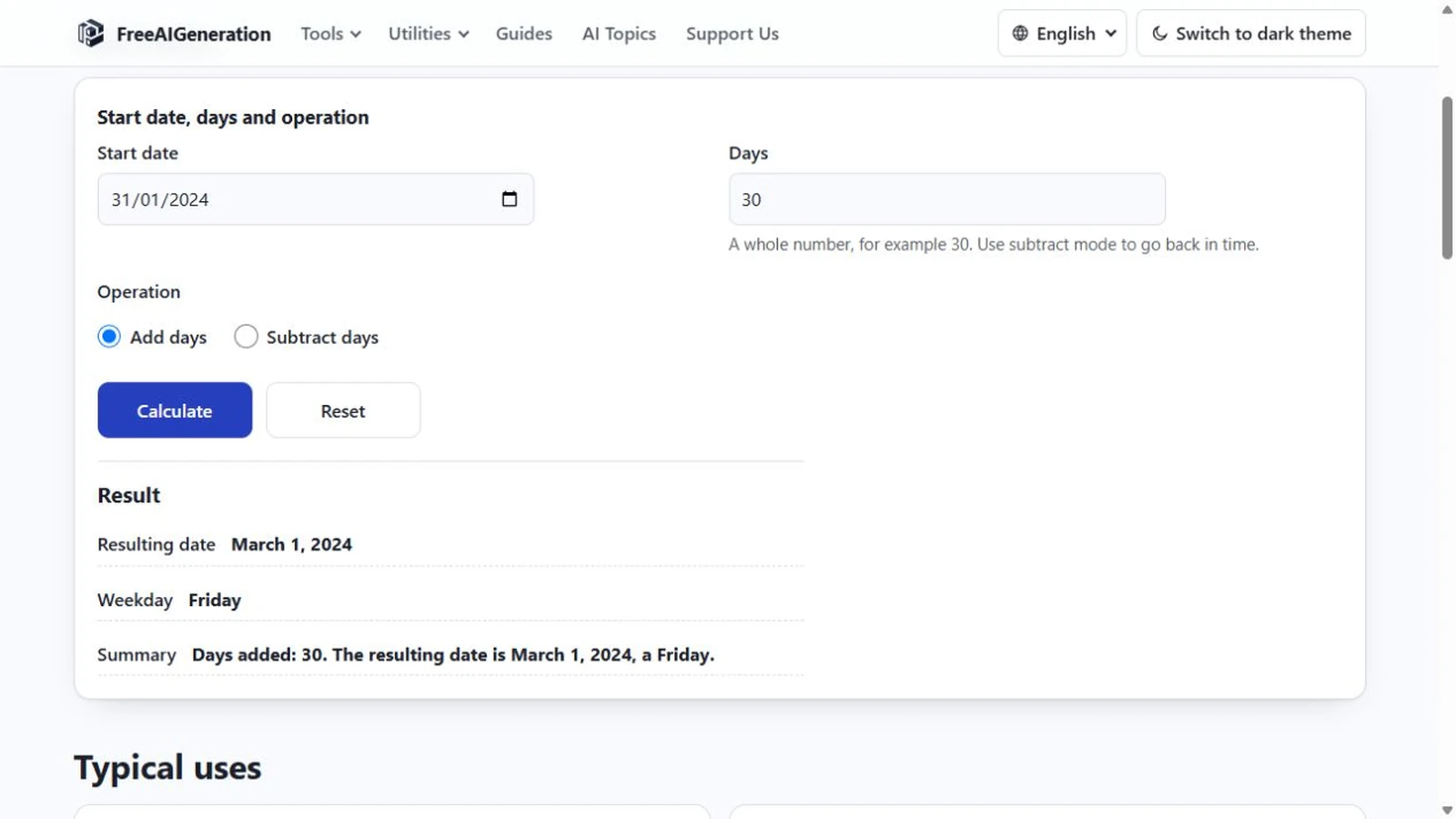
How to Add Days to a Date
Days and months are different units, and only the day count is fixed. Month ends, leap days, year turns, rejected input, plus the weekday of the answer.
Utilities & productivity Date & time Calculators Converters 4 min read
Published By Julia M. Gil
-
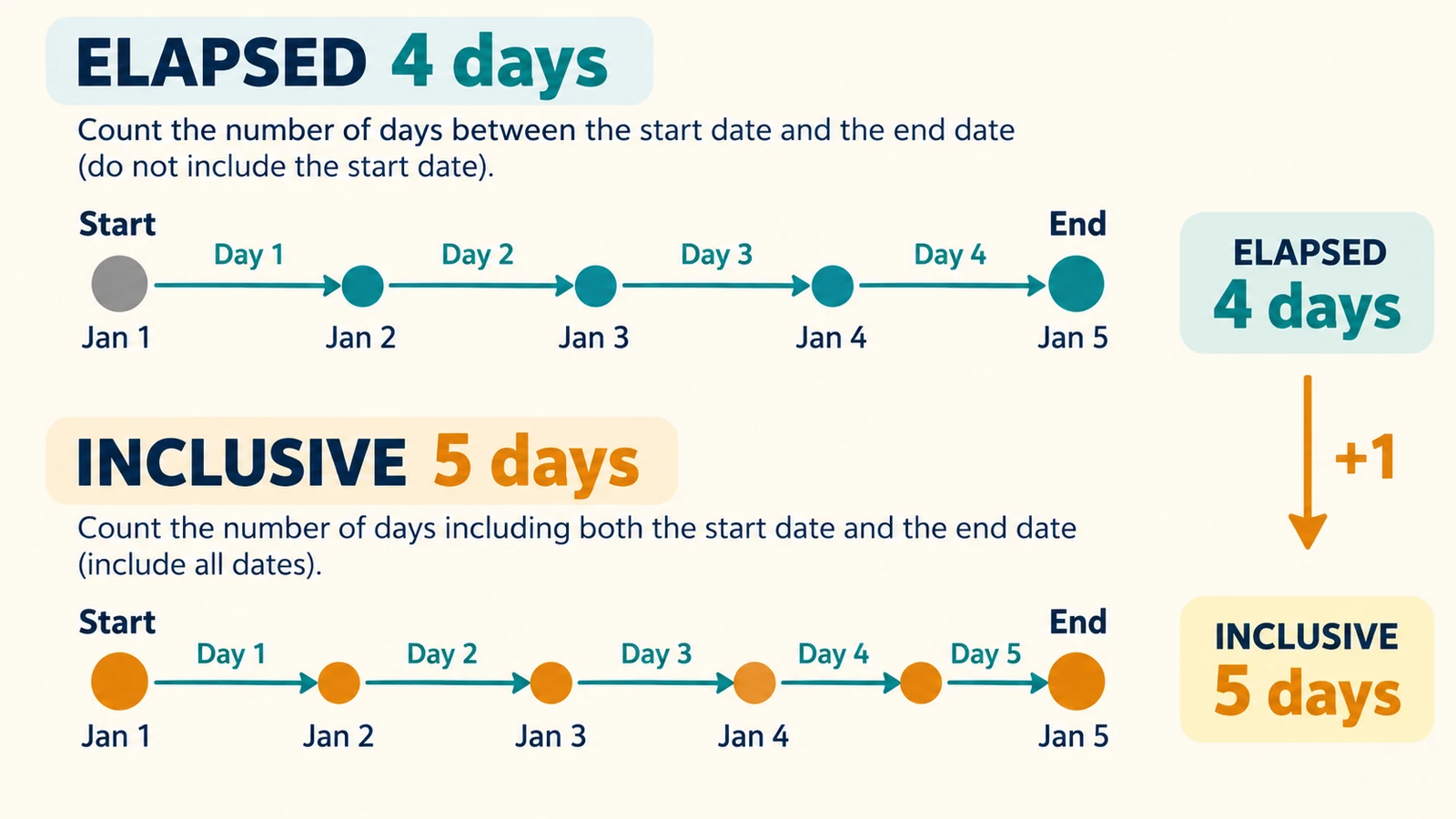
How to Calculate How Many Days Are Left Until a Date
Find how many days remain before a future date, event or deadline and verify the result with our date difference calculator.
Utilities & productivity Date & time Calculators Converters 3 min read
Published By Julia M. Gil
-
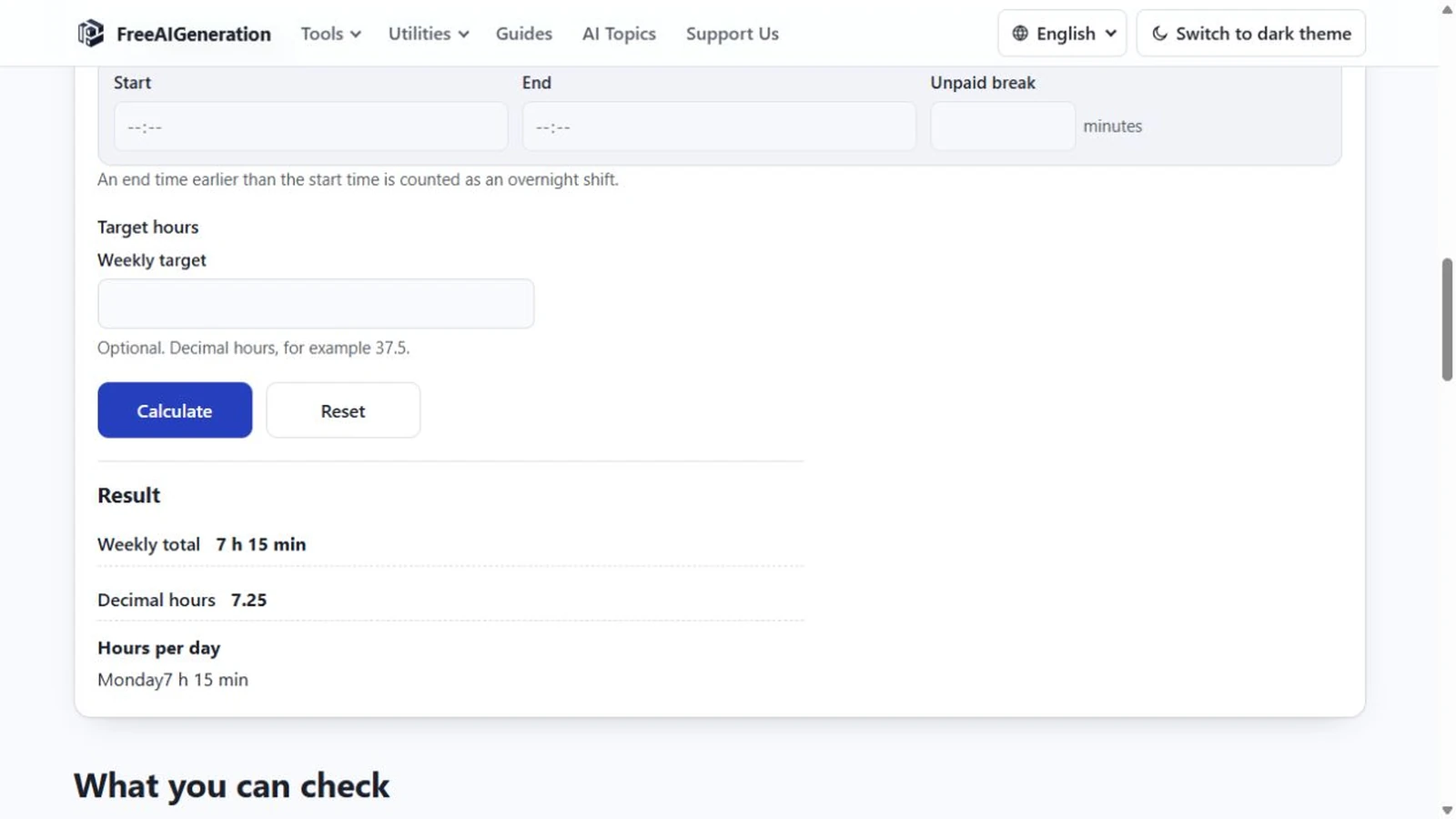
How to Calculate Work Hours in a Day
Calculate total worked time from a start time and end time, then subtract breaks accurately with simple examples and a free calculator.
Utilities & productivity Date & time Calculators Converters 3 min read
Published By Julia M. Gil
Keep exploring
FreeAIGeneration is more than this article. The editors and calculators below are real, free and run in your browser.