How to Calculate the Time Between a Start and End Time
Start and end times give a duration, not a date: identical times return zero, not 24 hours, and a shift past midnight is handled without a 24-hour assumption.
The wrong answer people expect for a start time and an end time that match is 24 hours. The right one is zero. Between those two answers sits the whole of duration arithmetic, and it is worth being exact about what the time between two times actually measures: a position on a 24-hour circle, subtracted from another.
A duration needs no dates
The time between two times is a single subtraction, end minus start, in minutes. 09:15 to 17:45 is 8 hours 30 minutes, which is 510 minutes and 8.5 decimal hours. No date is involved and none is needed, which is why a duration question and a date-range question are different problems even when both involve a clock.
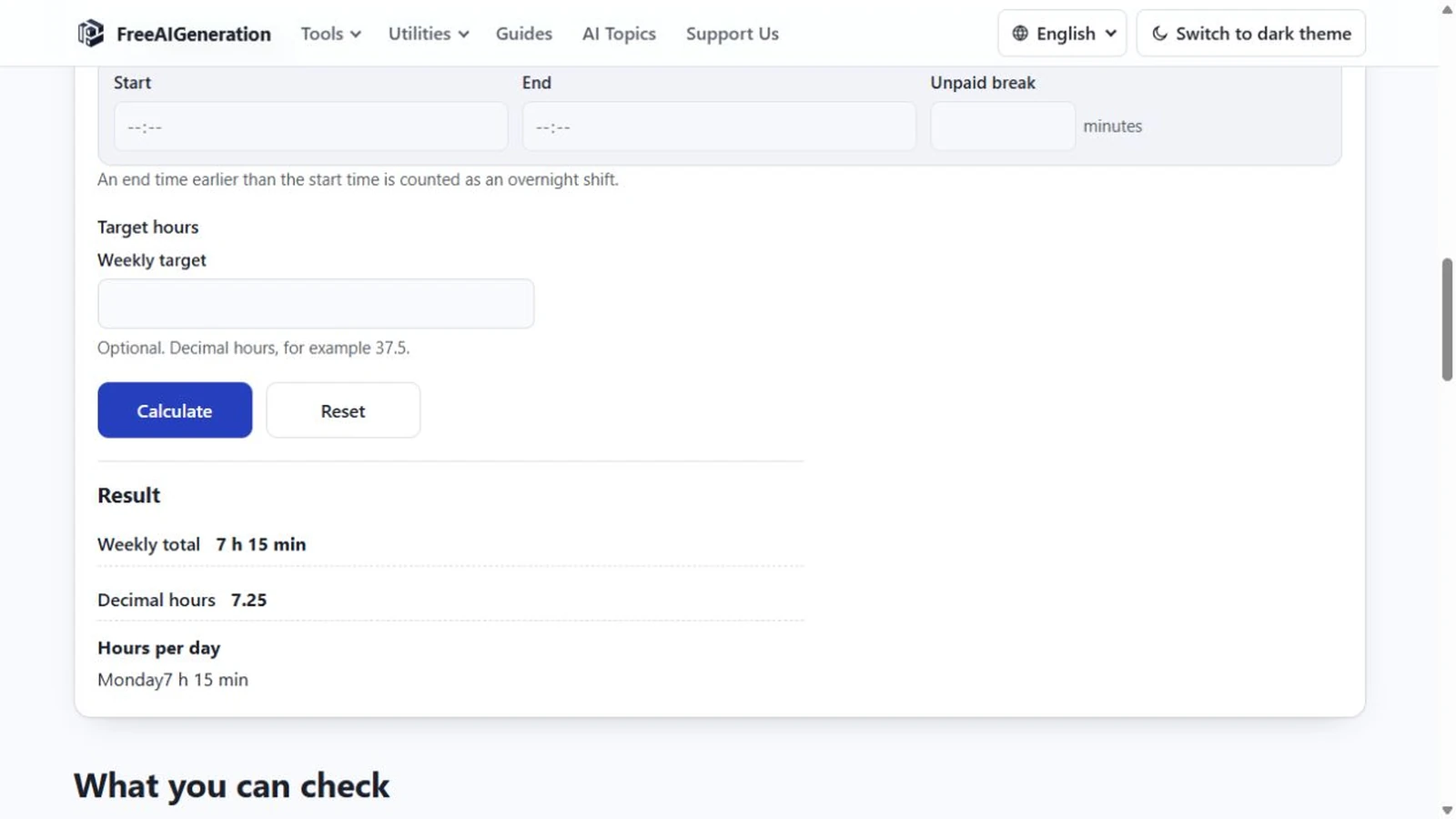
The work hours calculator handles it with one row: switch the row on, type the two times, and leave “Unpaid break” empty. The “Hours per day” line shows the duration, and because only one row is enabled, the “Weekly total” shows the same figure. That duplication is expected rather than a fault.
When the end is earlier than the start
An end time before the start time is read as a shift crossing midnight, and it wraps exactly once. 22:00 to 06:00 is 8 hours. 23:30 to 00:30 is 60 minutes, or 1:00. 11:00 to 01:00 is two hours, not minus ten.
The single wrap puts a hard limit on what the page can represent. A shift of 24 hours or more cannot be entered, because there is no way to tell it apart from a short overnight span or from zero. If you are totalling a long shift, split it across rows and accept that the split is a modelling choice rather than a fact about the day.
Zero means zero
10:00 to 10:00 is 0 minutes, shown as 0:00. So is 09:00 to 09:00, and so is 23:59 to 23:59. The calculator does not promote an equal pair to a full day, which is the intuitive mistake but the wrong arithmetic.
Ending exactly at midnight is the wrap case, not the zero case. 20:00 to 00:00 is four hours, because 00:00 sits earlier in the day than 20:00 and the wrap applies. The boundary matters in the input too: 00:00 is a valid time, 24:00 is not, and a field containing 24:00 is rejected rather than read as midnight.
What two clock times cannot express
Seconds do not exist here. Times are entered as HH:MM from 00:00 to 23:59, so a 09:15:30 start is not representable and a 90-second pause cannot be subtracted. The same applies to a single-digit hour: the field wants two digits.
Time zones do not enter a duration between two wall-clock readings, because both move together and the difference is unchanged. Daylight saving is the awkward case: a local day can be 23 or 25 hours at a change, and two clock times alone cannot say which day you meant, so the calculation cannot account for the missing or extra hour.
Leaving the break field empty and typing 0 into it are the same thing: no deduction. There is no third state in which the calculator assumes a break, so a bare duration is always available.
Breaks are a separate field rather than part of the span. If you want the deduction applied, how to calculate work hours with a lunch break covers where the break goes, and the full day formula with both parts is in how to calculate work hours in a day.
To run the subtraction, the Work Hours Calculator takes the two clock times and returns h:mm alongside decimal hours. It runs in your browser, no FreeAIGeneration account required.
Frequently asked questions
Why is 10:00 to 10:00 zero rather than 24 hours?
Because the calculation measures the difference between two clock times, and two equal readings differ by nothing. A shift of 24 hours or more cannot be entered.
Does an end time after midnight produce a negative result?
No. An end time earlier than the start is treated as one overnight wrap, so 22:00 to 06:00 is eight hours.
Are time zones or daylight saving taken into account?
No. The result is the difference between two wall-clock readings, and two times cannot say which calendar day you meant.
Related articles
-
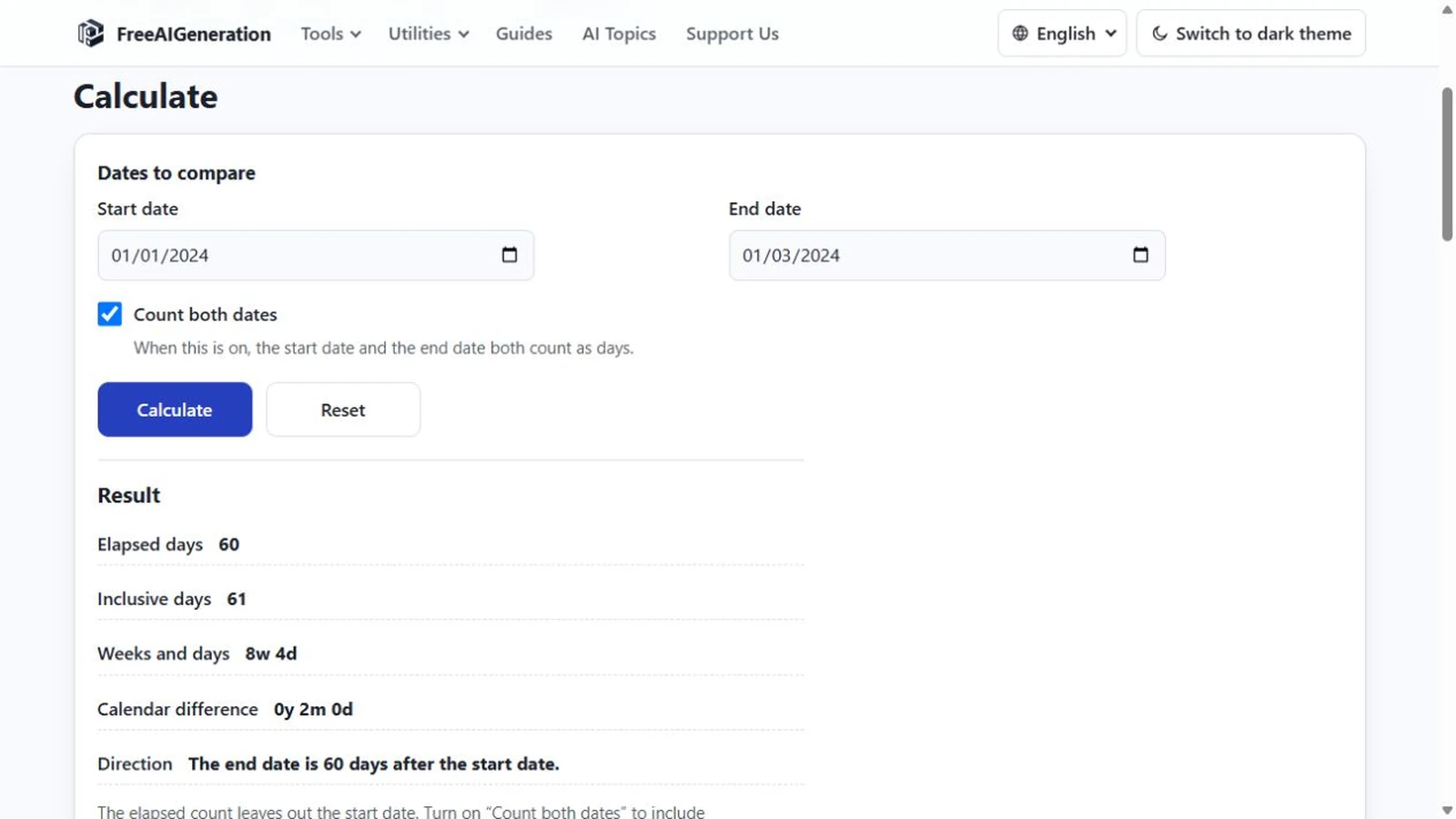
How to Calculate a Duration in Days, Weeks and Months
Calculate the duration between two dates in days, weeks and calendar months without treating every month as the same length.
Utilities & productivity Date & time Calculators Converters 4 min read
Published By Julia M. Gil
-
How to Calculate the Number of Days Between Two Dates
Two dates return four numbers: elapsed, inclusive, weeks and days, and calendar difference. Why they disagree, and which one a quoted figure was probably counting.
Utilities & productivity Date & time Calculators Converters 4 min read
Published By Julia M. Gil
-
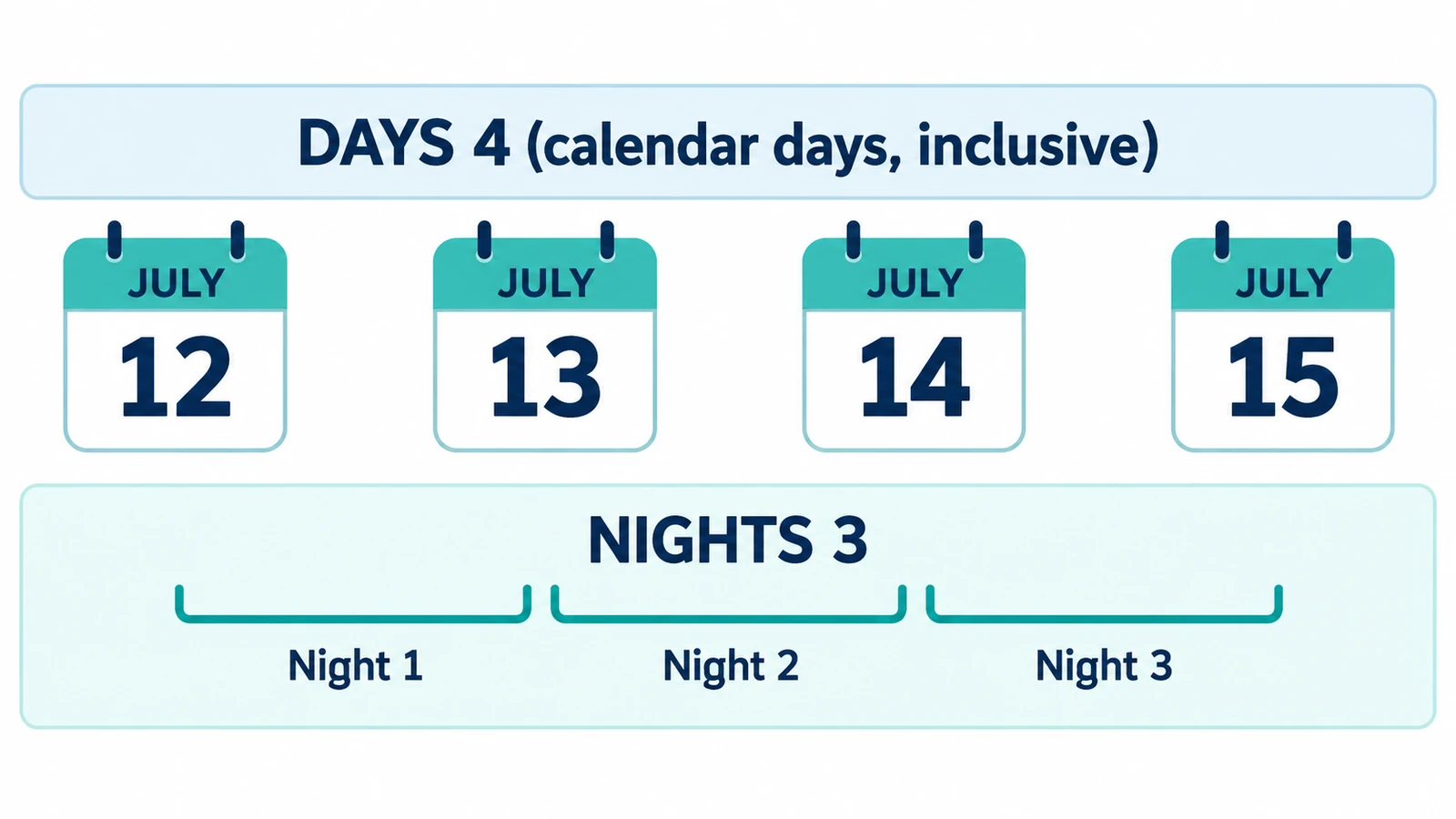
How to Calculate the Number of Nights Between Two Dates
Find the number of nights between a check-in and check-out date and understand why nights usually differ from inclusive day counts.
Utilities & productivity Date & time Calculators Converters 3 min read
Published By Julia M. Gil
Keep exploring
FreeAIGeneration is more than this article. The editors and calculators below are real, free and run in your browser.