How to Calculate the Number of Nights Between Two Dates
Find the number of nights between a check-in and check-out date and understand why nights usually differ from inclusive day counts.
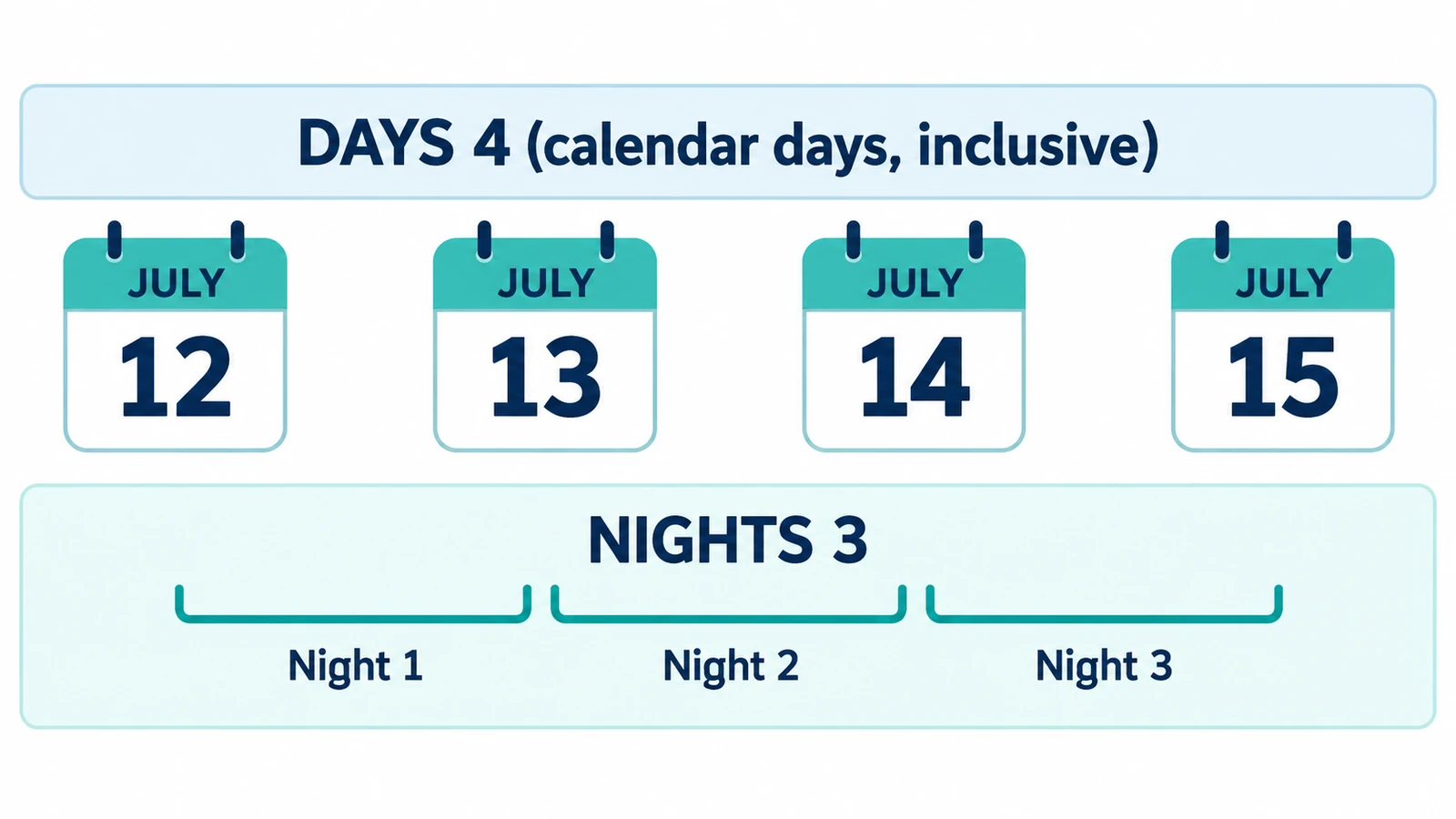
A hotel stay is the cleanest test of a date calculator, because the number that matters is not the number of dates involved. It is the number of nights, and the checkout morning is not one of them.
Counting the nights between two dates is the elapsed row of an ordinary day difference, with check-in as the start and check-out as the end. There is no separate nights mode and no separate label; the row reads “Elapsed days”.
Check-in is the start, check-out is the end
The rule is short. A night is the interval between one date and the next, so the nights in a stay equal check-out minus check-in. Arrive on 1 July, leave on 8 July, and the stay is seven nights.
The reason is that the departure date belongs to the journey home, not to the stay. Counting it would price an eighth night that nobody sleeps in the room.
A week in July, worked through
From 1 July 2024 to 8 July 2024 the elapsed count is seven, so seven nights. Both dates happen to fall on a Monday, which is what a weekly booking usually wants, and the inclusive row reports eight, which is the number of dates the stay touches.
The same method handles a year boundary without special care. From 30 December 2024 to 2 January 2025 the elapsed count is three: 30 to 31 December, 31 December to 1 January, and 1 January to 2 January. Three nights, even though the interval crosses New Year.
A leap day behaves the same way. From 28 February 2024 to 3 March 2024 the elapsed count is four, so four nights, with 29 February sitting inside the stay as one of the four.
The inclusive number is the wrong one here
Tick “Count both dates” and you get one more: eight instead of seven for the July week. That eight is not a mistake. It counts the dates the stay touches, arrival and departure included.
It is simply the wrong measurement for a room. If a booking system or a property asks for nights, the elapsed figure is the one to quote. If a form asks how many calendar dates the trip covers, the inclusive figure answers that different question.
Where hotel reasoning outruns a date calculator
There is no field for a time of day, so an early arrival or a late checkout cannot be expressed. A property’s own rules decide how those are treated, and they sit outside what this page does.
There is no time-zone input either, which is fine for the night count and relevant for nothing else here. A flight that lands at 23:40 and a front desk that opens at 15:00 are both clock facts, and clocks are not part of the input.
Day lengths are ignored on purpose. At a daylight-saving change a local day can run 23 or 25 hours, and the night count stays the same, because it counts dates rather than hours.
The page does not book, price or check availability. It performs one subtraction and prints the result.
Checking a stay in the browser
Enter check-in as the start date and check-out as the end date in the Days Between Dates Calculator, then read the elapsed row. Leave “Count both dates” off unless you specifically want the number of dates touched.
The calculator runs in the browser tab and requires no FreeAIGeneration account. It stores nothing between visits, so note the figure if you are comparing several options.
For the counting convention in general, see how to calculate the number of days between two dates; for forward planning, the guide to counting the days left until a date covers the reverse question.
Frequently asked questions
Does the calculator have a nights option?
No. The night count is the "Elapsed days" row, with the check-in date as the start and the check-out date as the end.
Why is the inclusive number one higher than the nights?
The inclusive count adds the arrival date as day one, so it counts the dates the stay touches rather than the nights spent in the room.
Can it handle an early check-in or a late checkout?
No. The inputs accept whole dates only, so there is no field for a time of day.
Related articles
-
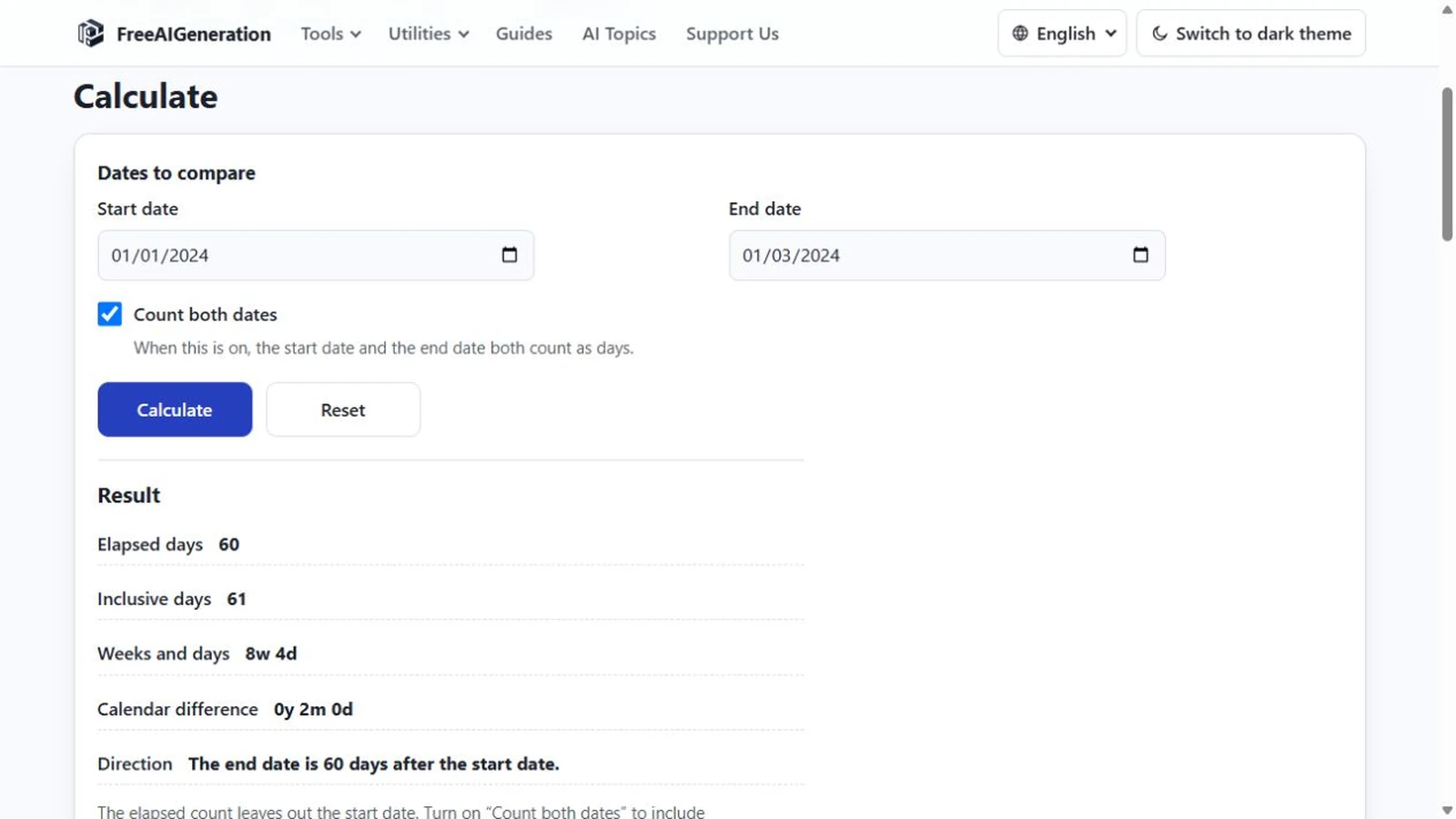
How to Calculate a Duration in Days, Weeks and Months
Calculate the duration between two dates in days, weeks and calendar months without treating every month as the same length.
Utilities & productivity Date & time Calculators Converters 4 min read
Published By Julia M. Gil
-
How to Calculate the Number of Days Between Two Dates
Two dates return four numbers: elapsed, inclusive, weeks and days, and calendar difference. Why they disagree, and which one a quoted figure was probably counting.
Utilities & productivity Date & time Calculators Converters 4 min read
Published By Julia M. Gil
-
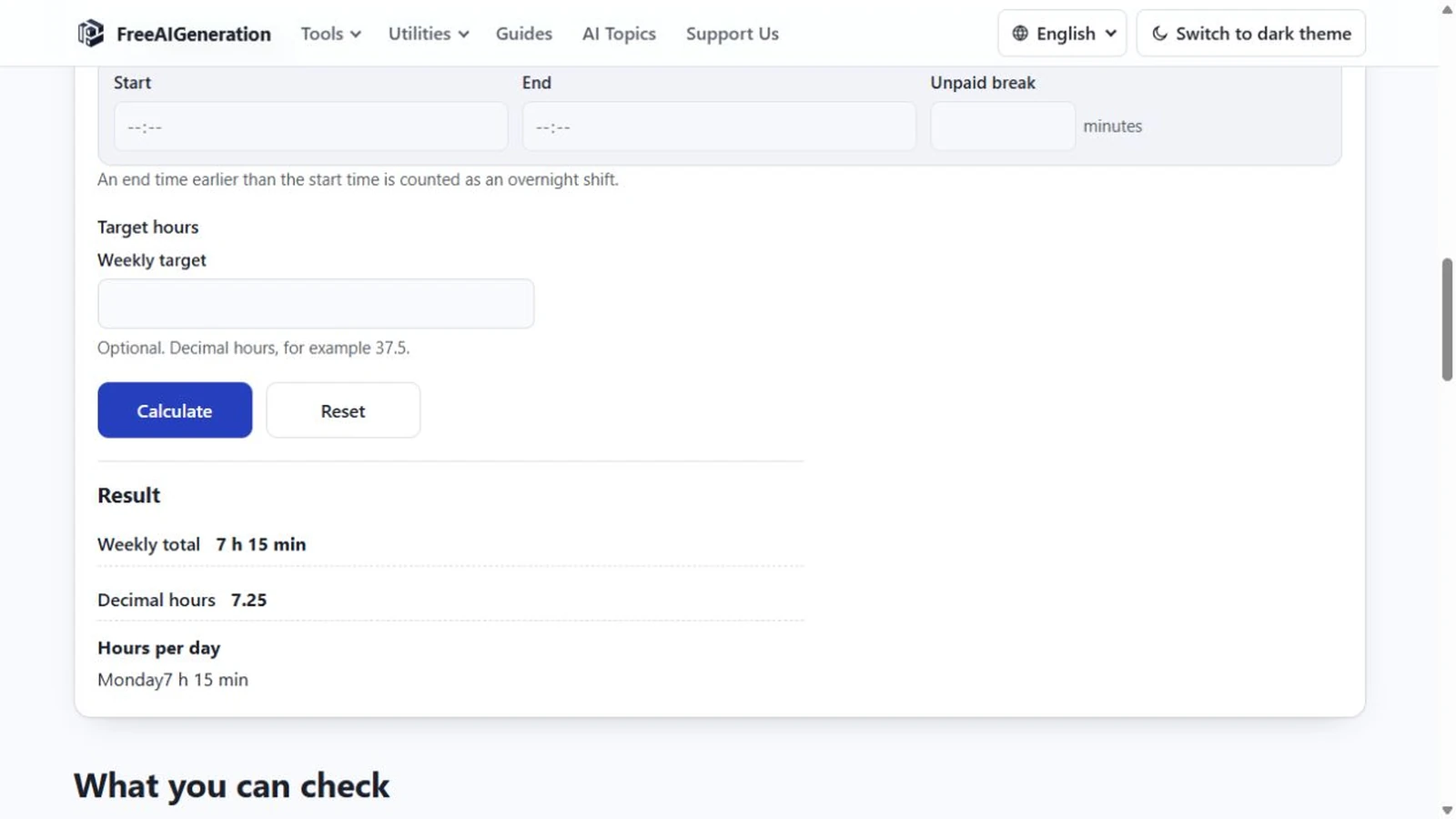
How to Calculate the Time Between a Start and End Time
Start and end times give a duration, not a date: identical times return zero, not 24 hours, and a shift past midnight is handled without a 24-hour assumption.
Utilities & productivity Date & time Calculators Converters 3 min read
Published By Julia M. Gil
Keep exploring
FreeAIGeneration is more than this article. The editors and calculators below are real, free and run in your browser.