How to Fill in a Timesheet Without Calculation Errors
Timesheet errors are usually unit errors, not arithmetic: add each row in minutes, convert once, record breaks. Four recurring mistakes and the checks that catch them.
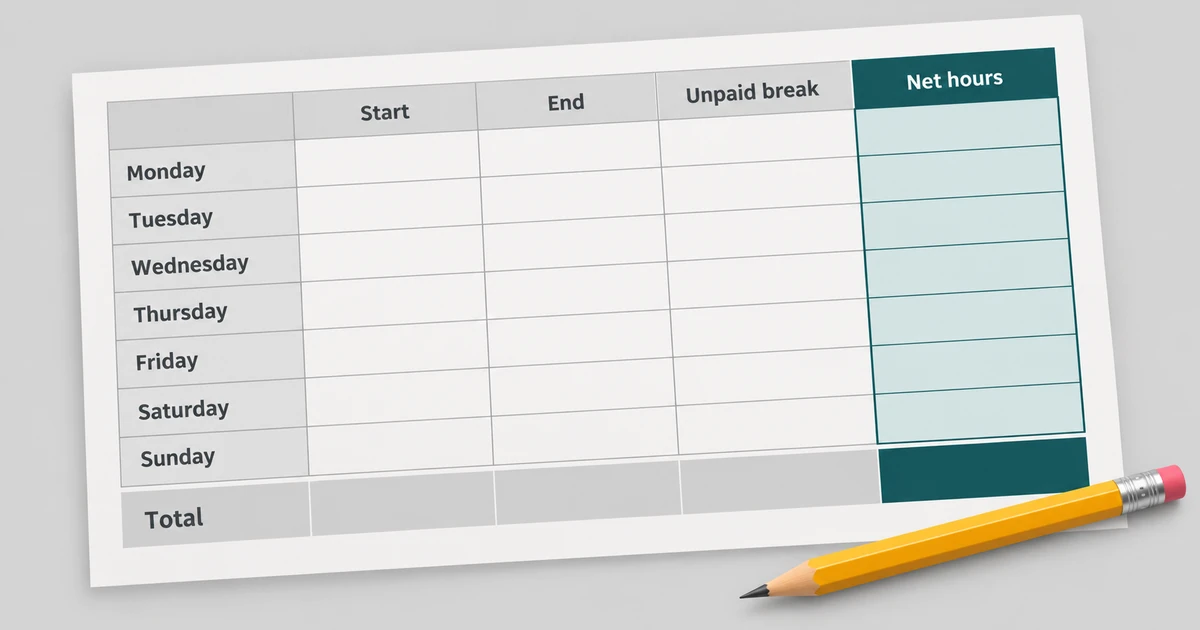
Most timesheet errors are not arithmetic mistakes. They are unit mistakes, an unrecorded break, or a line that was rounded before it was added to anything. To fill in a timesheet consistently, apply the same rule to every line and convert once at the end; the trouble starts when one row follows a different convention from its neighbours.
Four errors that account for most of it
Writing 7.30 for seven and a half hours shortens a day by twelve minutes, because that figure means 7 hours 18 minutes in a decimal column. Adding five rounded daily decimals instead of five days of minutes produces a total matching neither column. Leaving a break out inflates a day by however long the break was. Recording a split shift as one long span hides the unpaid gap between the two parts.
None of these is exotic. Each is a decision taken on one line that the weekly total then inherits, which is why the checks below work from the total backwards.
Add in minutes, convert at the end
Convert every day to whole minutes: end minus start minus the unpaid break. Add those minutes. Convert the sum once.
A worked week: 7:30 + 7:45 + 8:00 + 7:15 + 8:30 is 450 + 465 + 480 + 435 + 510 = 2,340 minutes = 39:00, which is 39 decimal hours exactly. Every line was already a clean quarter hour, so no rounding was involved — and that is why the two columns agree.
Now make one line awkward. Five days of seven hours forty minutes is 2,300 minutes = 38:20 and 38.33 decimal hours. Add five separately rounded values of 7.67 and you get 38.35, a figure that reconciles against neither column. The gap is two hundredths of an hour, roughly a minute, and it is precisely the kind of discrepancy that sends a timesheet back for correction.
The checks that catch each error
Compare the h:mm total to the decimal total on the same line. If reading the decimal back into minutes does not return the h:mm figure, a rounded value was added somewhere in the middle instead of at the end.
Add the days you enabled and compare the sum to the weekly total. If an expected day is missing, its include switch is off — a switched-off row contributes nothing even with complete times typed into it.
Look for inputs the page will refuse. Times are HH:MM with a two-digit hour, so 9:00 fails where 09:00 works. 24:00 fails because the range ends at 23:59. A value carrying seconds fails, because seconds are not modelled. A break longer than the span fails, while a break equal to the span is a legitimate zero.
Check that every break entry is in minutes, and that two breaks in one day were combined into a single number before entry. Check too that any figure you copied from elsewhere was rounded from a minute total, not from an earlier rounded value.
Recording habits that prevent the rest
One row is one day, so a split shift has to be totalled into a single span with its unpaid time deducted; the gap between the two parts belongs in your own notes rather than in the grid.
Quarter-hour precision is representable — 15 minutes is 0.25 hours — but nothing finer than a minute is, because the input stops there. If a downstream system rounds to the nearest quarter hour, that is a policy applied to an exact minute figure, and it should be applied once rather than on every line.
What the page cannot do for you
Nothing is saved. The calculator has no storage, no export and no saved history, so closing the tab discards the grid and there is no way to hand a timesheet to anyone from this page. Copy the totals into whatever system holds the official record, and keep your notes on breaks somewhere that persists.
The aggregation side — a week’s total against an optional target — is covered in how to calculate your total work hours for a week, and the unit conversion in detail is in how to convert hours and minutes to decimal hours.
The Work Hours Calculator validates each enabled row and reports an invalid one instead of adding it. It runs in your browser, no FreeAIGeneration account required. More record-keeping walkthroughs sit in the guides hub.
Frequently asked questions
Why do the h:mm and decimal totals sometimes fail to match?
Because rounded daily values were added instead of the underlying minutes. Totals are summed in minutes and converted once, so both columns should agree.
Does a row count if its include switch is off?
No. Only enabled and valid rows are counted, and an invalid row is reported rather than added to the total.
Can the calculator save or export my timesheet?
No. Nothing is stored, exported or carried into the address, so the grid disappears when the tab closes and the totals need copying elsewhere.
Related articles
-
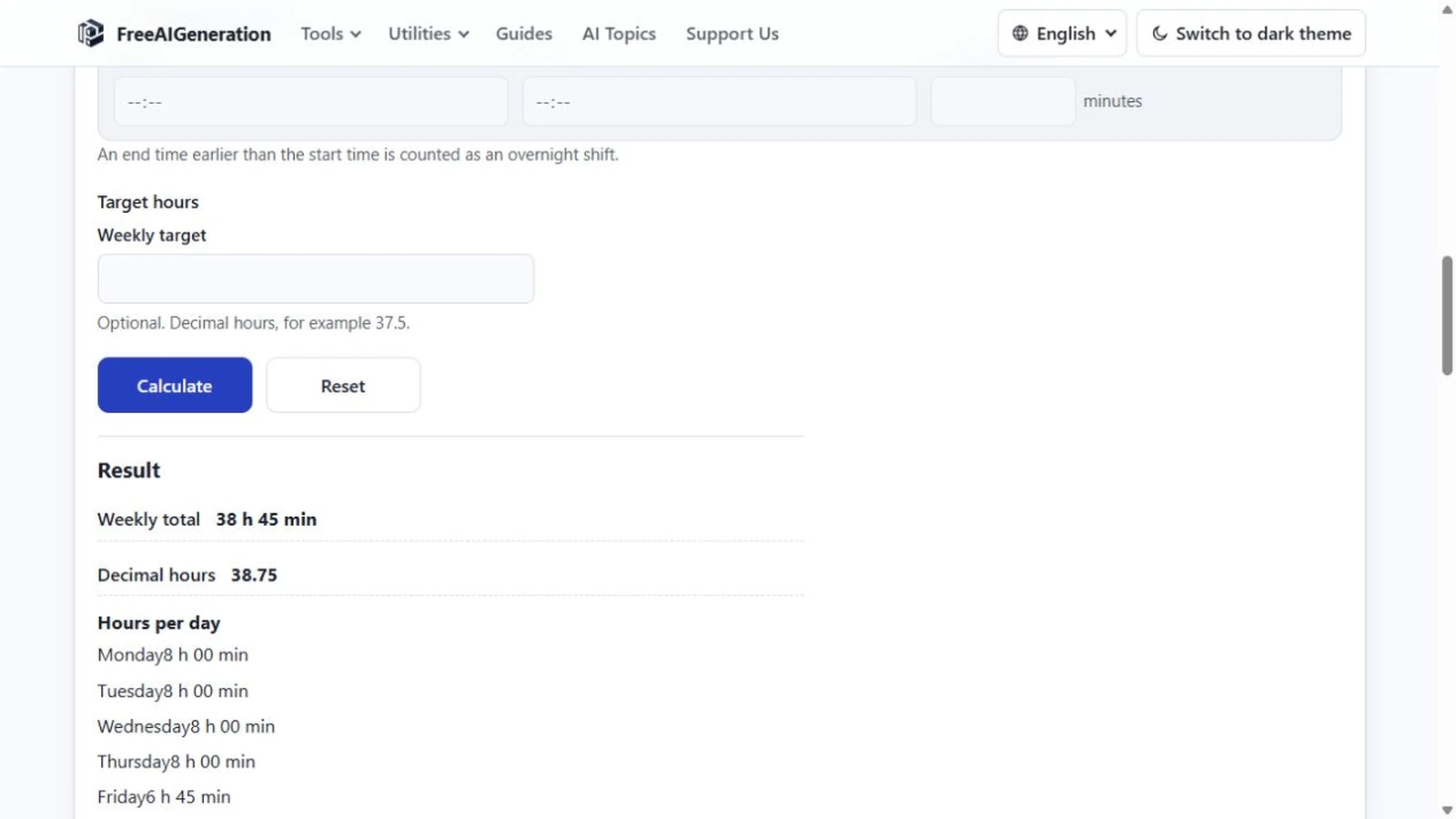
7h30 vs 7.5 Hours: How Decimal Time Really Works
Understand why 7 hours 30 minutes equals 7.5 decimal hours, not 7.30, and learn the simple formula for converting minutes.
Utilities & productivity Date & time Calculators Converters 3 min read
Published By Julia M. Gil
-
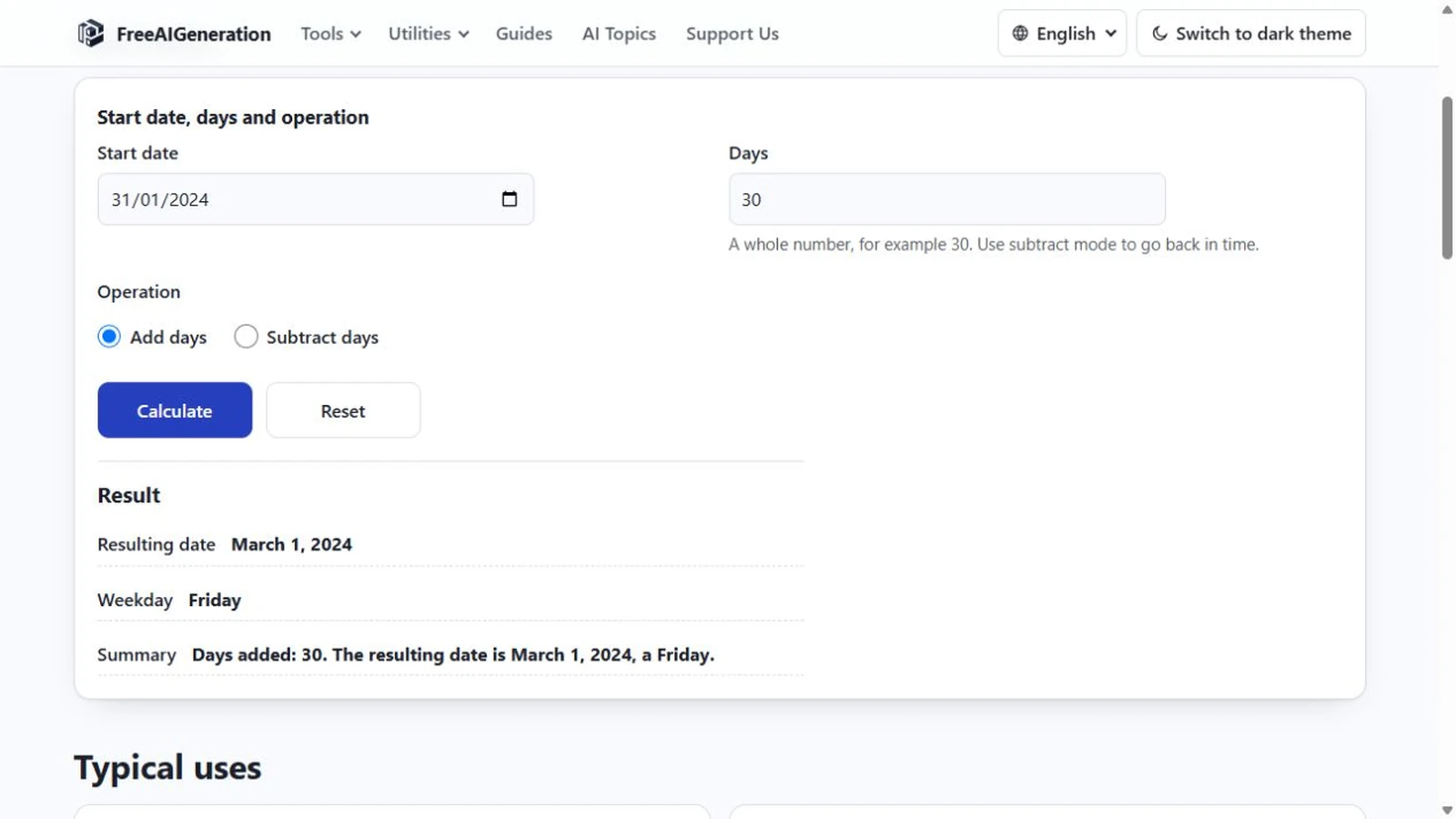
How to Add Days to a Date
Days and months are different units, and only the day count is fixed. Month ends, leap days, year turns, rejected input, plus the weekday of the answer.
Utilities & productivity Date & time Calculators Converters 4 min read
Published By Julia M. Gil
-
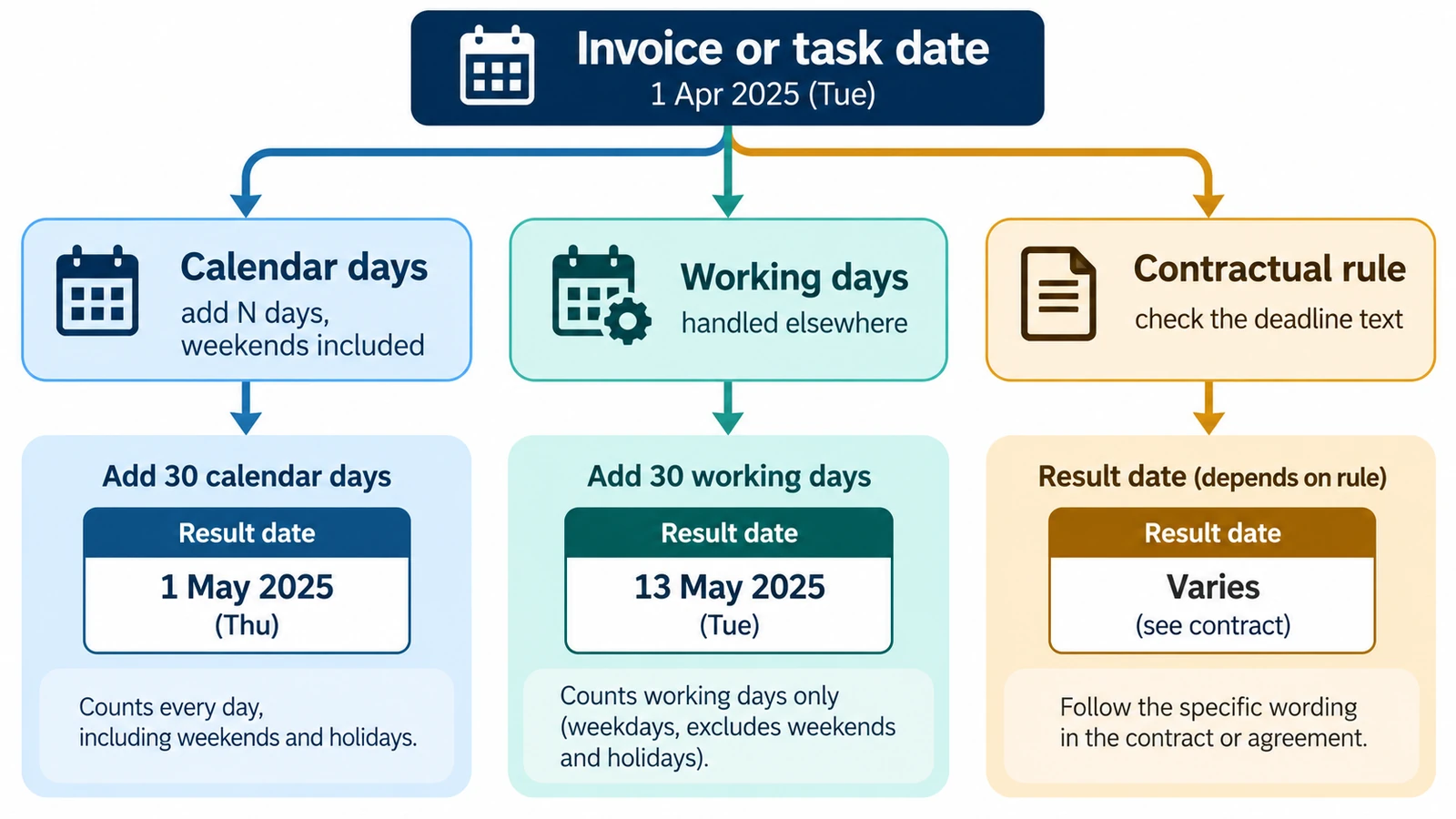
How to Calculate a Due Date from a Start Date
Calculate a future due date by adding a defined number of calendar days to a start date, with examples and common counting pitfalls.
Utilities & productivity Date & time Calculators Converters 3 min read
Published By Julia M. Gil
Keep exploring
FreeAIGeneration is more than this article. The editors and calculators below are real, free and run in your browser.