How to Subtract Days from a Date
Counting backwards is the same arithmetic; the extra decisions are direction and how the count is typed. Month ends, year boundaries, and how to check the earlier date.
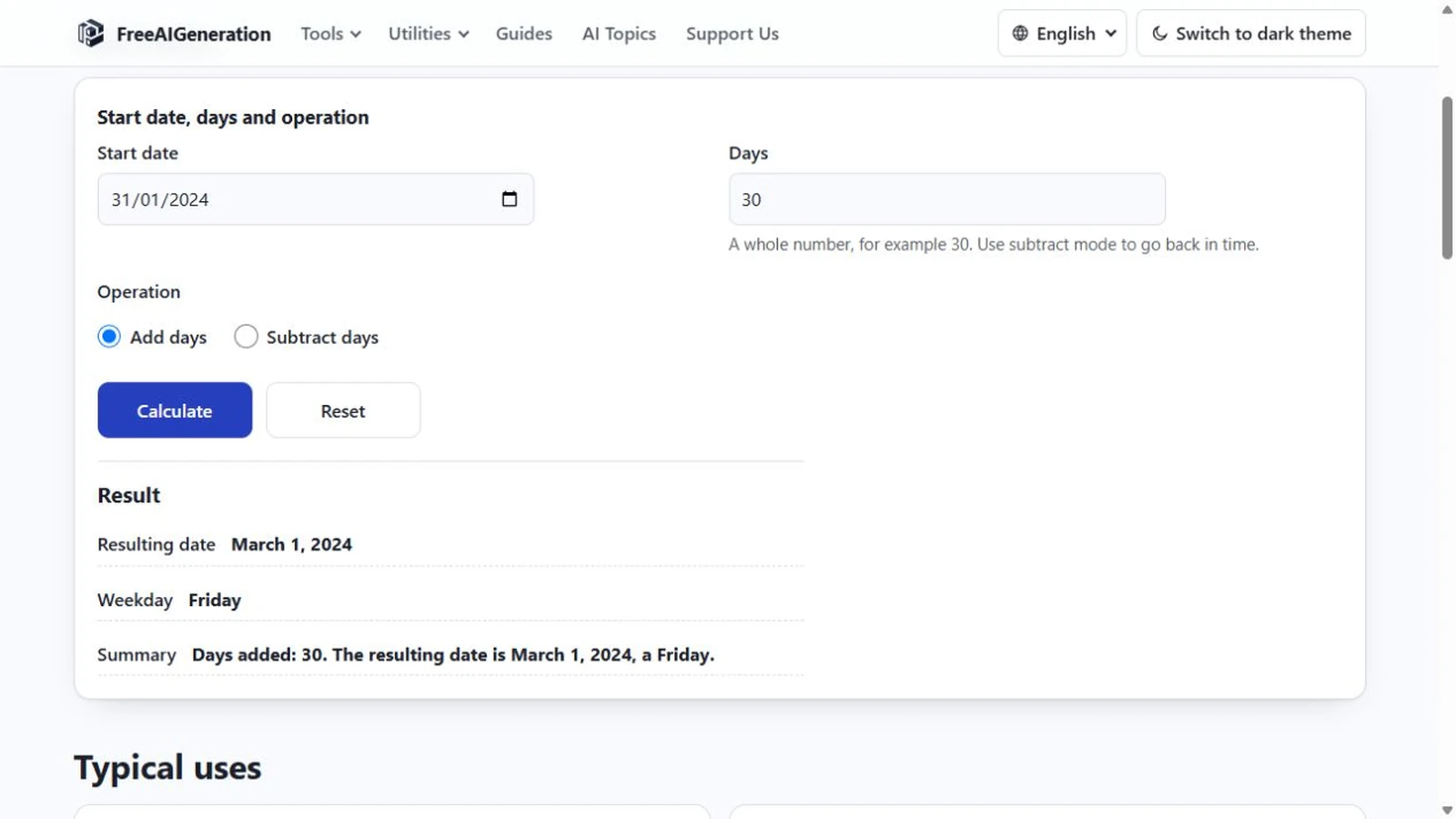
Backwards arithmetic is the same arithmetic. The extra decisions are which operation is selected and how the count is typed, and those are the two places people trip.
To subtract days from a date is to walk the calendar backwards by a whole number of days. As with addition, the month lengths do the work and the tool reports the weekday as a check.
One operation choice changes the direction
The page has one start-date field, one count and a choice between adding and subtracting. Choose “Subtract days” and the same count is applied backwards.
The count itself never becomes negative. It stays a positive whole number, digits only, one to nine of them, with no decimal point. The sign is the operation, not the input.
The result appears as a date, a weekday and a summary sentence that names the count: “Days subtracted: 90. The resulting date is …”. The wording matters if you copy the result into a log, because the sentence carries the direction with it.
Walking back through a month end
Subtracting 30 days is not subtracting one month, and the gap shows up fastest at month ends. 1 March 2024 minus 30 days is 31 January 2024, a Wednesday. One calendar month earlier would be 1 February, so here the day count reaches one day further back than the month count, because February 2024 had 29 days.
The leap day gets its own case. 1 March 2024 minus one day is 29 February 2024, a Thursday, because 2024 has a 29-day February. In 2023 the same calculation returns 28 February, a Tuesday, and the difference between those two answers is entirely the leap year.
Subtracting from a month end behaves the way it should. 31 March 2024 minus 30 days is 1 March 2024, a Friday, since the count runs back through the whole of March.
Crossing a year boundary
1 January 2025 minus one day is 31 December 2024, a Tuesday. The year changes, the month changes, and the arithmetic stays a plain day count.
Longer backward counts cross the boundary without needing a special case. 22 October 2026 minus 90 days is 24 July 2026, a Friday. The subtraction runs back through October, the whole of September and August, and the last days of July, and the weekday follows from the day count.
Because the arithmetic works on day indices, a daylight-saving change cannot shift the result by an hour or a day. There is no clock in the calculation to shift.
Zero, large counts and rejected results
Zero is accepted. The date comes back unchanged, with a sentence saying so, which makes the page a quick weekday lookup for any date you type.
When the result would fall before 1 January of year 1, the page reports an out-of-range result instead of producing a wrapped date. The same protection applies at the other end of the supported range, even though subtraction rarely reaches it.
Nothing skips weekends, holidays or non-working days. Every day is one day, so subtracting seven from a Monday lands on the previous Monday, not on the seventh business day back.
Checking the earlier date
Enter the later date as the start, choose “Subtract days”, and type the count in the Add or Subtract Days Calculator. The result is the exact earlier date plus its weekday.
The tool runs in the browser tab and requires no FreeAIGeneration account. It has no storage of its own, so copy the date if you need it in a document.
The forward version of the same operation is worked through in how to add days to a date, and the “N days ago” framing has its own guide in finding a past date from a number of days.
Frequently asked questions
Do I type a minus sign for the count?
No. The count is always a positive whole number; choosing the "Subtract days" operation applies it backwards.
Why is the day before 1 March 2024 29 February rather than 28 February?
2024 is a leap year, so February has 29 days; in a common year the same calculation returns 28 February.
Does subtraction skip weekends or holidays?
No. Every calendar day counts as one unit, and there is no working-day or holiday option.
Related articles
-
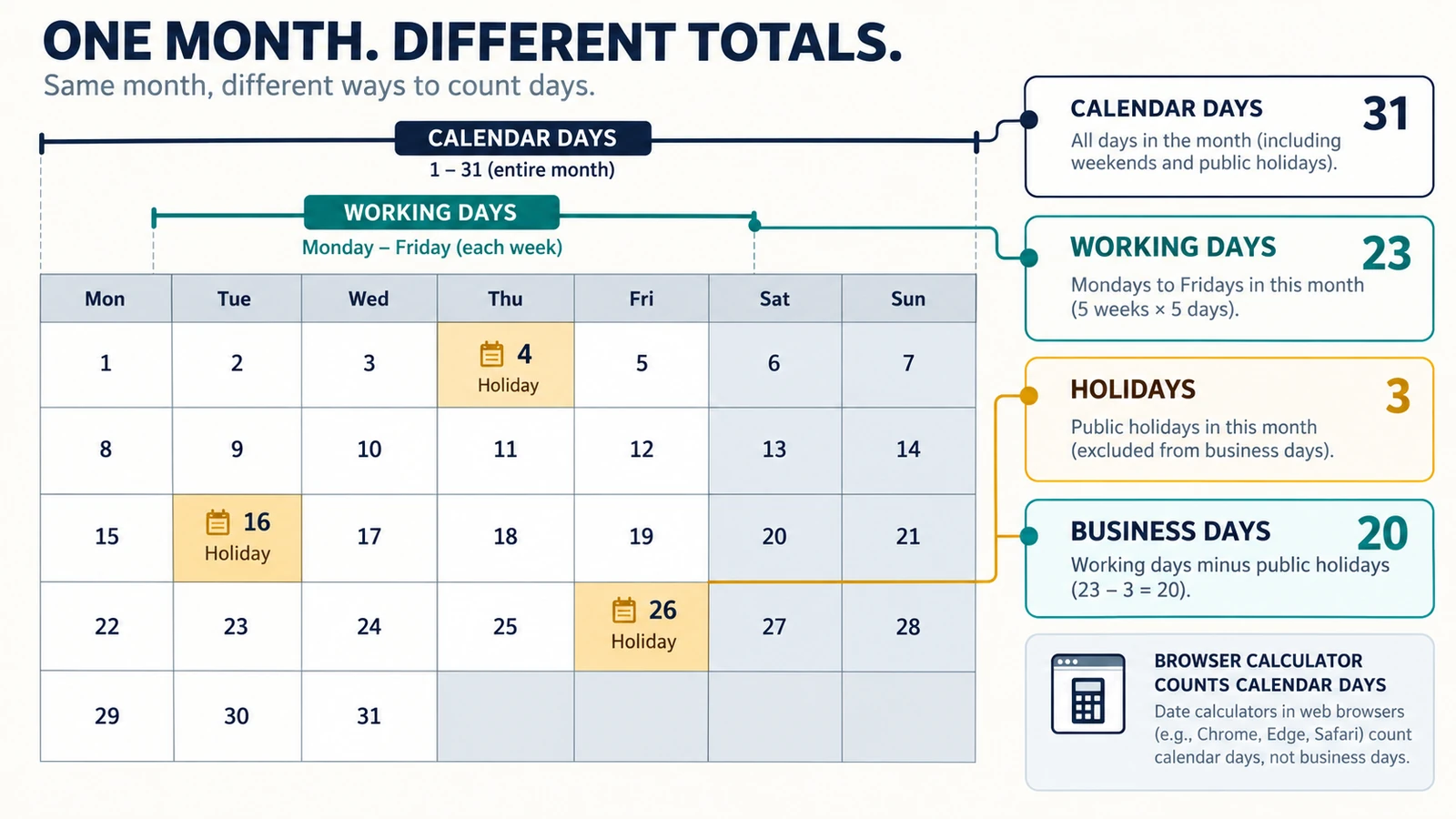
Calendar Days, Working Days and Business Days: What’s the Difference?
Understand the difference between calendar days, working days and business days, with simple examples and guidance on choosing the right date calculation.
Utilities & productivity Date & time Calculators Converters 4 min read
Published By Julia M. Gil
-
How to Add Days to a Date
Days and months are different units, and only the day count is fixed. Month ends, leap days, year turns, rejected input, plus the weekday of the answer.
Utilities & productivity Date & time Calculators Converters 4 min read
Published By Julia M. Gil
-
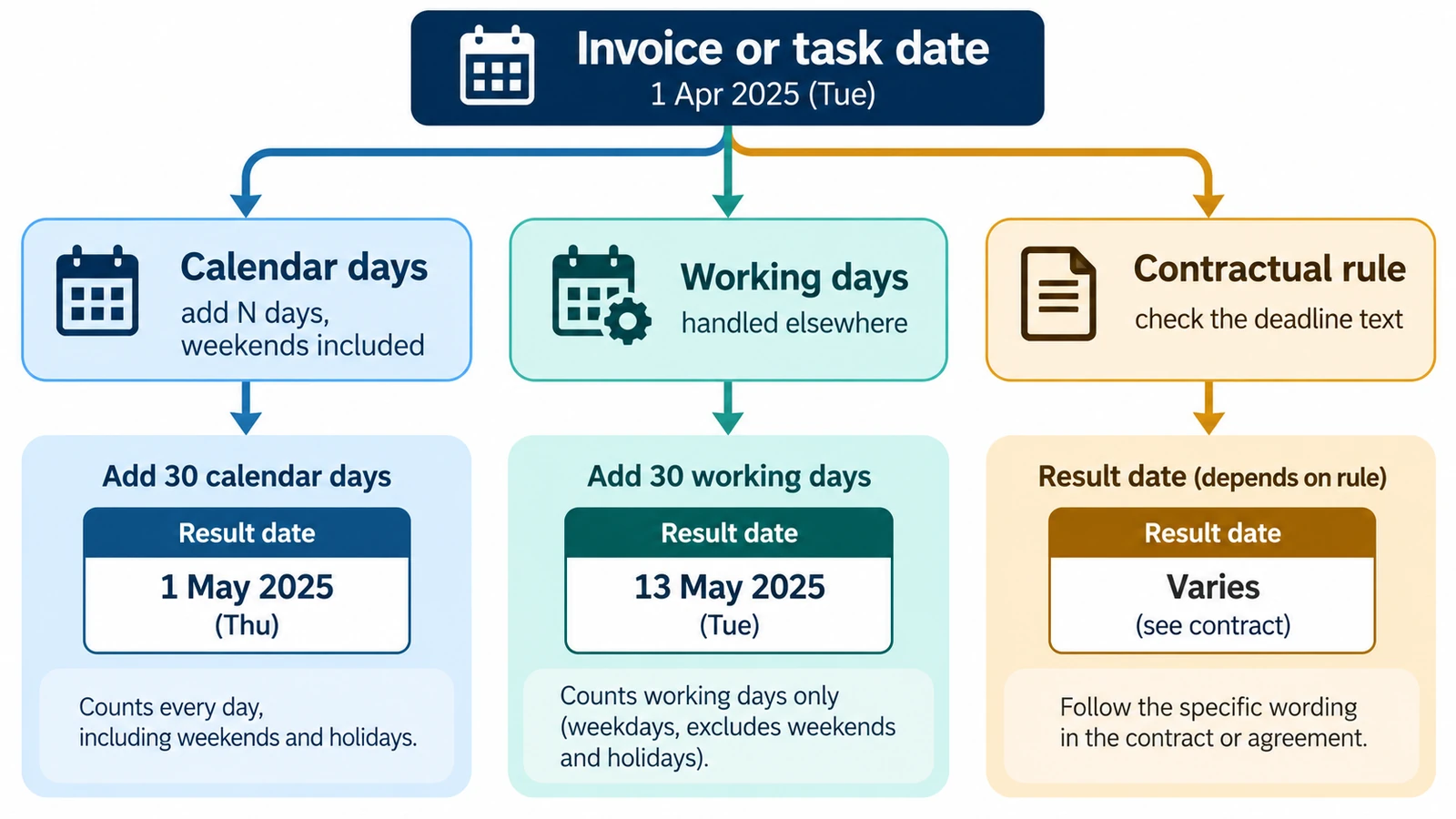
How to Calculate a Due Date from a Start Date
Calculate a future due date by adding a defined number of calendar days to a start date, with examples and common counting pitfalls.
Utilities & productivity Date & time Calculators Converters 3 min read
Published By Julia M. Gil
Keep exploring
FreeAIGeneration is more than this article. The editors and calculators below are real, free and run in your browser.