Video Resolution vs Bitrate: What Actually Affects Quality?
Bits per pixel per frame settles most arguments: divide bitrate by pixel count and frame rate. What each setting controls, and how to size a file before export.
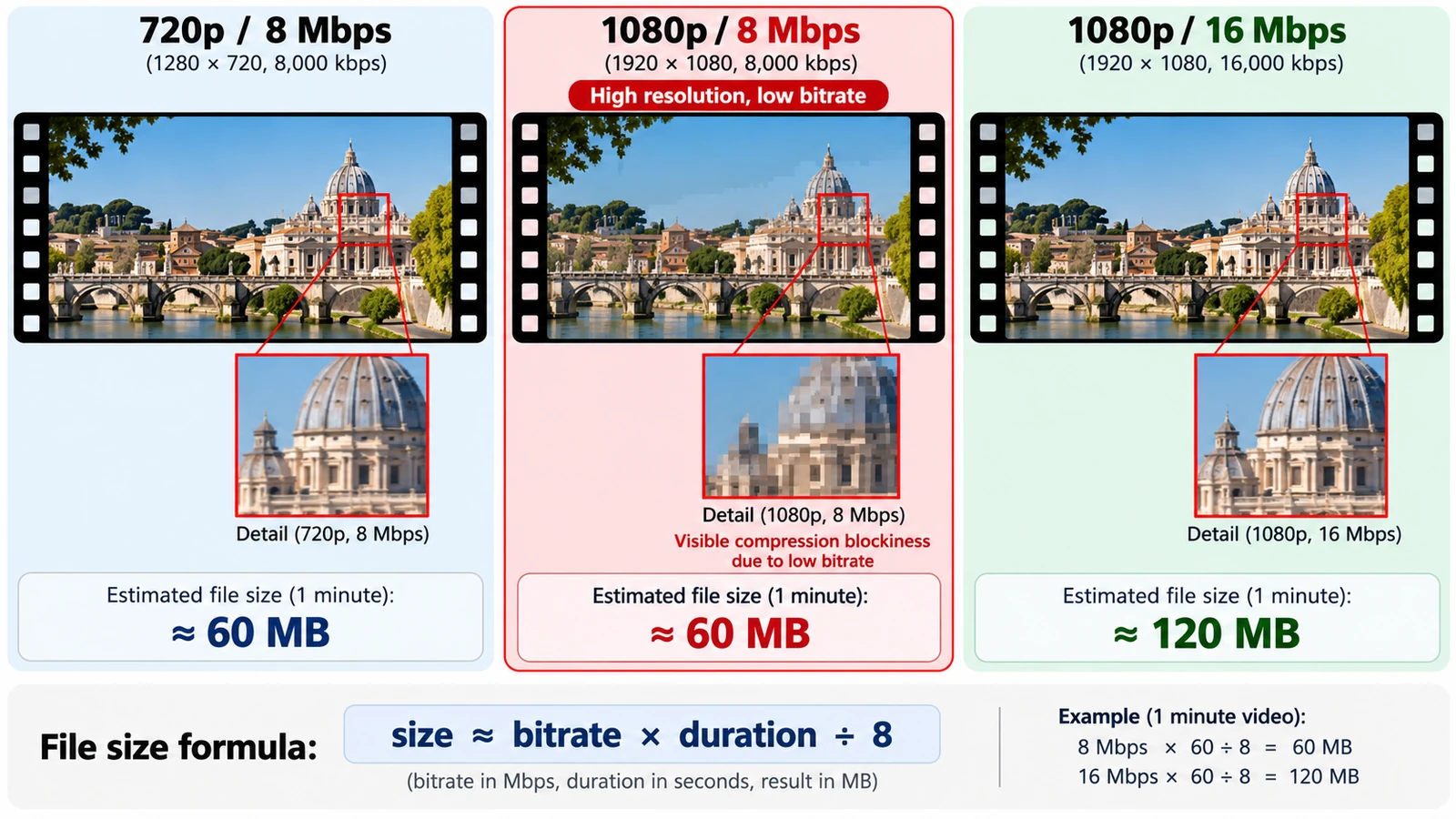
Bits per pixel per frame is the number almost nobody quotes and almost everybody argues about indirectly. Divide a bitrate by the pixel count and the frame rate and you get how many bits the encoder has to describe each pixel in each frame. That single ratio explains why a 4K file can look worse than a 1080p one at the same bitrate, and why “more resolution” is not the same instruction as “better picture”.
Video resolution vs bitrate is a division problem, and doing the division before you export is cheaper than doing it after.
What each setting actually controls
Resolution sets the number of pixels in a frame. 1920 × 1080 is 2,073,600 pixels; 3840 × 2160 is 8,294,400, four times as many.
Bitrate sets how much data per second the encoder may spend describing those pixels. Frame rate sets how many frames per second need describing. The three are independent settings that meet inside the encoder, and they compete for the same budget.
The arithmetic that settles the argument
At 8 Mbit/s and 30 fps, a 1080p frame gets 8,000,000 ÷ (2,073,600 × 30) ≈ 0.129 bits per pixel. The same 8 Mbit/s at 4K and 30 fps gives 8,000,000 ÷ (8,294,400 × 30) ≈ 0.032 bits per pixel — a quarter of the budget for four times the pixels.
That is the whole reason a 4K upload at a low bitrate can look softer, blockier and less detailed than a well-encoded 1080p file. The encoder is not failing; it is being asked to describe four times as much picture with the same money. If you want the detail that 4K implies, the bitrate has to rise roughly with the pixel count.
Frame rate is the third variable
Doubling the frame rate halves the budget per frame at a fixed bitrate, so 60 fps needs about twice the bitrate of 30 fps to hold the same per-frame quality. Motion benefits; static detail does not, because a locked-off interview is mostly the same picture repeated.
The trade is visible in moving shots. Fast pans and handheld footage at 60 fps with an unchanged bitrate will show compression artefacts earlier than the same scene at 30 fps, because each frame has half the data to spend. Resolution and frame rate are not interchangeable dials: one buys spatial detail, the other temporal smoothness.
Sizing the file before you press export
File size is bitrate × duration ÷ 8. One hour at 16 Mbit/s is 16,000,000 × 3,600 ÷ 8 = 7,200,000,000 bytes, about 7.2 GB. The same hour at 8 Mbit/s is half that, at 3.6 GB.
Audio adds a small amount on top and is rarely the deciding factor; AAC at 128 kbit/s contributes 16,000 bytes per second, under a megabyte a minute. Video bitrate dominates every storage estimate, which is why it is the number to negotiate with.
What a browser editor can and cannot tune
Export in practice produced an H.264 MP4, encoded in the browser without FFmpeg, and the export advances at roughly 30 ms per interface frame — so a long sequence takes real time to render and the tab has to stay open.
No ladder of export presets is documented for this build, and there is no published bitrate slider to reason about, so treat the encoder’s own decisions as the starting point rather than as a parameter set you can dial. The upstream project documents H.264 profiles and CRF, CBR and VBR rate control, which is where to look for rate-control options rather than assuming they are exposed here.
The useful conclusion for a reader is modest: know the arithmetic, check the output size against the duration, and judge the picture on the exported file rather than on the timeline preview.
Mistakes that survive every tool
Assuming 4K means quality is the first. At a fixed bitrate it usually means the opposite, because the encoder has less to spend per pixel.
Choosing a bitrate without checking the frame rate is the second. A 60 fps file at the 30 fps bitrate will look worse in motion than the slower file it replaced.
Re-encoding a low-bitrate master at a high bitrate is the third. The detail is already gone; a second pass adds bytes, not information.
Judging on the timeline preview is the fourth. The preview and the encoder are not the same process, and the exported file is the one that ships.
The container decision — MP4, MOV or WebM — is a separate layer on top of all this, covered in MP4 vs MOV vs WebM. Once the numbers are set, the delivery questions of aspect ratio and duration are in exporting video for YouTube, Instagram and TikTok.
Run the arithmetic on a clip you already have, then open it in the free Video Editor and compare the export with your estimate.
Frequently asked questions
Does higher resolution always mean better quality?
No. At a fixed bitrate, a 4K frame gets about 0.032 bits per pixel where a 1080p frame gets about 0.129, so more pixels can mean less detail per pixel.
How do I estimate an export's size?
Bitrate × duration ÷ 8. One hour at 16 Mbit/s works out at 7.2 GB, and audio typically adds less than a megabyte a minute.
Can I set a specific bitrate in the Video Editor?
No published bitrate control or preset ladder is documented for this build. The upstream project documents H.264 rate-control modes, which is where to check for such options.
Try these FreeAIGeneration tools
Related articles
-
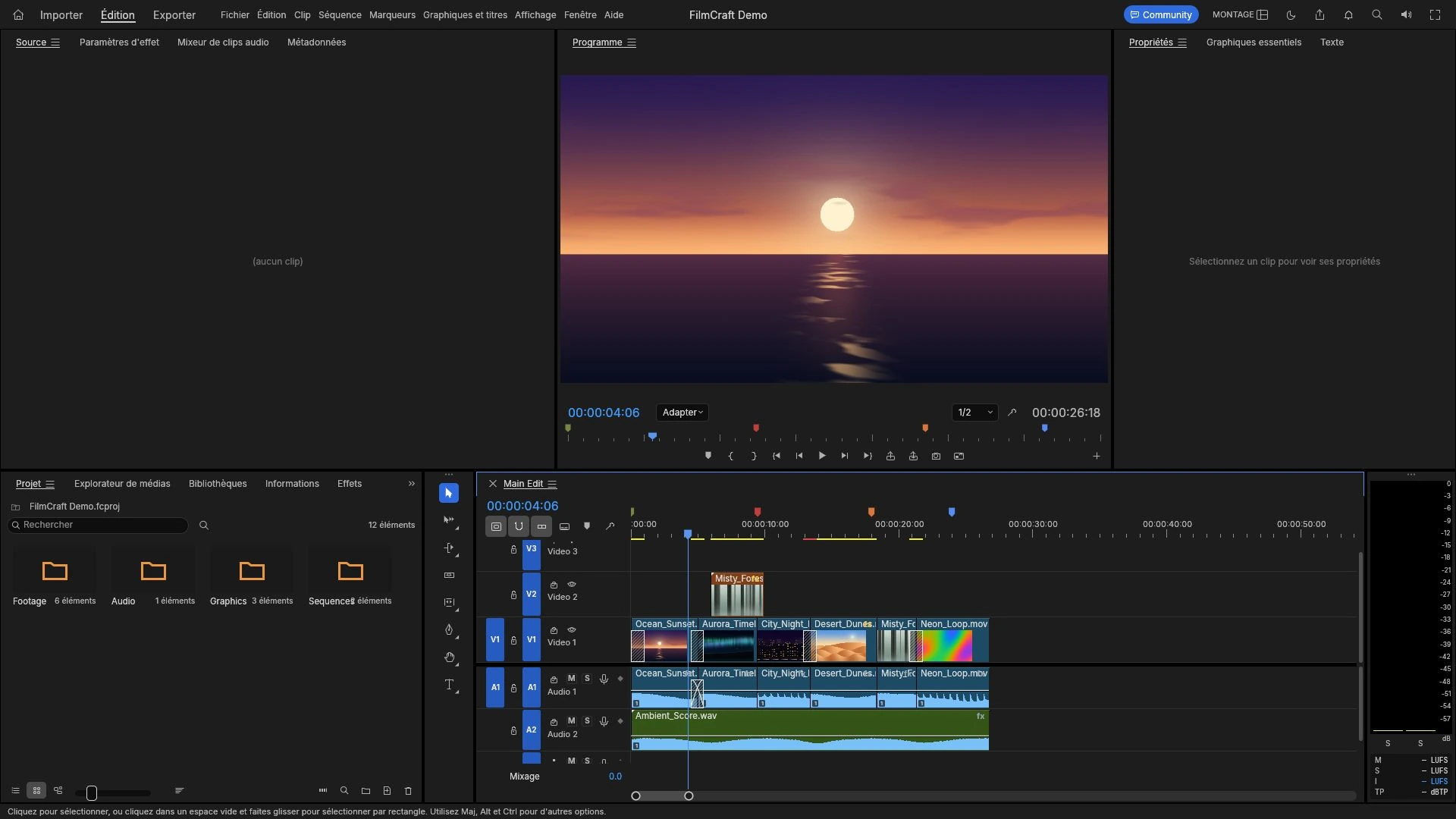
How to Add Audio or a Voice-Over to a Video Online
Import a recorded voice-over, place it against the picture on the timeline, set a level that survives a laptop speaker, and listen to the exported MP4.
Creative workflows Video editing Browser tools No signup 4 min read
Published By Julia M. Gil
-
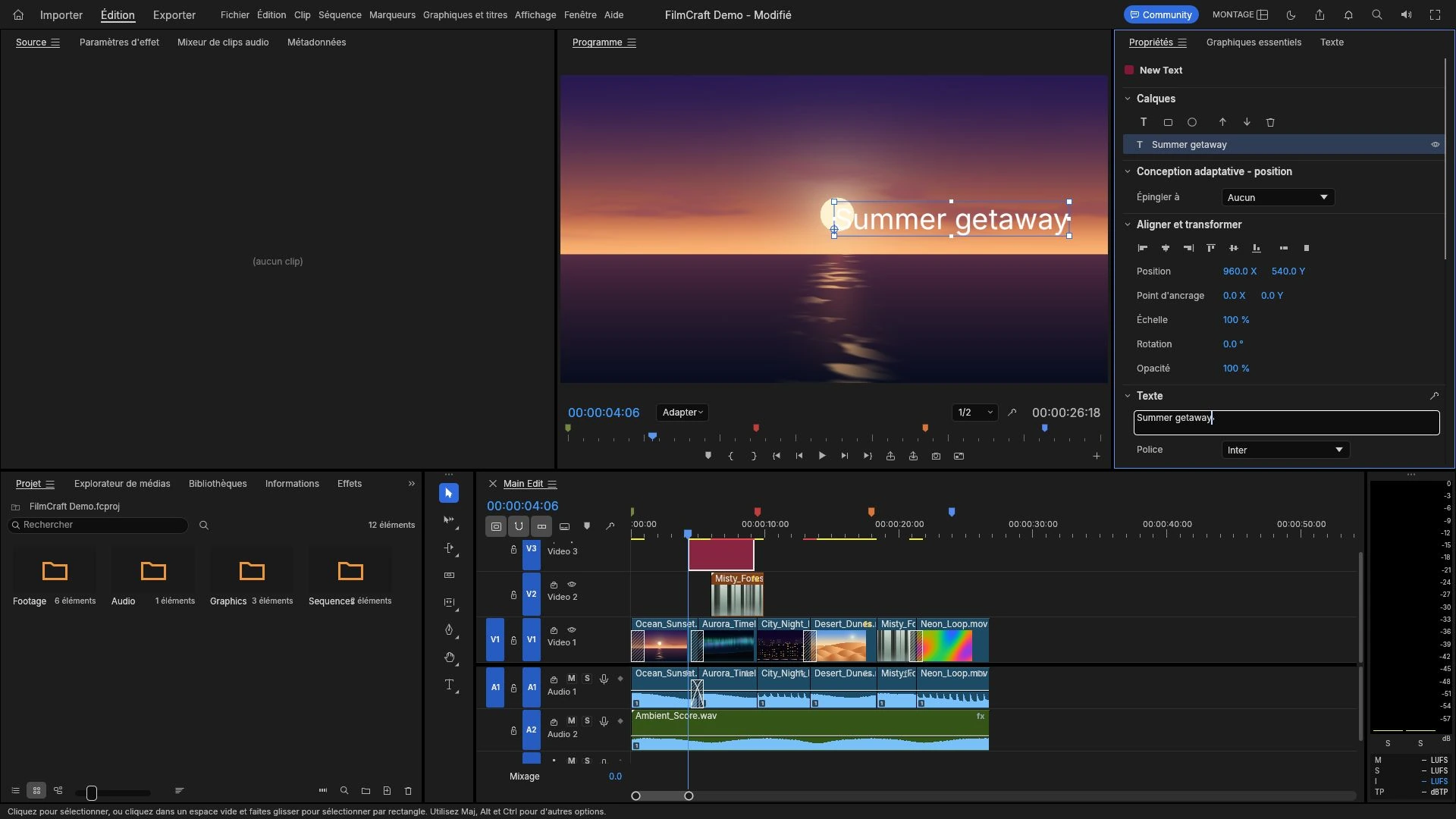
How to Add Text and Titles to a Video Online
A title layer sits where every viewer looks and cannot be fixed after export. Where to place it, how to time it in frames, sizing, and mistakes worth catching early.
Creative workflows Video editing Browser tools No signup 4 min read
Published By Julia M. Gil
-
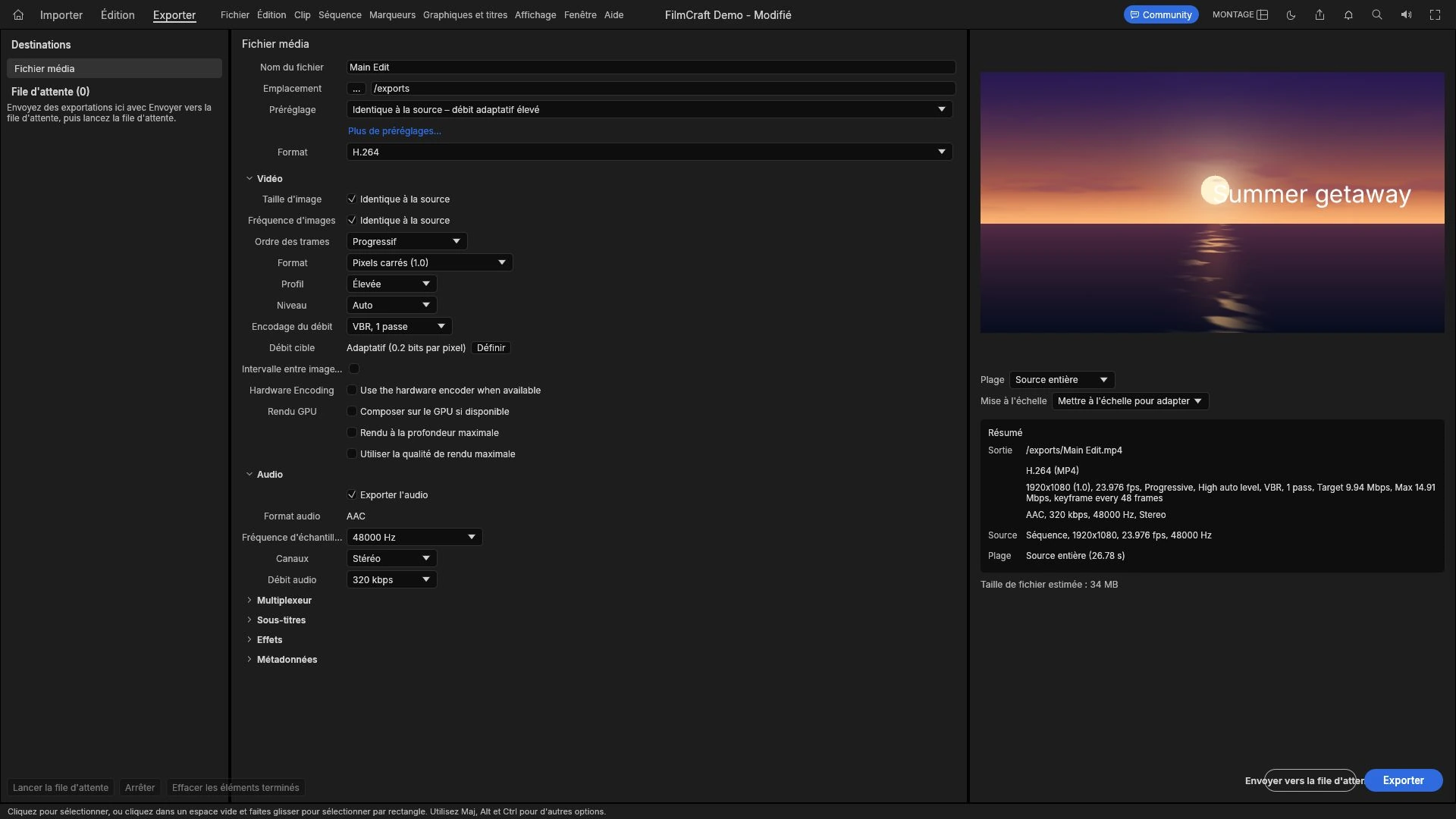
How to Export Video for YouTube, Instagram and TikTok
Every platform decodes and re-encodes what you send, so the file is a master, not a final artefact. Aspect ratio, duration, audio, and sizing a file that survives.
Creative workflows Video editing Browser tools No signup Import & export 4 min read
Published By Julia M. Gil
Keep exploring
FreeAIGeneration is more than this article. The editors and calculators below are real, free and run in your browser.