Raster vs Vector Images: What's the Difference?
A raster circle is a mosaic of squares; a vector circle is a centre point and a radius. What that choice changes for scaling, file size, editing and mixed documents.
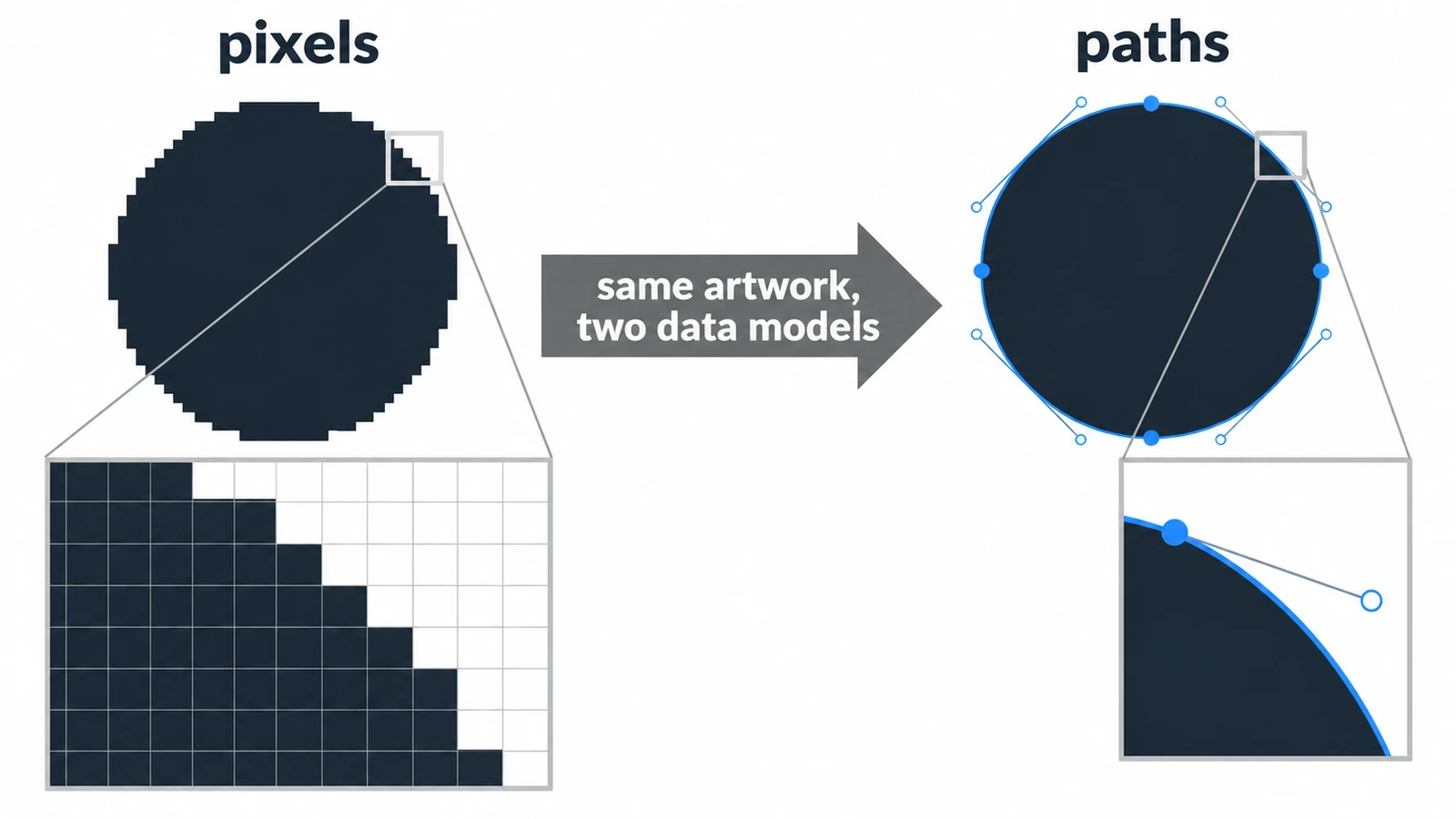
Draw a circle as a raster image and it becomes a mosaic of squares pretending to be a circle. Draw it as a vector and it becomes a short instruction: a center point and a radius. Raster vs vector images differ in exactly that choice about what to store, and every practical consequence — file size, scaling, editing, what happens when someone zooms in — comes out of it.
The editors here divide along the same line. The Photo Editor works on pixels, with layers, masks and adjustment layers; the Vector Editor works on Bézier paths and type.
A grid of samples and a set of instructions
A raster image is a grid of colored samples at a fixed resolution. The detail in it is whatever was captured when the grid was filled, by a camera, a scanner or a renderer.
A vector image stores geometry: coordinates, curves, paint values and the relationships between them. SVG, the web’s vector format, is an XML language defined by the W3C, and its viewBox translates user coordinates into the display area the document is given. Rendering happens at the end, at the size requested.
The practical difference is one sentence long: a raster image knows how big it is, while a vector image knows what it looks like.
What scaling does to each
Take a 1,000 by 1,000 pixel photograph and display it at 4,000 by 4,000. The pixel count goes from one million to sixteen million — sixteen times the data and not one extra detail, because the new pixels are interpolated from the old ones.
Do the same with a vector file and the renderer draws the geometry at the larger size. An icon with viewBox="0 0 24 24" displayed at 96 px is a 4× scale, and the file is still a few kilobytes, because pixels were never in it.
That asymmetry has a direction. Vector to raster is an ordinary export at a chosen size. Raster to vector is tracing: software looks at the pixels and guesses at paths, and no lossless transform is standardized. A traced logo is an approximation, not a recovery.
The file-size assumption that is not true
“Vector files are small” is a useful rule of thumb and a poor principle. An icon with a dozen nodes is a few hundred bytes of path data. A detailed illustration with thousands of nodes, gradients and filters can outweigh a photograph at the same display size.
What is true is that size scales with complexity rather than with display dimensions, which is why a single SVG can serve a favicon and a billboard from the same bytes.
Mixed documents are normal
An SVG can contain an embedded raster image, and plenty of real files do. The result is a partly vector document: the shapes stay sharp at any size, the embedded photo does not.
The reverse mixing is just as common. A PSD can hold vector masks and shape layers while its content remains a pixel grid, because the paths describe edges inside the pixel document rather than replacing it.
Both cases are worth recognizing, because “it has vector parts” is not the same statement as “it is a vector image”.
Choosing per asset
An icon, a logo, a diagram, a technical drawing, anything that will be shown at several sizes: vector, and keep the vector master even when you export raster copies.
A photograph, a screenshot, a scan, a texture, anything whose value is captured detail: raster, at the resolution the destination needs.
A layout that mixes the two: raster for the photographic content, vector for the type and the interface. That is what both editors are for, and the boundary between them is a file format rather than a philosophical position.
One practical caution on that last case. The two editors do not share a document model, so a mixed layout is built by exporting from one and placing the result in the other — and the raster export of a vector drawing is fixed at the size you chose.
Both workflows are one click away: the Photo Editor for pixel work and the Vector Editor for geometry. For narrower questions, SVG versus PNG settles the format choice for a single web asset, and PSD versus PSB covers the two raster containers side by side.
Frequently asked questions
Can a photograph be converted to vector without losing detail?
No. Raster-to-vector work is tracing, in which software estimates paths from pixels; no lossless transform is standardized, so fine detail is approximated rather than recovered.
Are vector files always smaller than raster files?
No. Size follows complexity: a simple icon is a few kilobytes, while a vector file with thousands of nodes can outweigh a compressed photograph at the same display size.
If a PSD contains vector masks, is it a vector document?
No. The masks are paths, but the document's content is still a pixel grid, so enlarging it still resamples the image.
Try these FreeAIGeneration tools
Related articles
-
PSD vs PSB: What's the Difference?
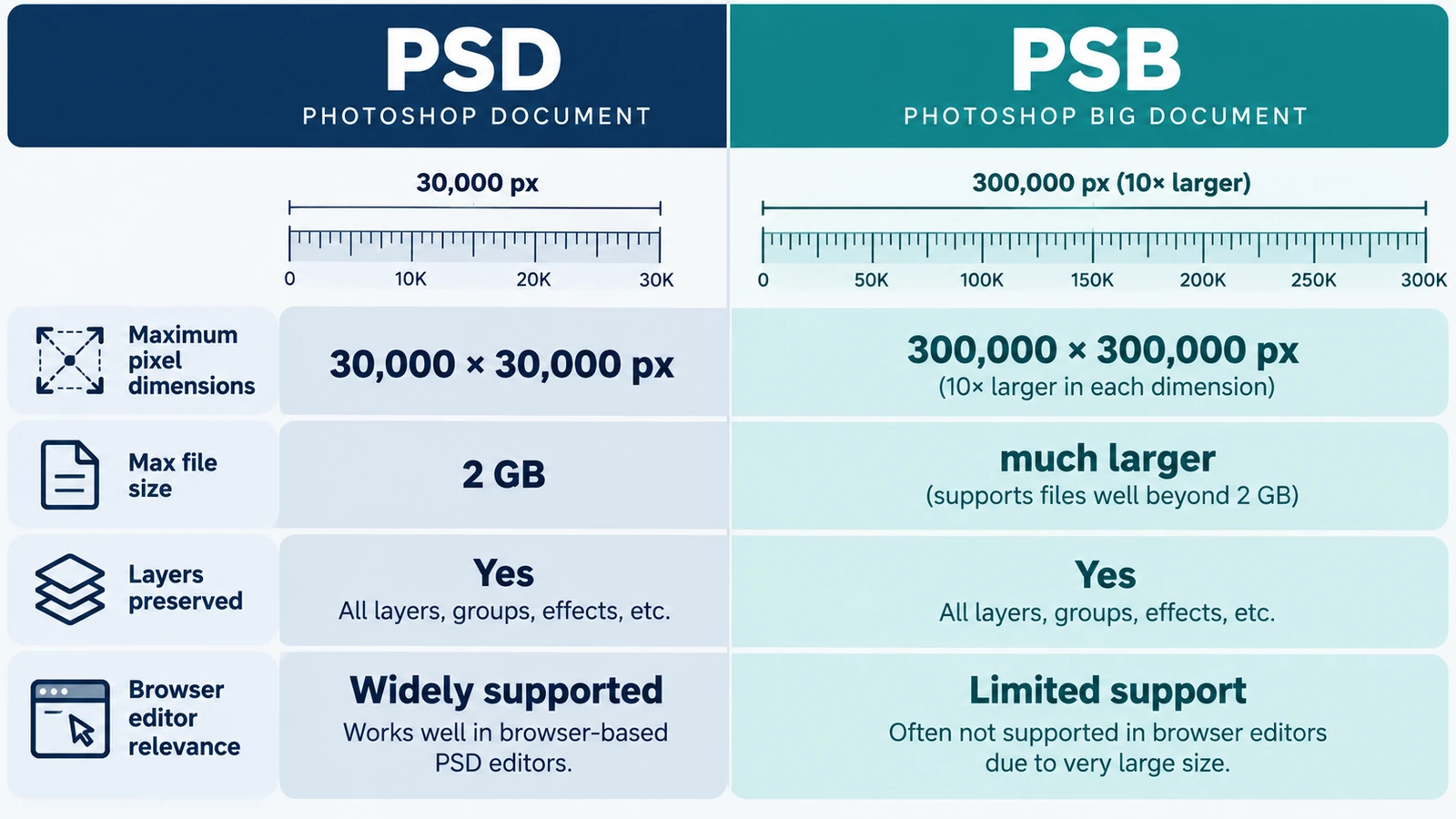
The choice comes down to a ceiling: 30,000 pixels per side against 300,000. When one dimension forces PSB, memory is the tighter limit, and a file picker proves nothing.
Creative workflows Photo editing PSD editing File formats Workflow comparison 4 min read
Published By Julia M. Gil
-
SVG vs AI vs EPS: Which Vector Format Should You Use?
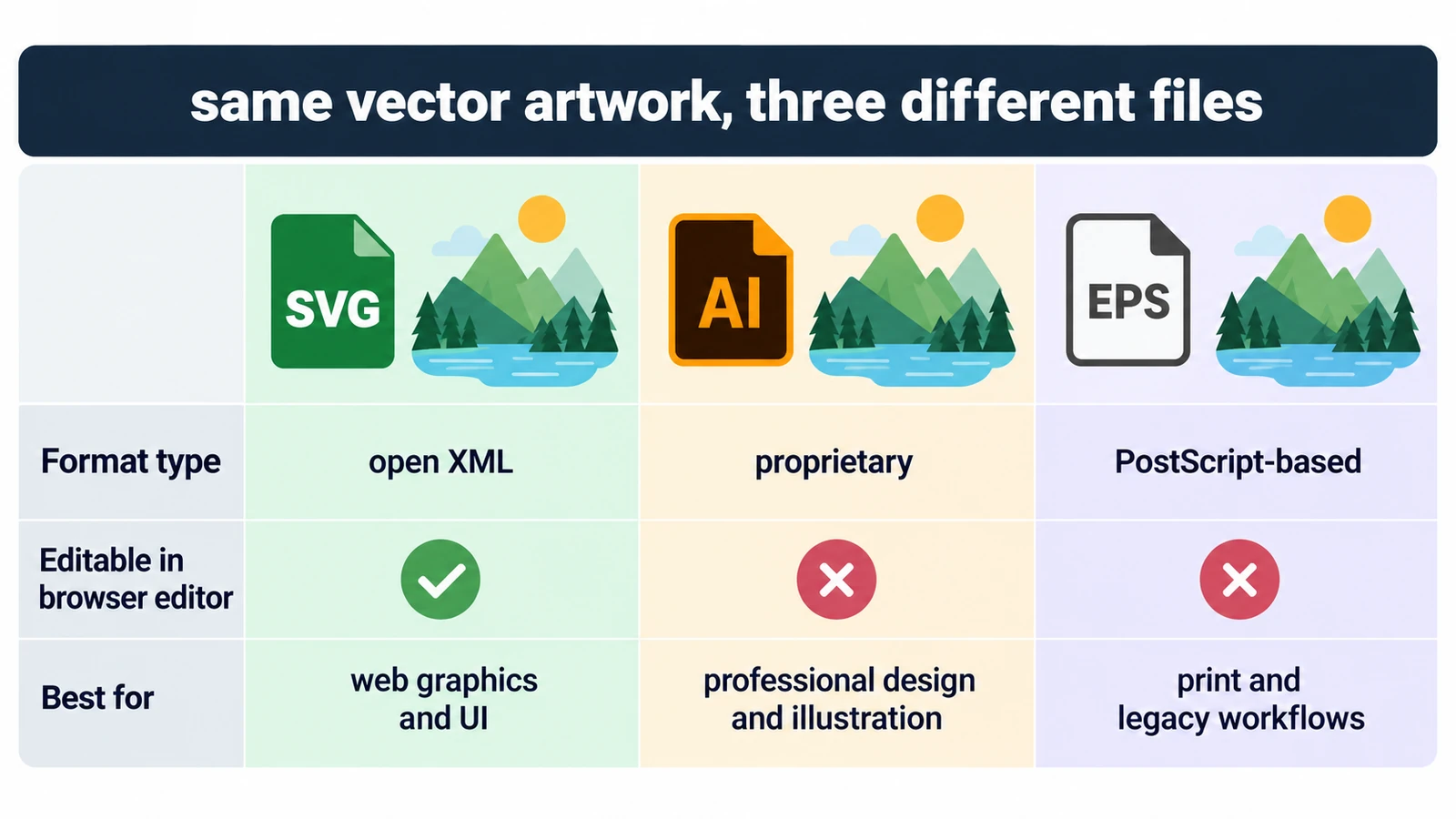
All three can describe the same curves, so the question is who can open the file and what they can change inside it. Units, fonts, and a rule for each destination.
Creative workflows Vector editing SVG editing File formats Workflow comparison 4 min read
Published By Julia M. Gil
-
SVG vs PNG: Which Format Should You Use?
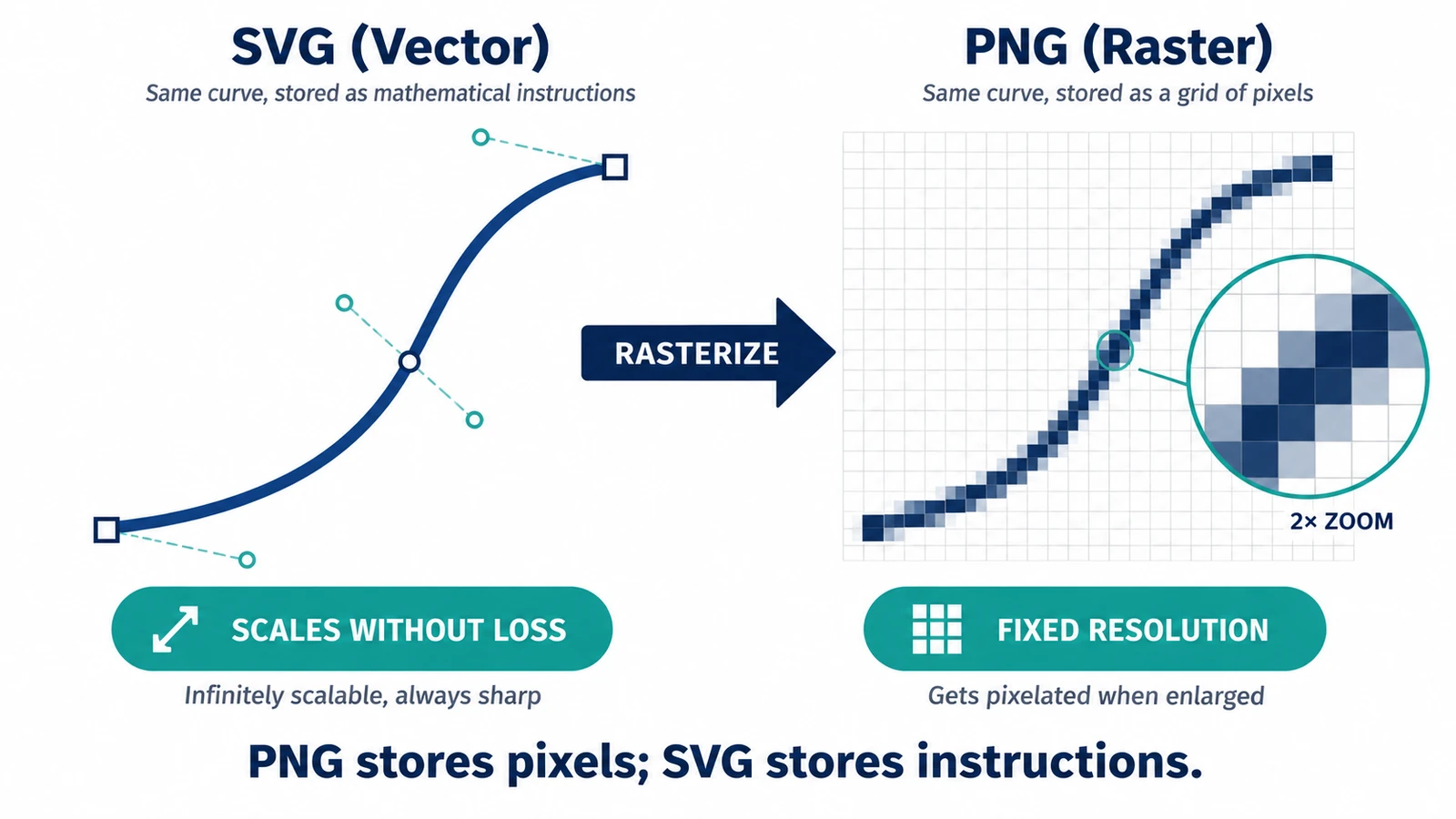
A PNG covers exactly one size; an SVG is drawn again at each one. What that means for transparency, edges and editability after handoff, and when the PNG wins.
Creative workflows Vector editing SVG editing File formats Workflow comparison 3 min read
Published By Julia M. Gil
Keep exploring
FreeAIGeneration is more than this article. The editors and calculators below are real, free and run in your browser.