SVG vs AI vs EPS: Which Vector Format Should You Use?
All three can describe the same curves, so the question is who can open the file and what they can change inside it. Units, fonts, and a rule for each destination.
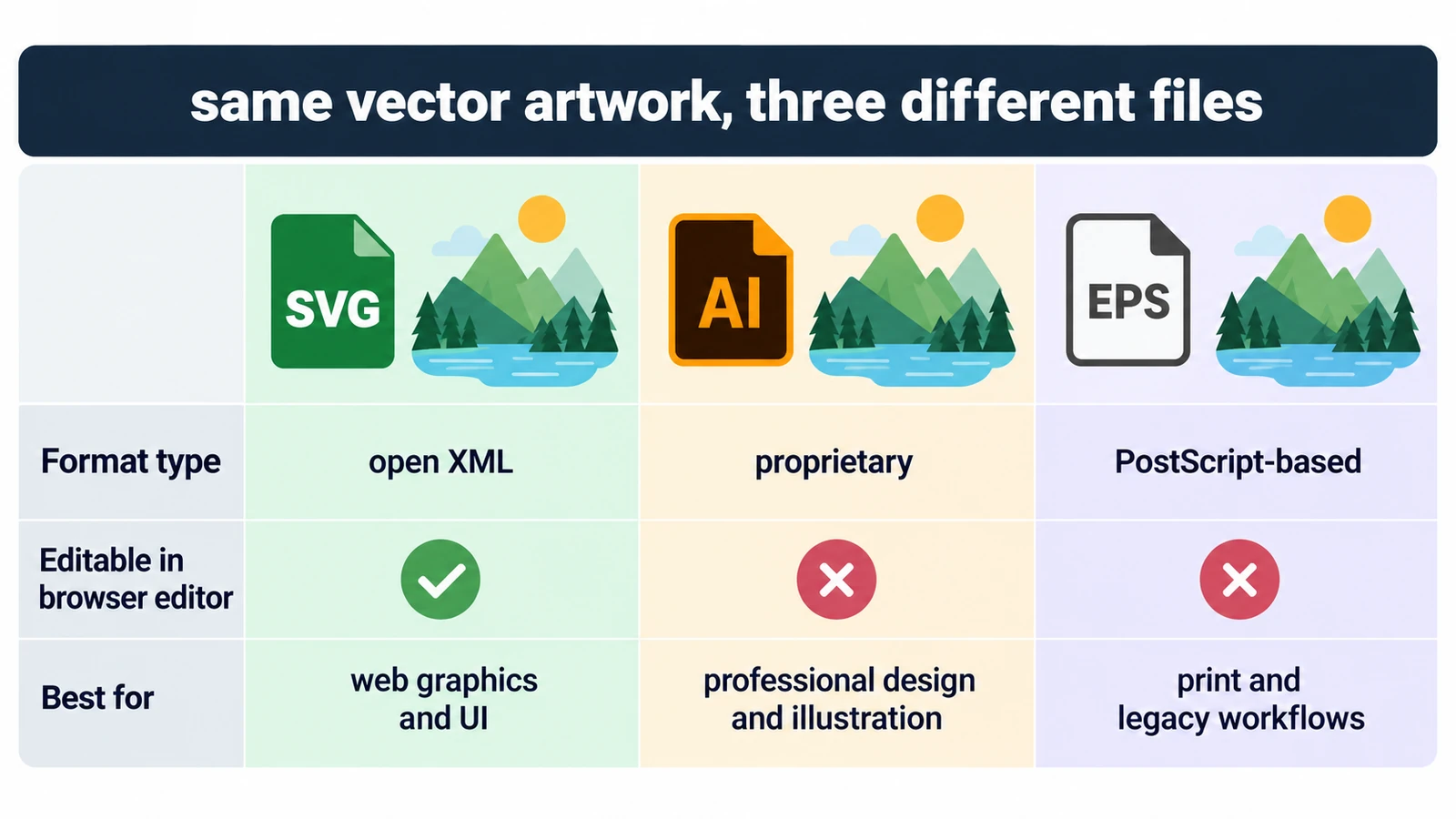
SVG vs AI vs EPS is not a question about which format looks better, because all three can describe identical curves. It is a question about who can open the file, what they can change inside it, and what happens when their machine does not have the font you used.
The Vector Editor sits in one corner of that question: it opens SVG, PDF and .ai, and it exports SVG, PDF, PNG, JPEG or WebP. It does not read or write EPS, and it is not a vector-authoring suite. The rest of this article is about choosing honestly between the containers.
What each one actually is
SVG is a text-based, open standard for 2D vector graphics, maintained by the W3C. The file is shapes, paths, paint values and sometimes styles, written as markup. Browsers render it directly, and a long list of applications read it.
An .ai file is a vendor-proprietary document format. Its structure is not published as an open specification, which is why “can open .ai” and “can write .ai” are very different claims.
EPS is Encapsulated PostScript: a page description rather than an object model. It describes how to draw a page using PostScript operators, and it may carry a low-resolution preview for placement. That distinction is the whole story for browser editing — a page description has to be interpreted, and an editor that works on Bézier nodes has nothing to attach to.
PDF, for completeness, is ISO 32000: version 1.7 is ISO 32000-1:2008 and 2.0 is ISO 32000-2:2020. It is the print-oriented container most design handoffs end up in.
Editability, file by file
| Container | What it holds | In this editor |
|---|---|---|
| SVG | XML text, open standard | Opens and exports |
| AI | Vendor-proprietary document | Opens; native vector data is not written back |
| EPS | PostScript page description | Neither imported nor exported |
With SVG, every node and paint value is addressable and text stays text if the file uses live type, so saving and reopening does not change the geometry. With .ai, opening is common enough, but the data that makes a file a native vector document — artboards, effect stacks, the application’s own appearance model — is not written back, so a round trip is a one-way import in practice. With EPS there is nothing to round-trip in a browser at all: even a tool that rasterizes the preview is producing a new picture, not editing the old one.
Units and print arithmetic
Vector formats share a habit of measuring in points. A4 is 210 × 297 mm, which is 595 × 842 pt in PDF user space at 1/72 inch, rounded. Twelve-point text at 96 dpi renders 16 px tall (12 ÷ 72 × 96). SVG units are CSS pixels by default, which is why the same drawing measures differently in a file destined for a printer and one destined for a screen.
None of that arithmetic turns a browser editor into a print tool. CMYK, spot colors, bleed and preflight are outside what the editor claims, so a print file belongs in a print-oriented application.
Fonts are where files quietly break
A font reference is the most portable-looking part of a vector file and the least reliable. SVG text is set at render time from whatever fonts the opening machine has, and .ai and EPS commonly reference fonts as well. Hand a file to someone without that font and the text re-sets at different widths, which is enough to push a headline out of its box.
Two workable responses: convert the text to outlines when the file is final, or ship the font with it. Outlining loses selectability; shipping a font is a licensing question. Choosing which one to live with is the real handoff decision.
A rule for each destination
For anything bound for the web or another application, SVG. It is open, it is text, and whoever receives it can edit it without owning the same software.
For a working master that a designer will keep revising in the native application, .ai in its native application, plus an SVG or PDF export for everyone else.
For print handoff, a PDF produced by the print side of the workflow rather than by a browser editor.
EPS belongs to a legacy handoff: older print shops and RIPs, and archives of work from before the PDF transition. If you inherit one, convert it in an application that reads PostScript before bringing the artwork anywhere near a browser.
Two neighboring decisions are worth settling first: SVG versus PNG is the vector-or-raster call for a single asset, and raster versus vector is the underlying concept.
Frequently asked questions
Can the Vector Editor open or export EPS?
No. EPS is in neither set: the editor opens SVG, PDF and .ai files, and exports SVG, PDF, PNG, JPEG or WebP.
Does an .ai file survive a round trip?
Not into the application's own data. The editor reads .ai files, but application-specific data is not written back, so treat the format as a one-way import rather than an exchange format.
Why does my text move after another person opens the file?
Vector files usually reference fonts rather than carry them, so the text is set again with whatever fonts the other machine has, which can change line widths.
Try these FreeAIGeneration tools
Related articles
-
SVG vs PNG: Which Format Should You Use?
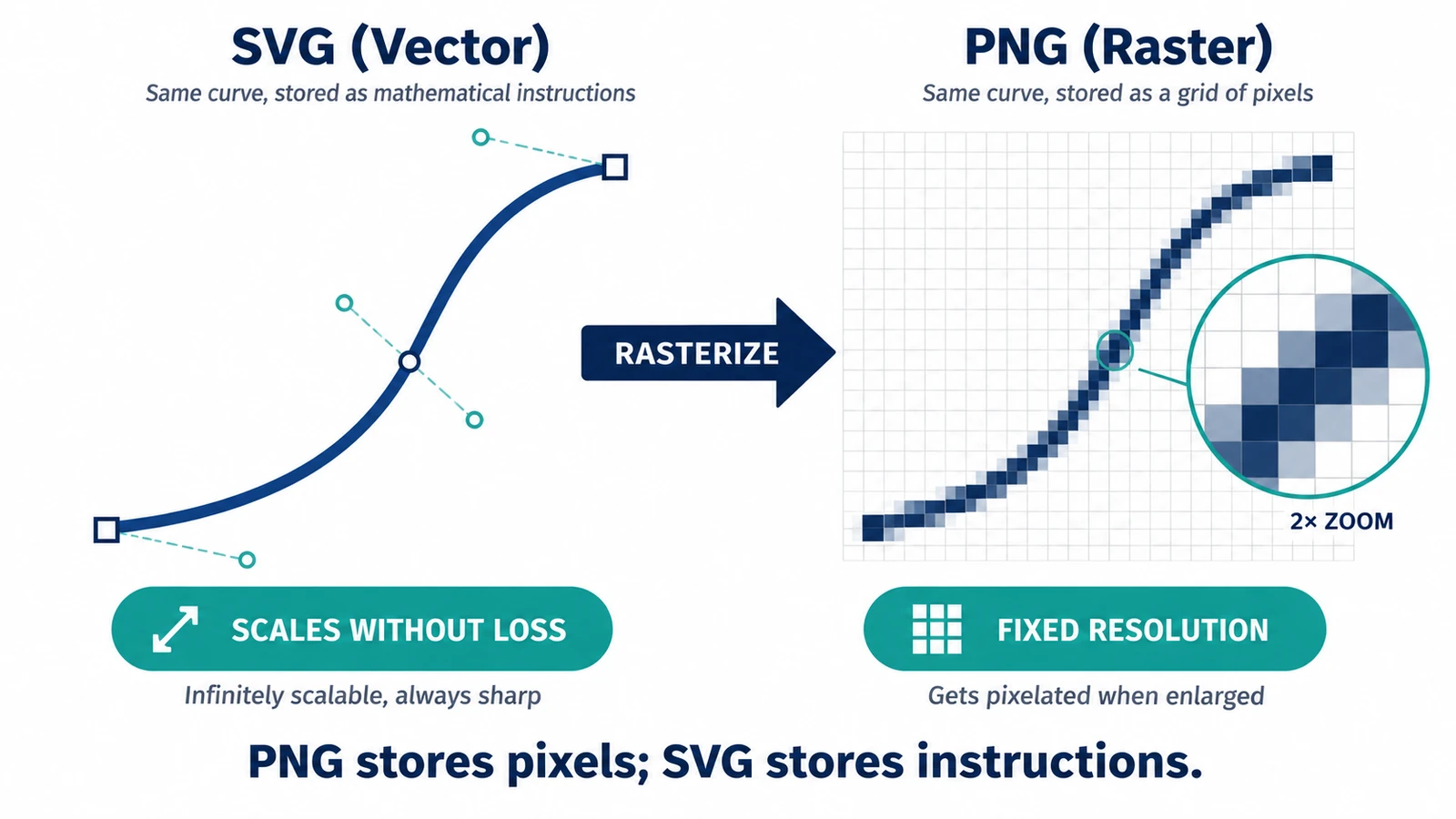
A PNG covers exactly one size; an SVG is drawn again at each one. What that means for transparency, edges and editability after handoff, and when the PNG wins.
Creative workflows Vector editing SVG editing File formats Workflow comparison 3 min read
Published By Julia M. Gil
-
Raster vs Vector Images: What's the Difference?
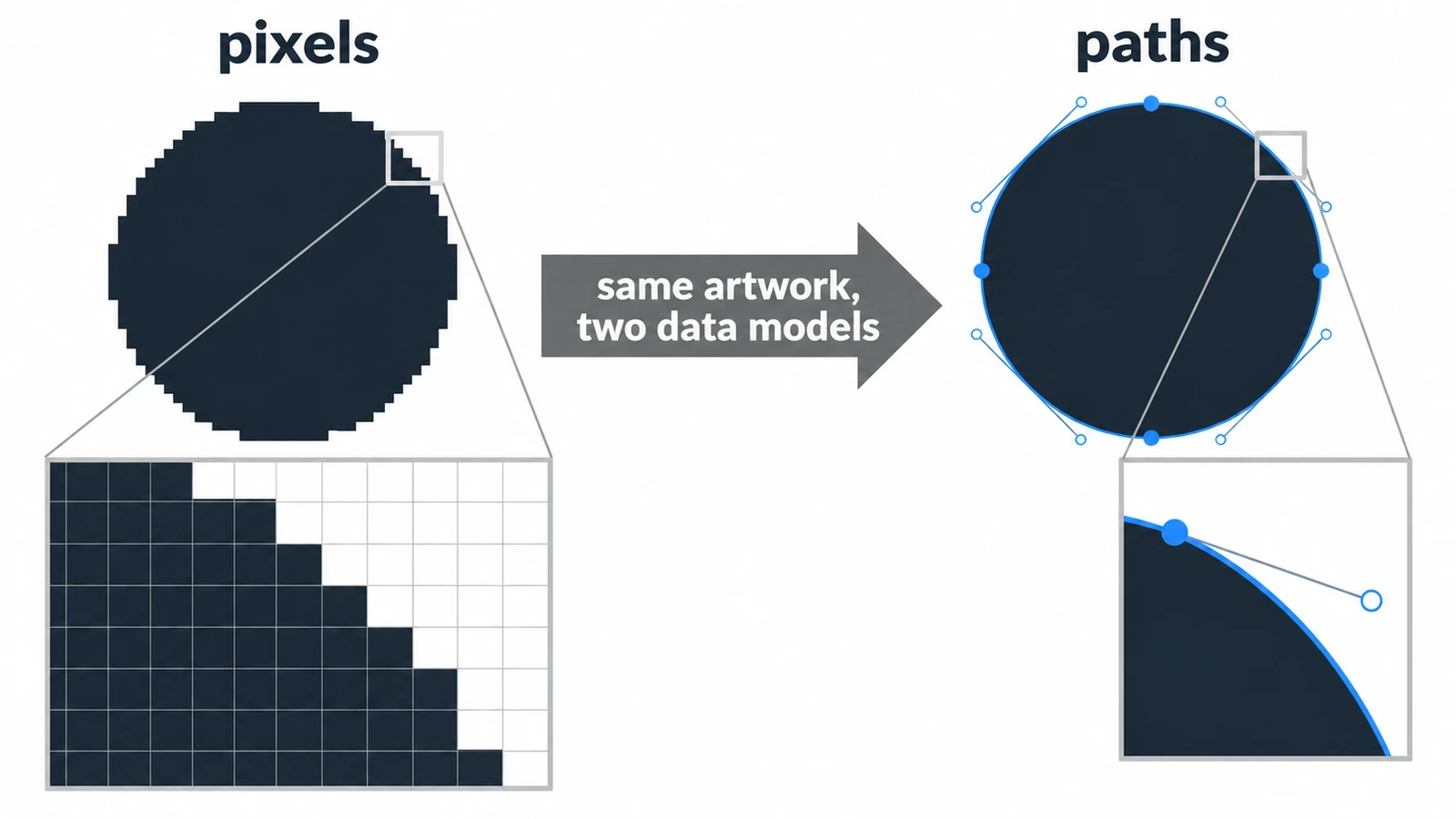
A raster circle is a mosaic of squares; a vector circle is a centre point and a radius. What that choice changes for scaling, file size, editing and mixed documents.
Creative workflows Photo editing Vector editing File formats Workflow comparison 4 min read
Published By Julia M. Gil
-
How to Change SVG Colors, Text and Paths Online
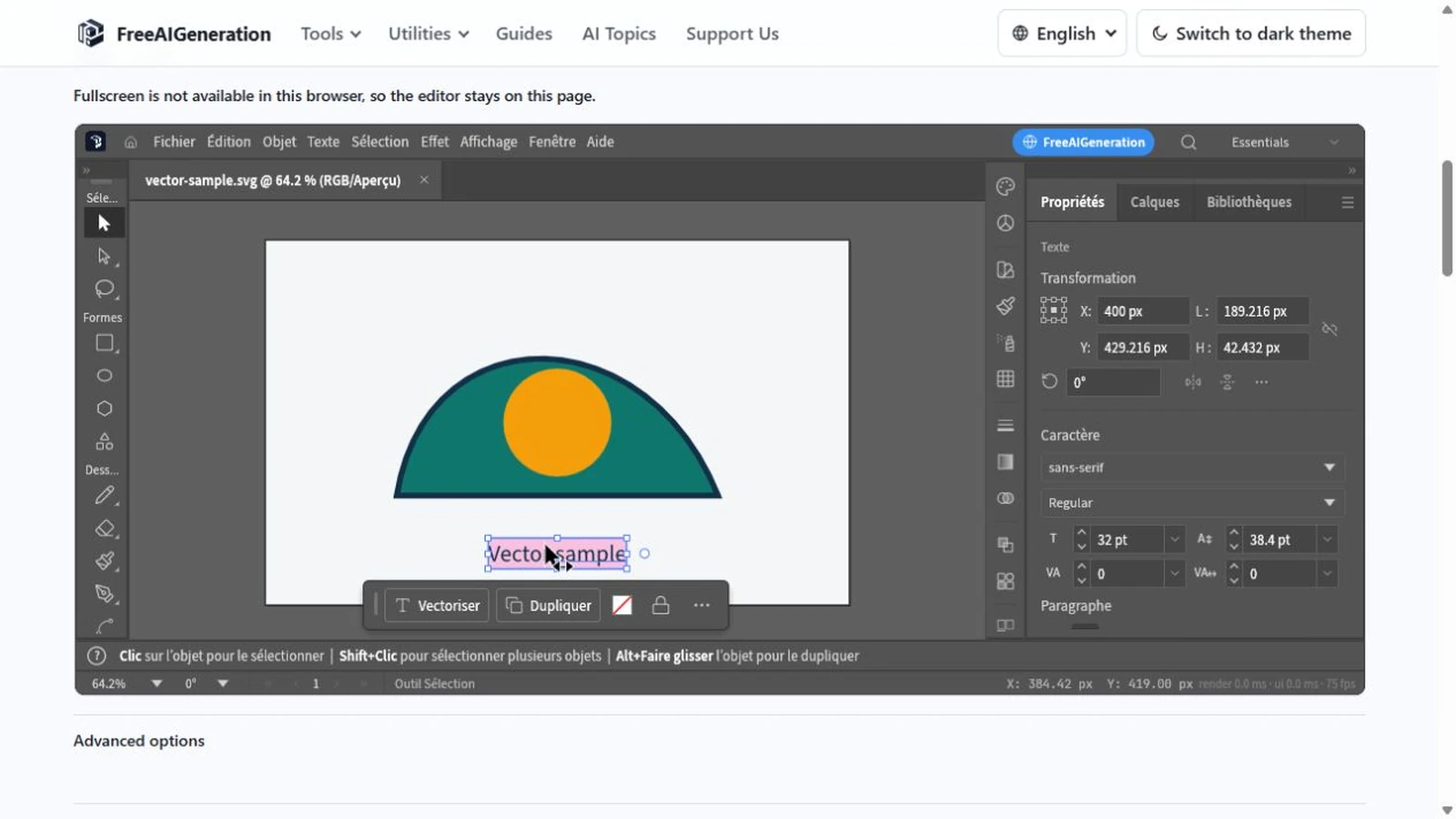
Recolouring an SVG can leave a ring of the old colour behind: fill and stroke are different properties. Covers paint values, type, path geometry and export checks.
Creative workflows Vector editing Browser tools No signup SVG editing 4 min read
Published By Julia M. Gil
Keep exploring
FreeAIGeneration is more than this article. The editors and calculators below are real, free and run in your browser.