PSD vs PSB: What's the Difference?
The choice comes down to a ceiling: 30,000 pixels per side against 300,000. When one dimension forces PSB, memory is the tighter limit, and a file picker proves nothing.
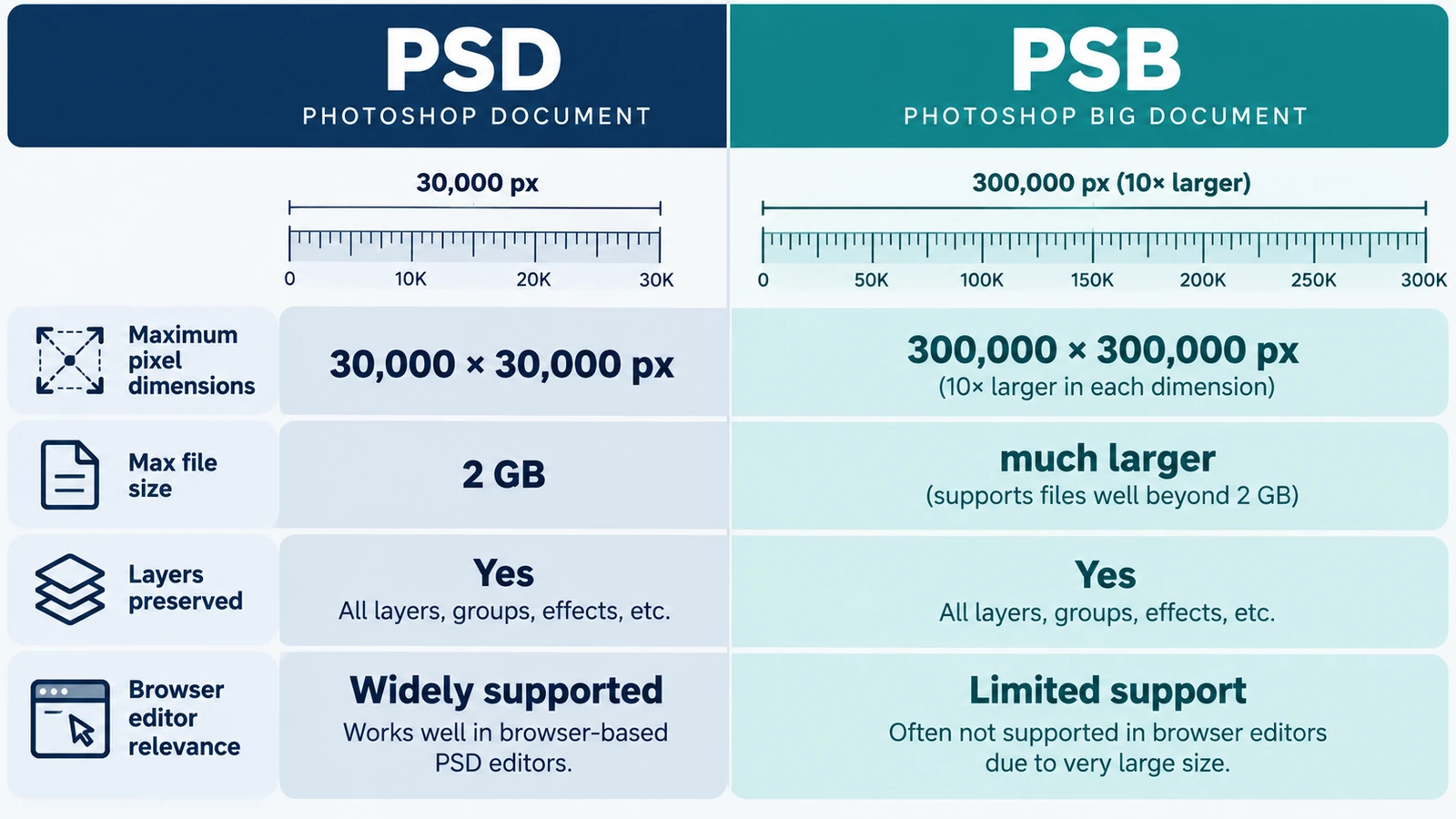
PSD vs PSB comes down to one number, and most people meet it at the worst possible moment: a large composite that saves perfectly in one container and refuses to exist in the other. Everything else about the two formats is close enough that the ceiling decides the choice.
A PSD caps a document at 30,000 pixels per side. A PSB raises that to 300,000 pixels per side, with a different header version so applications know what they are reading.
What the ceiling looks like from the edge
30,000 by 30,000 pixels is 900 million pixels. 300,000 by 300,000 is 90 billion — ten times the width and a hundred times the area. The per-side limit is the number that matters in practice, because a document can be long in one direction only: a 25,000 by 220,000 px graphic is a PSB even though its area is unremarkable.
Memory is a second ceiling, and stricter than the format. A 10,000 by 10,000 pixel document at 8-bit RGB is about 300 MB of raw pixel data; the same document in 16-bit CMYK is about 800 MB. Every layer, mask and channel adds more of the same, and an application holding the whole document in memory will feel it long before the format limit.
Channels and bit depth
The PSD specification allows up to 56 channels, bit depths from 1 to 32 bits, and a CMYK mode. That is the format’s capability, not necessarily the editor’s: the canvas here is 8-bit RGBA, and neither CMYK nor 16-bit output is on the table.
A PSD can therefore lawfully describe more than a browser editor can hold. When a file arrives with 16-bit channels or CMYK separations, the container is telling you what production it came from, and the tab you are working in is not the right place to finish it.
Choosing between them
Choose the smallest container that holds the document. If every dimension is under 30,000 px and the workflow is ordinary, a PSD is the safe default: more applications read it, and it is the format other tools expect for a document at that scale.
Move to PSB only when a dimension forces it — large-format display graphics, satellite or scanned composites, stitched panoramas, covers with bleed at high resolution.
For delivery, neither. A PNG or JPEG is what a client or a website can actually consume, and exporting flattens the layers into pixels.
Vector masks do not make a PSD a vector file
A PSD can hold paths, vector masks and shape layers, which leads people to ask whether it is a vector format. It is not. The pixel content is a rectangular grid of samples; the paths describe edges and selections inside that grid.
That distinction decides how a file behaves when it is enlarged, and it is the subject of raster versus vector, worth reading before choosing a container on the assumption that “it has paths in it”.
What the file picker does and does not tell you
The Photo Editor lists both extensions in its file picker. A picker entry is a filter, not proof that a file will decode: it says the application will consider a file of that kind, not that every file of that kind will open correctly.
Opening and re-saving PSD and PSB are behaviors recorded in the upstream project’s documentation rather than measured for this build, so the practical rule is to check before committing to a long session. One file from the intended source, opened and inspected, is worth more than a compatibility table.
A working answer for real projects
Keep a layered master in whichever container holds it, export a flat copy for anyone who needs to see the picture, and keep the master’s dimensions under the ceiling you have settled on. If a document is anywhere near 30,000 px per side, decide now whether it will ever grow: converting a layered document between containers is not always clean, and it is easier to start in the container you will finish in.
The workflow that produces those layers in the first place — opening, stacking, saving the master, exporting a copy — is described step by step in editing photos with layers and masks.
Frequently asked questions
What actually changes between PSD and PSB?
The document size limit: a PSD allows up to 30,000 pixels per side, while a PSB allows 300,000 pixels per side and uses a different header version.
Does the Photo Editor open every PSD and PSB file?
Both extensions are listed in the file picker, but a picker entry is a filter rather than proof that a file will decode, and PSD and PSB opening is documented upstream rather than verified here.
Can the editor handle 16-bit or CMYK PSD files?
No. Its canvas is 8-bit RGBA, and CMYK and 16-bit output are not supported, even though the PSD format itself allows both.
Try these FreeAIGeneration tools
Related articles
-
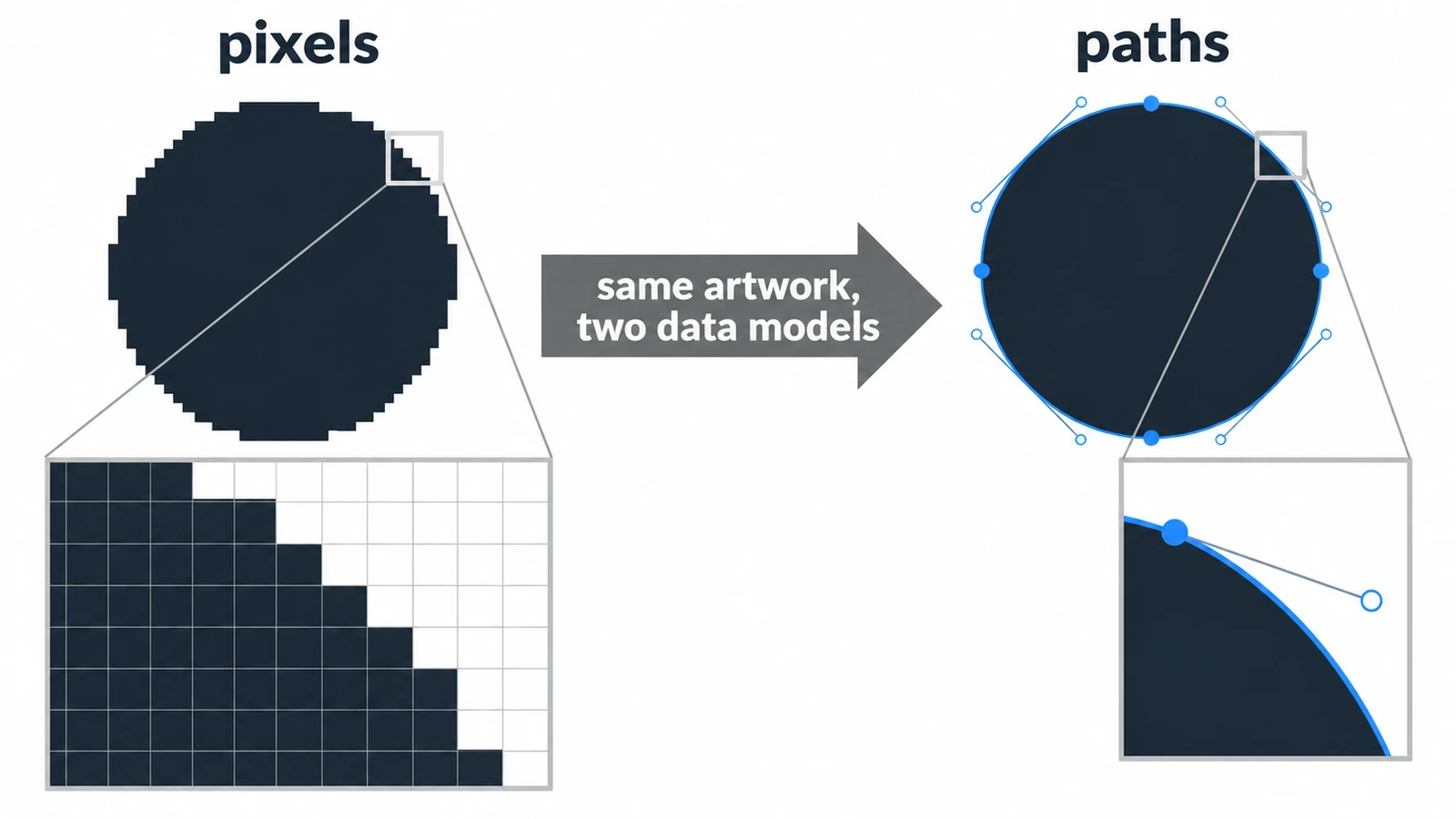
Raster vs Vector Images: What's the Difference?
A raster circle is a mosaic of squares; a vector circle is a centre point and a radius. What that choice changes for scaling, file size, editing and mixed documents.
Creative workflows Photo editing Vector editing File formats Workflow comparison 4 min read
Published By Julia M. Gil
-
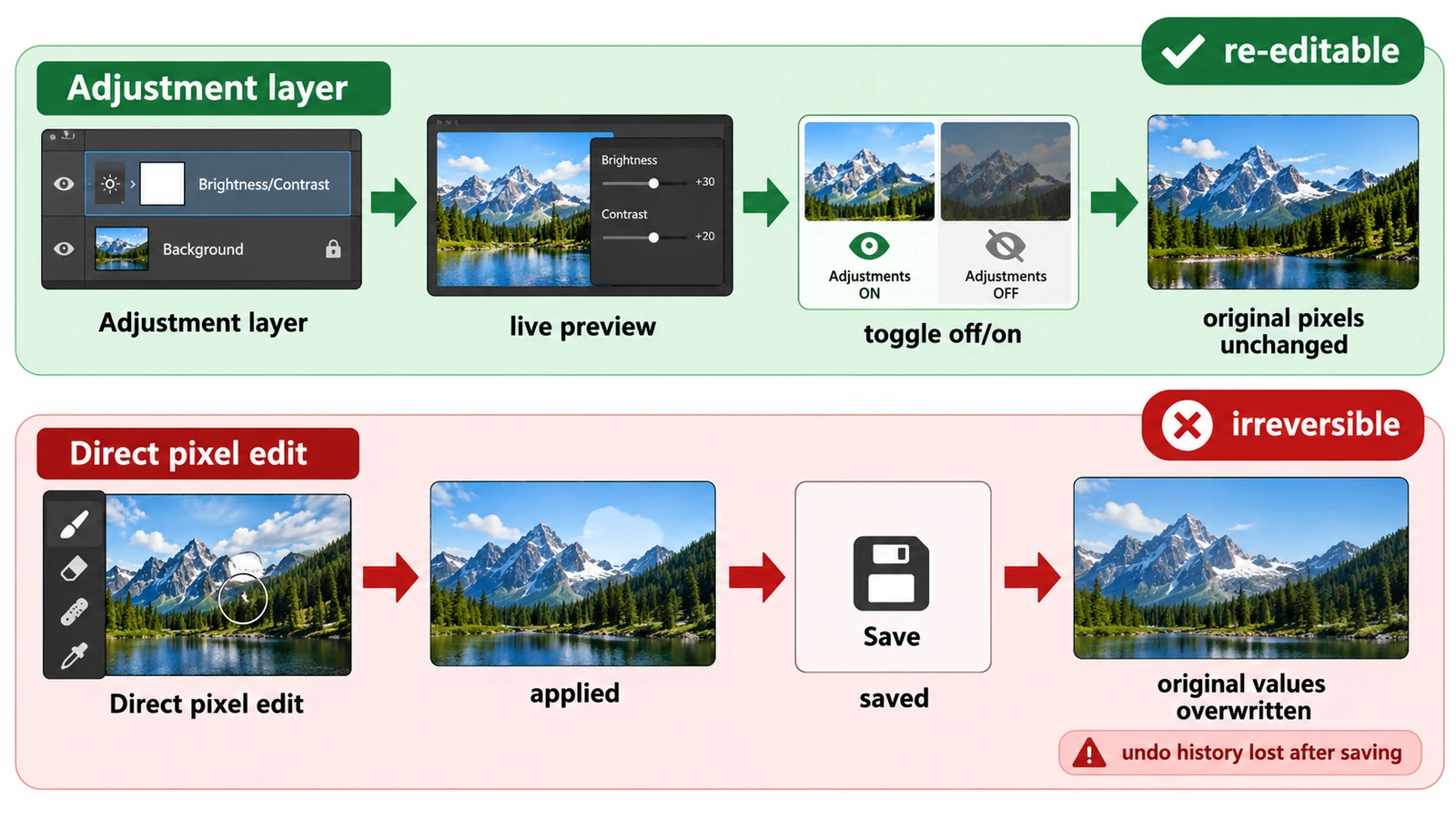
Adjustment Layers vs Direct Edits: Which Should You Use?
Both methods can produce identical pixels; the difference is what the file can still change later. What each costs, and how to choose when the brief is hazy.
Creative workflows Photo editing Layers Non-destructive editing Workflow comparison 3 min read
Published By Julia M. Gil
-
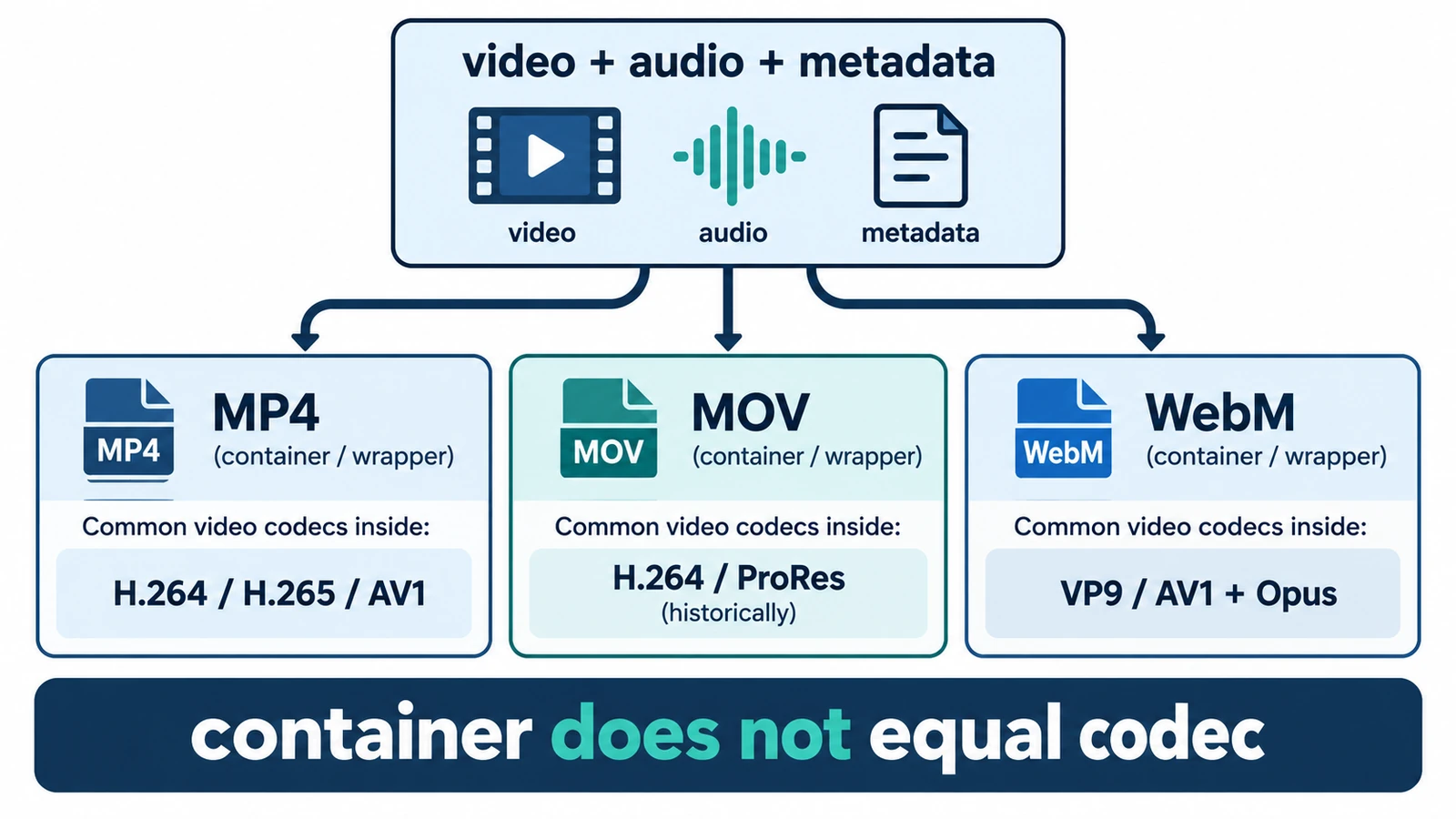
MP4 vs MOV vs WebM: Which Video Format Should You Use?
MP4, MOV and WebM are containers, not codecs, so the wrapper does not decide quality. What each is for, where quality is actually decided, and how an editor handles them.
Creative workflows Video editing File formats Workflow comparison Import & export 4 min read
Published By Julia M. Gil
Keep exploring
FreeAIGeneration is more than this article. The editors and calculators below are real, free and run in your browser.