SVG vs PNG: Which Format Should You Use?
A PNG covers exactly one size; an SVG is drawn again at each one. What that means for transparency, edges and editability after handoff, and when the PNG wins.
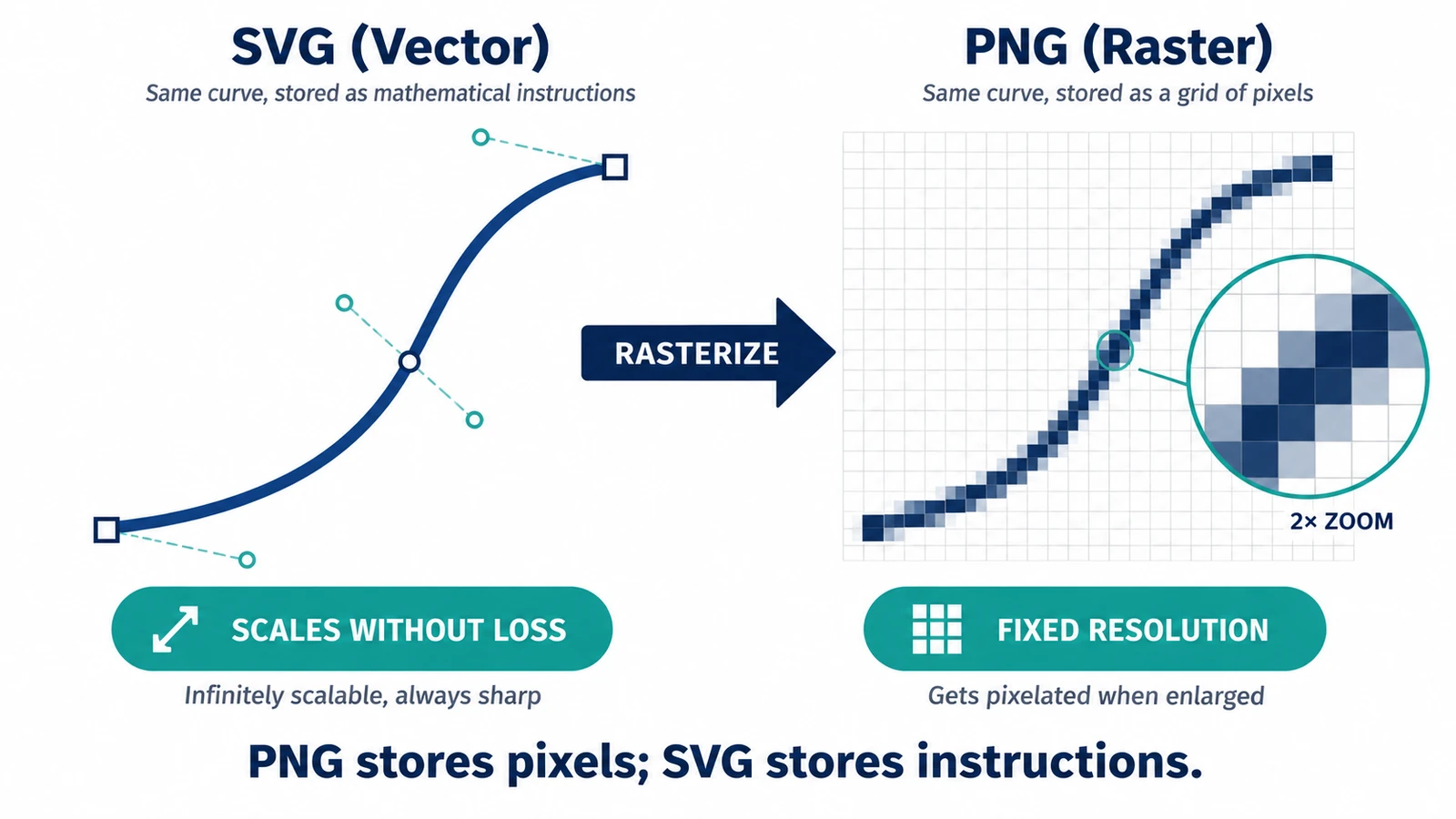
One asset, three sizes, one decision. A logo that measures 300 × 100 CSS pixels at 1× is 30,000 pixels on screen; the same logo at 2× is 120,000 pixels and at 3× is 270,000. An SVG covers all three because it is drawn again at each size. A PNG covers exactly one, and every other size is a new export. That is most of the SVG vs PNG question in a single paragraph.
What follows is the rest of it: transparency, weight, editability, and the cases where a PNG is the right answer and no amount of vector purity changes that.
The direction that cannot be reversed
A PNG is a fixed pixel grid, losslessly compressed, with an alpha channel. An SVG is geometry plus a renderer, rasterized at the resolution the display or the export asks for. Rendering produces new pixels at the requested size rather than enlarging existing ones; enlarging a PNG is the opposite problem, since the pixels that were never captured have to be guessed.
Size shows the difference. A 2,400 × 2,400 RGBA raster is 5.76 megapixels, which is 23 MB of raw pixel data before any compression at all. Nothing in the file changes that number — it is what the image is. An SVG of a few hundred nodes is a couple of kilobytes of text and can be displayed at 2,400 px or 240 px from the same bytes.
Transparency and edges
PNG’s alpha channel is its strongest card among raster formats: a soft drop shadow or an anti-aliased edge is stored as blended values and stays exactly as exported. JPEG, the usual alternative, has no alpha channel at all, which is one reason transparent artwork tends to ship as PNG.
SVG has no pixel grid to store alpha in. Each shape carries its own fill and stroke opacity, and an area that is not painted simply shows whatever is behind it. The result is cleaner at any magnification and slightly different in nature: with PNG you are choosing the final blend, with SVG you are describing shapes that blend at render time.
Editability after hand-off
An SVG is text. Whoever receives it can change a fill, a stroke or a path without touching anything else, which is why icon systems ship as SVG in the first place.
A PNG is finished. Changing a color means painting over pixels, and changing a shape means losing the pixels underneath.
One caveat catches people out: an SVG can contain an embedded raster. The image element places a photo or screenshot inside the document at a fixed resolution, so the file is only partly vector, and that part pixelates when enlarged.
When the PNG is the right answer
Photographs. There is no useful vector representation of a photograph, and converting one means tracing, which approximates detail rather than recovering it.
Fixed-size destinations. A fixed banner slot, an icon at exactly 32 px, a platform that only accepts raster uploads — the vector master does not help there, and a PNG exported at the exact target size does.
Heavy vector art. Thousands of nodes with gradients, filters and clipping paths can outweigh the equivalent PNG at a modest size. It happens less often than people assume, and when it does, the PNG is simply the cheaper file.
Keeping both
The habit that avoids every version of this problem is to keep the SVG as the master and export PNG copies at the sizes you need. The master is the file you edit; the copies are the files you ship.
The Vector Editor exports SVG and raster formats through the browser’s download, so the master and its copies can come out of the same session without a second application in the loop. Export the sizes you actually need; an unused 4× copy is weight shipped to nobody.
If you are choosing between vector containers rather than between vector and raster, SVG versus AI versus EPS is the comparison you want. To make the master lighter before publishing it, see preparing and optimizing SVG files for the web.
Frequently asked questions
Can a PNG be converted into a true SVG?
No. Raster-to-vector work is tracing: software estimates paths from the pixel grid, and no lossless transform is standardized, so fine detail is approximated rather than recovered.
Which is smaller, an SVG or a PNG?
It depends on the content. A simple icon is a few kilobytes of text, while an SVG with thousands of nodes or an embedded photograph can be much larger than a compressed PNG.
Does a transparent PNG stay transparent in the editor's export?
PNG carries an alpha channel and lossless compression, so transparency is preserved; the export is handed to the browser as a download.
Try these FreeAIGeneration tools
Related articles
-
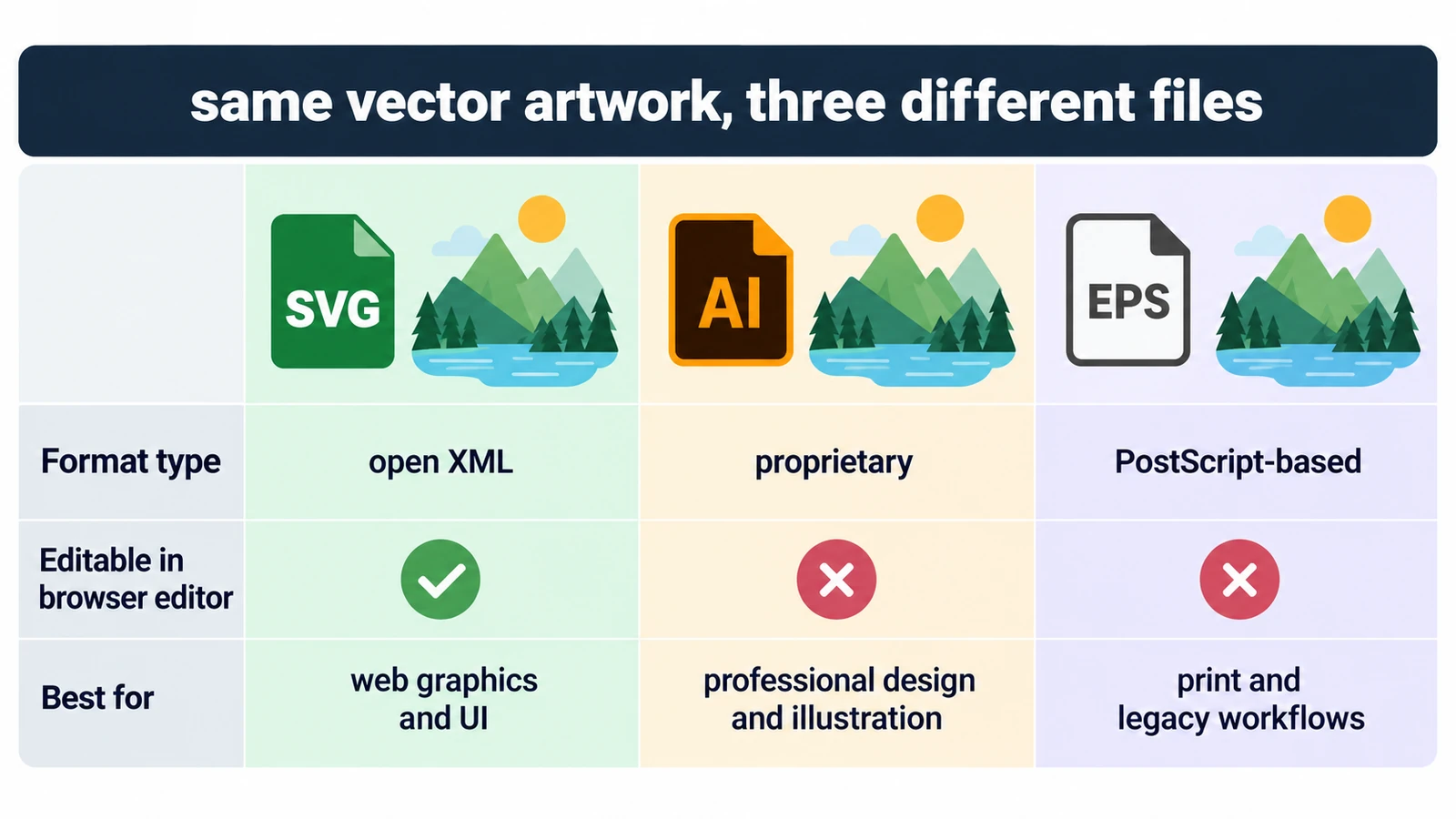
SVG vs AI vs EPS: Which Vector Format Should You Use?
All three can describe the same curves, so the question is who can open the file and what they can change inside it. Units, fonts, and a rule for each destination.
Creative workflows Vector editing SVG editing File formats Workflow comparison 4 min read
Published By Julia M. Gil
-
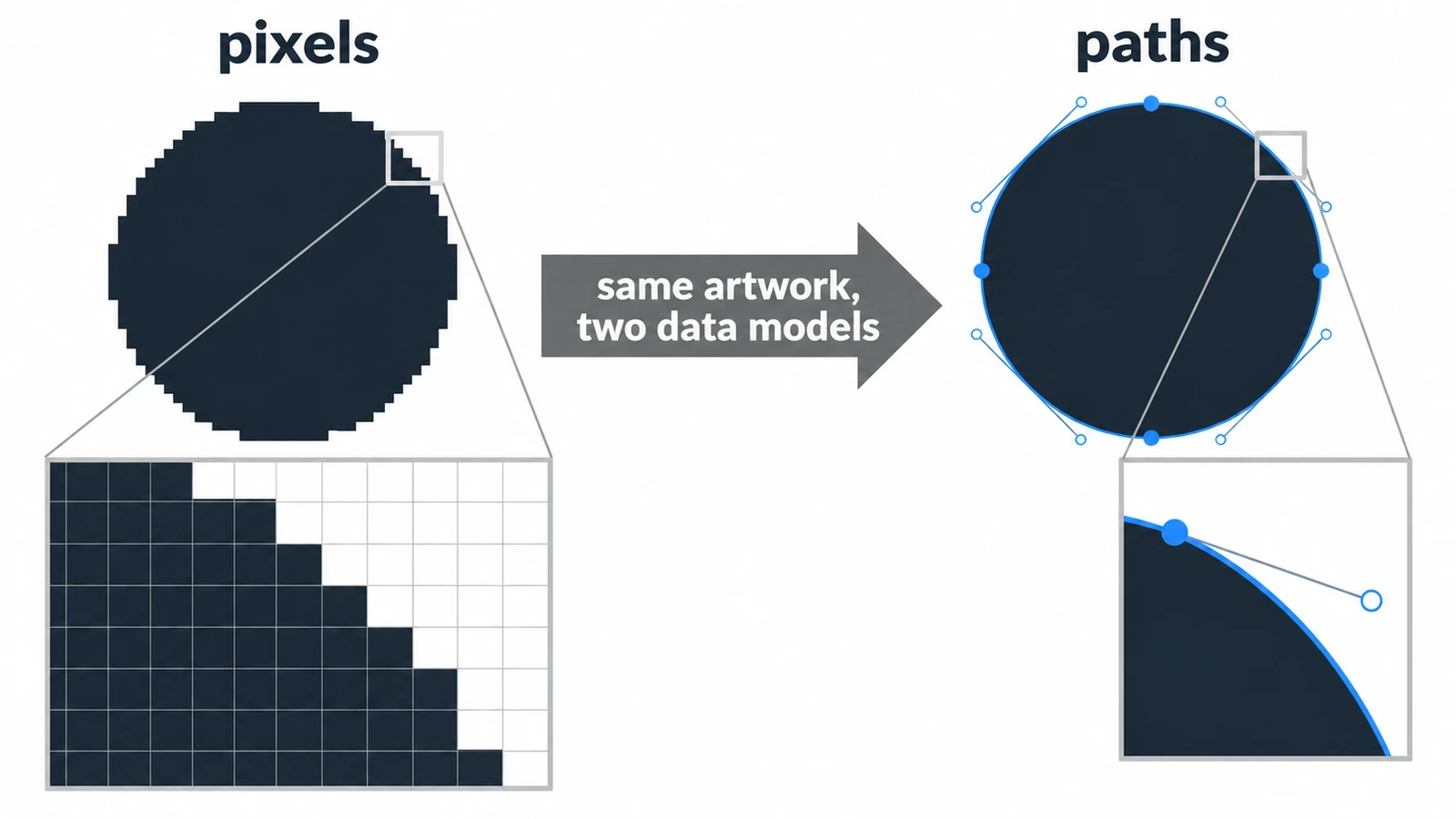
Raster vs Vector Images: What's the Difference?
A raster circle is a mosaic of squares; a vector circle is a centre point and a radius. What that choice changes for scaling, file size, editing and mixed documents.
Creative workflows Photo editing Vector editing File formats Workflow comparison 4 min read
Published By Julia M. Gil
-
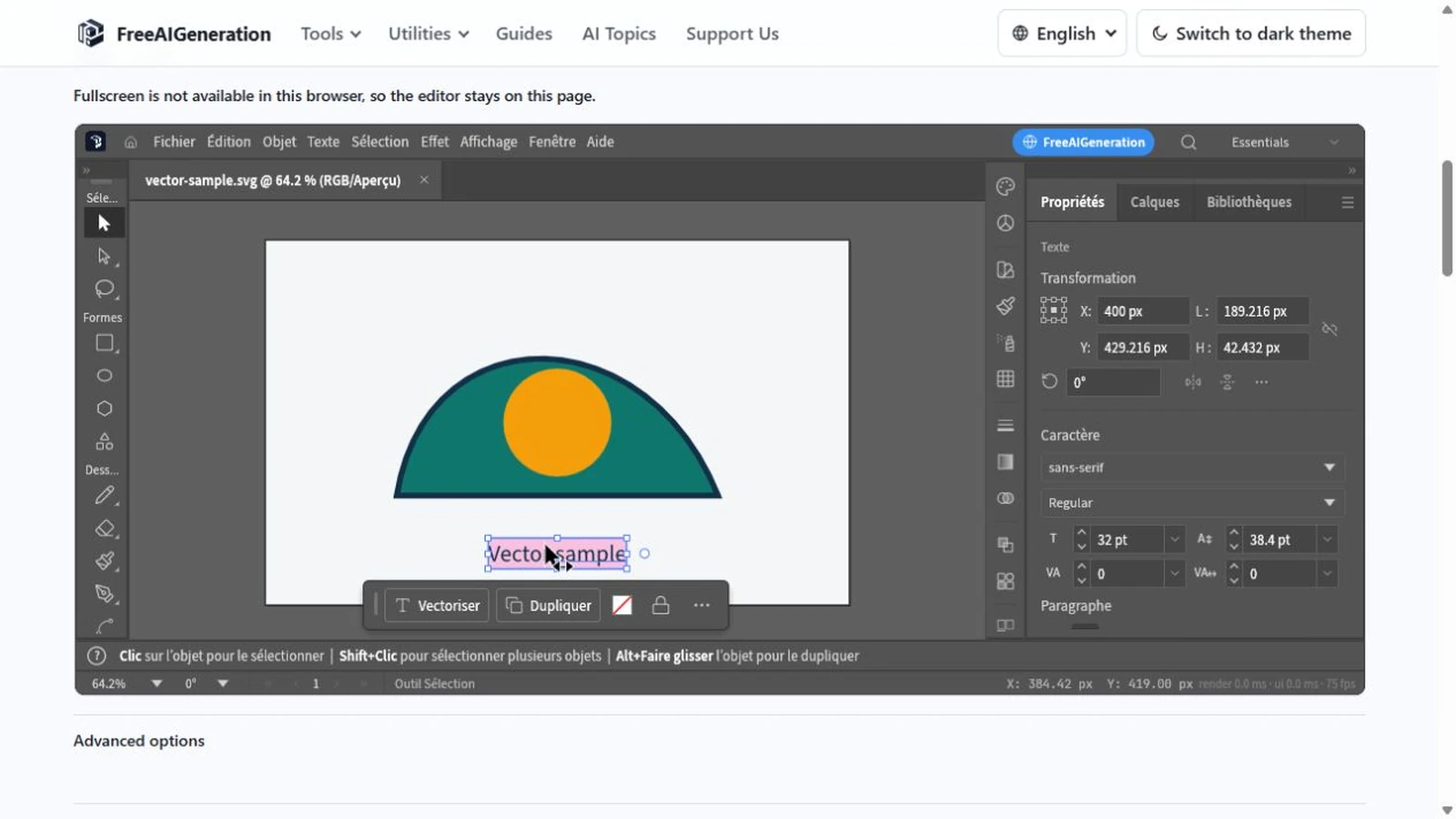
How to Change SVG Colors, Text and Paths Online
Recolouring an SVG can leave a ring of the old colour behind: fill and stroke are different properties. Covers paint values, type, path geometry and export checks.
Creative workflows Vector editing Browser tools No signup SVG editing 4 min read
Published By Julia M. Gil
Keep exploring
FreeAIGeneration is more than this article. The editors and calculators below are real, free and run in your browser.