RGB vs CMYK: Which Color Mode Should You Use?
A screen adds light; a press subtracts ink. Those two sentences explain why a vivid green returns as olive, what each mode is for, and why CMYK resists screen judgement.
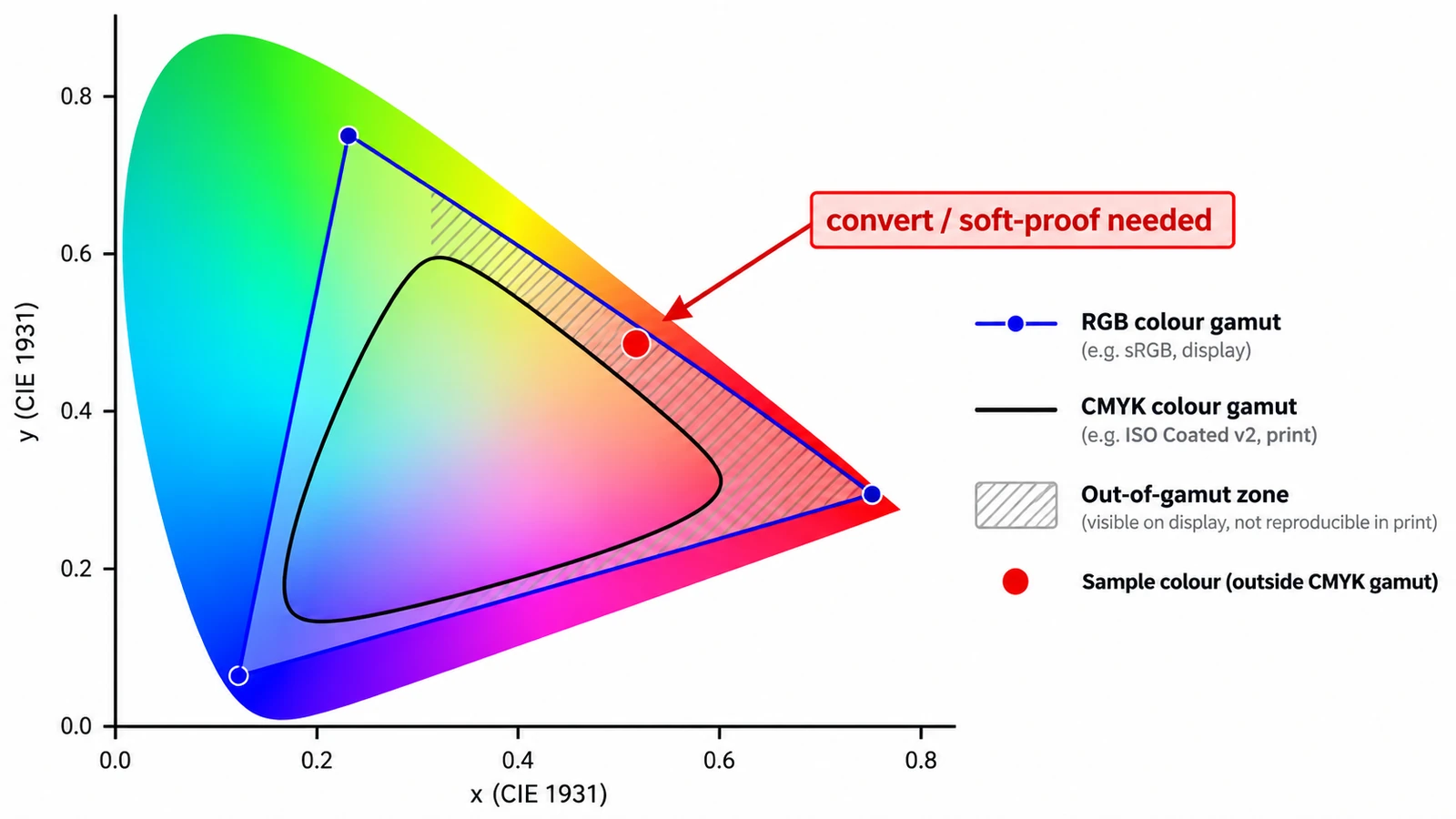
A screen makes colour by adding light. A press makes colour by subtracting ink. Almost everything that confuses people about RGB vs CMYK follows from those two sentences, including the reason a vivid green on your monitor can come back from the printer looking like olive.
The screen is not lying. It is showing you a colour that exists in light. The press has a different set of raw materials, and some of what you see simply has no ink equivalent.
Additive light, subtracted ink
RGB is three channels of light — red, green and blue. Full values on all three make white, zero makes black, and everything else is a mix. That is how an LCD or an OLED panel works.
CMYK is four inks — cyan, magenta, yellow and black. Each ink removes part of the white paper’s reflection. Cyan over yellow makes green because the inks are filtering what bounces back. The reason black gets its own plate is density: the three chromatic inks overprinted make a muddy dark brown, not a solid black, so K carries the text and the shadows.
The practical consequence is asymmetry. A light source reaches saturated hues at high intensity; inks are limited by pigment chemistry and by how much ink paper will absorb.
The count that misleads
Eight bits per channel gives RGB 256 × 256 × 256 = 16,777,216 combinations. Give CMYK four channels and the arithmetic looks generous: 256 × 256 × 256 × 256 = 4,294,967,296.
That number is the most common trap in the subject. More combinations do not mean more colours. CMYK’s four axes describe how much of four specific inks lands on paper, so a vast number of those combinations map to small, overlapping steps inside a smaller reachable volume. RGB can describe colours that no ink combination reaches at all — saturated greens, oranges and electric blues are the usual casualties.
The size arithmetic is simpler. Eight-bit RGB is 3 bytes per pixel and CMYK is 4, which matters for memory rather than quality. A4 at 300 ppi is 2,480 × 3,508 px, or 8,699,840 pixels: 26.1 MB as RGB and 34.8 MB as CMYK before any compression.
What each mode is actually for
For anything on screen, sRGB (standardised as IEC 61966-2-1) is the working space to assume. It is what browsers and phone cameras expect, and using the wrong profile shifts every colour in the file at once — a quietly wrong result rather than an obvious failure.
For commercial printing, CMYK is the mode the printer’s workflow expects, converted through the profile they name. Spot colours sit outside that model. They are premixed inks printed in addition to CMYK, used when a brand colour has to be exact or when a fluorescent or metallic effect is wanted.
The PDF standards make the difference visible. PDF/X-1a flattens to CMYK, while PDF/X-4 keeps ICC colour and live transparency. Which one a printer wants is a question about their press and their prepress software, not about your taste.
Where these browser editors sit
Both of the editors involved here work on screen data. A browser canvas is 8-bit RGBA, so compositing, blending and previewing all happen in RGB, whatever the final destination.
That sets a clear boundary. The Photo Editor bundles a CMYK ICC profile, but a bundled profile is not CMYK output, and no CMYK, 16-bit or ICC output claim is supported for it. The Page Layout Editor has no colour-managed output evidence either. Converting to CMYK is a job for the printer’s prepress stage or for an application built to do it, and it should happen once, late, with the profile the printer supplies.
A CMYK file cannot be judged on screen
Two things follow from using an RGB display to look at print colour. The first is that the screen must convert CMYK back into light to show it at all, so what you see is a simulation built on an assumed profile and an uncalibrated panel in most cases. The second is that the conversion itself is not reversible. Once tones have been squeezed into the ink gamut, converting back does not restore what was lost; it produces a new approximation that looks close and is not the same file.
Soft proofing exists for this reason in print-oriented software, and it is a proxy rather than a guarantee. If colour accuracy matters for a brand or a product shot, the proof from the printer is the artefact to approve.
Which mode to choose
If the destination is a screen, stay in RGB and set sRGB as the profile. If the destination is a press, ask the printer for the CMYK profile and the PDF standard before you start, not after the file is finished. If a job goes both ways, treat those as two exports from one source rather than one file asked to do both.
Choosing is the easy part. The hard part is accepting that a colour you can see on a monitor may be a colour you cannot print, and dealing with that during design rather than in a proof email. The handoff sequence itself is covered in preparing a print-ready PDF, and DPI versus PPI covers the other half of the same print arithmetic. More material sits in the guides hub.
Frequently asked questions
Does CMYK have more colours than RGB because it has four channels?
No. Four channels multiply the number of combinations, but those combinations describe amounts of four specific inks, so the reachable colour volume is smaller than sRGB's. Saturated greens and oranges often have no CMYK equivalent at all.
Can these browser editors convert a photo to CMYK?
No. Both work on screen data and a browser canvas is 8-bit RGBA, and the evidence supports no CMYK or ICC output claim for either editor. A CMYK conversion belongs to the printer's prepress stage.
Can a CMYK file be judged accurately on a monitor?
Only approximately. The display converts CMYK back into light using an assumed profile, so what you see is a simulation, and a printer's proof is the artefact to approve for colour-critical work.
Try these FreeAIGeneration tools
Related articles
-
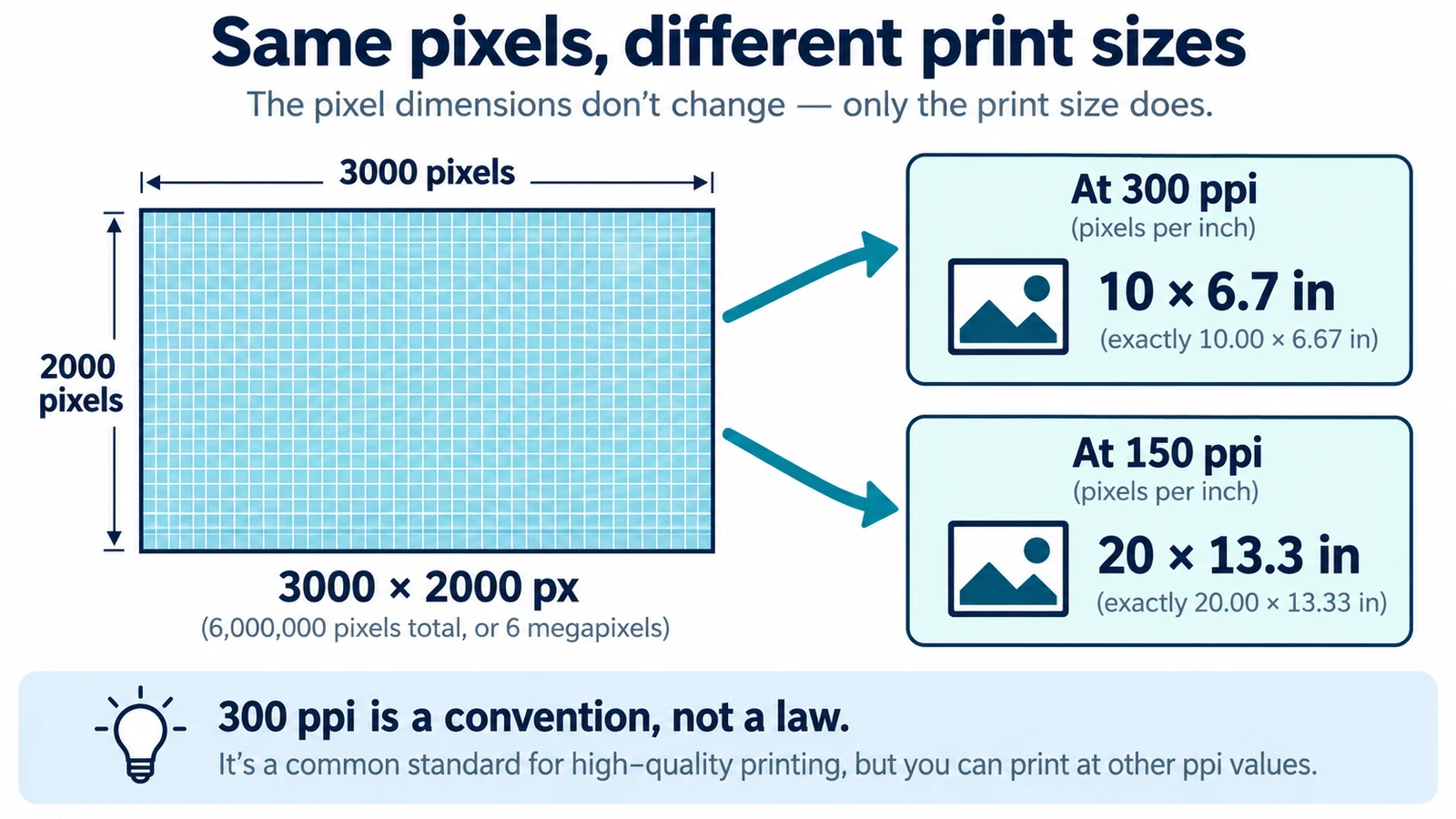
DPI vs PPI: What's the Difference?
DPI and PPI describe different machines, and neither means much without a physical print size. The formula, why 300 is a habit, and what to note before placing an image.
Documents & PDF Page layout Browser tools No signup Image optimization 5 min read
Published By Julia M. Gil
-
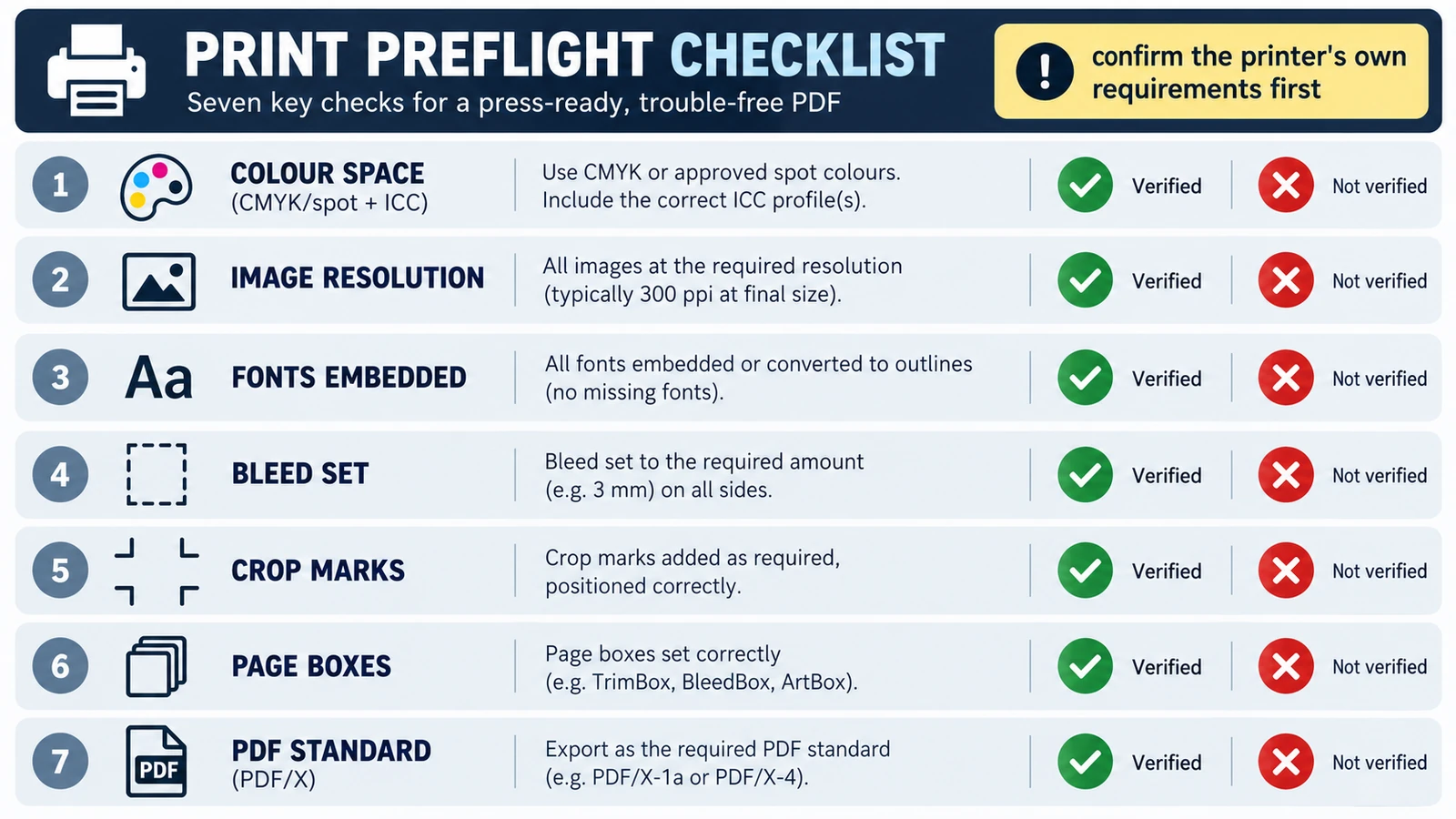
How to Prepare a Print-Ready PDF
Printers reject a file for its trim size, short bleed, colour space or a substituted font, not because it is a PDF. Five checks, and where the browser stops.
Documents & PDF Page layout PDF editing File formats Import & export 5 min read
Published By Julia M. Gil
-
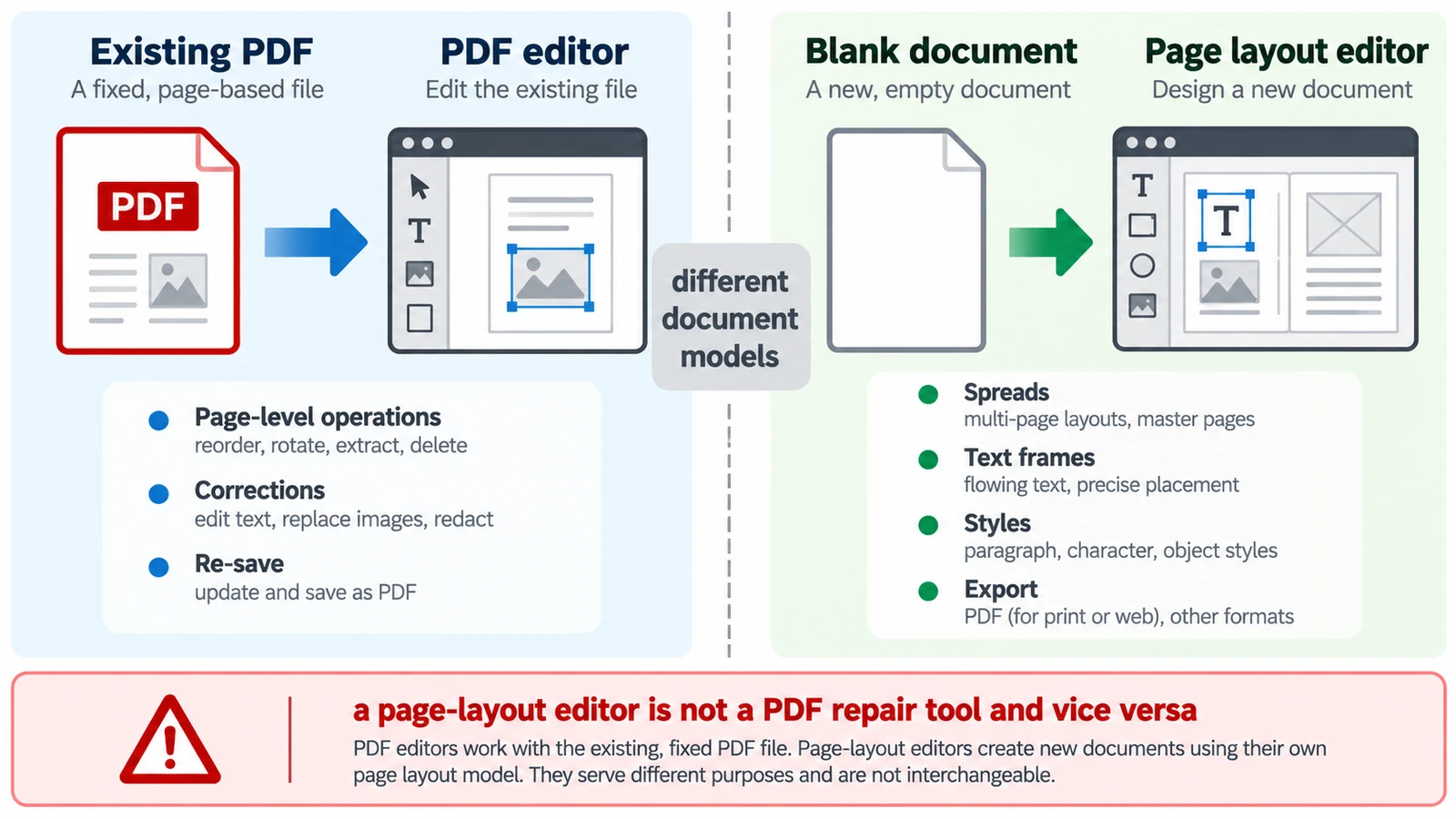
PDF Editor vs Page Layout Editor: Which Do You Need?
A PDF has no paragraphs to reflow, so a paragraph added mid-page does not behave as expected. Which tool belongs to which stage, and how the handoff between them works.
Documents & PDF PDF editing Page layout Workflow comparison Browser tools 5 min read
Published By Julia M. Gil
Keep exploring
FreeAIGeneration is more than this article. The editors and calculators below are real, free and run in your browser.