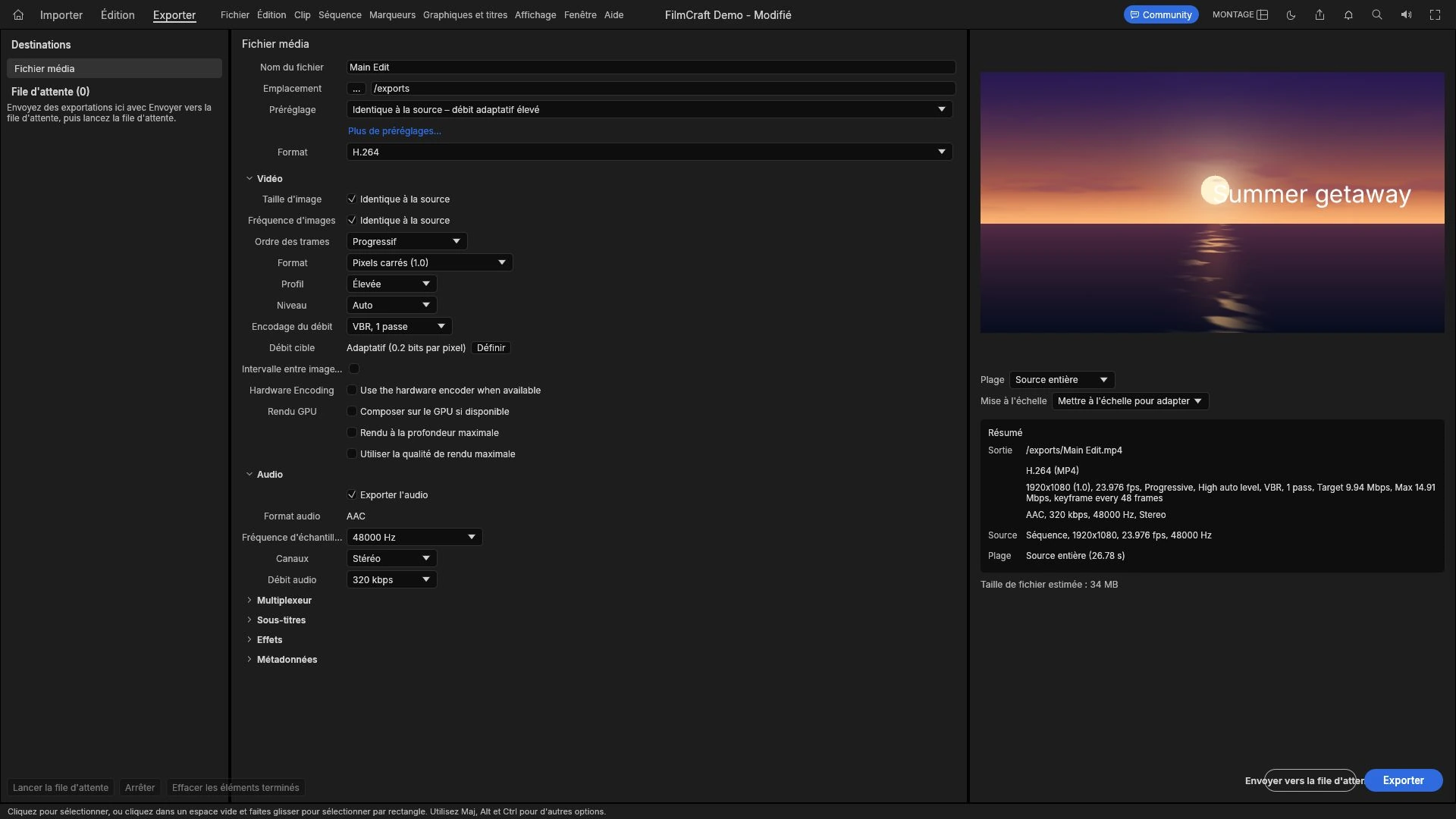
Every platform decodes and re-encodes what you send, so the file is a master, not a final artefact. Aspect ratio, duration, audio, and sizing a file that survives.
Creative workflows Video editing Browser tools No signup Import & export 4 min read
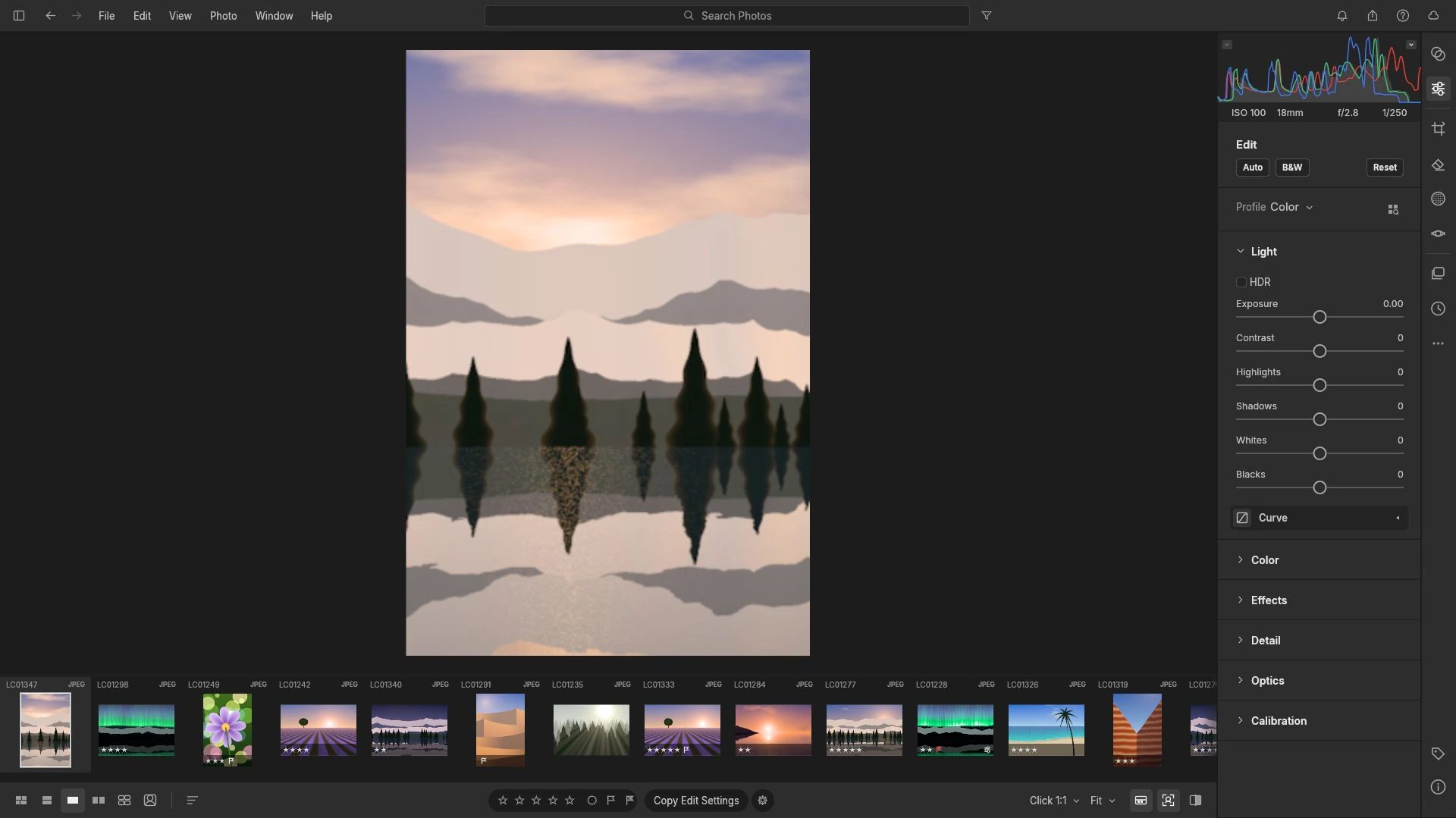
CR2, CR3, NEF and ARW are four vendor containers, and having the file is only half the question. Test one frame for a real decode before importing a whole shoot.
Creative workflows RAW editing Browser tools No signup File formats 4 min read
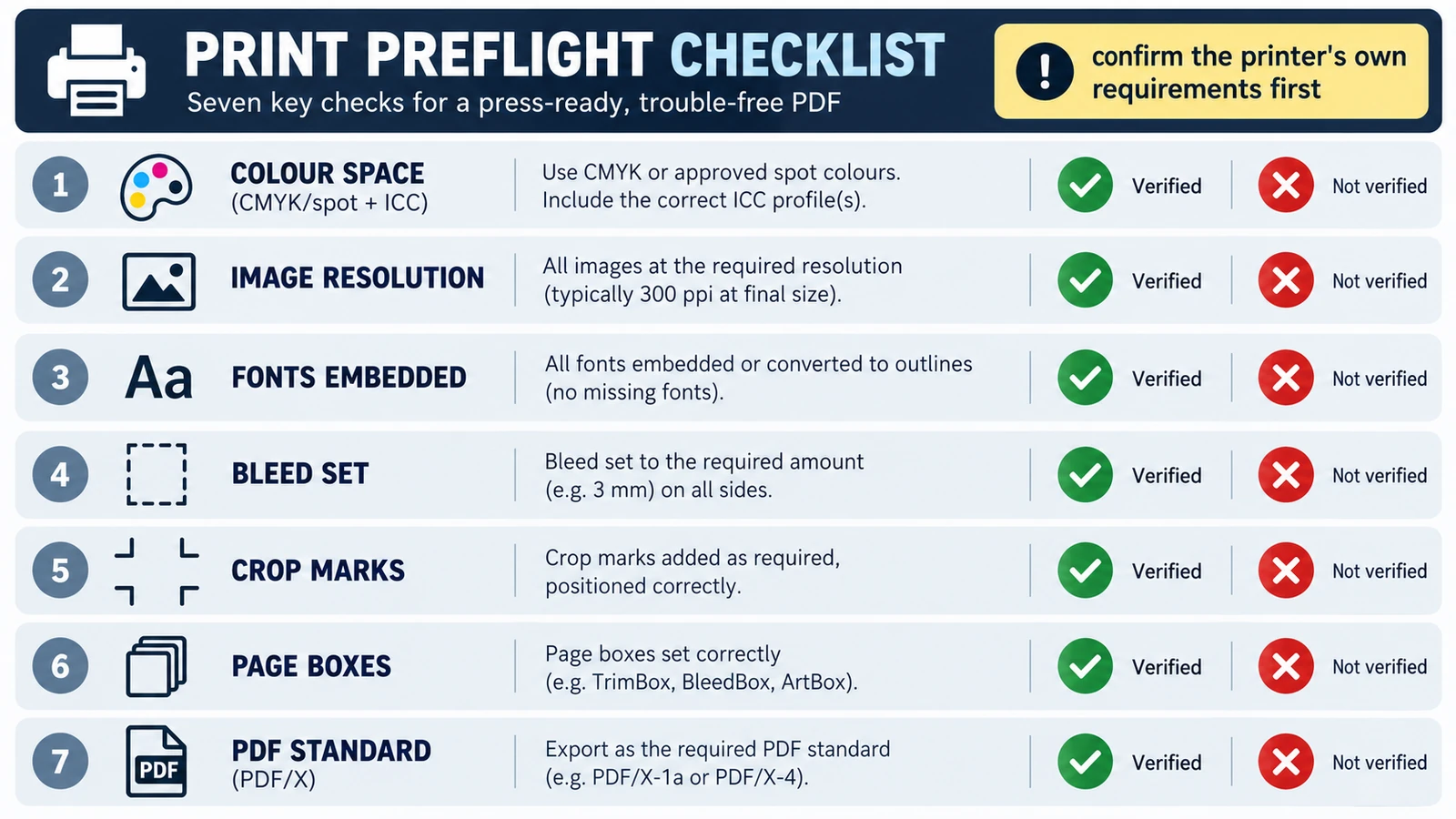
Printers reject a file for its trim size, short bleed, colour space or a substituted font, not because it is a PDF. Five checks, and where the browser stops.
Documents & PDF Page layout PDF editing File formats Import & export 5 min read
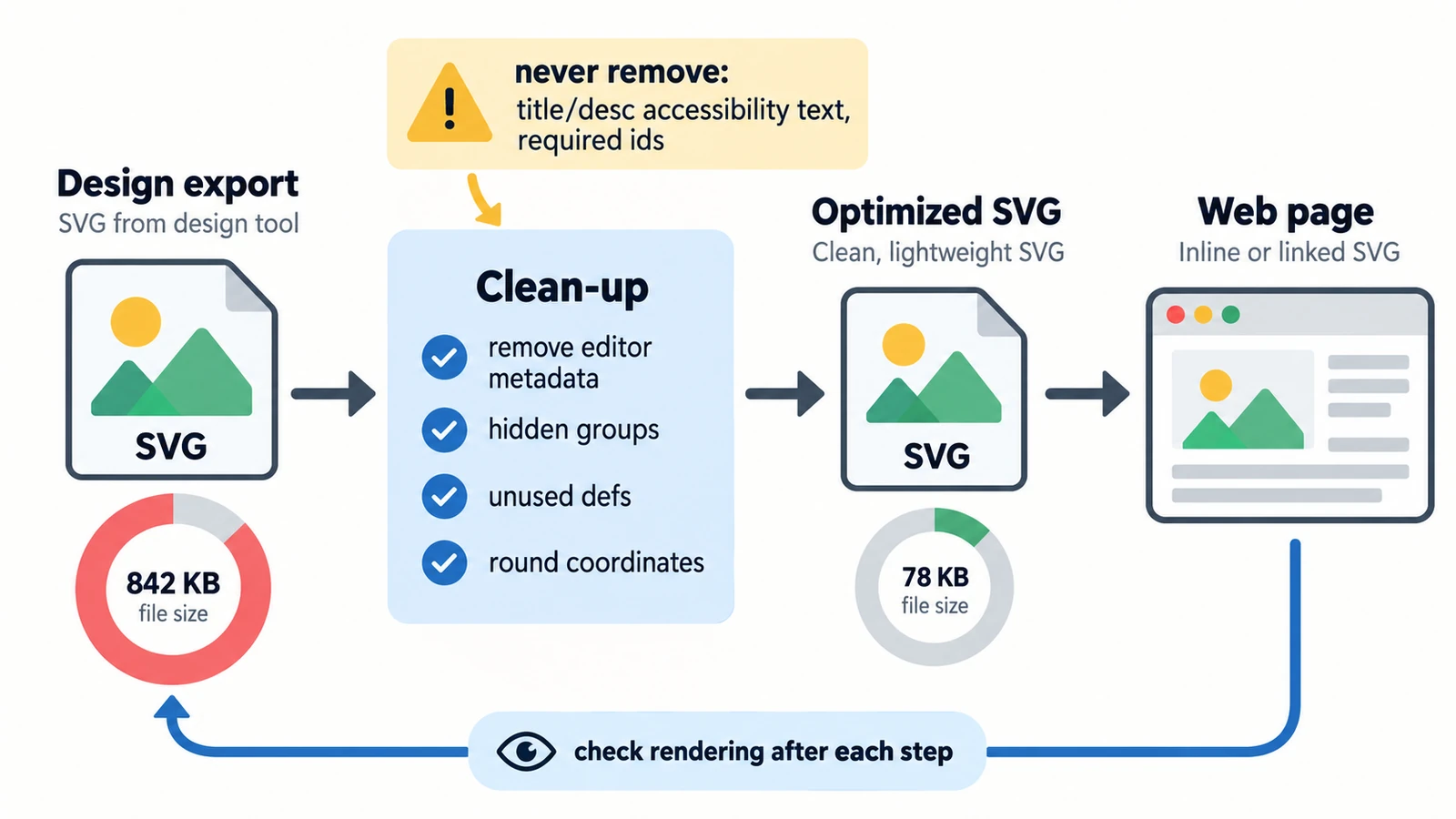
Six kilobytes of nothing is usually excess precision. Separating what the file says from what the network carries, plus embedded rasters, serving and a visual check.
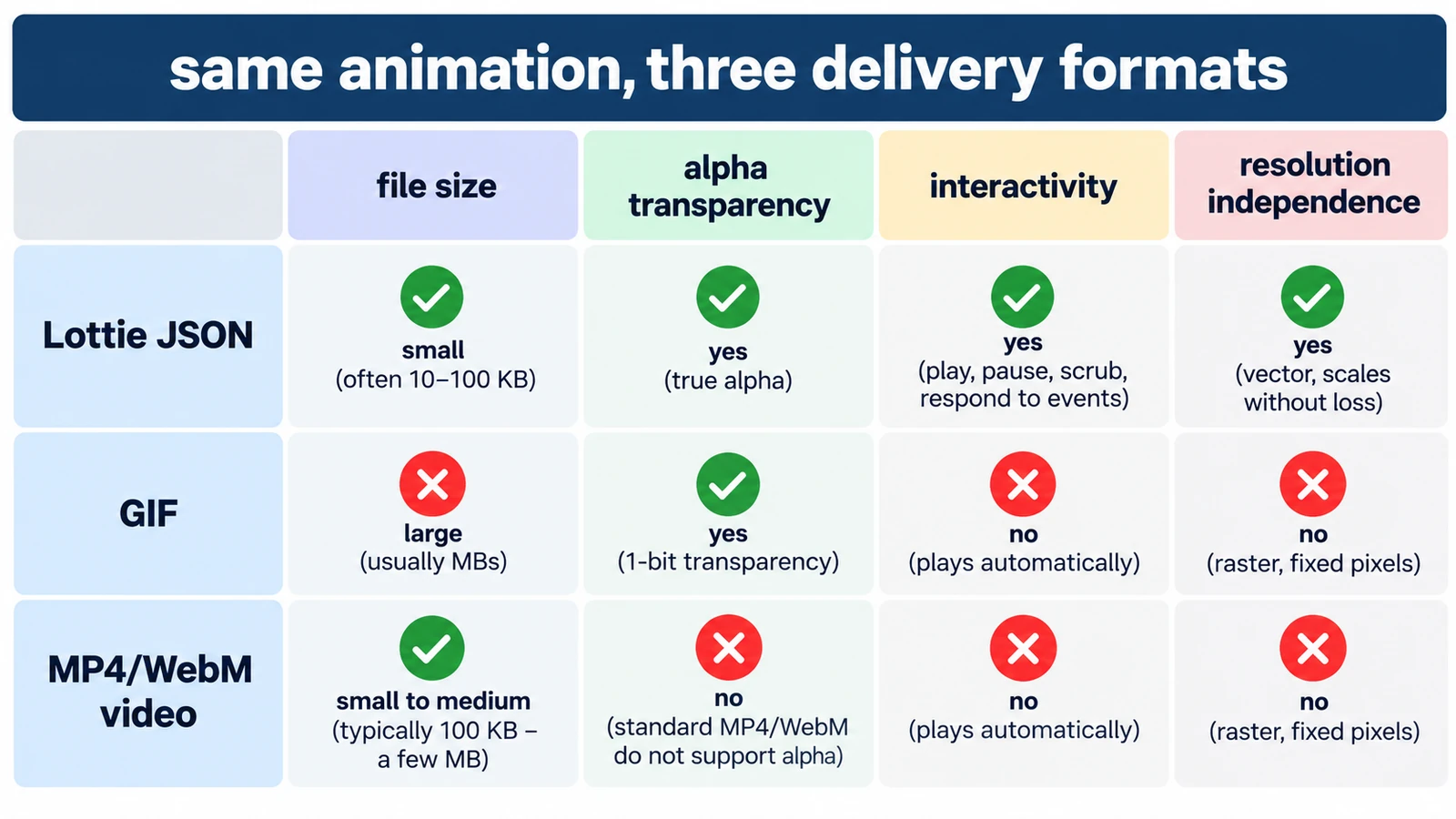
GIF spends colour, Lottie spends structure, MP4 spends computing power. What each costs in transparency, size and editability, and which format earns its place where.
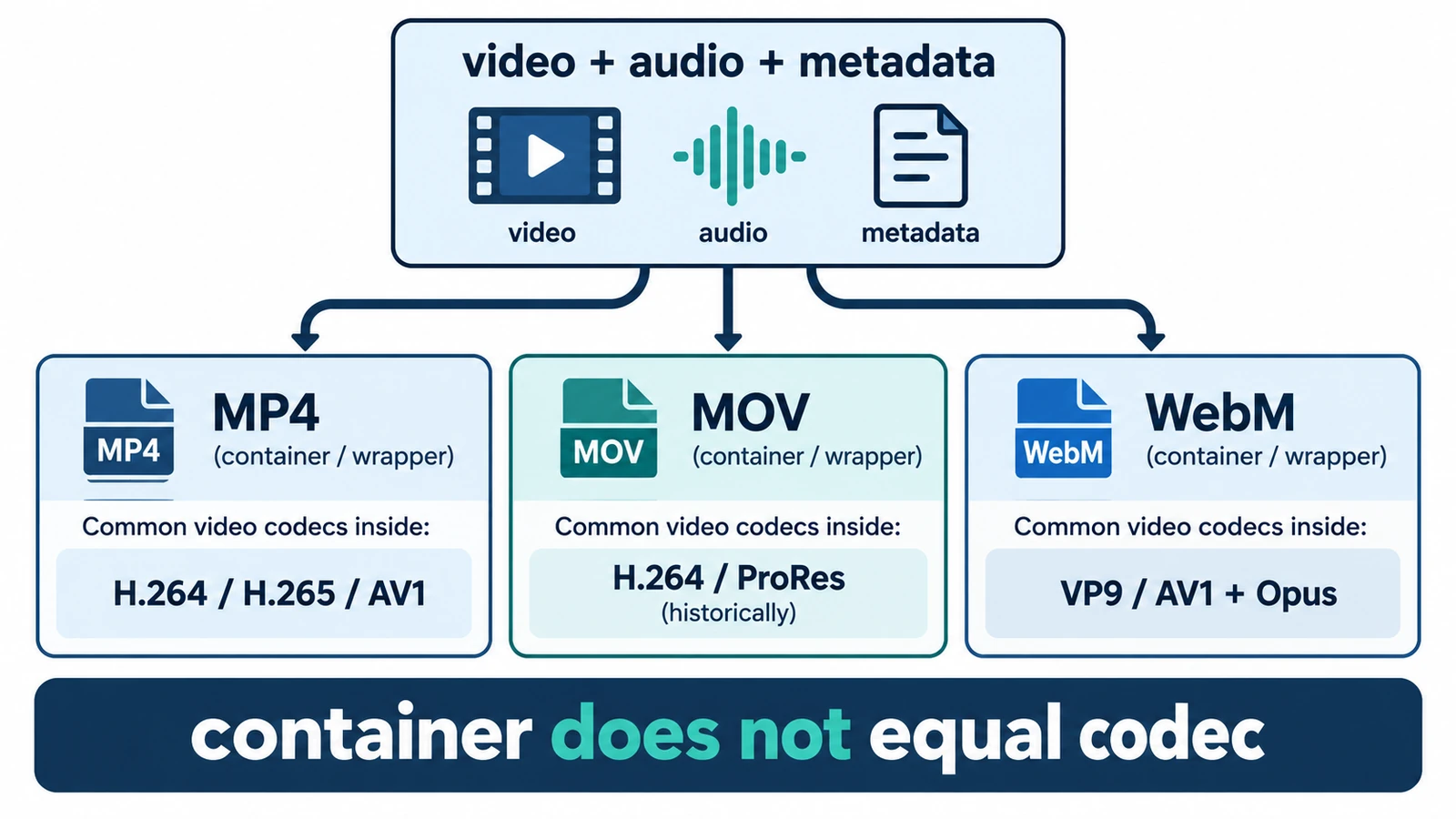
MP4, MOV and WebM are containers, not codecs, so the wrapper does not decide quality. What each is for, where quality is actually decided, and how an editor handles them.
Creative workflows Video editing File formats Workflow comparison Import & export 4 min read