How to Open CR2, CR3, NEF and ARW Files Online
CR2, CR3, NEF and ARW are four vendor containers, and having the file is only half the question. Test one frame for a real decode before importing a whole shoot.
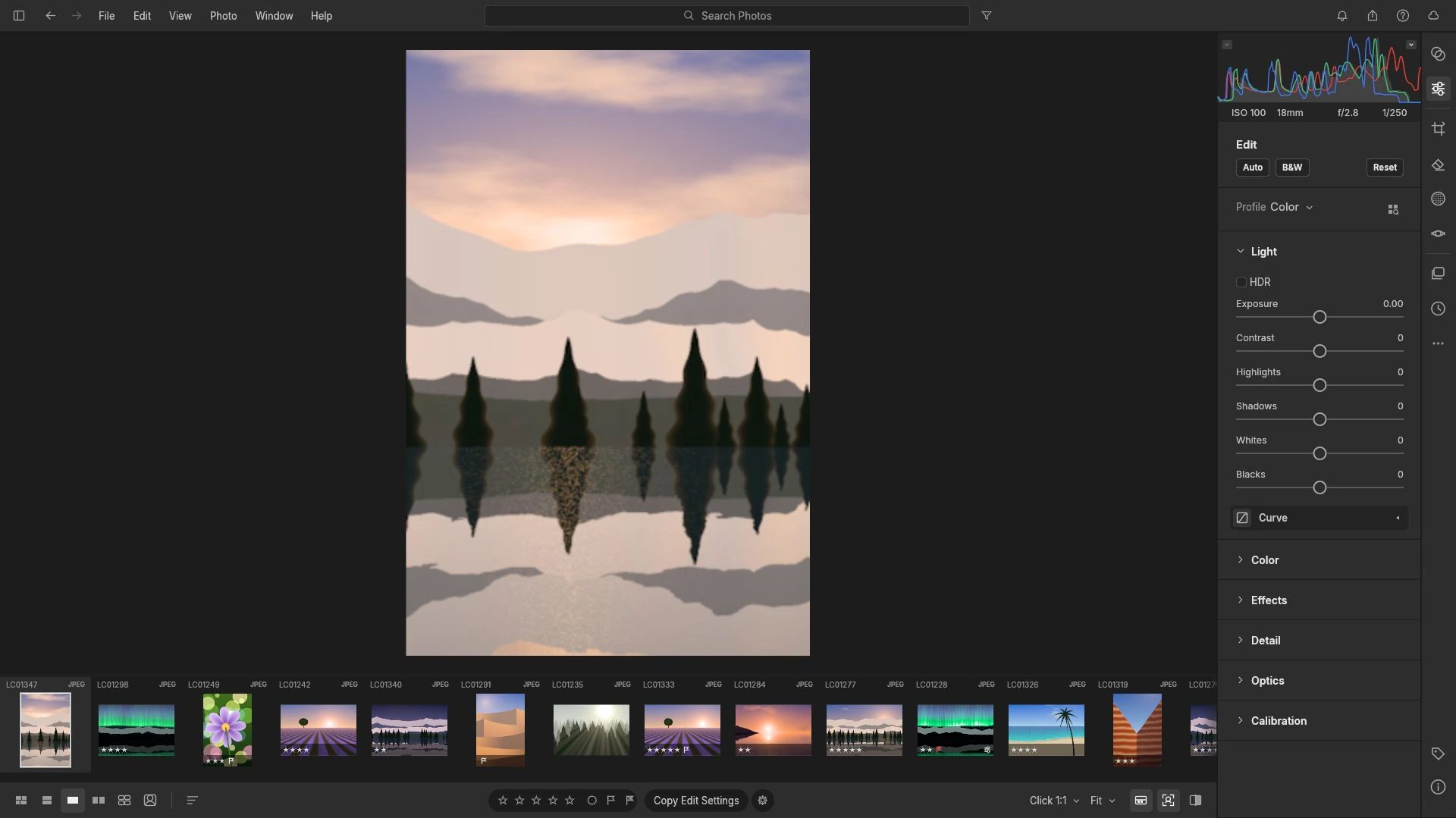
CR2, CR3, NEF and ARW are not four names for one thing. They are four vendor containers for sensor data, and having the file on disk is only half of the problem; the other half is whether a given editor can decode what is inside it. That distinction is what separates a calm import from a wasted afternoon.
The files themselves are straightforward to identify. .cr2 and .cr3 are Canon raw formats, .nef (and its .nrw variant) is Nikon, .arw (and .srf) is Sony. DNG is the one broadly documented raw container; the others are reverse-engineered by every converter that reads them, which is why two programs can disagree about the same frame.
Why the extension proves less than it seems
An extension names a vendor format, not a supported one. Two frames with the same suffix can differ in compression, in embedded preview structure or in a camera-specific variant that arrived quietly with a new body. Since the container is reverse-engineered rather than published, and demosaicing algorithms differ between converters, a file can be perfectly valid and still fail to open somewhere.
The RAW Photo Editor publishes no camera-by-camera compatibility list. That reflects the reality that nobody has enumerated every body and firmware combination. The workable procedure is therefore a single-file test before any bulk import.
What you need before you start
You need one frame copied to a folder you can find again, a browser with WebGL2, and a moment of patience. The interface requires WebGL2; without it the app shows a notice instead of the editor, which is a much better failure than a half-loaded timeline of thumbnails.
Worth knowing before the first import: the library lives in this browser profile for this exact address, only one tab at a time can use it, clearing site data removes it, and the documented zip backup does not support anything above 4 GB. Treat the browser as a workbench, not as an archive.
Test one file, then the shoot
- Copy a single frame to a local folder rather than importing from a card or a network drive.
- Launch the editor and import that one file.
- Confirm the thumbnail appears and the EXIF panel reports a plausible camera, lens, shutter and ISO reading.
- Look at the histogram and the preview together. A preview that renders as a flat block, or a histogram that is a single spike, points to a failed decode; clipping at the ends is an exposure fact instead.
- Make one adjustment, such as exposure, and watch the preview respond. A thumbnail can be an embedded JPEG, while a develop slider that changes the image shows the raw data was decoded.
- Only then import the rest of the shoot.
If step 5 fails, the file is not something this editor can develop today. The practical routes are the camera’s own DNG output where the body offers it, a firmware update, or a desktop converter.
What a full shoot does to the library
Backup planning is where import decisions get expensive. A 24 MP frame at 14 bits is 336,000,000 bits, about 42 MB. Twenty frames come to 840 MB; two hundred frames come to 8.4 GB. That is more than twice the 4 GB ceiling on a single backup, so a shoot of that size already needs to be split across several backups, or thinned before it enters the library at all.
The arithmetic argues for a discipline that has nothing to do with formats: import the frames you might use, not the whole card. Culling before import costs a few minutes and saves gigabytes.
Common mistakes
Treating CR2 and CR3 as interchangeable is the first. They are different formats from different generations of the same brand, and a converter that reads one has no obligation to read the other.
Importing a card’s worth of files to discover the format is unsupported is the second, and it is the reason the single-file test exists.
Confusing a thumbnail with a decode is the third. An embedded preview is a JPEG the camera wrote for the file’s metadata; it can render perfectly while the raw data underneath stays unreadable.
Leaving the backup until the end of a project is the fourth. Browser storage is per-origin and can be evicted, so the zip backup is the documented way to get work out, and it is worth doing while the project is still small.
Putting it together
The sequence that works is unglamorous: identify the extension, test one frame from that body, check that a develop adjustment changes the preview, cull before a bulk import, and back up in chunks that stay under the limit. The format decision itself — whether to shoot raw at all — is a separate question, covered in RAW vs JPEG.
Run the single-file test in the free RAW Photo Editor; it imports raw and JPEG files, develops them and exports the result, with no account. Once a frame opens, the next useful step is correcting its exposure, which assumes the decode worked and the histogram is real.
Frequently asked questions
Does the RAW Photo Editor open CR2, CR3, NEF and ARW files?
No camera-by-camera compatibility list is published, so no such guarantee is made. The editor imports raw files and JPEGs; the way to know whether your frames decode is to open one from your camera.
How can I tell whether the raw data really loaded, rather than just a preview?
Move a develop slider and watch the preview update. An embedded JPEG thumbnail can render while the underlying sensor data is unreadable.
How large is a raw library in practice?
A 24 MP 14-bit frame is about 42 MB, so 200 frames come to roughly 8.4 GB, which is more than twice the 4 GB ceiling on a single zip backup.
Try these FreeAIGeneration tools
Related articles
-
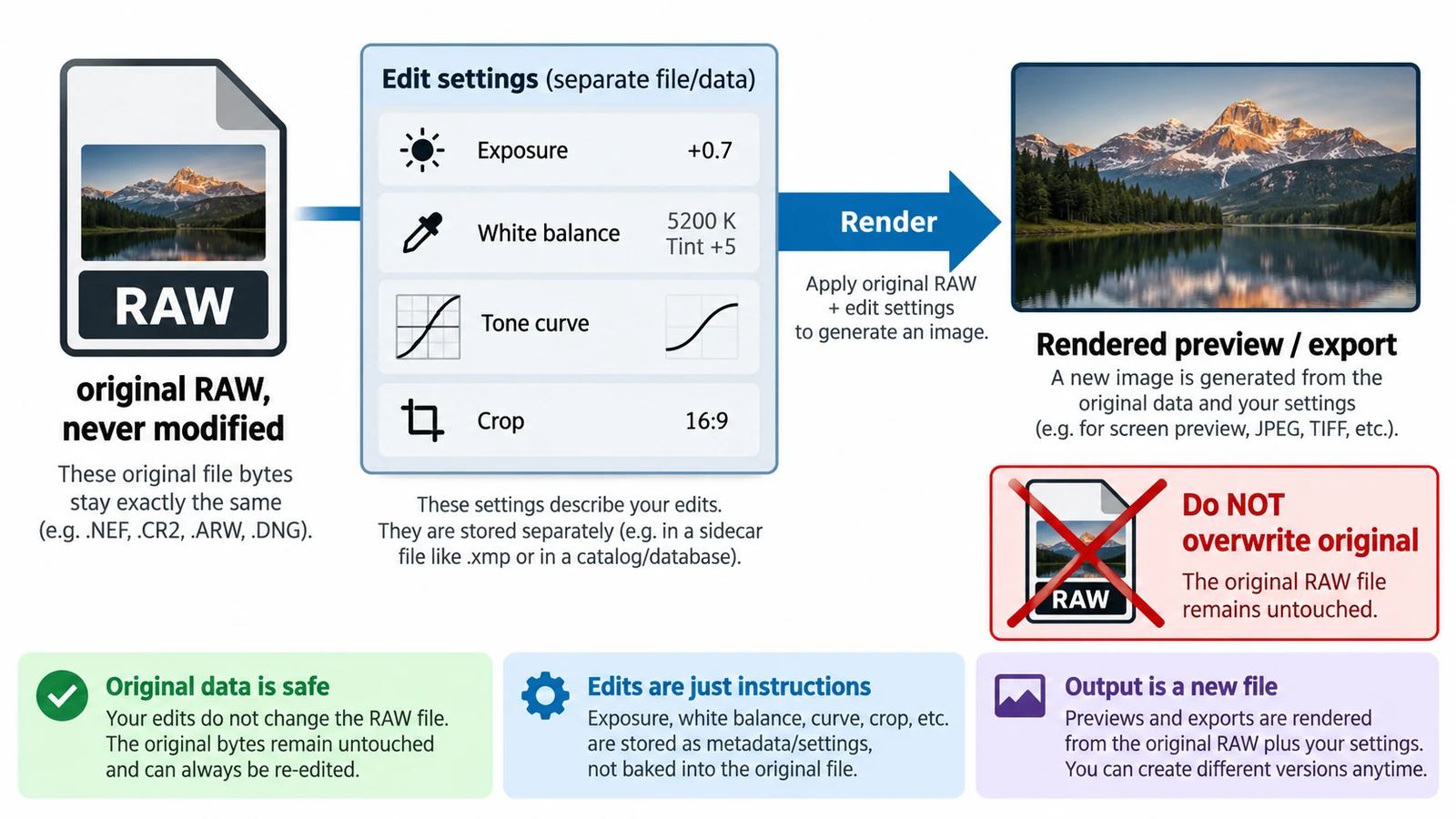
What Is Non-Destructive RAW Editing?
Non-destructive is an editing model, not a promise: the original stays and adjustments are stored as values. What survives a closed tab, and why a crop is not a deletion.
Creative workflows RAW editing Browser tools No signup File formats 4 min read
Published By Julia M. Gil
-
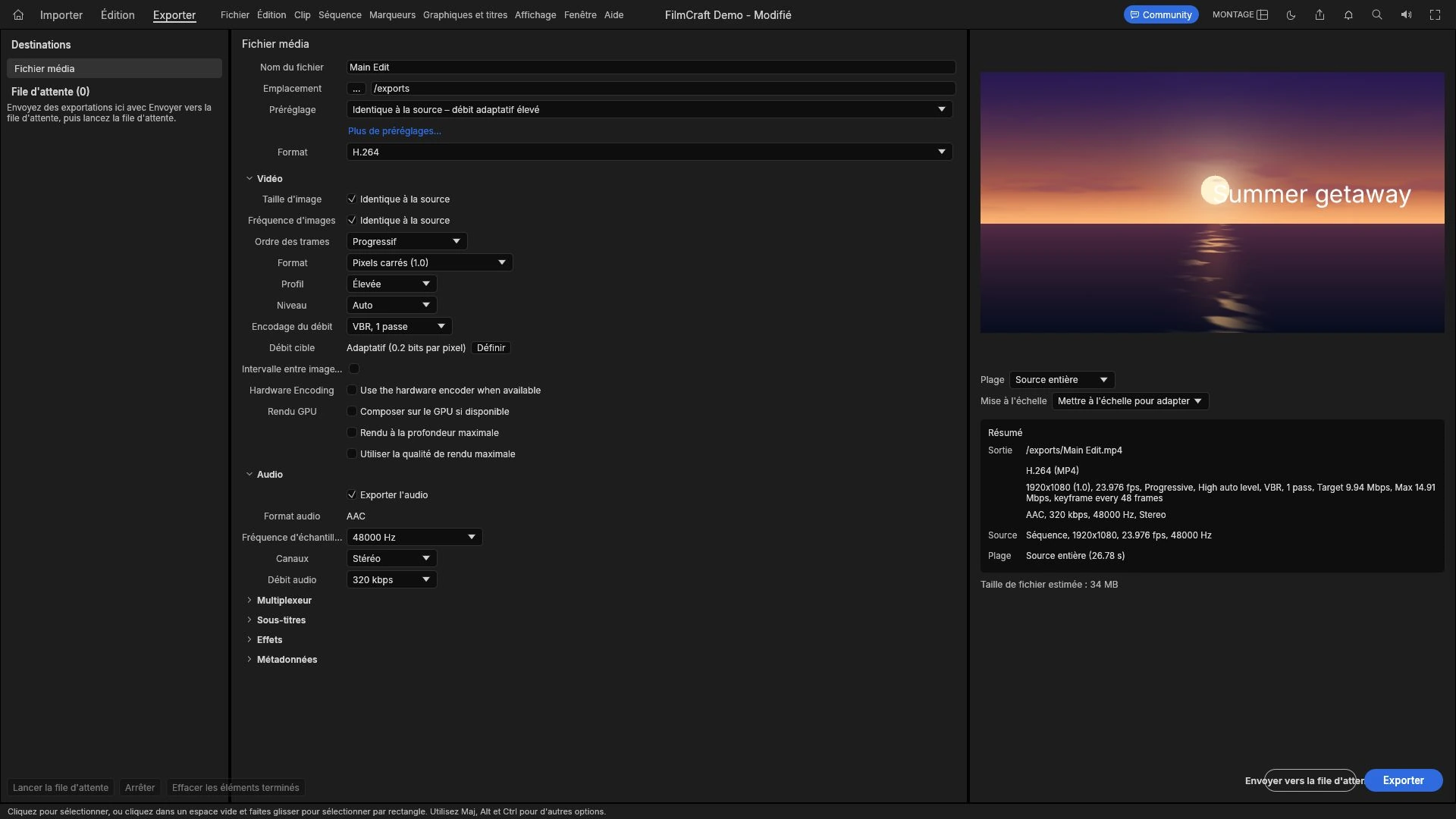
How to Export Video for YouTube, Instagram and TikTok
Every platform decodes and re-encodes what you send, so the file is a master, not a final artefact. Aspect ratio, duration, audio, and sizing a file that survives.
Creative workflows Video editing Browser tools No signup Import & export 4 min read
Published By Julia M. Gil
-
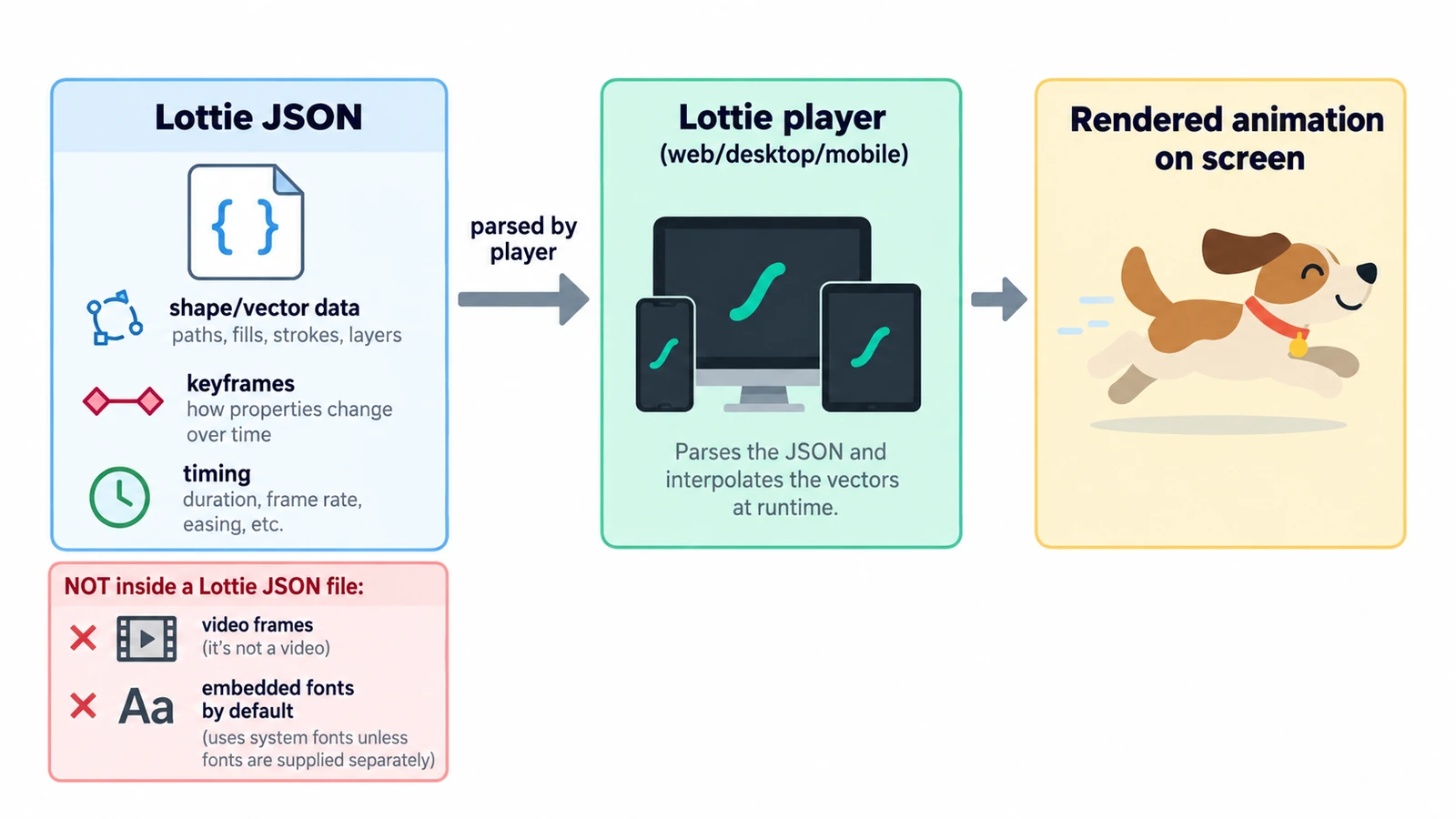
What Is a Lottie File and How Does It Work?
A Lottie file is readable JSON: a canvas, a frame rate and an array of layers. What the fields define, why text changes delivery, and what the format cannot carry.
Creative workflows Motion graphics Browser tools No signup Lottie 4 min read
Published By Julia M. Gil
Keep exploring
FreeAIGeneration is more than this article. The editors and calculators below are real, free and run in your browser.