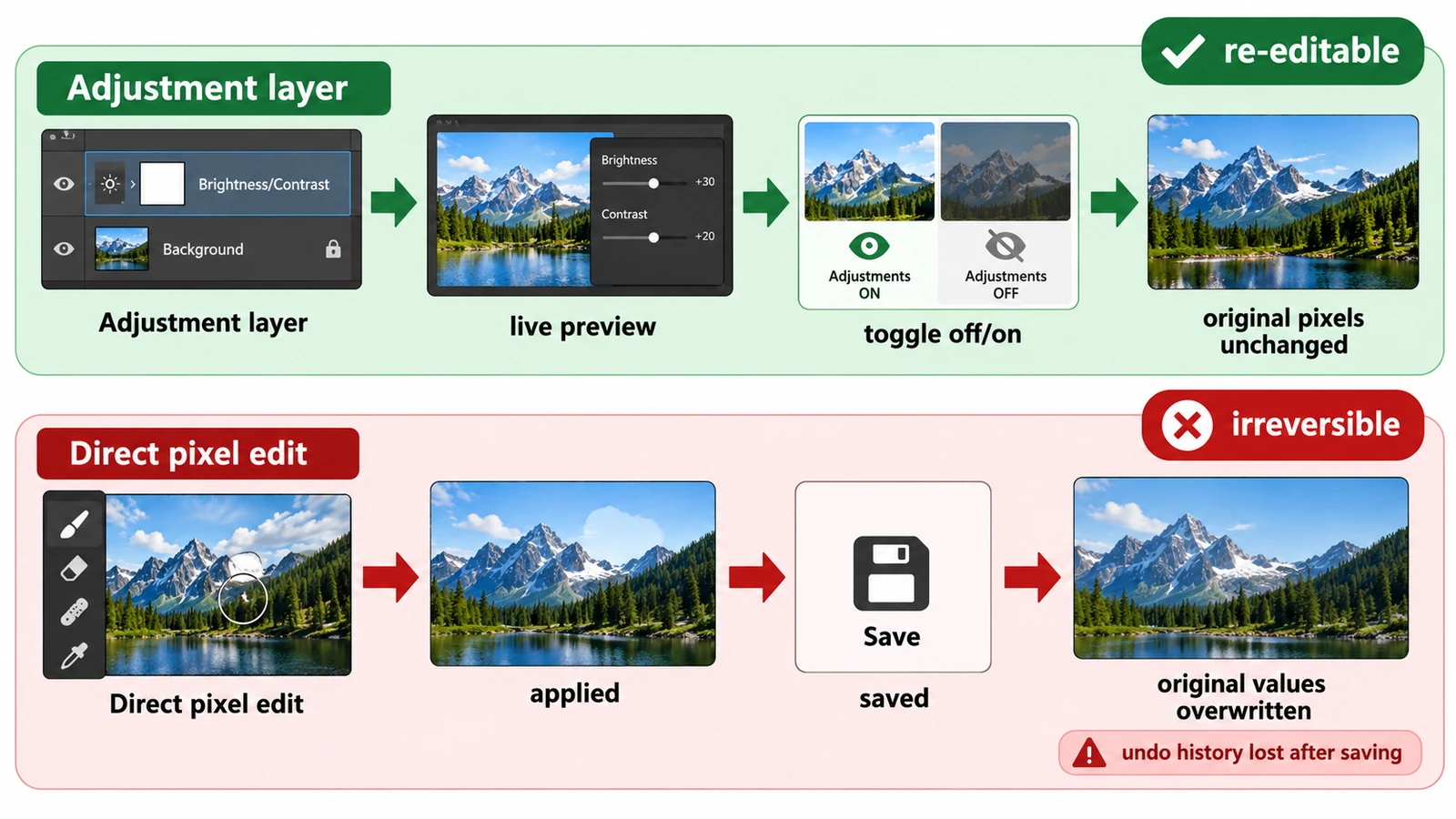
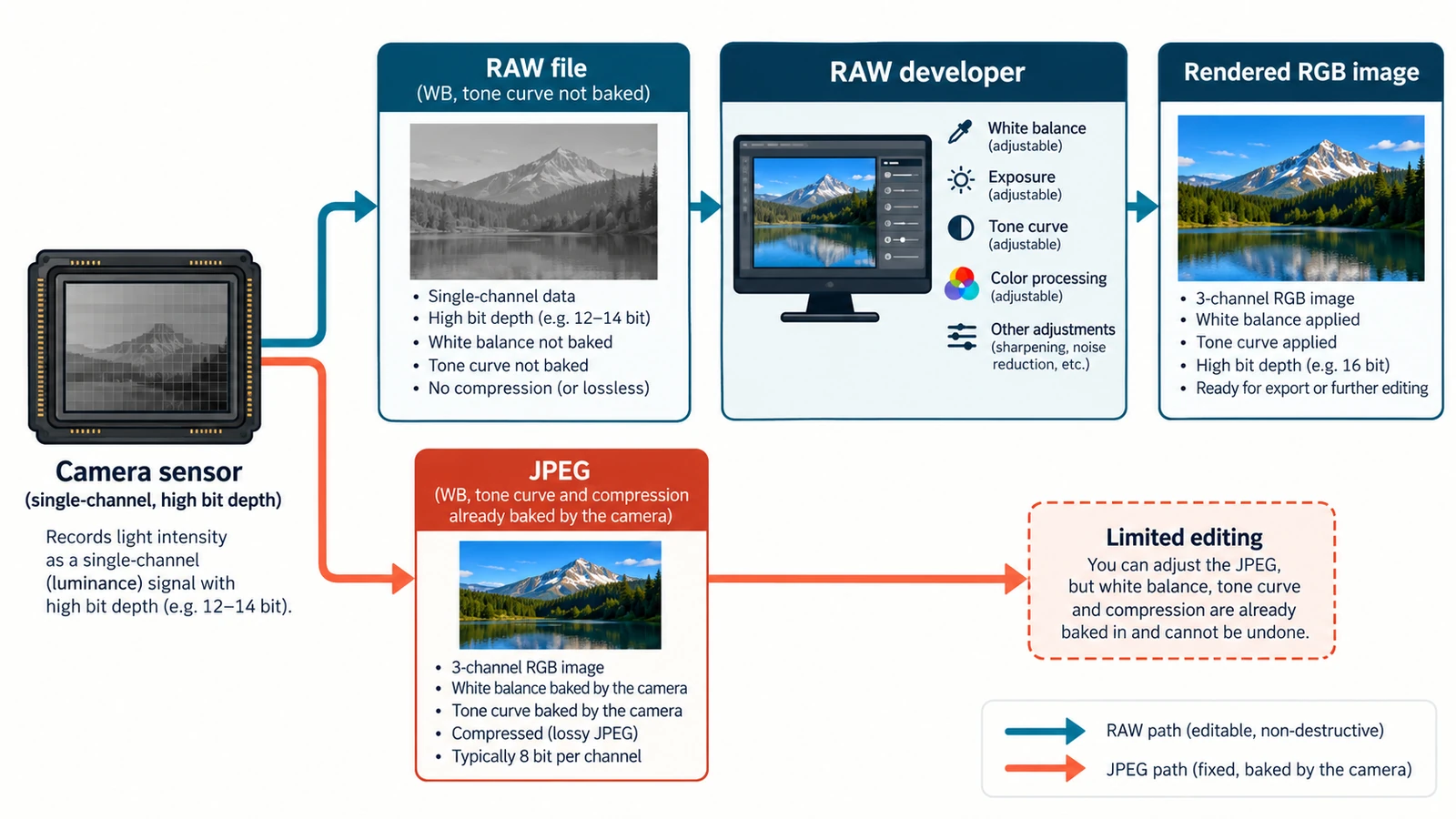
Both methods can produce identical pixels; the difference is what the file can still change later. What each costs, and how to choose when the brief is hazy.
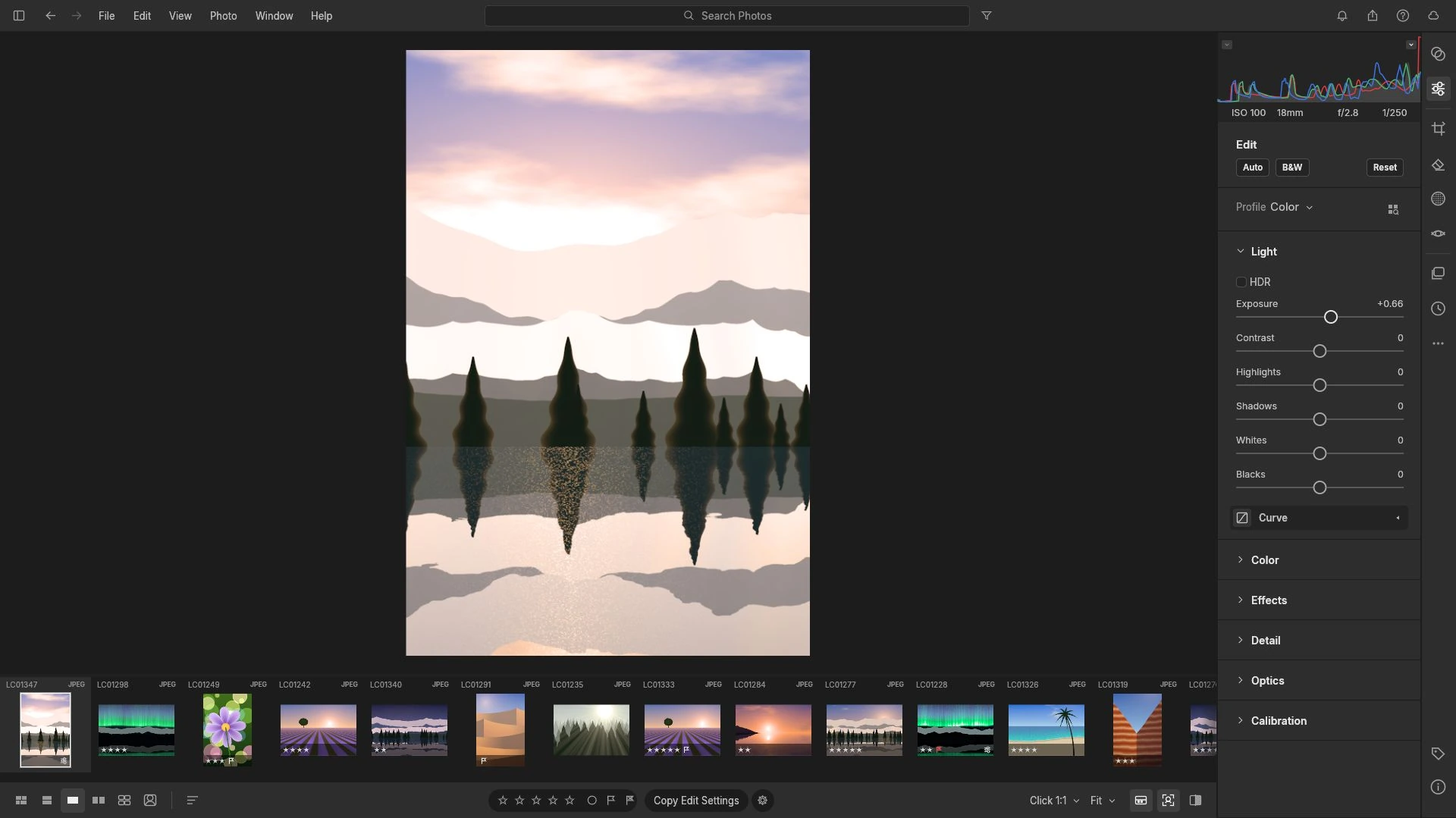
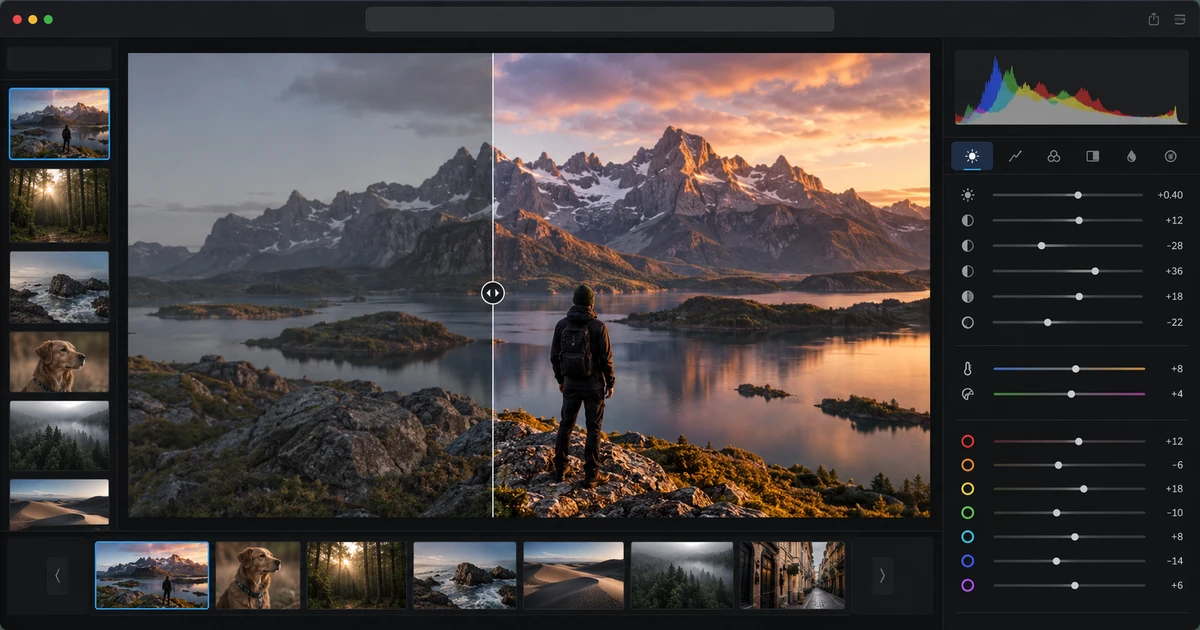
Exposure is multiplicative in a raw file: one stop doubles the signal. Read the histogram first, work in an order that protects highlights, and avoid a dark export.
Creative workflows RAW editing Browser tools No signup Non-destructive editing 4 min read
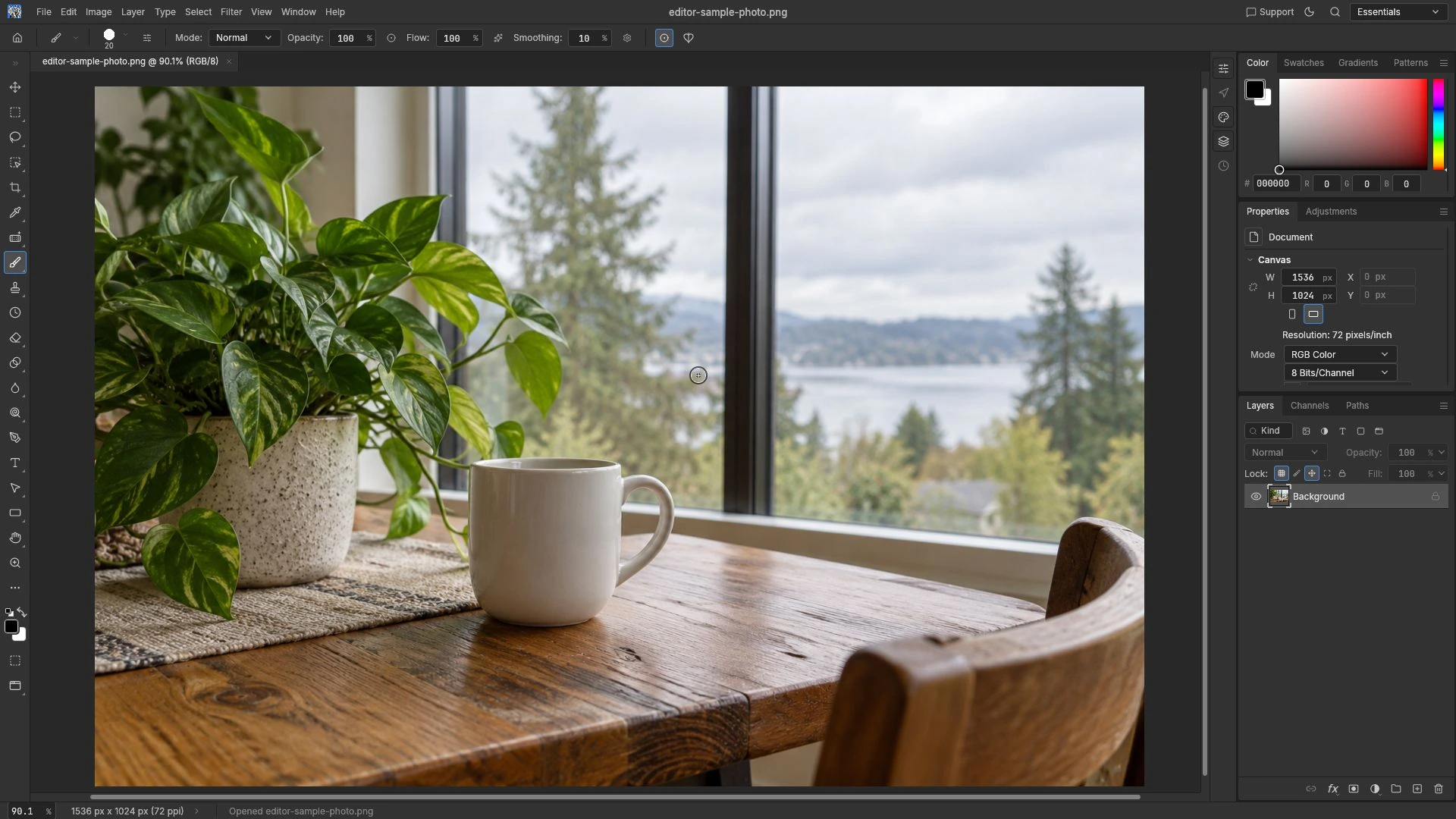
The layered master you can still revise and the flat copy you send are two different files. Build the stack in a durable order, and know the browser's honest limits.
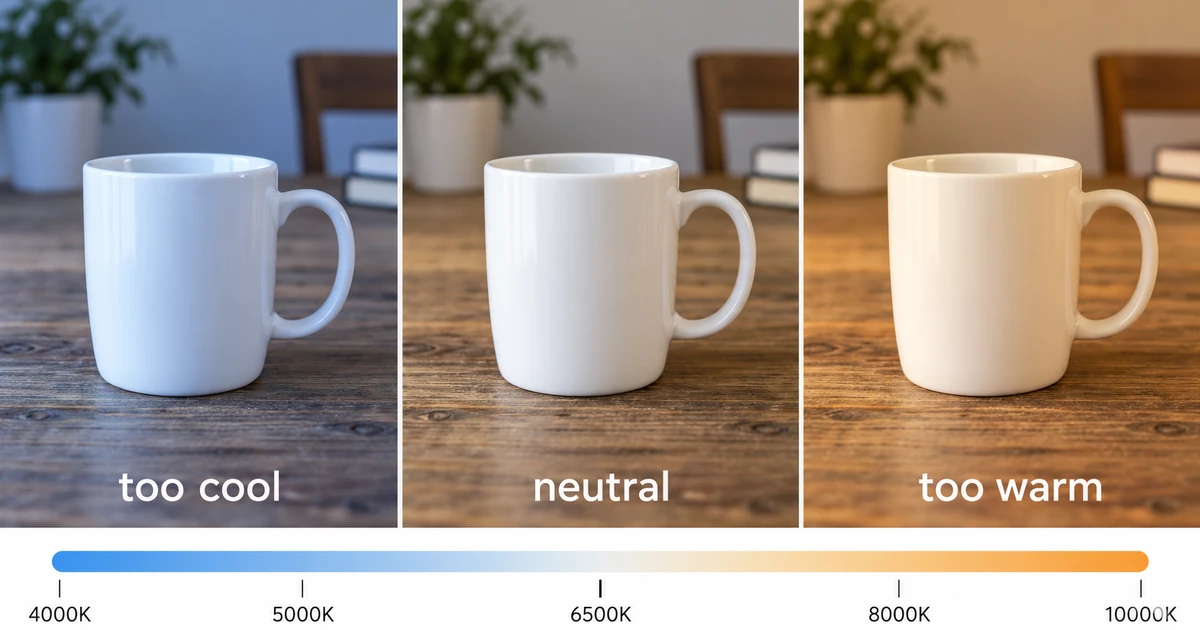
Find the neutral a frame should have had, follow the channel ratios behind the cast, and use curves or the colour mixer where this browser build stops short.
Creative workflows RAW editing Browser tools No signup Non-destructive editing 4 min read
One exposure, two records: sensor readings and a finished rendering. The gain is bit depth rather than resolution, and the trade-offs decide what stays fixable later.
Creative workflows RAW editing File formats Non-destructive editing Workflow comparison 4 min read
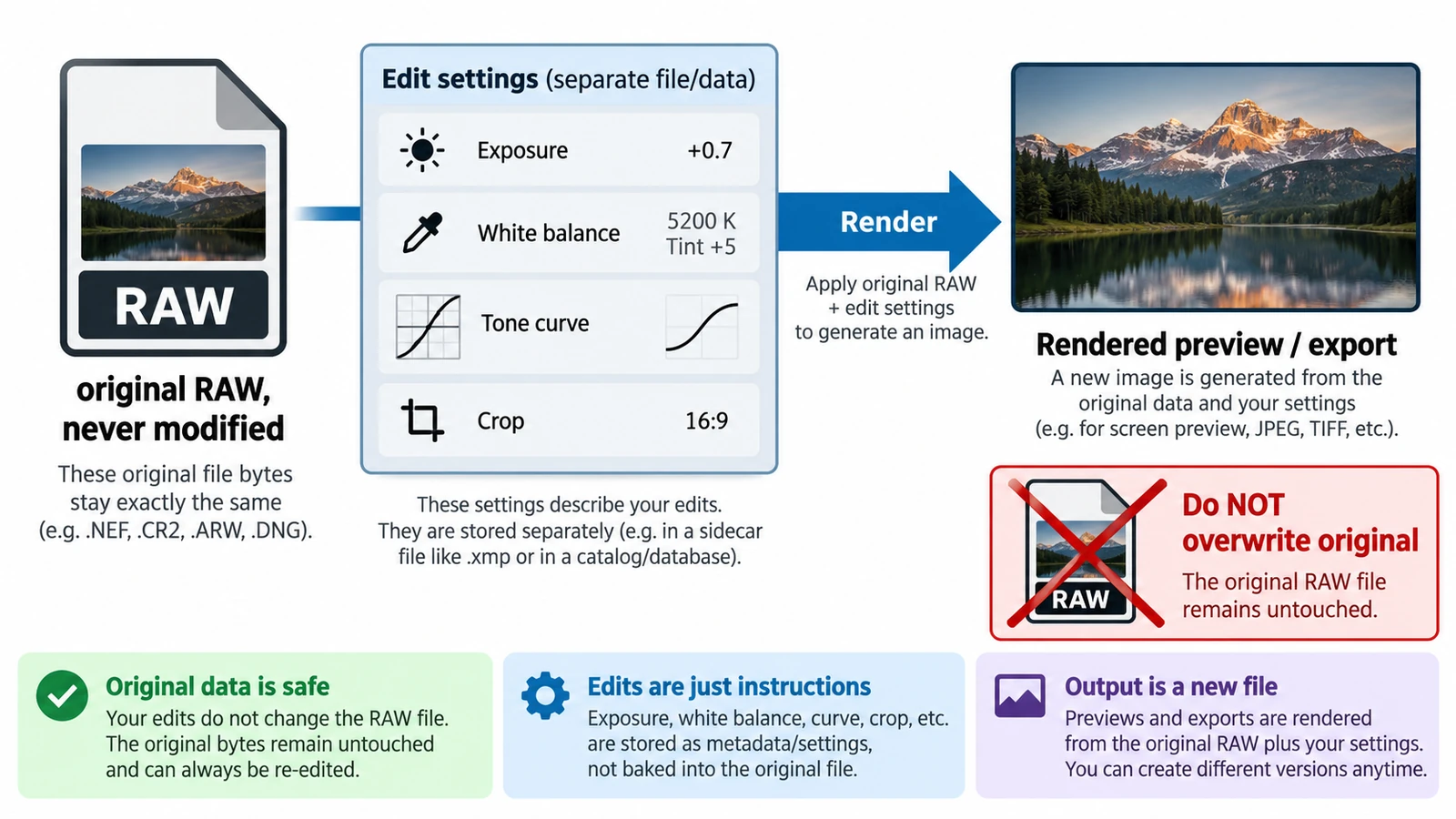
Non-destructive is an editing model, not a promise: the original stays and adjustments are stored as values. What survives a closed tab, and why a crop is not a deletion.
Creative workflows RAW editing Browser tools No signup File formats 4 min read